Minmaxify Order Limits logo

Minmaxify Order Limits Shopify App: Reviews, Pricing & Storefront Detection Notes

Order limits

Updated May 13, 2026

4.6 (288 reviews)

By Intillium

Shoplist has not found reliable public storefront evidence for Minmaxify Order Limits. Track reviews, pricing, listing changes, and developer context and first

Shoplist public signals

What is visible for Minmaxify Order Limits right now

Signal date May 12, 2026

Monitoring status

Storefront detection limited

Tracking non-storefront public signals

As of May 12, 2026

Reviews

288 public reviews

4.6 average rating

As of Feb 25, 2026

Momentum

12 Steady

Normalized install trend held steady over the last 28 days

As of Jun 25, 2026

Latest review

February 25, 2026

As of Feb 25, 2026

Steady8% confidence

12 momentum score

Normalized install trend held steady over the latest 28-day window.

Updated Jun 25, 2026

0 installs

Momentum inputs

28d installs

0

Prev. 28d

0

New 28d

0

30d reviews

1

Installs
0
Growth
50
Adoption
0
Reviews
21
Fit
87

Quick answer

Shoplist has not found reliable public storefront evidence for Minmaxify Order Limits. This may happen when an app is admin-only, server-side, or not visibly embedded on storefronts. Shoplist still tracks reviews, pricing, listing changes, developer data, related apps.

Reviews and velocity

Public review signals

Rating

4.6

Reviews

288

Latest

Feb 25, 2026

Pricing

Pricing and plan posture

Standard

$10
  • General per-cart limits
  • Single language messages

Premium

$20
  • Checkout validations/functions
  • Multilingual Messages
  • Rules/Groups
  • Support for Buy Now Buttons

Plus

$50
  • Checkout UI extensions

Activity and changes

Recent signals for Minmaxify Order Limits

Recent detections and listing changes are public signals captured by crawl history.

App Store listing

Listing changes

1 update

Detected May 4, 2026

Merchant sentiment summary updated

Positioning

Merchant sentiment summary updated

Merchants highly value this app for its ability to set detailed minimum and maximum setting purchase limits, ideal crucial for inventory management and sales strategies, especially in B2B businesses with and wholesale. It's praised for ease of use, complex ordering requirements. It supports limits on products, categories, or entire stores rule configurations, and seamless integration with customizable rules. Shopify themes. The app is noted for its seamless performance and ease of installation. performs reliably without affecting store speed. Customer support is also highly praised for being responsive responsiveness and helpful, enhancing the overall user experience.expertise, offering quick, effective solutions and custom assistance tailored to specific needs.

App-store listing

About Minmaxify Order Limits

Control Order Quantities with Minimum and Maximum Limits on Your Cart, Products, and Collections

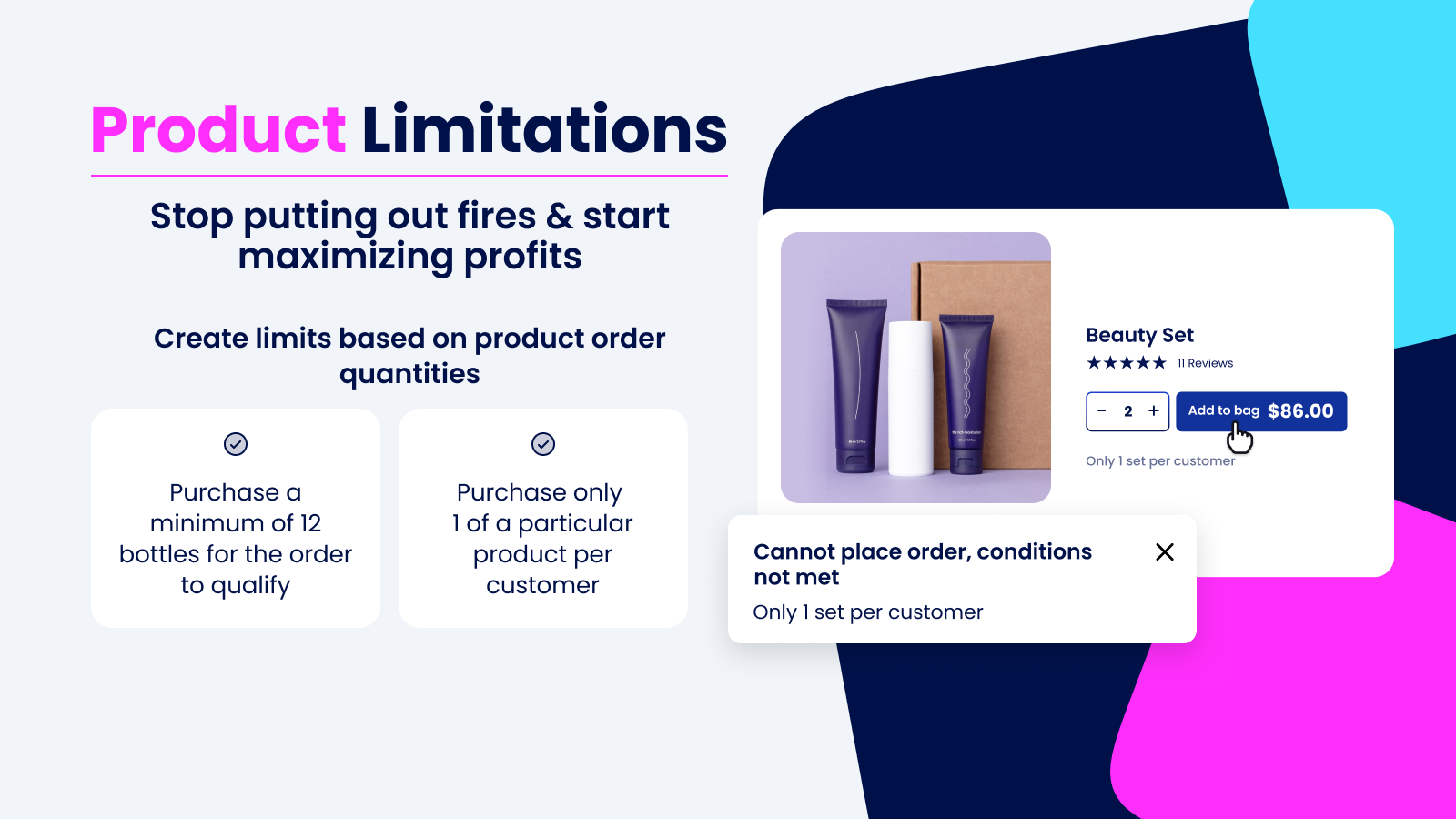
Improve the shopping experience with min & max order limits on collections, product types, & tags. Save money with convenient limit-setting rules to avoid over-selling products to specific audiences. Easily set purchase limits on the number of products customers can purchase. Avoid over-shipping promotional items to 1 customer, put guard rails around prepackaged cases, & set limits for wholesale customers with notifications directly on the cart page. Easy to set up with no code required!

Listing highlights

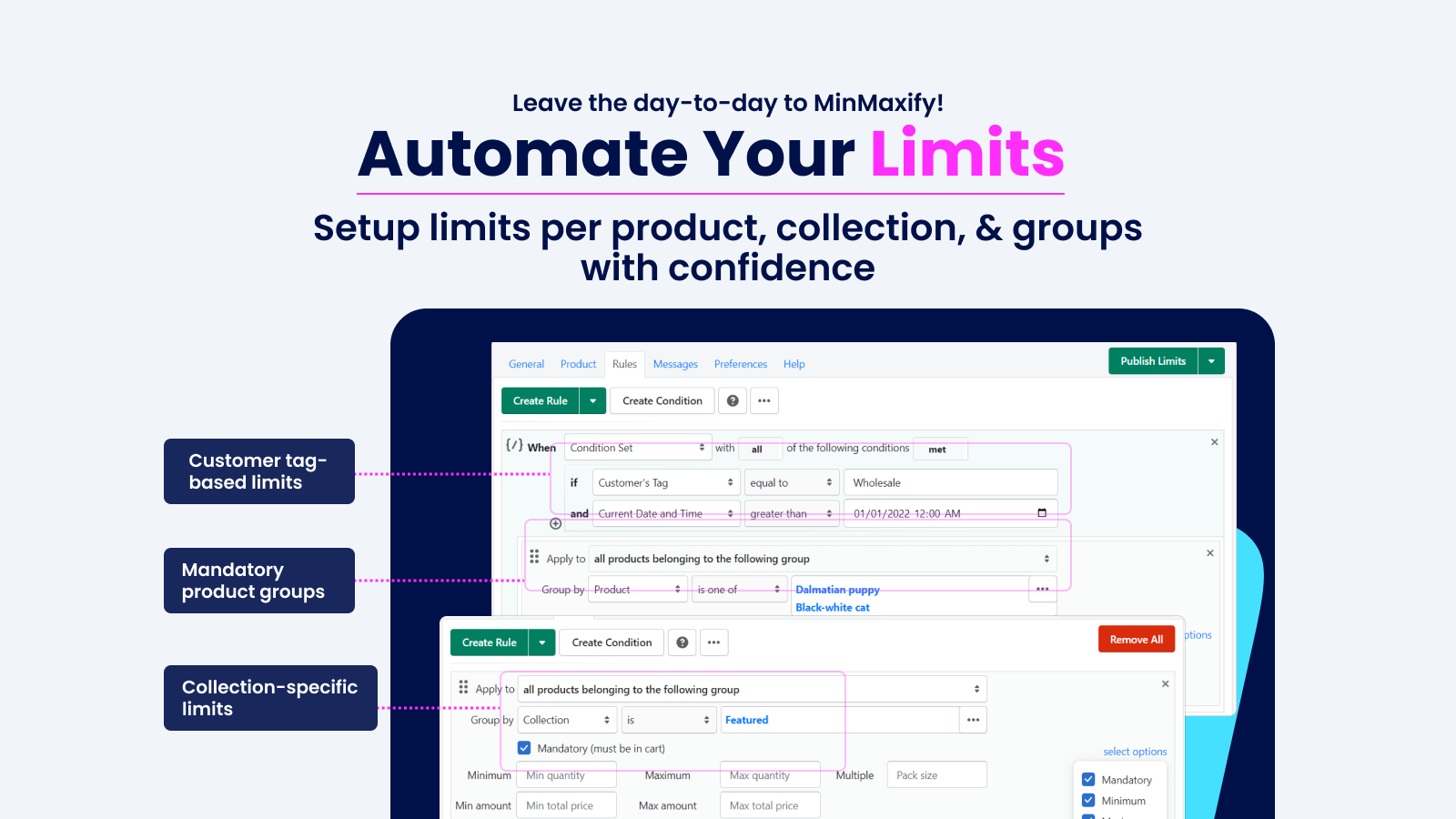
  • Create Customer Tag-Based Limits, Collection-Specific Limits & Weight Limits
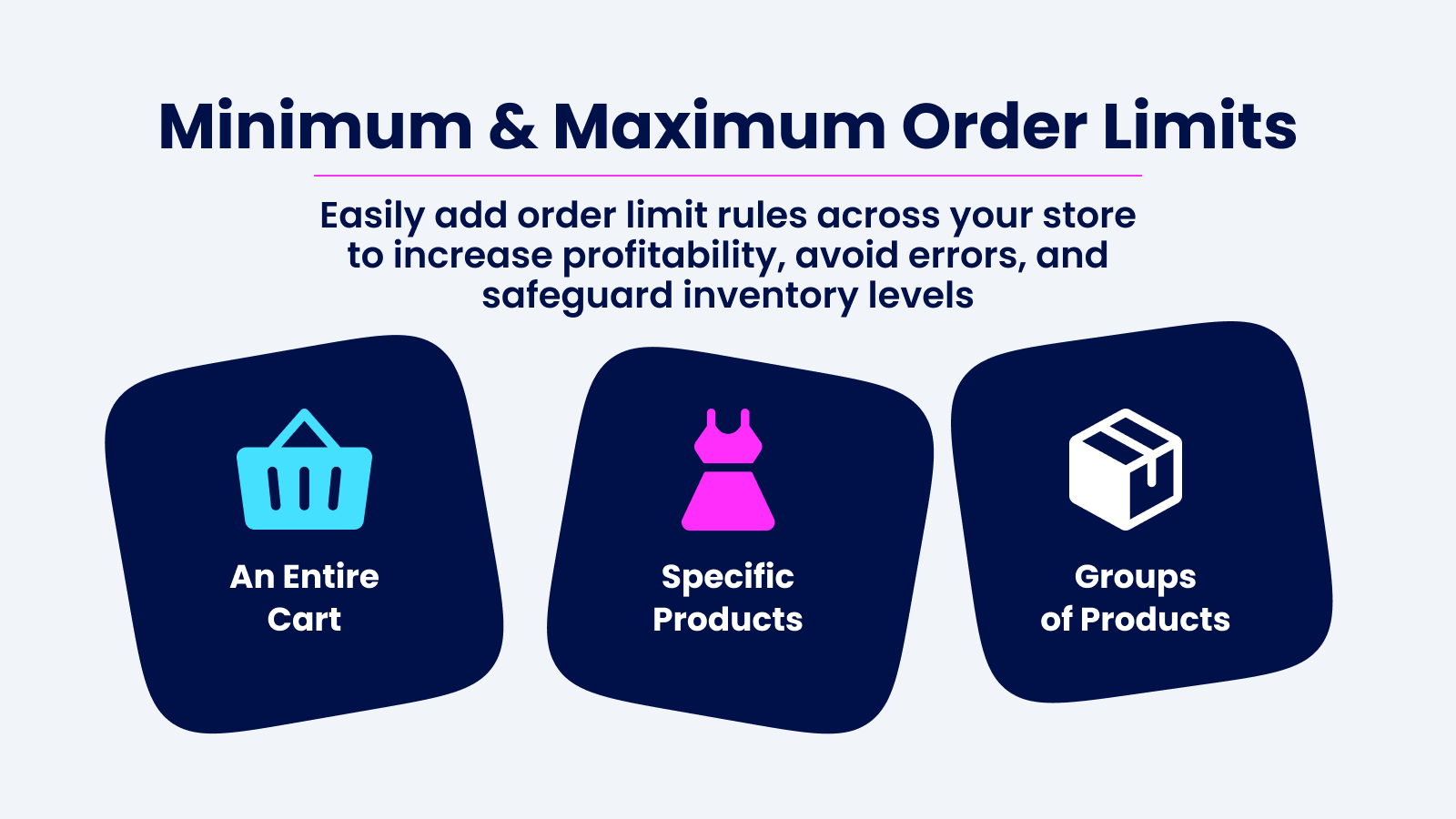
  • Apply Restrictions for an Entire Cart, Specific Products, or Groups of Products
  • Shoppers Receive Notifications to Add or Remove Products in the Cart at Checkout
  • Set Up Conditional Rules Based on Minimum & Maximum Prices, Quantity & Weight
  • Does Not Support Discounts or Customer Tags Such as Wholesale

Features

Limit rules

Cart-based
Collection-specific
Customer tags
Max quantity
Min quantity
Price-based
Product-specific
Show more
Variant-specific
Weight-based

Notification settings

Cart alerts
Checkout alerts
Custom messages
Pop-ups
Product page alerts

Methodology

How to read these signals

Counts are based on Shoplist's latest available public crawl signal dated May 12, 2026.

Shoplist has not yet found reliable public storefront evidence connecting a Shopify store to this app. This does not mean the app has no users. Some apps are new, admin-only, server-side, theme-independent, or otherwise difficult to detect from public storefront signals.

Merchant rows are filtered to public brand profiles with enough public data to link safely. Full workflow, filtering, and monitoring stay behind signup.

Review, pricing, feature, screenshot, and listing-change data come from public Shopify App Store and Shoplist crawl records. Signals can change between crawls.

FAQ

Questions about Minmaxify Order Limits

Why might Shoplist not show detected stores for Minmaxify Order Limits?

Some Shopify apps are admin-only, server-side, theme-independent, or otherwise difficult to detect from public storefront signals.

Does no public detection mean Minmaxify Order Limits has no users?

No. It only means Shoplist has not found reliable public storefront evidence for Minmaxify Order Limits. reviews, pricing, listing changes, and developer data can still be useful signals.

Can I monitor future public detections?

Yes. Shoplist can monitor Minmaxify Order Limits for future public storefront detections and listing movement.

Keep watching Minmaxify Order Limits

Turn this public profile into a monitored app workflow for first detections, reviews, pricing, related apps, and listing-change history.

Monitor Minmaxify Order Limits listing and first detections