UploadsPro logo

UploadsPro Shopify App: Pricing, Features & First-Adopter Watch

Custom file upload

Updated April 22, 2026

By Big Van Studio

Launched December 17, 2025. Shoplist is monitoring first merchant evidence, reviews, pricing, feature details, and listing changes for this Shopify app.

Shoplist public signals

What is visible for UploadsPro right now

Signal date April 22, 2026

Monitoring status

First-adopter watch

Monitoring first merchant evidence

As of Apr 22, 2026

Reviews

1 public reviews

Momentum

1 No signal

Normalized install trend held steady over the last 28 days

As of Jun 26, 2026

No signal0% confidence

1 momentum score

Normalized install trend held steady over the latest 28-day window.

Updated Jun 26, 2026

0 installs

Momentum inputs

28d installs

0

Prev. 28d

0

New 28d

0

30d reviews

0

Installs
0
Growth
50
Adoption
0
Reviews
0
Fit
85

Quick answer

UploadsPro launched on December 17, 2025. Shoplist is monitoring first public merchant evidence, reviews, pricing changes, and listing changes.

Reviews and velocity

Public review signals

Reviews

1

Pricing

Pricing and plan posture

Basic

$8.99
  • 1 month file retention
  • 100MB per file maximum
  • All upload sources (device, camera, URL)
  • Any file types (images, PDF, PSD, etc.)

Professional

$15.99
  • 1GB (1000Mb) per file maximum
  • 6 months file retention
  • Add Amount feature - Charge extra fees
  • Everything in Basic Plan

Activity and changes

Recent signals for UploadsPro

Recent detections and listing changes are public signals captured by crawl history.

App Store listing

Listing changes

3 updates

Detected Apr 22, 2026

Listing title changed +3 more

Positioning

Listing title changed

Let customers upload files on product pages. Apply fees for uploads. Perfect for custom orders.File uploads for custom orders. Add files & apply custom fees.

Description rewritten

Stop chasing customers for design files. UploadsPro lets customers buyers upload high-res images and large files (up to 100MB) directly on your product pages for custom orders. pages. Perfect for personalized products, printing services, custom orders and any business requiring customer files. Set upload print-on-demand. Automatically add custom fees to create additional revenue or cover the cart when files are uploaded to monetize your processing costs. Control work. You have total control: set allowed file types, sizes, strict size limits, and make uploads required or optional. Works with Shopify 2.0 and legacy themes. Files mandatory. All files link automatically instantly to orders your order dashboard for instant fulfillment access. fast downloads. No coding required - install through the theme editor in minutes.required!

Integrations updated

FacebookFacebbok

+1 more change in this update

Detected Mar 23, 2026

Integrations updated

Integrations

Integrations updated

Shopify Admin

Detected Mar 14, 2026

Integrations updated

Integrations

Integrations updated

Shopify Admin

App-store listing

About UploadsPro

File uploads for custom orders. Add files & apply custom fees.

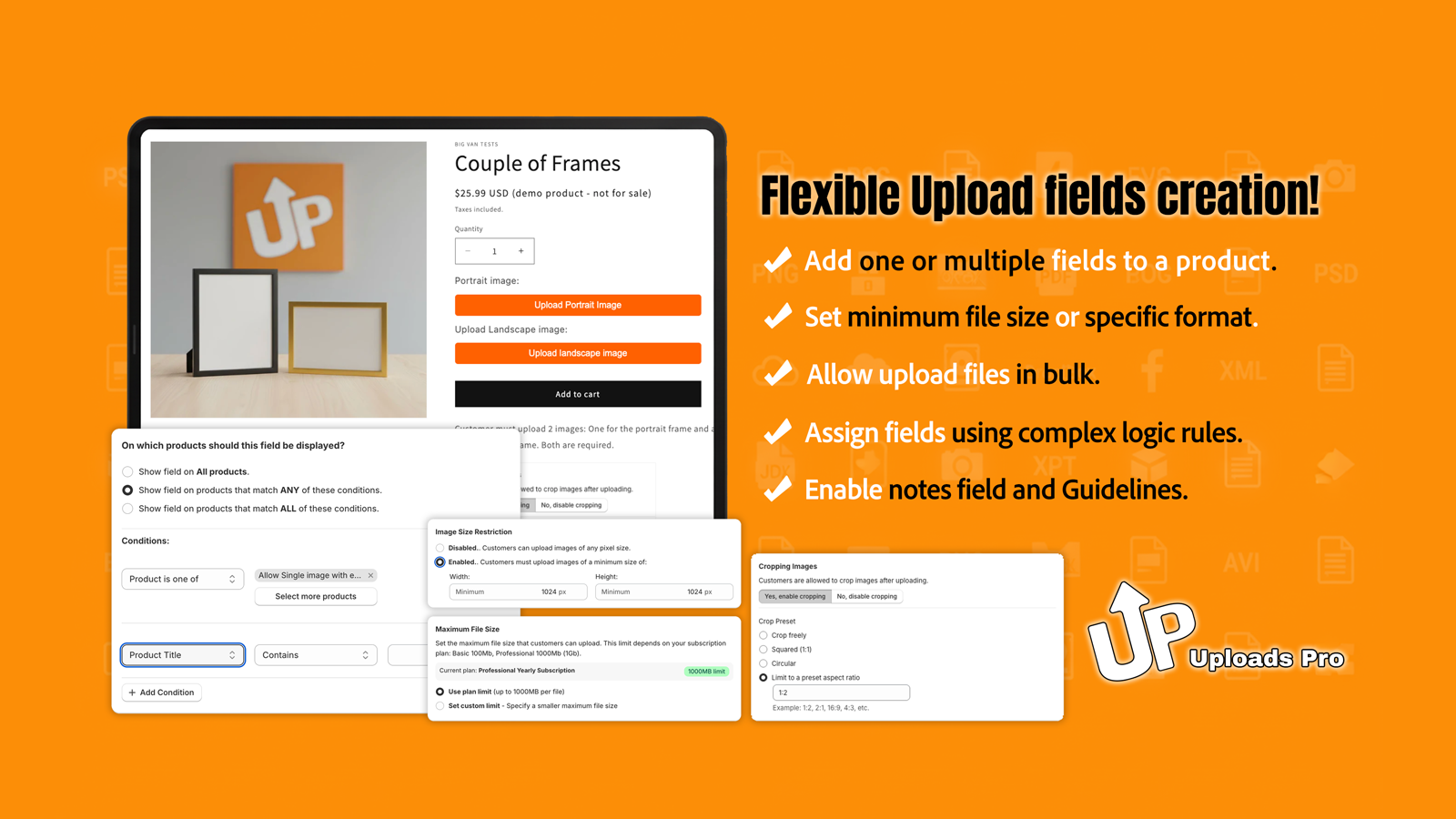
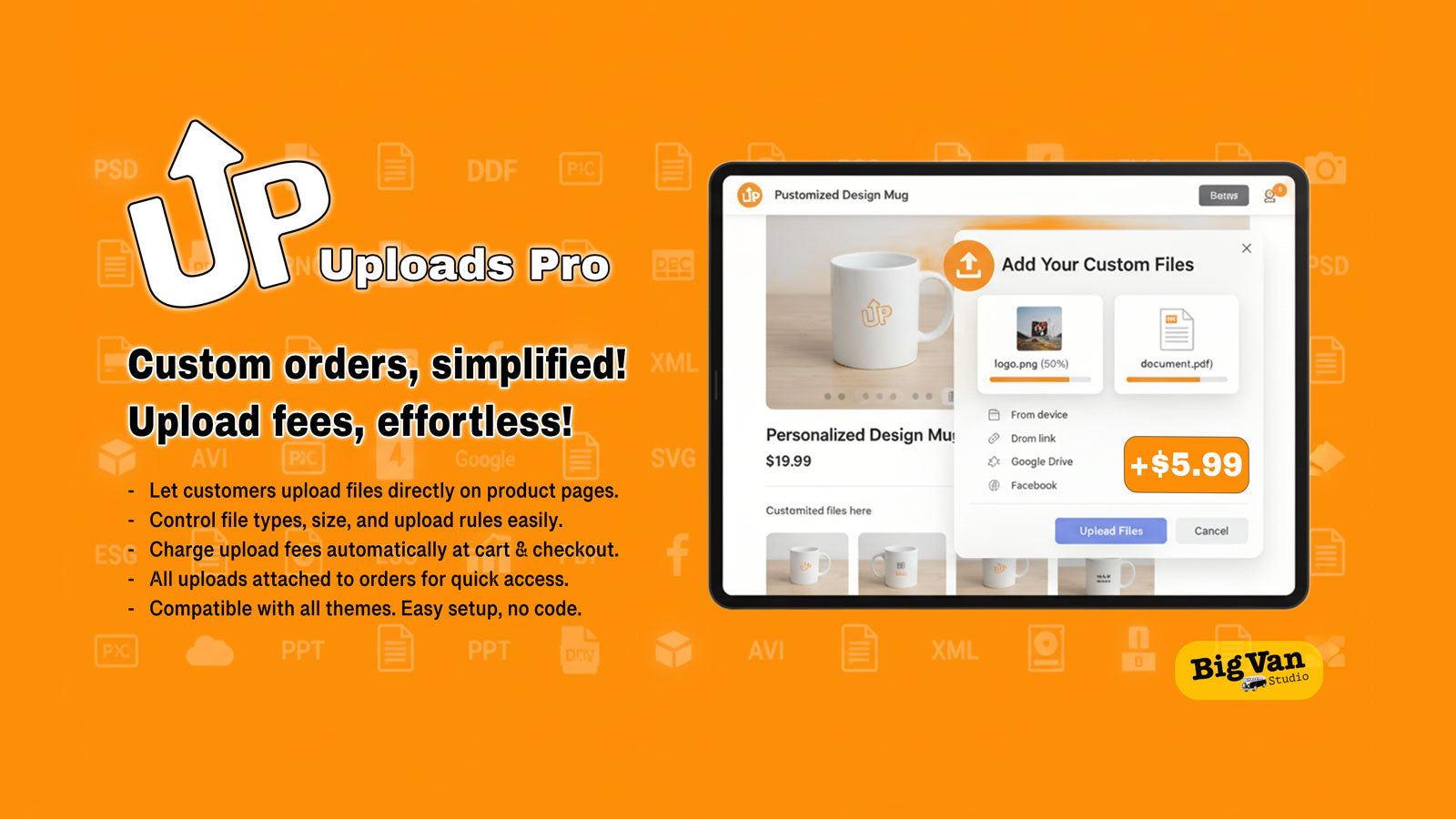
Stop chasing customers for design files. UploadsPro lets buyers upload high-res images and large files (up to 100MB) directly on your product pages. Perfect for custom orders and print-on-demand. Automatically add custom fees to the cart when files are uploaded to monetize your processing work. You have total control: set allowed file types, strict size limits, and make uploads mandatory. All files link instantly to your order dashboard for fast downloads. No coding required!

Listing highlights

  • Customers upload files on product pages. No emails or external tools needed
  • Set file type restrictions, size limits, and required vs optional upload rules
  • Add upload fees to cart automatically. Monetize file processing or premium servi
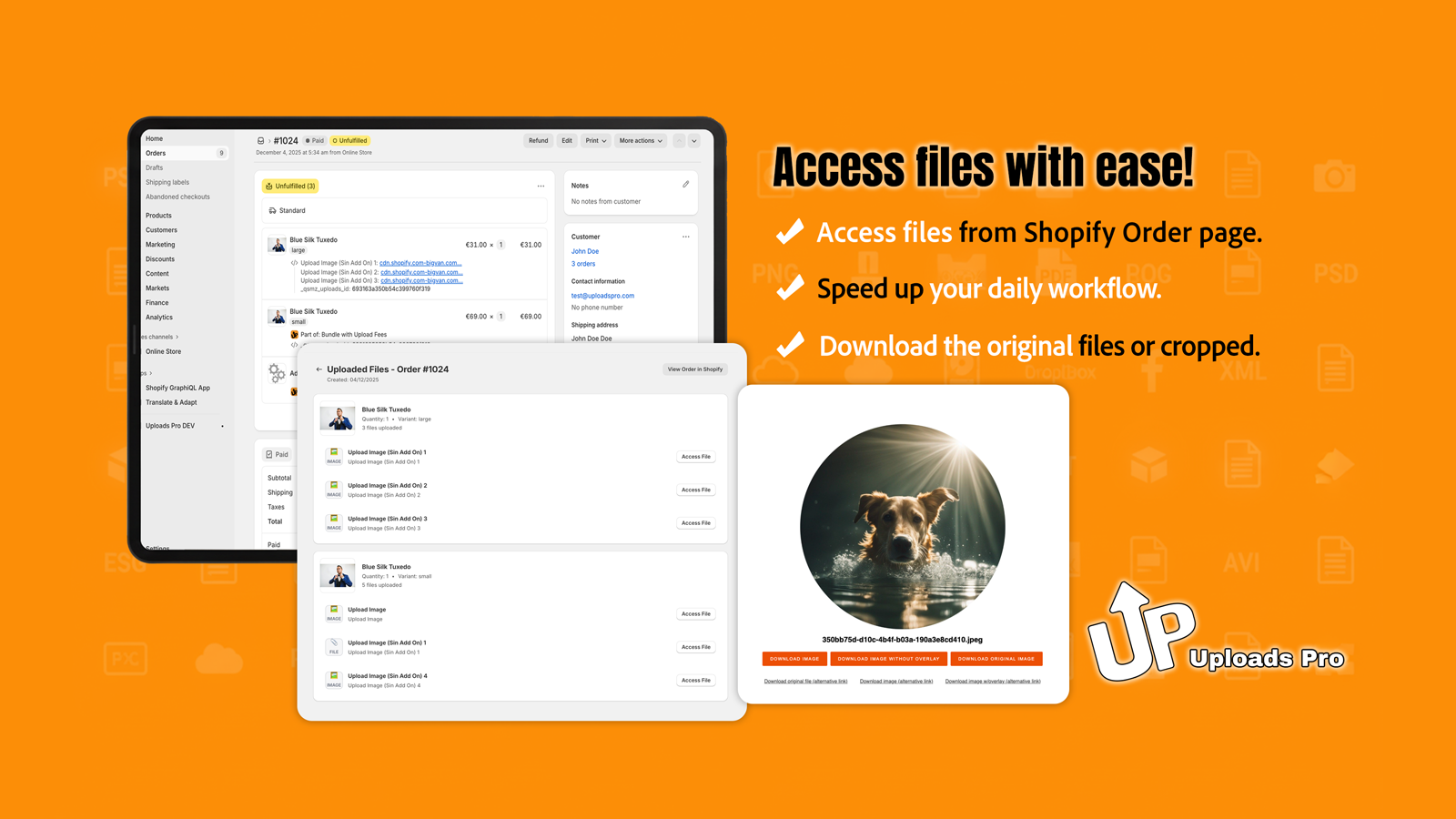
  • All customer files linked to orders. Instant fulfillment access from dashboard
  • Works with all Shopify themes. Simple installation through editor, no coding

Features

File types

Custom rules
Excel
Images
JPEG
PDF
PNG
PSD
Show more
ZIP

File management

File download
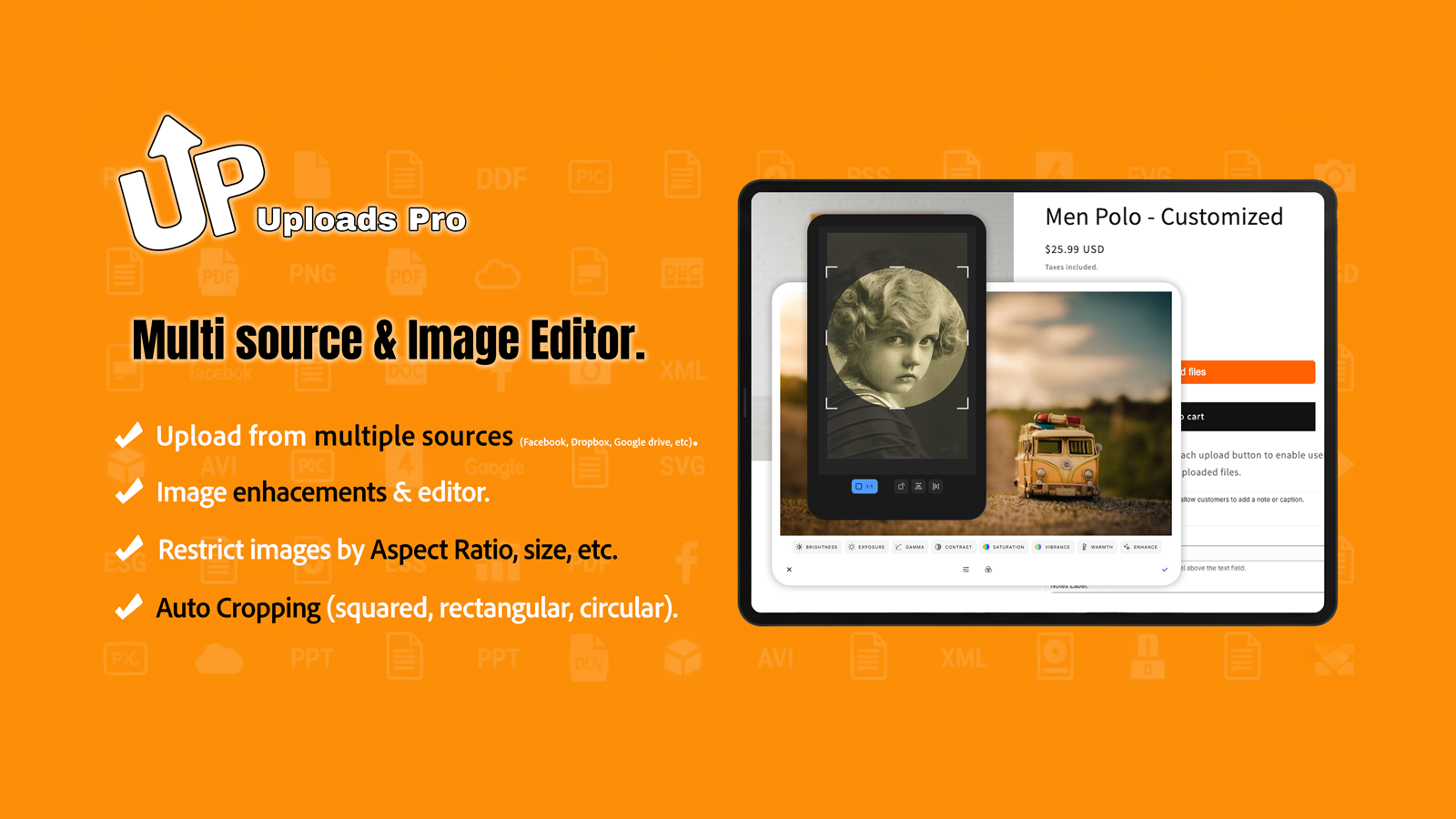
Image crop
Image rotate
Preview

Methodology

How to read these signals

Counts are based on Shoplist's latest available public crawl signal dated April 22, 2026.

Shoplist has not yet found reliable public storefront evidence connecting a Shopify store to this app. This does not mean the app has no users. Some apps are new, admin-only, server-side, theme-independent, or otherwise difficult to detect from public storefront signals.

Merchant rows are filtered to public brand profiles with enough public data to link safely. Full workflow, filtering, and monitoring stay behind signup.

Review, pricing, feature, screenshot, and listing-change data come from public Shopify App Store and Shoplist crawl records. Signals can change between crawls.

FAQ

Questions about UploadsPro

Has Shoplist detected stores using UploadsPro yet?

Shoplist has not yet found reliable public storefront evidence for UploadsPro. The page tracks first merchant evidence as it appears.

What does first-adopter watch mean?

It means Shoplist is monitoring launch context, first storefront-detectable merchant evidence, reviews, pricing, and listing changes.

Can I get alerts when stores start using UploadsPro?

Yes. Create a watchlist to get alerted when Shoplist finds public merchant evidence for UploadsPro.

Keep watching UploadsPro

Turn this public profile into a monitored app workflow for first detections, reviews, pricing, related apps, and listing-change history.

Get alerted when stores start using UploadsPro