
Upload Native Shopify App: Pricing, Features & First-Adopter Watch
Custom file uploadBy DATUN SRLLaunched June 11, 2026Updated June 11, 2026
Upload Native launched on June 11, 2026. Shoplist is watching for its first storefront installs and tracking pricing in the meantime.
Key signals for Upload Native
- Launched
- Jun 11, 2026
- Pricing
- Free planPaid from $9.99
- Storefront installs
- None yetWatching since its Jun 11, 2026 launch
Upload Native pricing
- Free
- 50 uploads per month
- Files saved in your Shopify Files
- Shopify Flow + developer SDK
- Single or multiple files
- Free
- Growth
- 1,000 uploads per month
- Everything in Free
- Files saved in your Shopify Files
- Priority email support
- $9.99
- Pro
- Everything in Growth
- Files saved in your Shopify Files
- No monthly cap to manage
- Priority email support
- $29.99
Alternatives to Upload Native
Apps merchants weigh against Upload Native, with their own detected stores and ratings.

File Upload & Image ‑ Uploadly
Let customers upload images & files - linked to orders.

QuickFiles — File Uploads
Mini Image Upload: Photo File

ID_within Upload Field

Magic Custom Upload
Unlimited custom files upload from the product page

File Upload by Uploadery
Give your customers the ability to send files with their order
Upload Native screenshots and video
About Upload Native
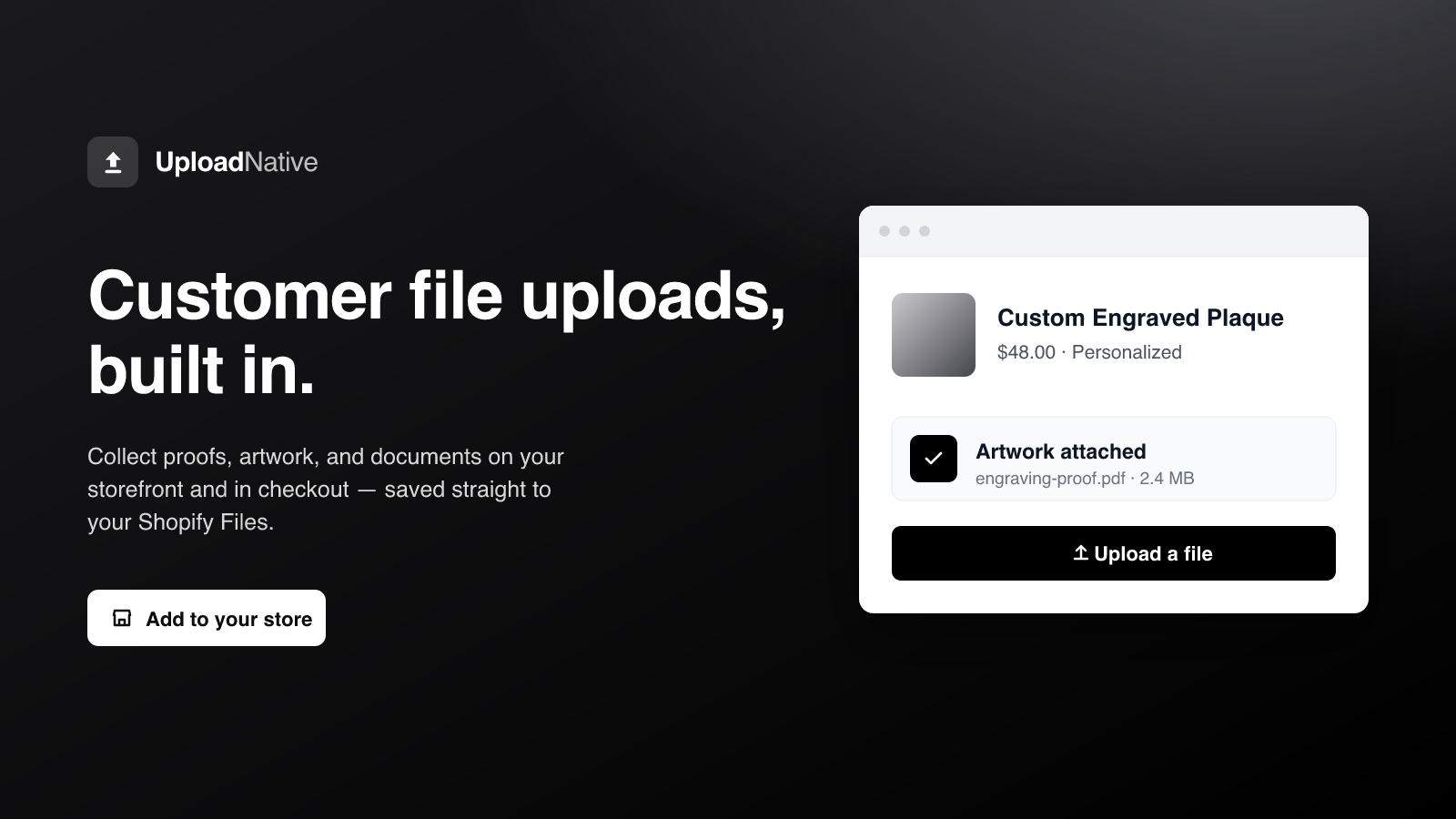
Customer file uploads on product, cart & checkout — saved straight to your store's Files
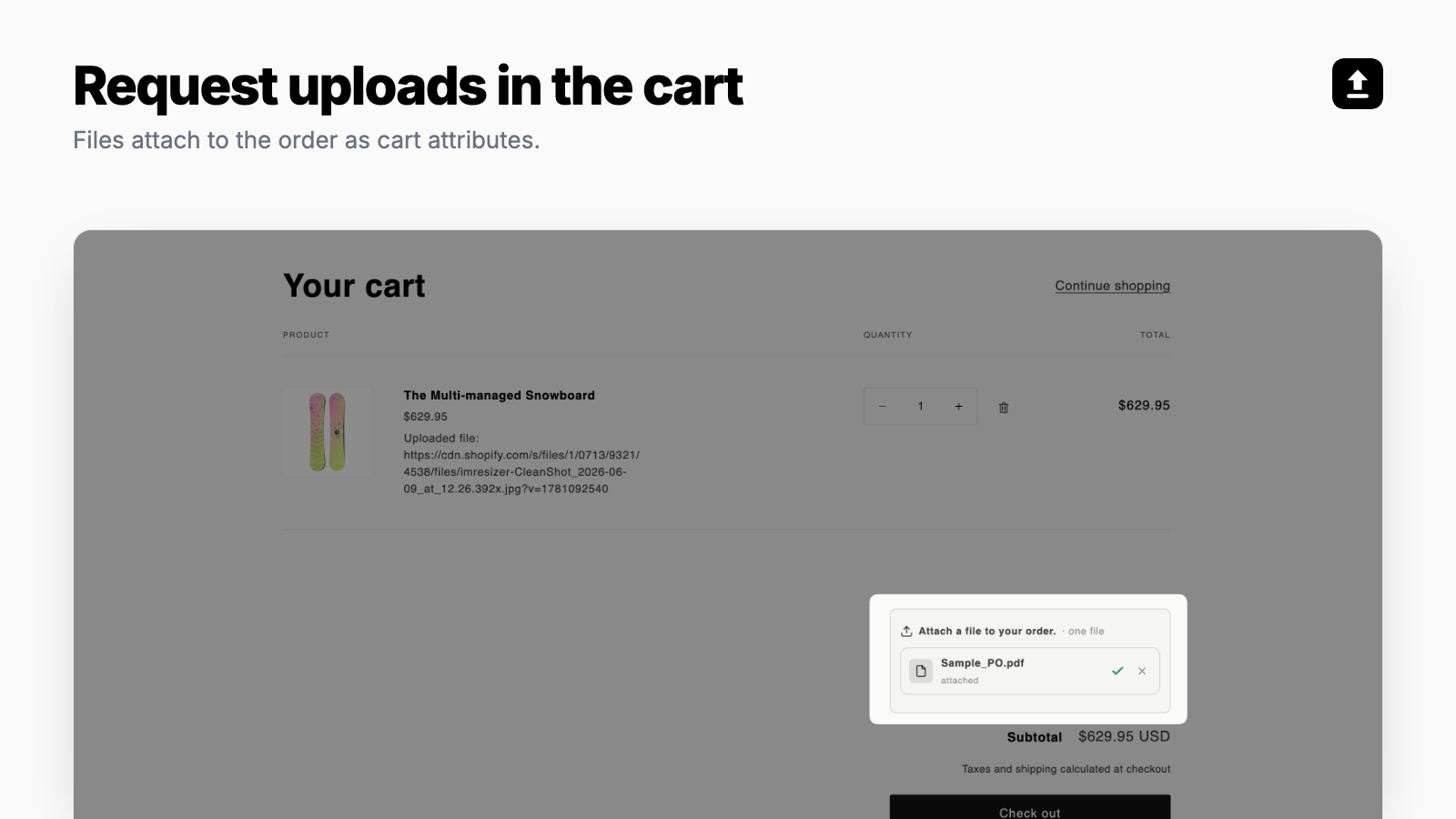
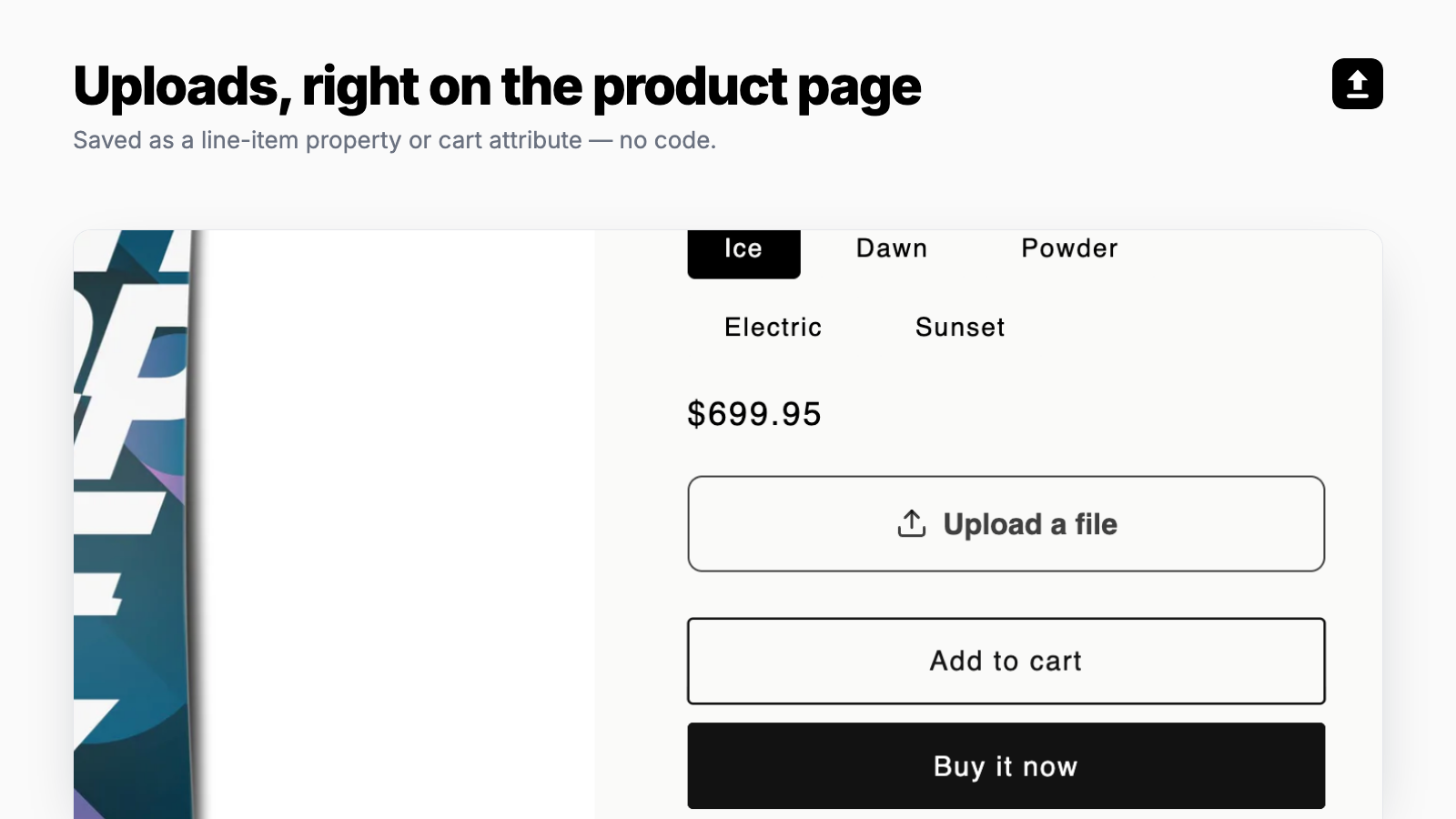
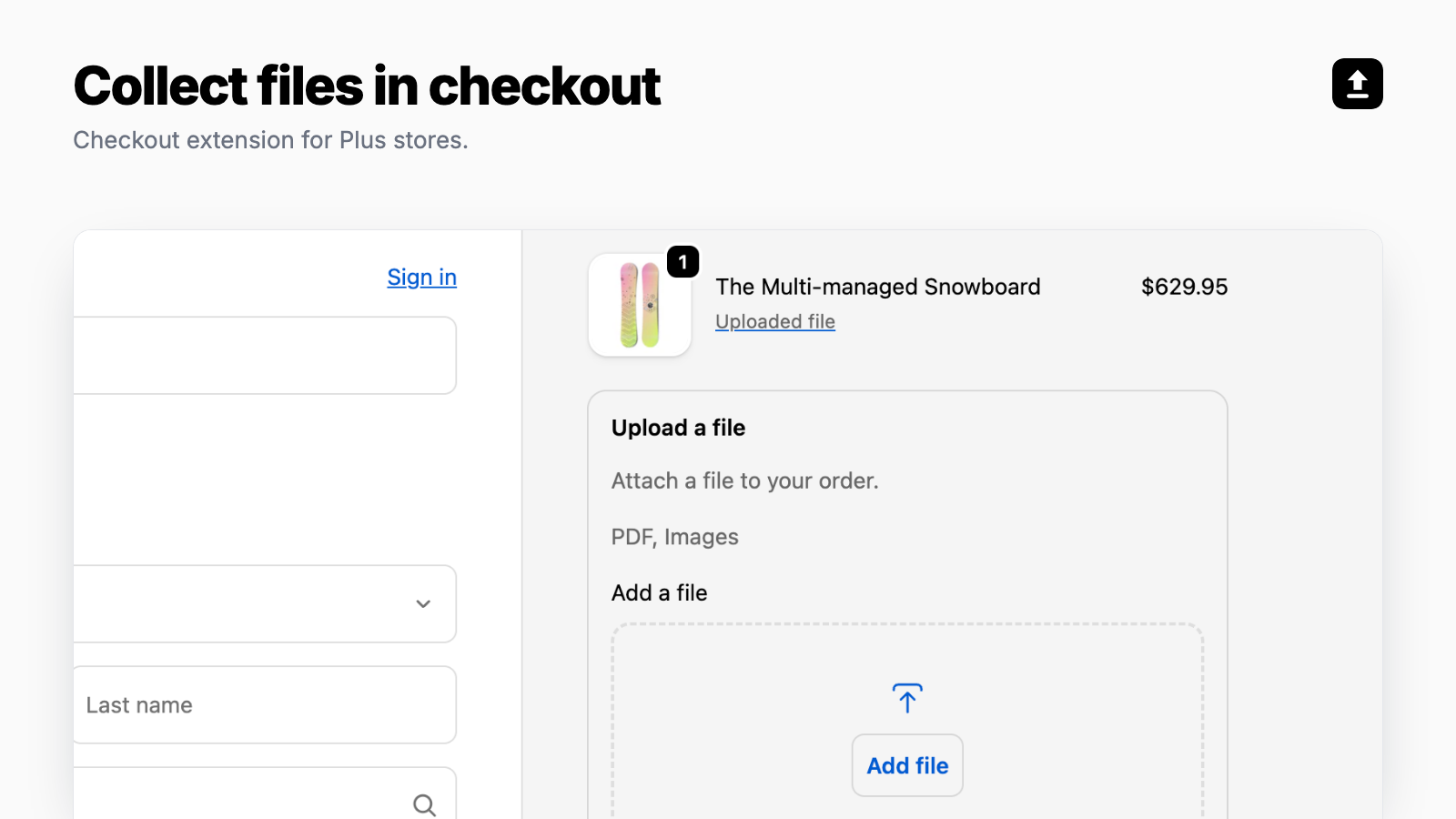
Let customers attach files (proofs, artwork, spec sheets, documents) where they buy: on product pages, in the cart, and in checkout. Every upload saves straight to your own Shopify Files and is linked to the order automatically, so there is nothing extra to log into or manage. Choose the file types, sizes, and how many files each block accepts. Fire a Shopify Flow action on every upload to automate the rest. No customer personal data is stored.
Listing highlights
- Collect customer files on product pages, in the cart, and in checkout.
- Keep every file in your own Shopify Files, stored permanently.
- Automate every upload with a Shopify Flow triggers.
- Set the file types, sizes, and number of files you accept.
- No customer personal data is stored.
Features
File types
- Custom rules
- Excel
- Images
- JPEG
- PNG
- PSD
Show 2 moreShow less
- Videos
- ZIP
How Shoplist knows
Every number on this page comes from public storefront scans and the public Shopify App Store listing. If Shoplist shows Upload Native on a store, it is there.
Read the data methodology- Counts are based on Shoplist's latest available public crawl signal dated June 11, 2026.
- Shoplist has not yet found reliable public storefront evidence connecting a Shopify store to this app. This does not mean the app has no users. Some apps are new, admin-only, server-side, theme-independent, or otherwise difficult to detect from public storefront signals.
- Merchant rows are filtered to public brand profiles with enough public data to link safely. Full workflow, filtering, and monitoring stay behind signup.
- Review, pricing, feature, screenshot, and listing-change data come from public Shopify App Store and Shoplist crawl records. Signals can change between crawls.
Questions about Upload Native
- Has Shoplist detected stores using Upload Native yet?
- Shoplist has not yet found reliable public storefront evidence for Upload Native. The page tracks first merchant evidence as it appears.
- What does first-adopter watch mean?
- It means Shoplist is monitoring launch context, first storefront-detectable merchant evidence, and pricing.
- Can I get alerts when stores start using Upload Native?
- Yes. Create a watchlist to get alerted when Shoplist finds public merchant evidence for Upload Native.
Keep exploring
Compare
Upload Native vs File Upload & Image ‑ Uploadly
Detected stores, ratings, pricing, and momentum side by side.
Developer
DATUN SRL
Every app DATUN SRL publishes, with their detected reach.
Rankings
Top apps by category
The ten apps gaining the most detected installs in each category.
Directory
All Shopify apps
Browse every app Shoplist tracks, by category, rating, and reach.
Keep watching Upload Native.
Get alerted on first storefront installs, review spikes, pricing changes, and listing edits.