ThemeSafe ‑ Auto Backup logo

ThemeSafe ‑ Auto Backup Shopify App: Reviews, Pricing & Alternatives

By Galaxy TeamAnti theft & Store data importer5.0 (2 reviews)Free plan

Key signals for ThemeSafe ‑ Auto Backup

Shoplist has not found ThemeSafe ‑ Auto Backup on a storefront yet, so it tracks the app through its 2 public reviews, pricing, and listing changes instead. Storefront detections will appear here as soon as Sonar finds them.

Sonar hasn’t found ThemeSafe ‑ Auto Backup on a storefront yet. Admin-only and server-side apps rarely leave a storefront trace.

5.0
Rating2 reviews
Free plan
PricingPaid from $3/month

Updated October 26, 2026Data checked October 30, 2026Listing checked todayHow Shoplist knows

ThemeSafe ‑ Auto Backup reviews and rating

5.0
Rating
2
Reviews
Sep 25, 2024
Latest

ThemeSafe ‑ Auto Backup pricing

Free
  • Backup for last 3 days
  • Basic Backup
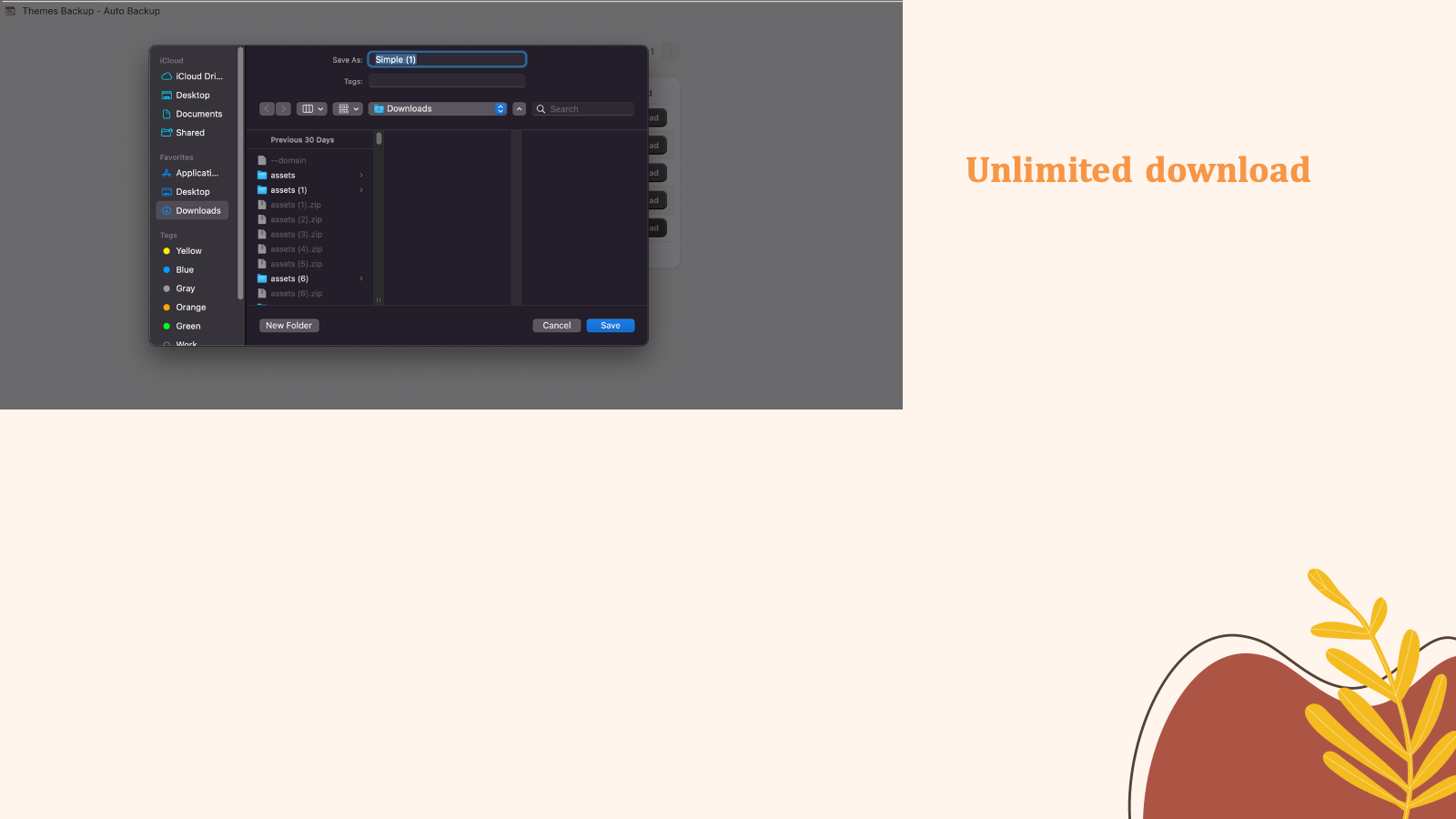
  • Download Themes And Images
  • Schedule Backup
Free
Monthly
  • All Free Features
  • Backup Images History
  • Cancel Any Time
  • Unlimited Backup
$3/month

Recent ThemeSafe ‑ Auto Backup activity

Store movement comes from Sonar's storefront scans; listing changes come from the Shopify App Store page.

App Store listing

Listing changes

4 updates

Detected Feb 19, 2026

Developer name changed +4 more

Developer

Developer name changed

galaxy team

Media gallery updated

4 added — “Simple and Secure Theme Backup and Download”

Merchant sentiment summary updated

Removed

+2 more changes in this update
Detected Jan 6, 2026

Listing title changed +1 more

Positioning

Listing title changed

Protect your store design with ThemeSafe. Backup Themes and imagesNever lose your custom theme work — backup & restore before updates.

Description rewritten

Description rewritten

Detected Sep 25, 2025

Highlights updated +2 more

Positioning

Highlights updated

Use directly in Shopify admin

Anti theft added

Store data importer added

Detected Oct 26, 2026

Developer name changed +1 more

Developer

Developer name changed

galaxy teamGalaxy Team

Developer name changed

galaxy teamGalaxy Team

Get ThemeSafe ‑ Auto Backup's weekly changes by email

New stores, departures, and listing edits, once a week. No account needed.

Alternatives to ThemeSafe ‑ Auto Backup

Apps merchants weigh against ThemeSafe ‑ Auto Backup, with their own detected stores and ratings.

Rewind Backups logo

Rewind Backups

4.81.1K reviewsFree trial

Automated Store Backups. Easily Undo, Recover, and Restore.

Security - OtherWorkflow automation
BackupMaster Backups logo

BackupMaster Backups

4.9172 reviewsFree trial

Automated Backups. Easily Undo, Recover, Rewind, and Restore.
Security - Other

ThemeSafe ‑ Auto Backup screenshots and video

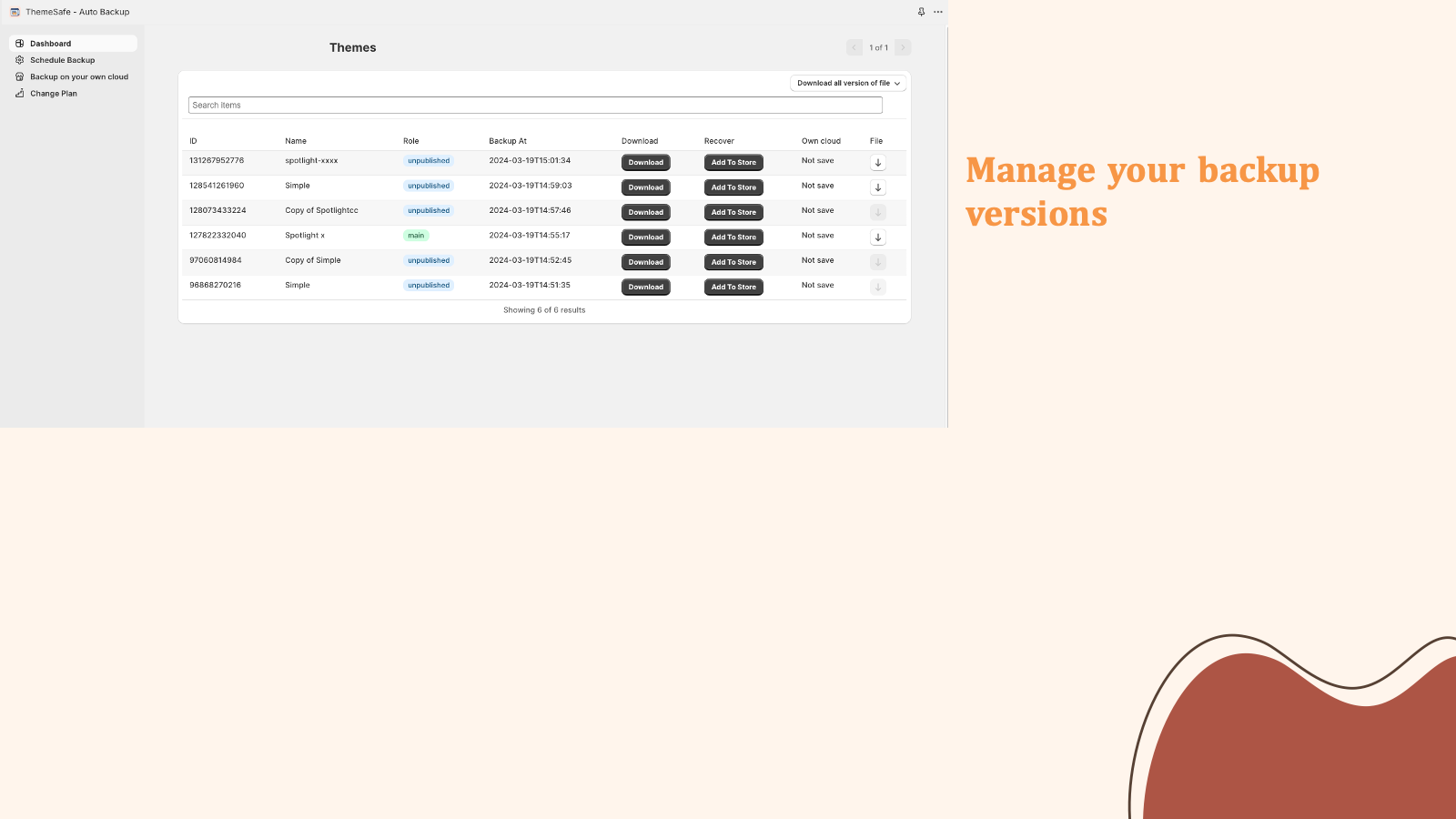
Manage backup versions
Download theme version
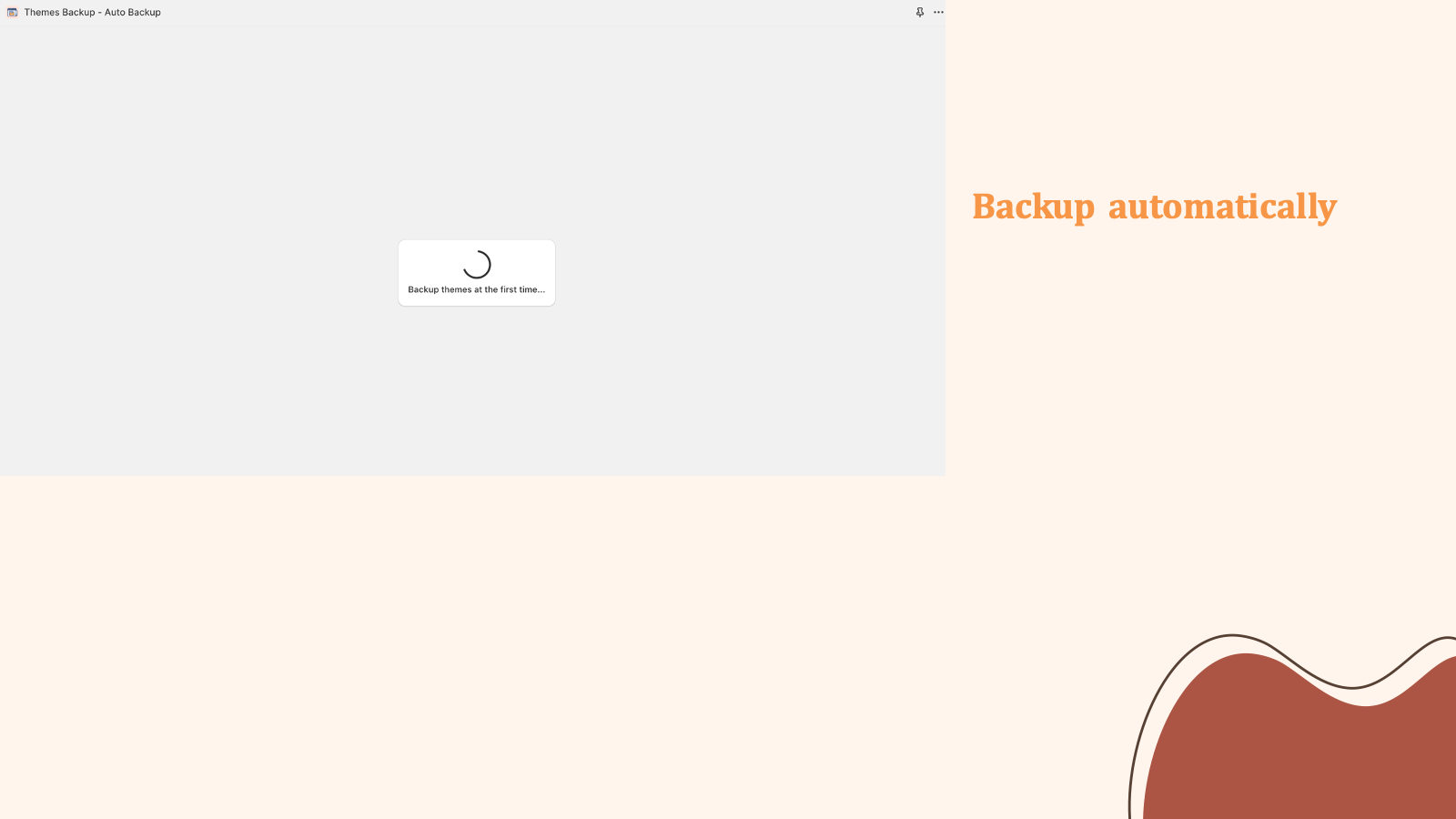
Backup at the first time will take 2 minutes each theme
Simple and Secure Theme Backup and Download

About ThemeSafe ‑ Auto Backup

Never lose your custom theme work — backup & restore before updates.

Updating or editing your theme can break your storefront in minutes. A missing file, custom code error, or app install can overwrite valuable work. ThemeSafe automatically backs up your themes and images before changes. If something goes wrong, you can instantly restore your theme — no developer needed. Save backups to your cloud.

Listing highlights

  • Automatic backups of your themes and images
  • Scheduled Backups
  • One-Click Restore
  • Can backup in your cloud

How Shoplist knows

Every number on this page comes from public storefront scans and the public Shopify App Store listing. If Shoplist shows ThemeSafe ‑ Auto Backup on a store, it is there.

Read the data methodology
  • Counts are based on Shoplist's latest available public crawl signal dated October 26, 2026.
  • Shoplist has not yet found reliable public storefront evidence connecting a Shopify store to this app. This does not mean the app has no users. Some apps are new, admin-only, server-side, theme-independent, or otherwise difficult to detect from public storefront signals.
  • Merchant rows are filtered to public brand profiles with enough public data to link safely. Full workflow, filtering, and monitoring stay behind signup.
  • Review, pricing, feature, screenshot, and listing-change data come from public Shopify App Store and Shoplist crawl records. Signals can change between crawls.

Questions about ThemeSafe ‑ Auto Backup

Why might Shoplist not show detected stores for ThemeSafe ‑ Auto Backup?
Some Shopify apps are admin-only, server-side, theme-independent, or otherwise difficult to detect from public storefront signals.
Does no public detection mean ThemeSafe ‑ Auto Backup has no users?
No. It only means Shoplist has not found reliable public storefront evidence for ThemeSafe ‑ Auto Backup. reviews, pricing, listing changes, and developer data can still be useful signals.
Can I monitor future public detections?
Yes. Shoplist can monitor ThemeSafe ‑ Auto Backup for future public storefront detections and listing movement.

Keep exploring

Keep watching ThemeSafe ‑ Auto Backup.

Get alerted on first storefront installs, review spikes, pricing changes, and listing edits.

Track this appSee pricingFree plan available.