SyncUp logo

SyncUp Shopify App: Features & First-Adopter Watch

Orders - Other

Updated June 22, 2026

No signal

By SyncUp

Launched June 17, 2026. Shoplist is monitoring first merchant evidence, feature details, and listing changes for this Shopify app.

Shoplist public signals

What is visible for SyncUp right now

Signal date June 22, 2026

Last listing check today

Monitoring status

First-adopter watch

Monitoring first merchant evidence

As of Jun 22, 2026

Momentum

0 No signal

Install volume is too low for a reliable trend yet

As of Jul 16, 2026

No signal0% data confidence

0 momentum score

Install volume is too low for a reliable trend yet.

Updated Jul 16, 2026

0 installs

Momentum inputs

28d installs

0

Prev. 28d

0

New 28d

0

30d reviews

0

Trend comparison is paused or unavailable for this window. The raw inputs show the install and review signals Shoplist observed instead.

Installs
0
Growth
50
Adoption
0
Reviews
0
Fit
75

Quick answer

SyncUp launched on June 17, 2026. Shoplist is monitoring first public merchant evidence and listing changes.

Activity and changes

Recent signals for SyncUp

Recent detections and listing changes are public signals captured by crawl history.

App Store listing

Listing changes

3 updates

Detected Jun 22, 2026

Description rewritten +1 more

Positioning

Description rewritten

Description rewritten

Integrations updated

ClickupNotion

Detected Jun 20, 2026

Description rewritten

Positioning

Description rewritten

Description rewritten

Detected Jun 23, 2026

Integrations updated

Integrations

Integrations updated

Shopify Admin

App-store listing

About SyncUp

Auto-sync orders to your project tools — zero manual work required.

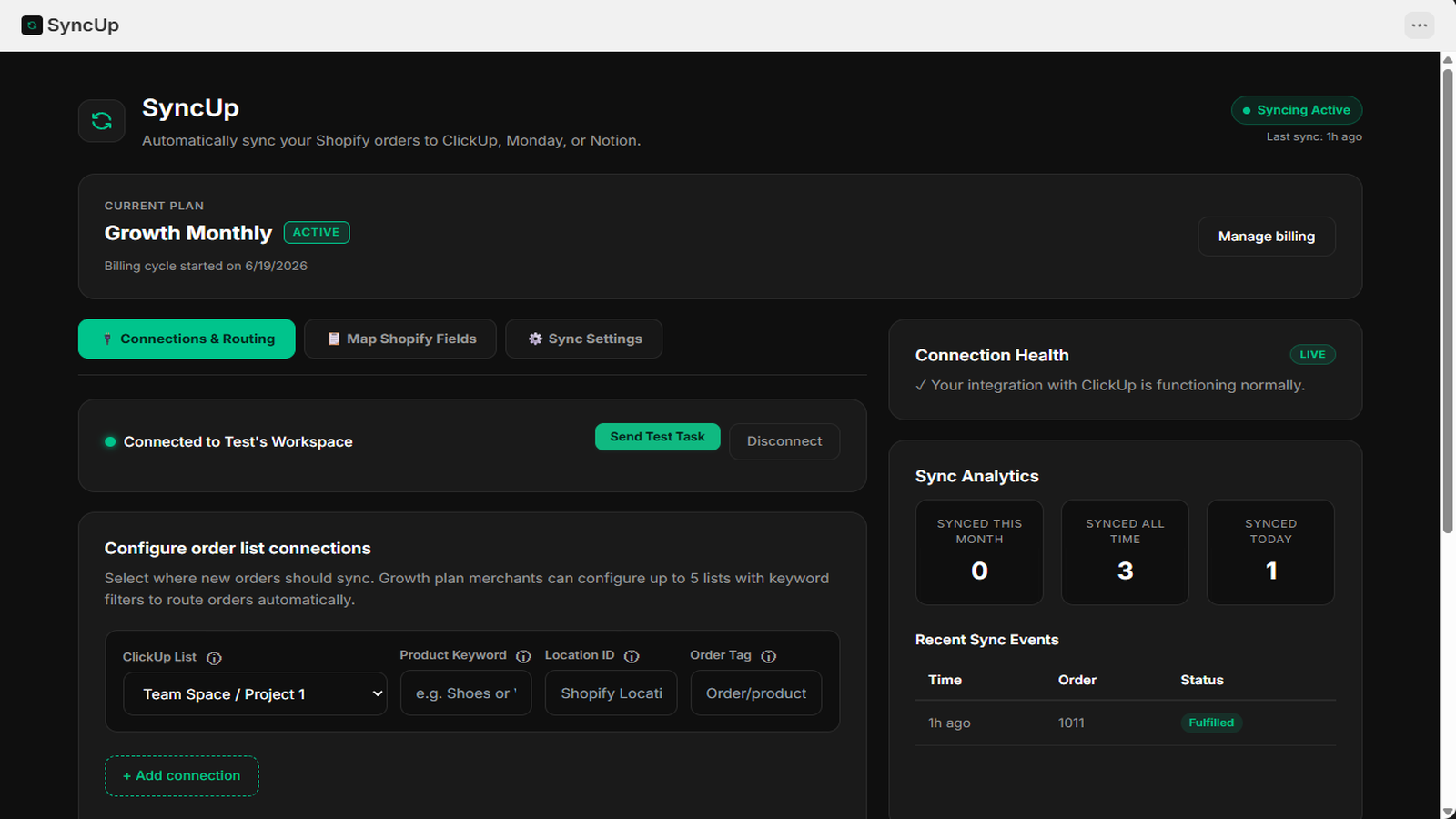
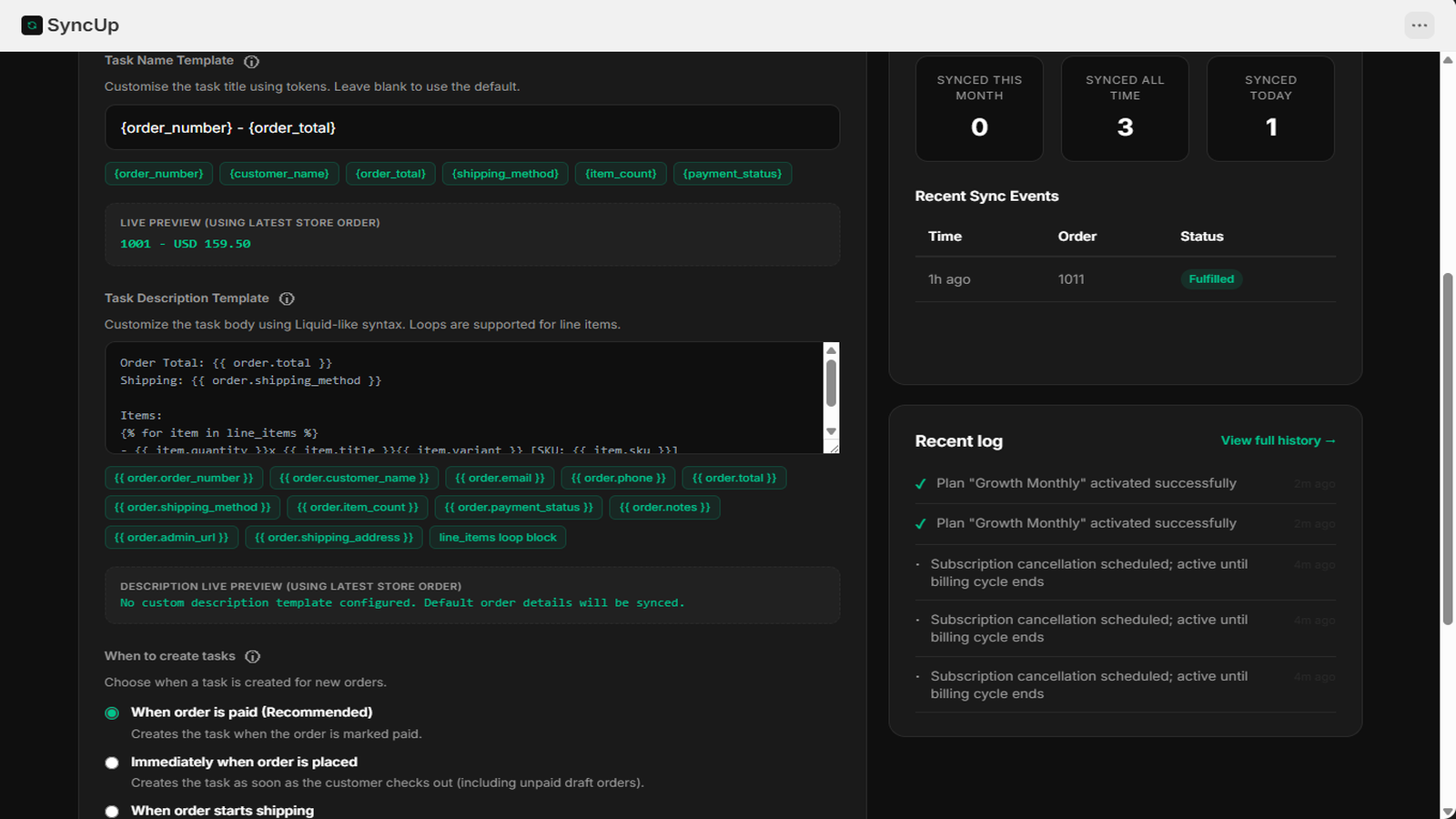
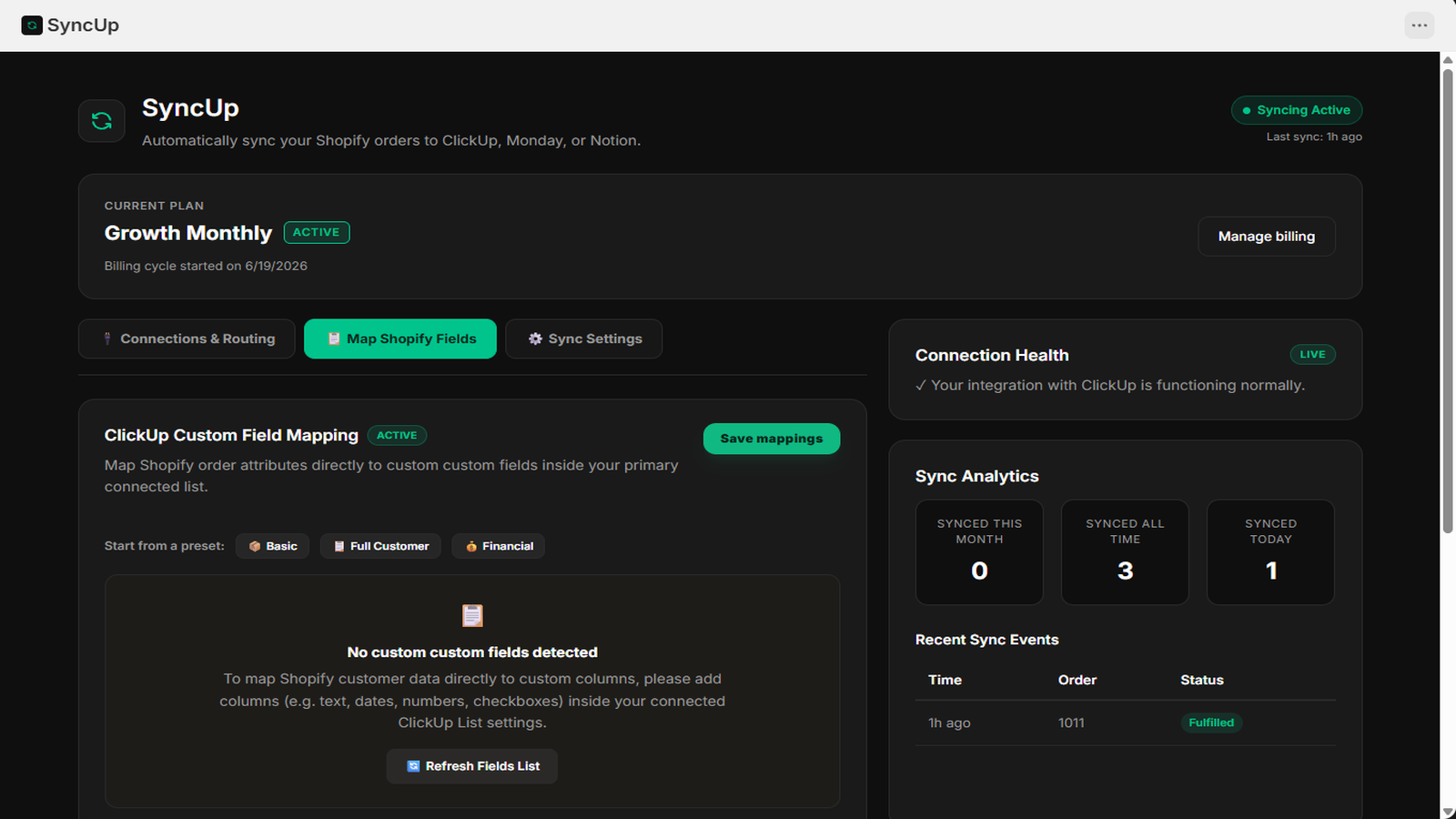
SyncUp connects Shopify directly to ClickUp and Notion, auto-creating detailed tasks and database items from new orders—with Monday.com in development. Keep your team in sync by updating task and order statuses instantly when orders are fulfilled, with zero manual work. Setup takes minutes: connect your workspace, map order fields to list columns or database properties, and go live. Every entry contains essential order data like customer info, line items, order totals, and shipping.

Listing highlights

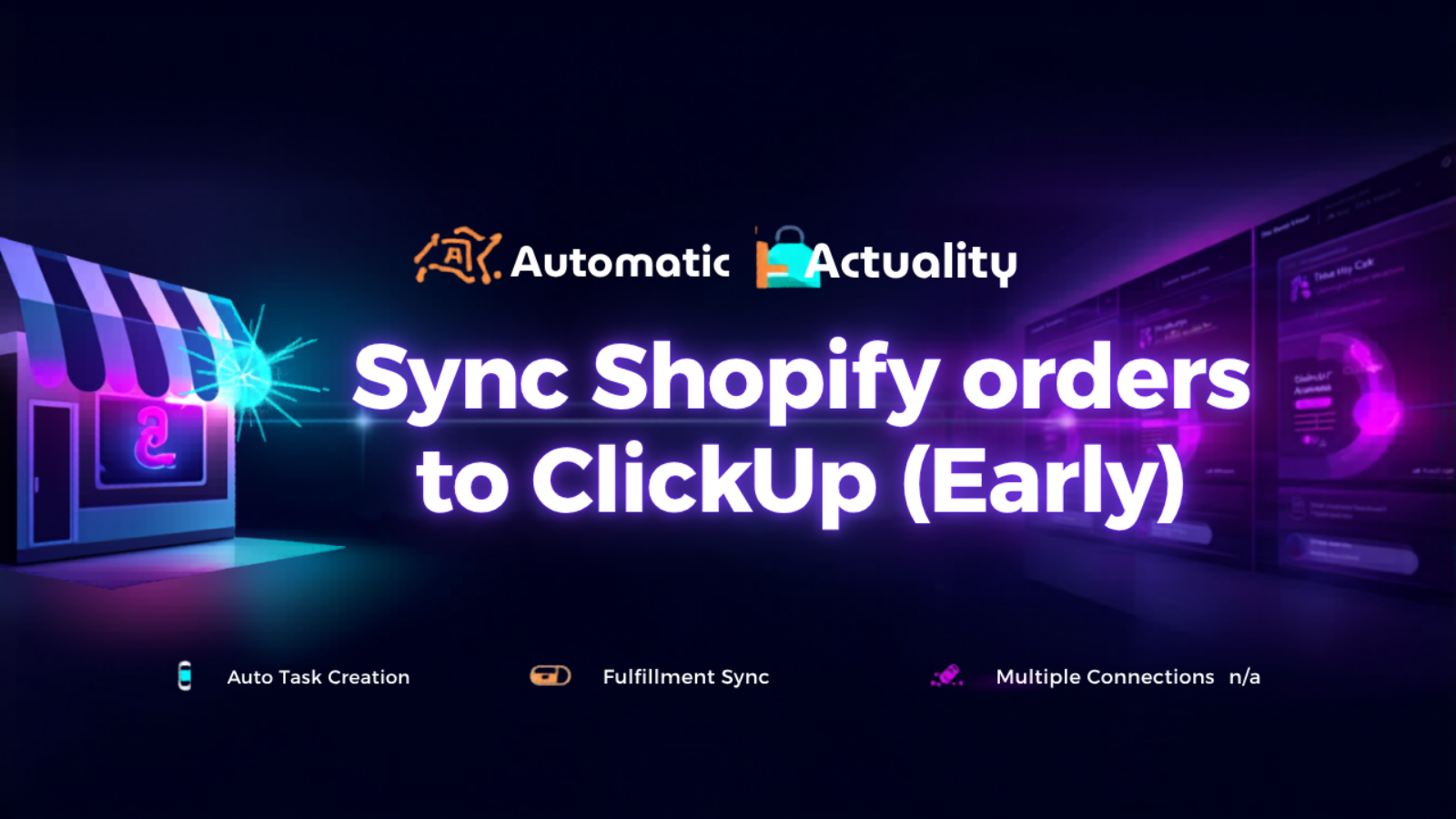
  • Auto-create tasks when new orders are placed in your store
  • Auto-complete tasks when orders are fulfilled — no manual work
  • Connect your project tool in minutes — no coding required
Configure connections for ClickUp, Monday.com, and Notion easily
Configure sync rules and custom settings for order task updates
Map Shopify fields to project management board columns in second
SyncUp syncing Shopify orders to your project tools

Methodology

How to read these signals

Counts are based on Shoplist's latest available public crawl signal dated June 22, 2026.

Shoplist has not yet found reliable public storefront evidence connecting a Shopify store to this app. This does not mean the app has no users. Some apps are new, admin-only, server-side, theme-independent, or otherwise difficult to detect from public storefront signals.

Merchant rows are filtered to public brand profiles with enough public data to link safely. Full workflow, filtering, and monitoring stay behind signup.

Review, pricing, feature, screenshot, and listing-change data come from public Shopify App Store and Shoplist crawl records. Signals can change between crawls.

FAQ

Questions about SyncUp

Has Shoplist detected stores using SyncUp yet?

Shoplist has not yet found reliable public storefront evidence for SyncUp. The page tracks first merchant evidence as it appears.

What does first-adopter watch mean?

It means Shoplist is monitoring launch context, first storefront-detectable merchant evidence, and listing changes.

Can I get alerts when stores start using SyncUp?

Yes. Create a watchlist to get alerted when Shoplist finds public merchant evidence for SyncUp.

Keep watching SyncUp

Turn this public profile into a monitored app workflow for first detections, reviews, pricing, related apps, and listing-change history.

Get alerted when stores start using SyncUp