Detected Aug 2, 2026
Yearly pricing updated +3 more
or $107.99/year and save 0%or $86/year and save 20%
or $227.99/year and save 0%or $182/year and save 20%
or $347.99/year and save 0%or $278/year and save 20%
+1 more change in this update
Super Tags: Auto Tagging launched on July 16, 2026. Shoplist is watching for its first storefront installs and tracking its 1 public reviews, pricing, and listing changes in the meantime.
Sonar hasn’t detected Super Tags: Auto Tagging on a store yet. Watching since its Jul 16, 2026 launch.
Only stores that really changed their app stack count: a store Shoplist crawled for the first time, or a new detector recognizing Super Tags: Auto Tagging where it already ran, never moves these numbers. As of Oct 31, 2026.
Not on this week’s Shopify App Charts. The charts publish every Monday.
Is Super Tags: Auto Tagging yours? Claim it free to follow its charts, signals and the stores adding and dropping it. Claim Super Tags: Auto Tagging
Net stores, last 28 days
0Estimated
0 added · 0 came back · 0 removed
Reach
0%
of the stores Shoplist tracks · 0 stores today
Review pace, last 28 days
Not enough data: no App Store review count from 28 days ago
Loyalty, as reported by reviewers
Not enough data: fewer than 20 reviews in the last year say how long the reviewer has used it
Big-brand share
Not enough data: fewer than 150 of its stores have a known size
Its best position on the Shopify App Store Workflow automation listing each day. Shaded days: the listing was not read in full, or Super Tags: Auto Tagging was not on the pages read.
Stores running Super Tags: Auto Tagging over the stores Shoplist crawled in the 30 days before. Counted daily from Oct 30, 2026.
| Week of | Added or back | Removed | Net | Notes |
|---|---|---|---|---|
| Jul 13, 2026 | 0 | 0 | 0 | Estimated |
| Jul 20, 2026 | 0 | 0 | 0 | Estimated |
| Jul 27, 2026 | 0 | 0 | 0 | Estimated |
| Aug 3, 2026 | 0 | 0 | 0 | Estimated |
| Aug 10, 2026 | 0 | 0 | 0 | Estimated |
| Aug 17, 2026 | 0 | 0 | 0 | Estimated |
| Aug 24, 2026 | 0 | 0 | 0 | Estimated |
| Aug 31, 2026 | 0 | 0 | 0 | Estimated |
| Sep 7, 2026 | 0 | 0 | 0 | Estimated |
| Sep 14, 2026 | 0 | 0 | 0 | Estimated |
| Sep 21, 2026 | 0 | 0 | 0 | Estimated |
| Sep 28, 2026 | 0 | 0 | 0 | Estimated |
| Oct 5, 2026 | 0 | 0 | 0 | Estimated |
| Oct 12, 2026 | 0 | 0 | 0 | Estimated |
| Oct 19, 2026 | 0 | 0 | 0 | Estimated |
Not enough data: none of its stores has a known country among the US, UK, Canada, Australia and Germany yet.
Store movement comes from Sonar's storefront scans; listing changes come from the Shopify App Store page.
App Store listing
Detected Aug 2, 2026
or $107.99/year and save 0%or $86/year and save 20%
or $227.99/year and save 0%or $182/year and save 20%
or $347.99/year and save 0%or $278/year and save 20%
+1 more change in this update
Detected Oct 23, 2026
Detected Oct 17, 2026
Detected Sep 18, 2026
Magnetar Apps PTY LTDMagnetar Apps
Magnetar Apps PTY LTDMagnetar Apps
Detected Jul 19, 2026
Apps merchants weigh against Super Tags: Auto Tagging, with their own detected stores and ratings.
Automate order, product & customer tagging using custom rules
Add tags to your orders, products and customers automatically!
Automatic tagging for customers and orders in one app!
Add & remove customer tag & order tag based on various rules.
The easiest way to automatically tag customers and orders
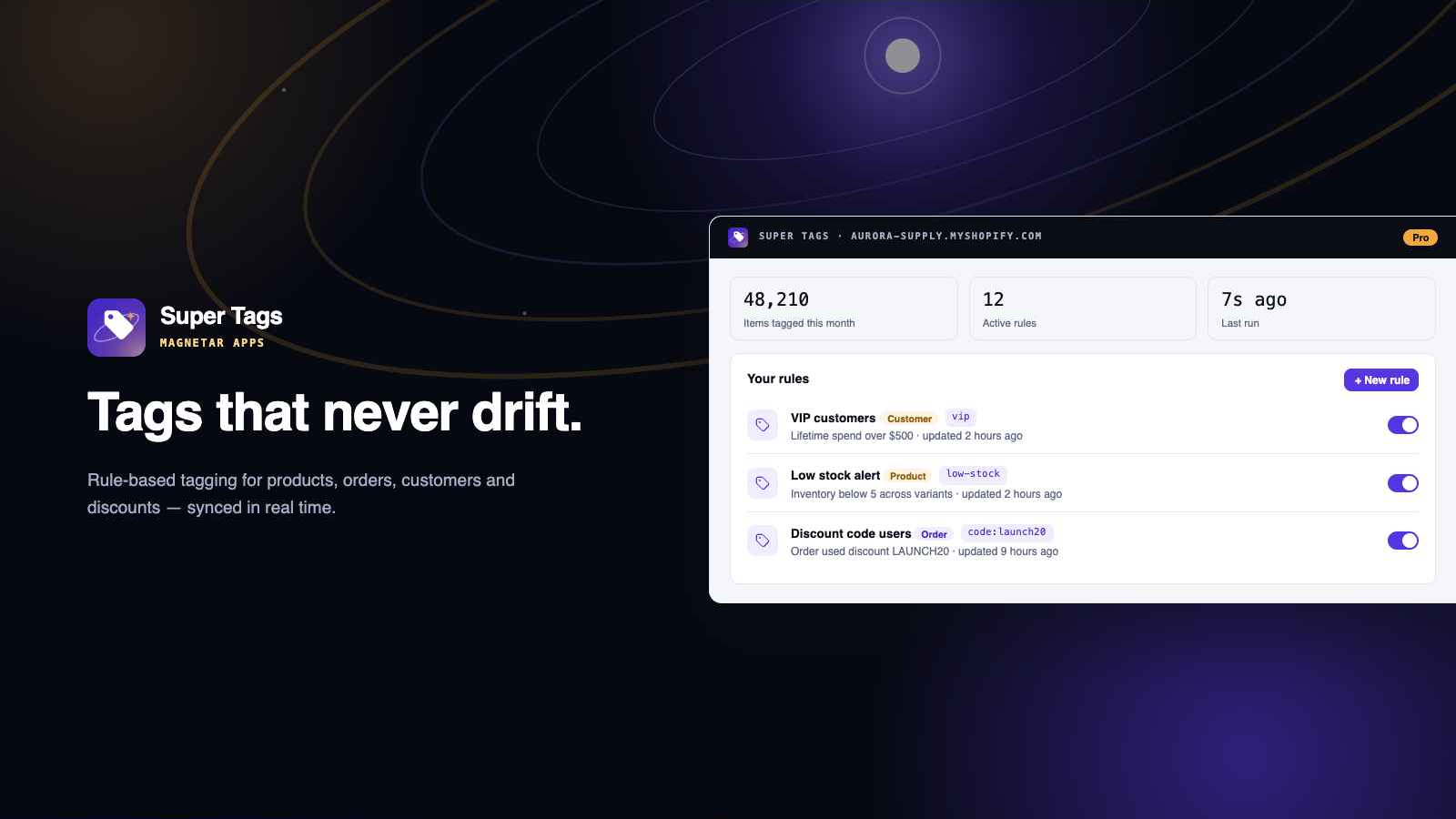
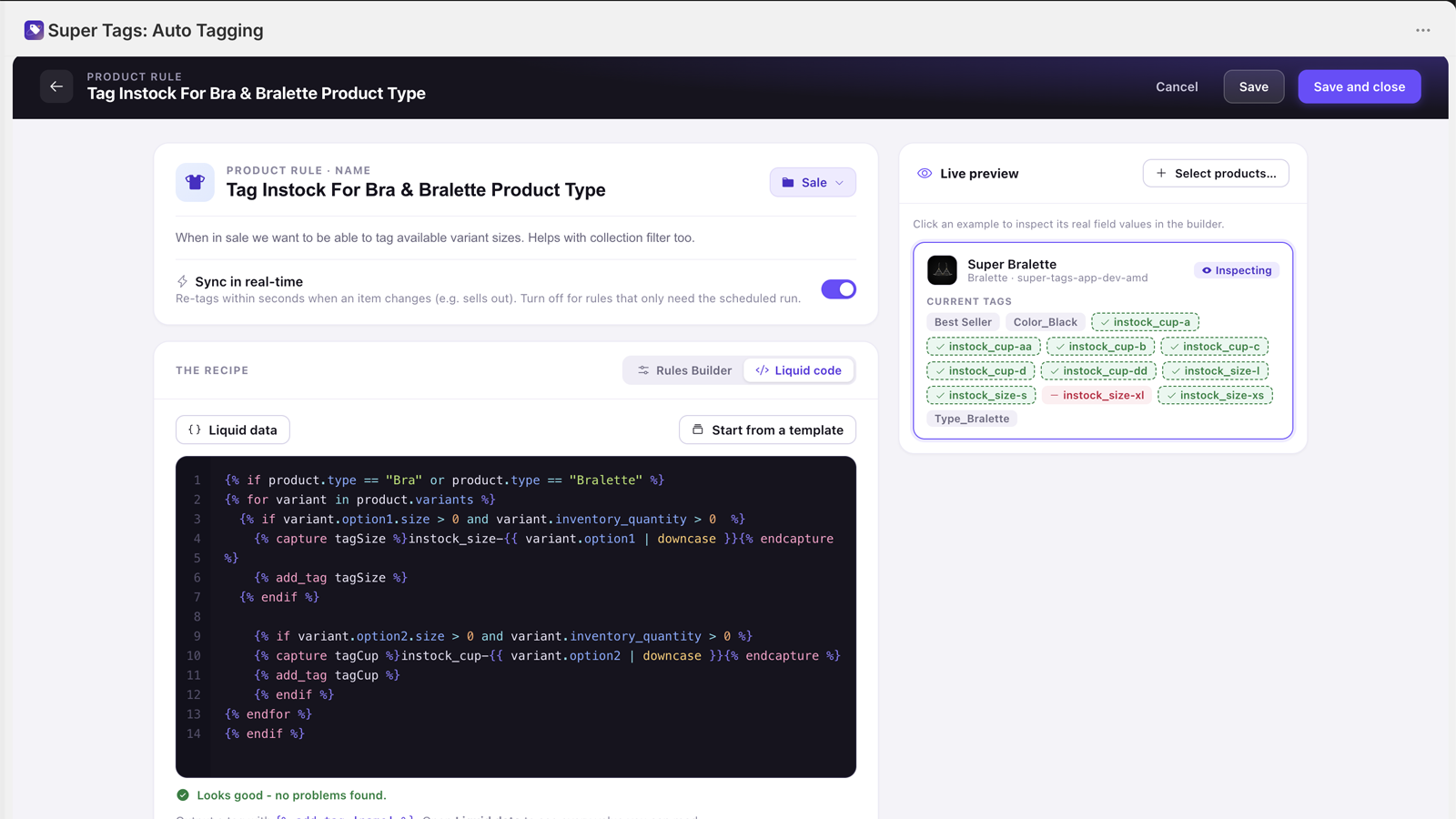
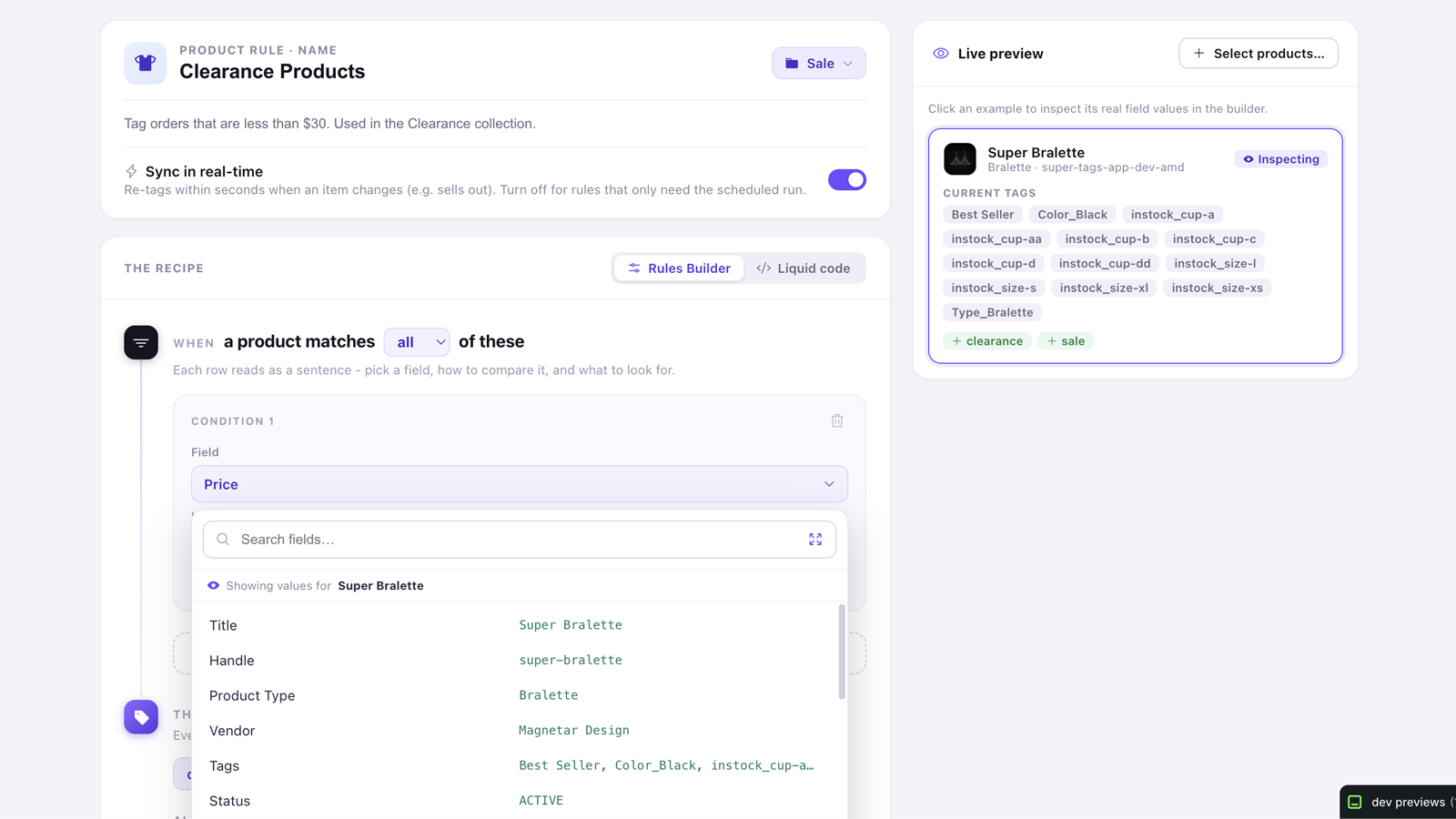
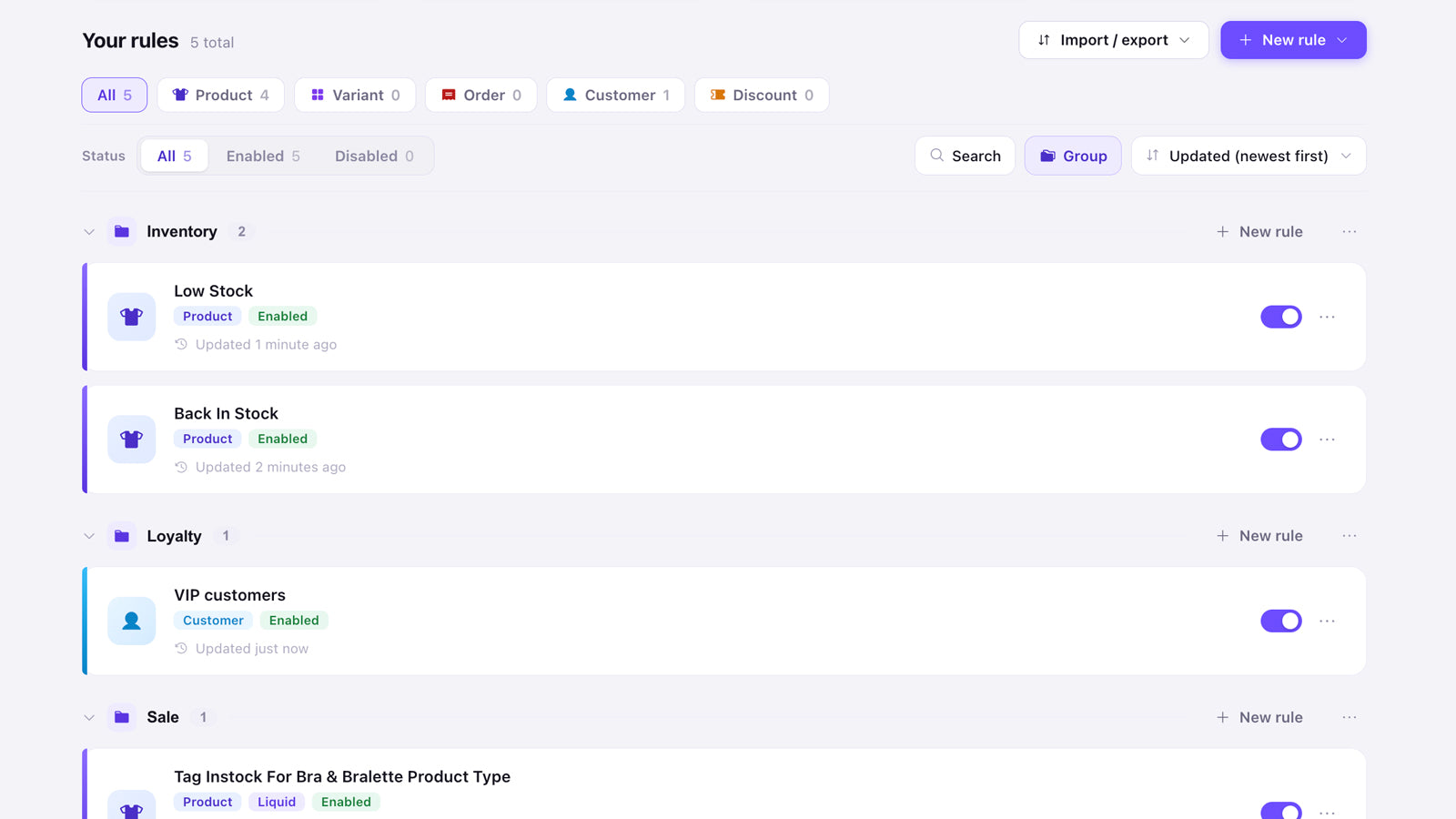
Apply tags to products, orders, and customers automatically from rules you set once.
Super Tags makes it quick and easy to tag your products, orders, and customers automatically. You define simple rules once, and the app applies matching tags for you, so you don't have to tag anything by hand. Rules keep running as your catalog changes, which keeps your tags consistent and your collections, filters, and reports accurate. Every tag the app adds is tracked, so you can review its activity and safely remove tags whenever you need to.
Every number on this page comes from public storefront scans and the public Shopify App Store listing. If Shoplist shows Super Tags: Auto Tagging on a store, it is there.
Compare
Detected stores, store movement, ratings and pricing side by side.
Developer
Every app Magnetar Apps publishes, with their detected reach.
Rankings
The ten apps gaining the most detected installs in each category.
Directory
Browse every app Shoplist tracks, by category, rating, and reach.
Get alerted on first storefront installs, review spikes, pricing changes, and listing edits.


