Detected Sep 22, 2026
App name changed
StockFlow: Auto Hide ProductsHide out of stock

Product display - Other & Stock alertsBy Apps-AlchemyLaunched May 13, 2026Updated June 11, 2026
Hide out of stock launched on May 13, 2026. Shoplist is watching for its first storefront installs and tracking pricing and listing changes in the meantime.
Store movement comes from Sonar's storefront scans; listing changes come from the Shopify App Store page.
App Store listing
Detected Sep 22, 2026
StockFlow: Auto Hide ProductsHide out of stock
Detected Jun 11, 2026
StockFlow: Out‑of‑Stock GuardStockFlow: Auto Hide Products


1 added, 1 removed — “Automatically hide out-of-stock products”
Apps merchants weigh against Hide out of stock, with their own detected stores and ratings.

Auto Hide Out of Stock, Sold Out product, 404 Redirect for OOS


Hide Sold Out Products

Automatically Hide and Unhide Out of Stock Products

Push out-of-stock products down in collections or hide quickly

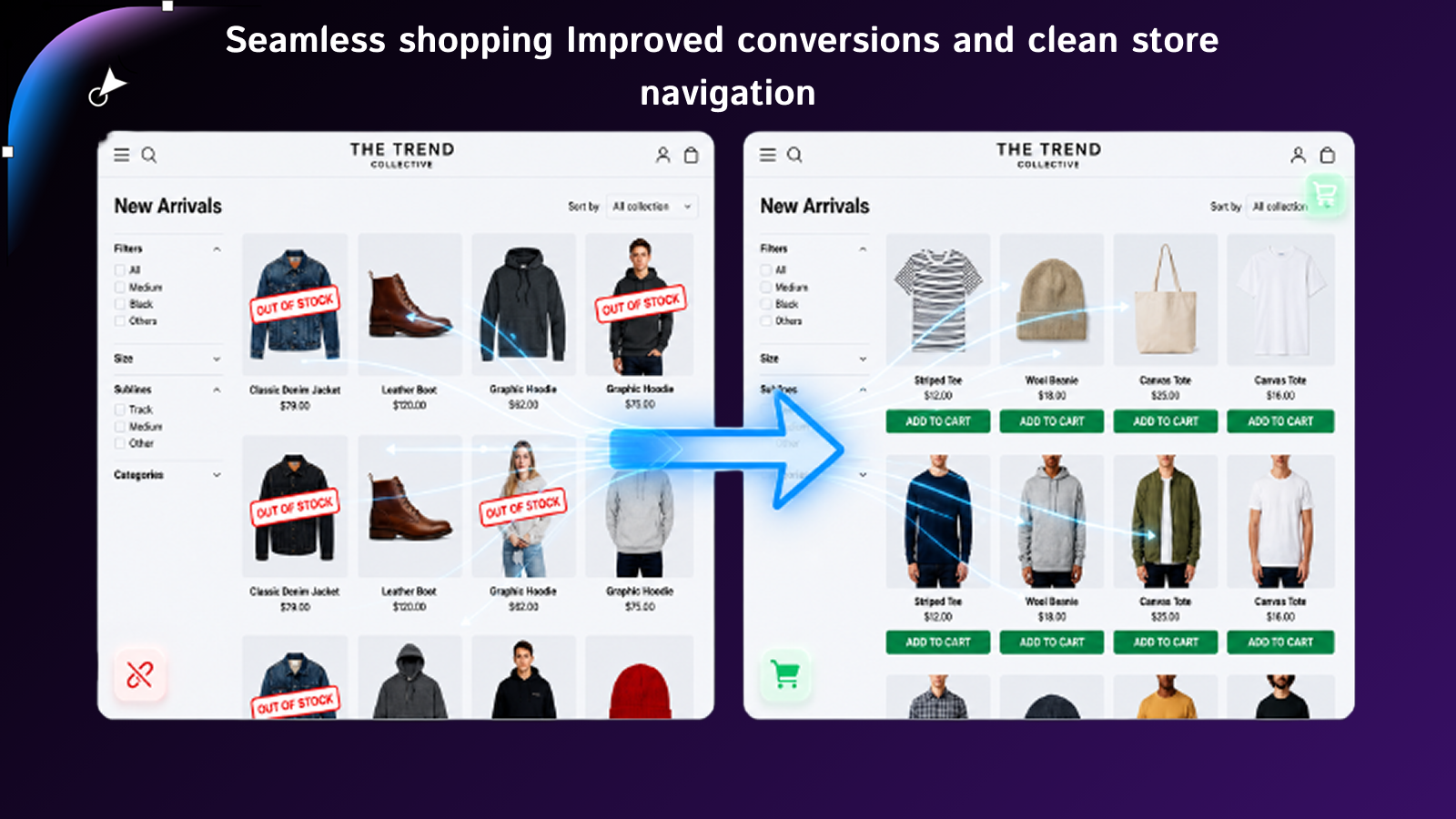
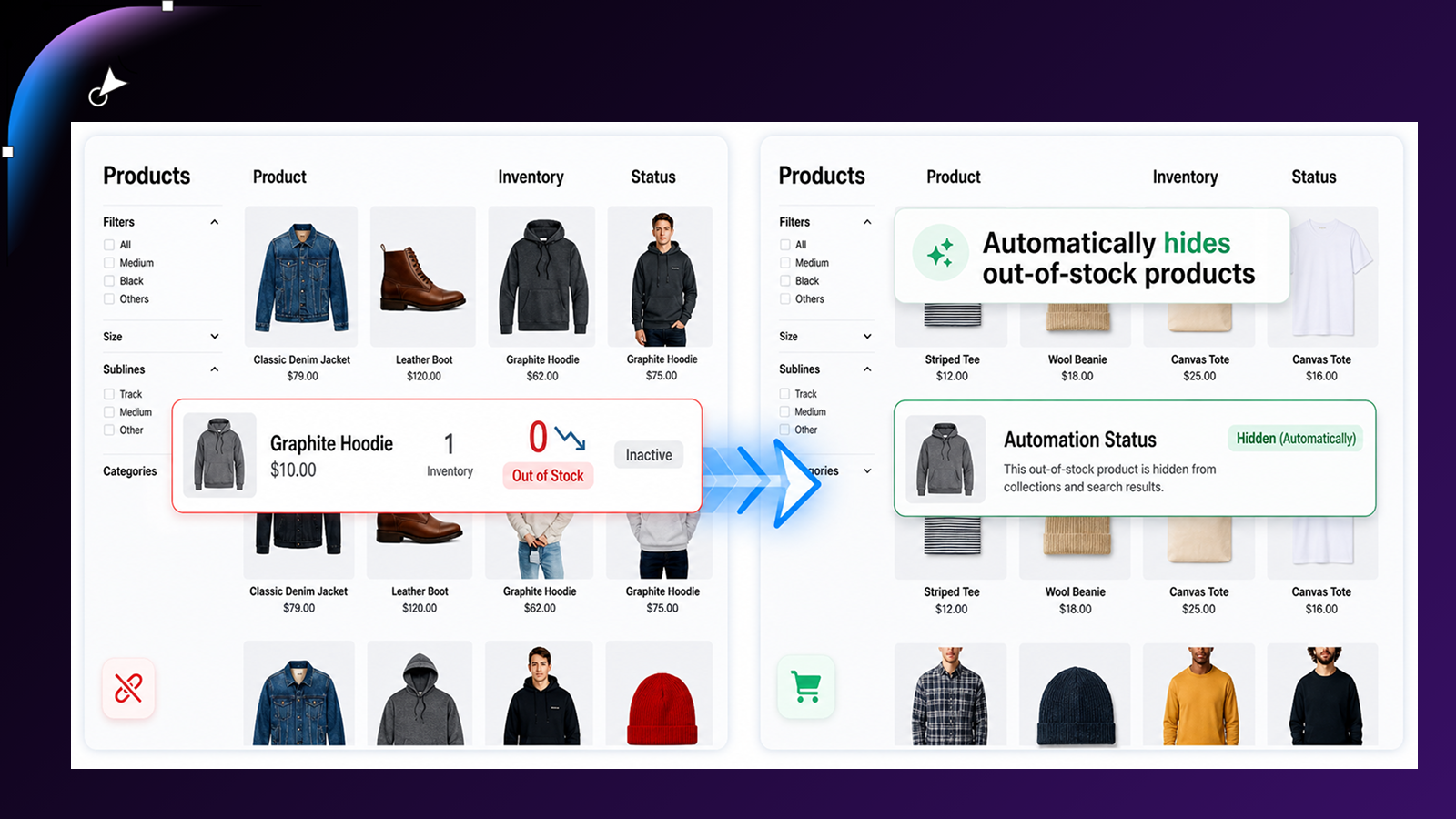
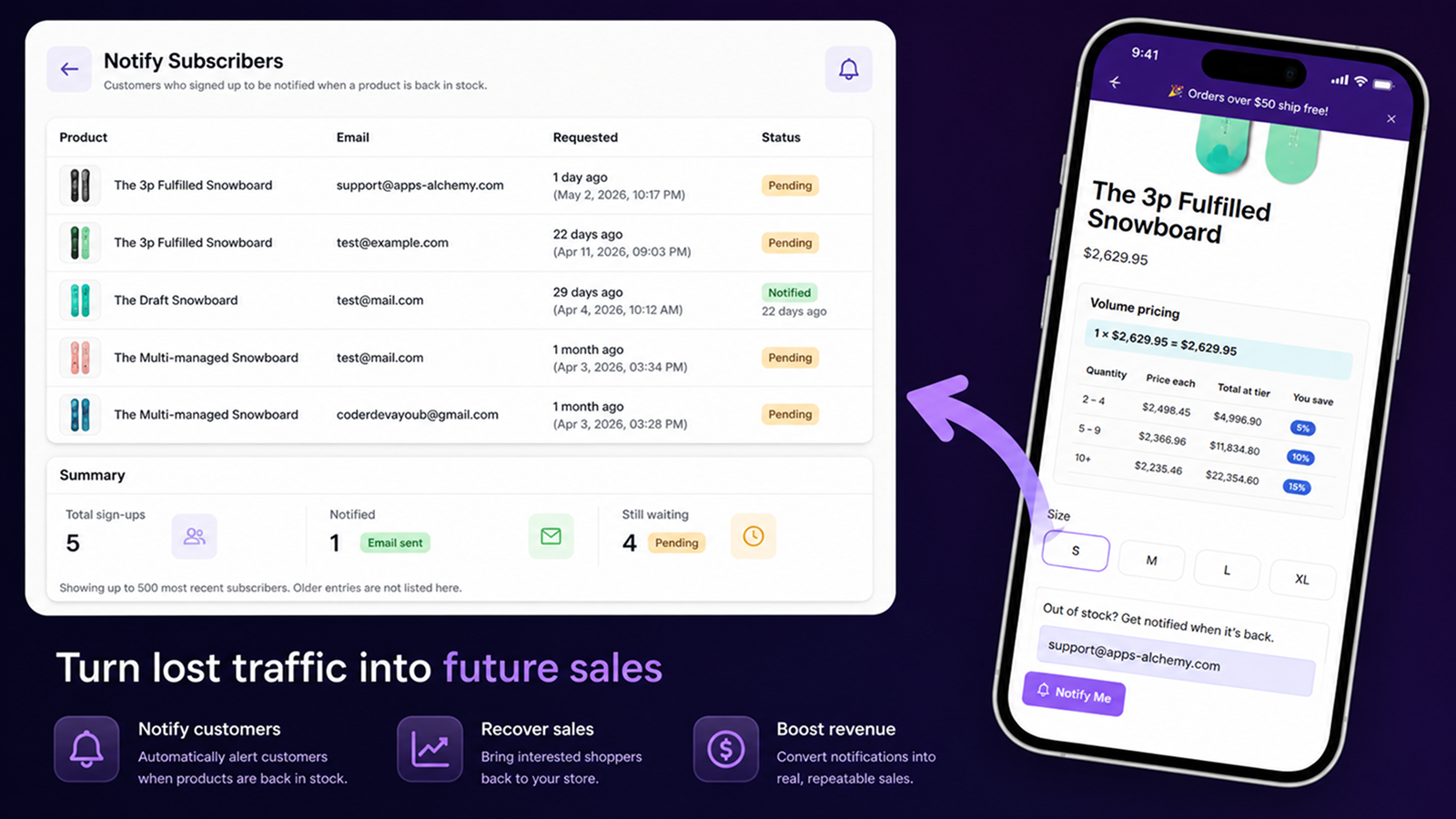
Automatically hide out-of-stock products and recover sales with restock alerts and notifications.
StockFlow helps merchants automatically manage out-of-stock products without manual work. When inventory reaches zero, products are removed from collections and search results while their URLs remain active to avoid broken links. When restocked, products are instantly restored. StockFlow also captures customer demand with back-in-stock notifications and provides low-stock alerts to help prevent missed sales and improve store experience.
Every number on this page comes from public storefront scans and the public Shopify App Store listing. If Shoplist shows Hide out of stock on a store, it is there.
Read the data methodologyCompare
Detected stores, ratings, pricing, and momentum side by side.
Developer
Every app Apps-Alchemy publishes, with their detected reach.
Rankings
The ten apps gaining the most detected installs in each category.
Directory
Browse every app Shoplist tracks, by category, rating, and reach.
Get alerted on first storefront installs, review spikes, pricing changes, and listing edits.