
Spacer: Add or Remove Space Shopify App: Pricing & Alternatives
By ConvertifyDesign elements - Other & Product display - Other
Shoplist has not found Spacer: Add or Remove Space on a storefront yet, so it tracks the app through pricing instead. Storefront detections will appear here as soon as Sonar finds them.
Key signals for Spacer: Add or Remove Space
Sonar hasn’t found Spacer: Add or Remove Space on a storefront yet. Admin-only and server-side apps rarely leave a storefront trace.
Free trial
Spacer: Add or Remove Space pricing
- Unlimited
- Unlimited spacer blocks
- Unlimited spacer sections
- Unlimited support
- $2.99/month
Alternatives to Spacer: Add or Remove Space
Apps merchants weigh against Spacer: Add or Remove Space, with their own detected stores and ratings.


Section Library. Add customisable sections to any theme & page
1.2K


978

2
Spacer: Add or Remove Space screenshots and video
About Spacer: Add or Remove Space
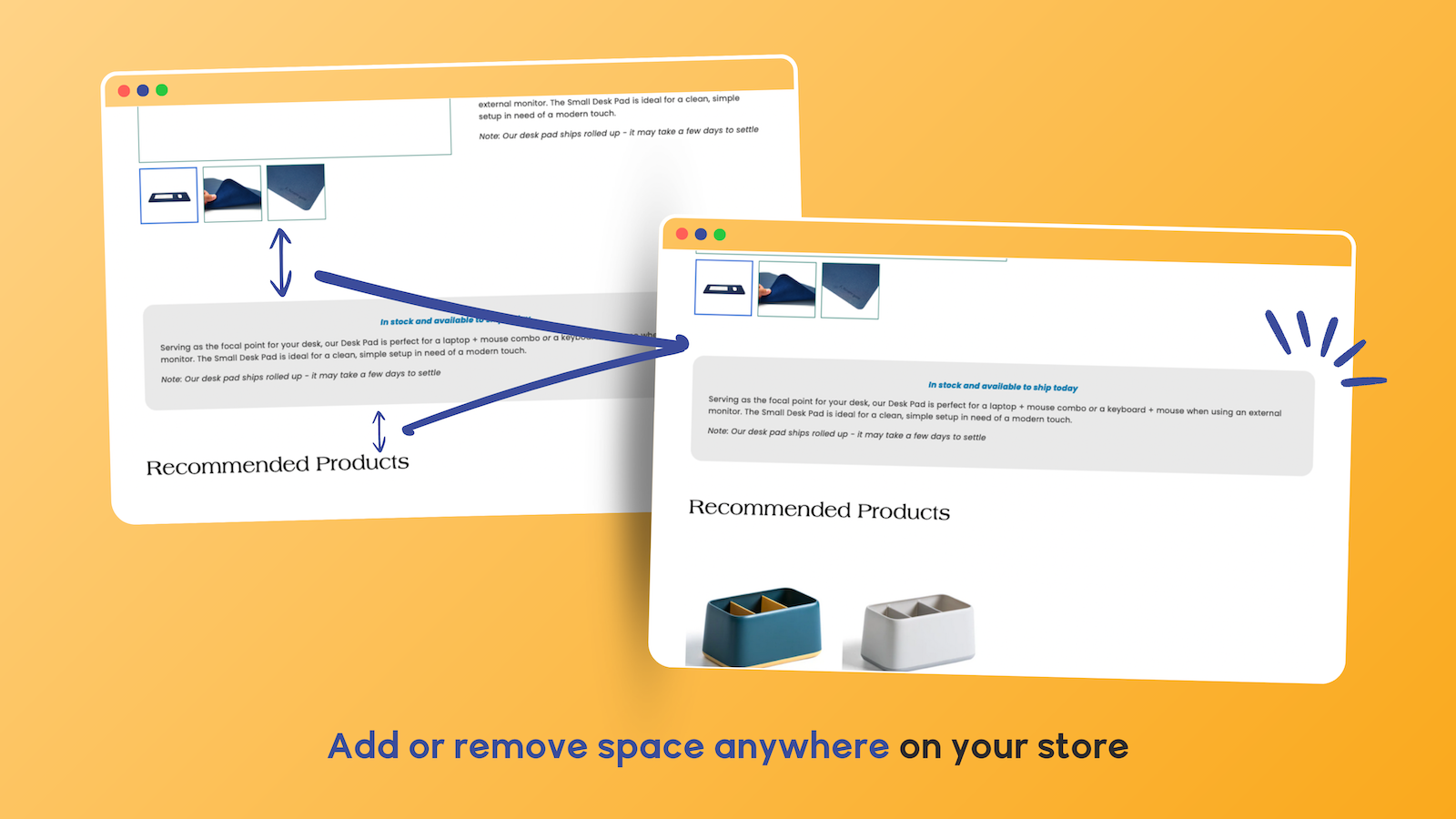
Control spacing between sections or blocks to improve your store’s layout and design.
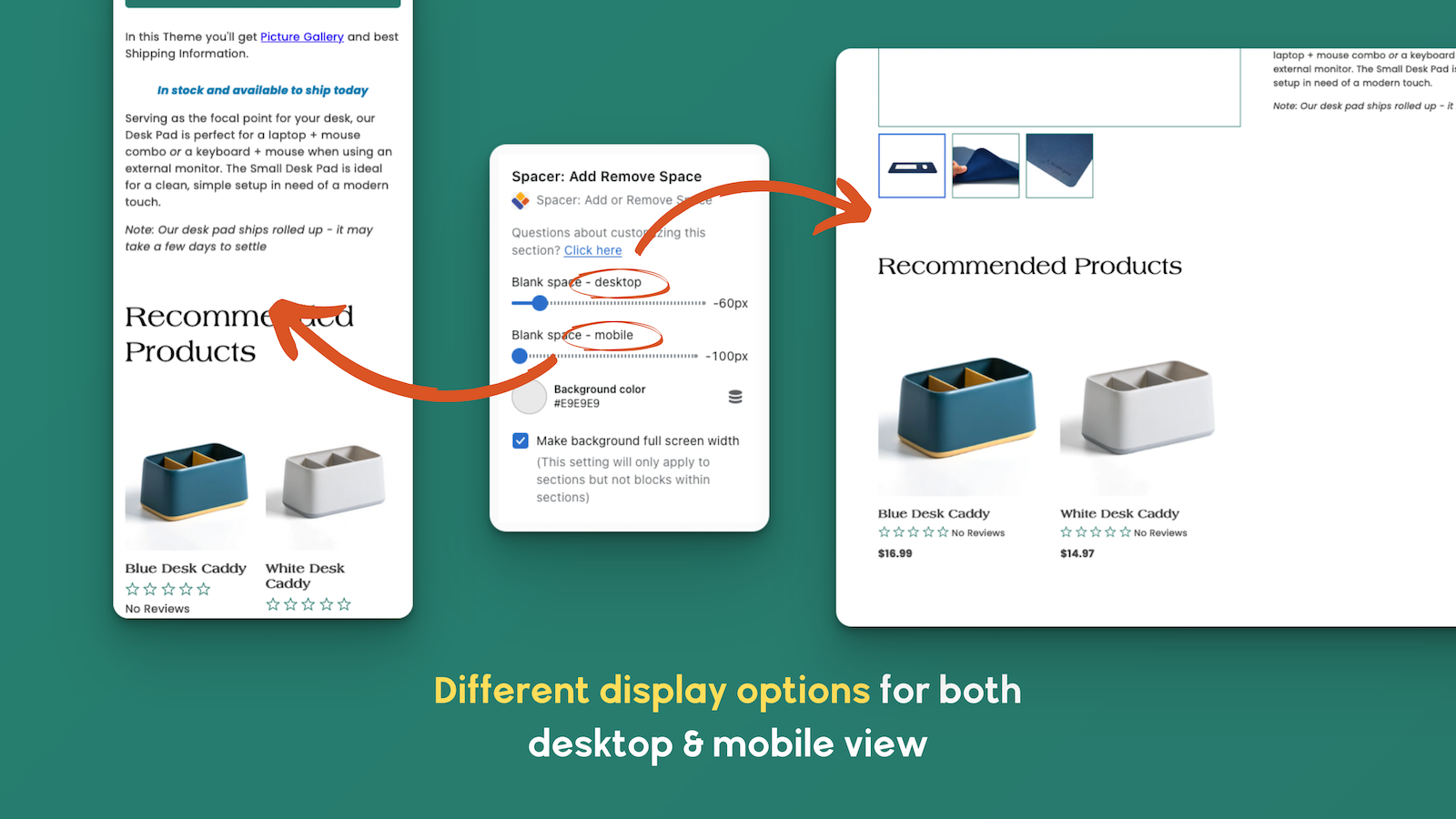
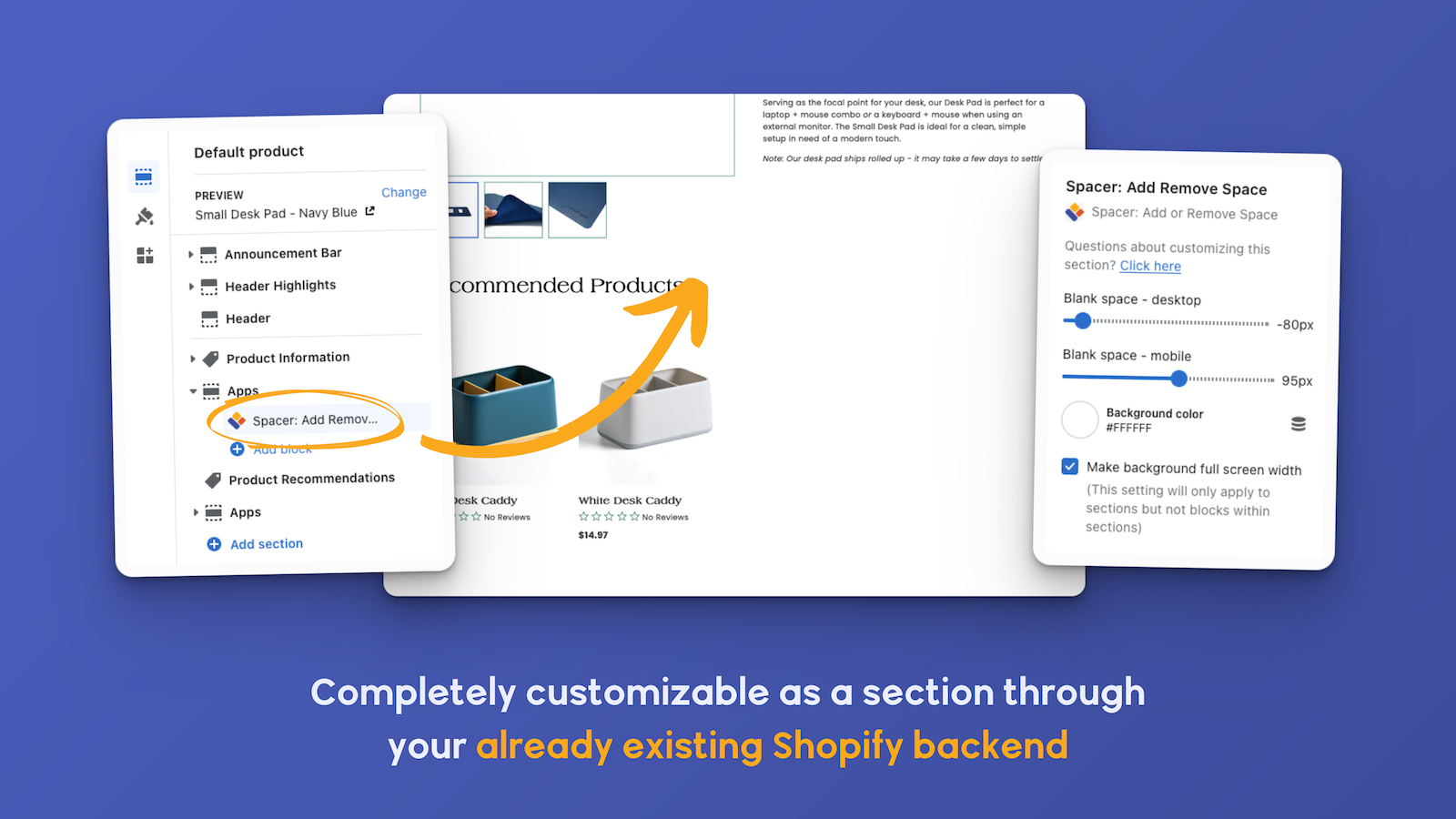
Add or remove vertical space between sections and blocks without editing code. Spacer gives you full control over spacing on product pages and across your Shopify theme. Customize spacing for desktop and mobile, change background colors, and fine-tune layout across your entire store—perfect for improving product display and page design without a developer.
Listing highlights
- Add or remove space between any two sections or any two blocks on your site
- Unique spacer settings for desktop and mobile browsers
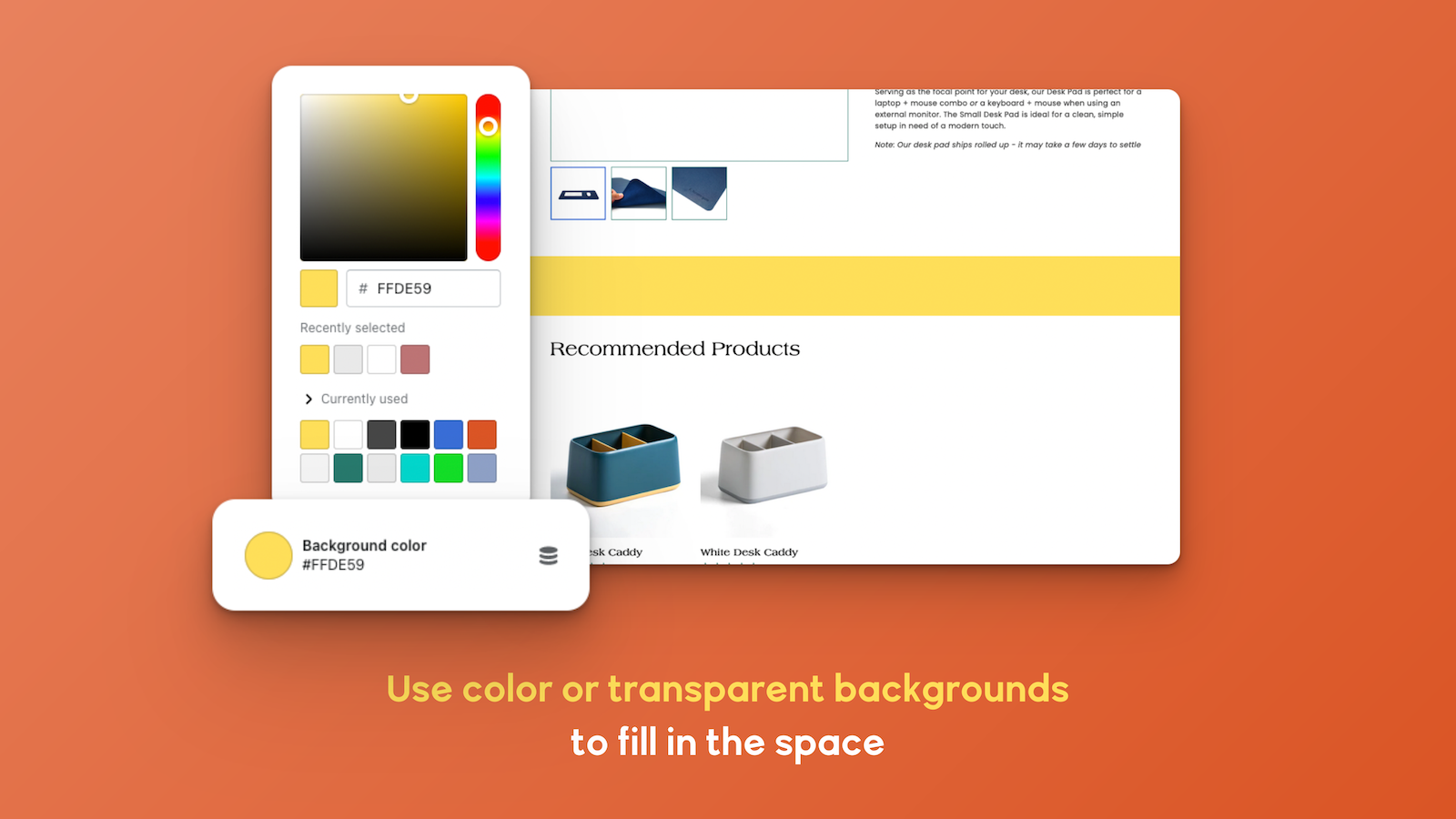
- Customize the background color to match the section/block above or below it
- Ideal for store owners wanting a custom look without changing themes entirely
How Shoplist knows
Every number on this page comes from public storefront scans and the public Shopify App Store listing. If Shoplist shows Spacer: Add or Remove Space on a store, it is there.
- Counts are based on Shoplist's latest available public crawl signal dated October 13, 2026.
- Shoplist has not yet found reliable public storefront evidence connecting a Shopify store to this app. This does not mean the app has no users. Some apps are new, admin-only, server-side, theme-independent, or otherwise difficult to detect from public storefront signals.
- Merchant rows are filtered to public brand profiles with enough public data to link safely. Full workflow, filtering, and monitoring stay behind signup.
- Review, pricing, feature, screenshot, and listing-change data come from public Shopify App Store and Shoplist crawl records. Signals can change between crawls.
Questions about Spacer: Add or Remove Space
- Why might Shoplist not show detected stores for Spacer: Add or Remove Space?
- Some Shopify apps are admin-only, server-side, theme-independent, or otherwise difficult to detect from public storefront signals.
- Does no public detection mean Spacer: Add or Remove Space has no users?
- No. It only means Shoplist has not found reliable public storefront evidence for Spacer: Add or Remove Space. pricing and developer data can still be useful signals.
- Can I monitor future public detections?
- Yes. Shoplist can monitor Spacer: Add or Remove Space for future public storefront detections and listing movement.
Keep exploring
Compare
Spacer: Add or Remove Space vs Full‑Width Product Description
Detected stores, ratings, pricing, and momentum side by side.
Developer
Convertify
Every app Convertify publishes, with their detected reach.
Rankings
Top apps by category
The ten apps gaining the most detected installs in each category.
Directory
All Shopify apps
Browse every app Shoplist tracks, by category, rating, and reach.
Keep watching Spacer: Add or Remove Space.
Get alerted on first storefront installs, review spikes, pricing changes, and listing edits.
