Smart Emails logo

Smart Emails Shopify App: Pricing, Features & First-Adopter Watch

Email marketing

Updated June 16, 2026

No signal

By Saul Studio.

Launched June 16, 2026. Shoplist is monitoring first merchant evidence, pricing, and feature details for this Shopify app.

Shoplist public signals

What is visible for Smart Emails right now

Signal date June 16, 2026

Monitoring status

First-adopter watch

Monitoring first merchant evidence

As of Jun 16, 2026

Momentum

0 No signal

Install trend held steady over the last 28 days

As of Jun 18, 2026

No signal0% confidence

0 momentum score

Install trend held steady over the latest 28-day window.

Updated Jun 18, 2026

0 installs

Momentum inputs

28d installs

0

Prev. 28d

0

New 28d

0

30d reviews

0

Installs
0
Growth
50
Adoption
0
Reviews
0
Fit
89

Quick answer

Smart Emails launched on June 16, 2026. Shoplist is monitoring first public merchant evidence and pricing changes.

Pricing

Pricing and plan posture

Free

Free
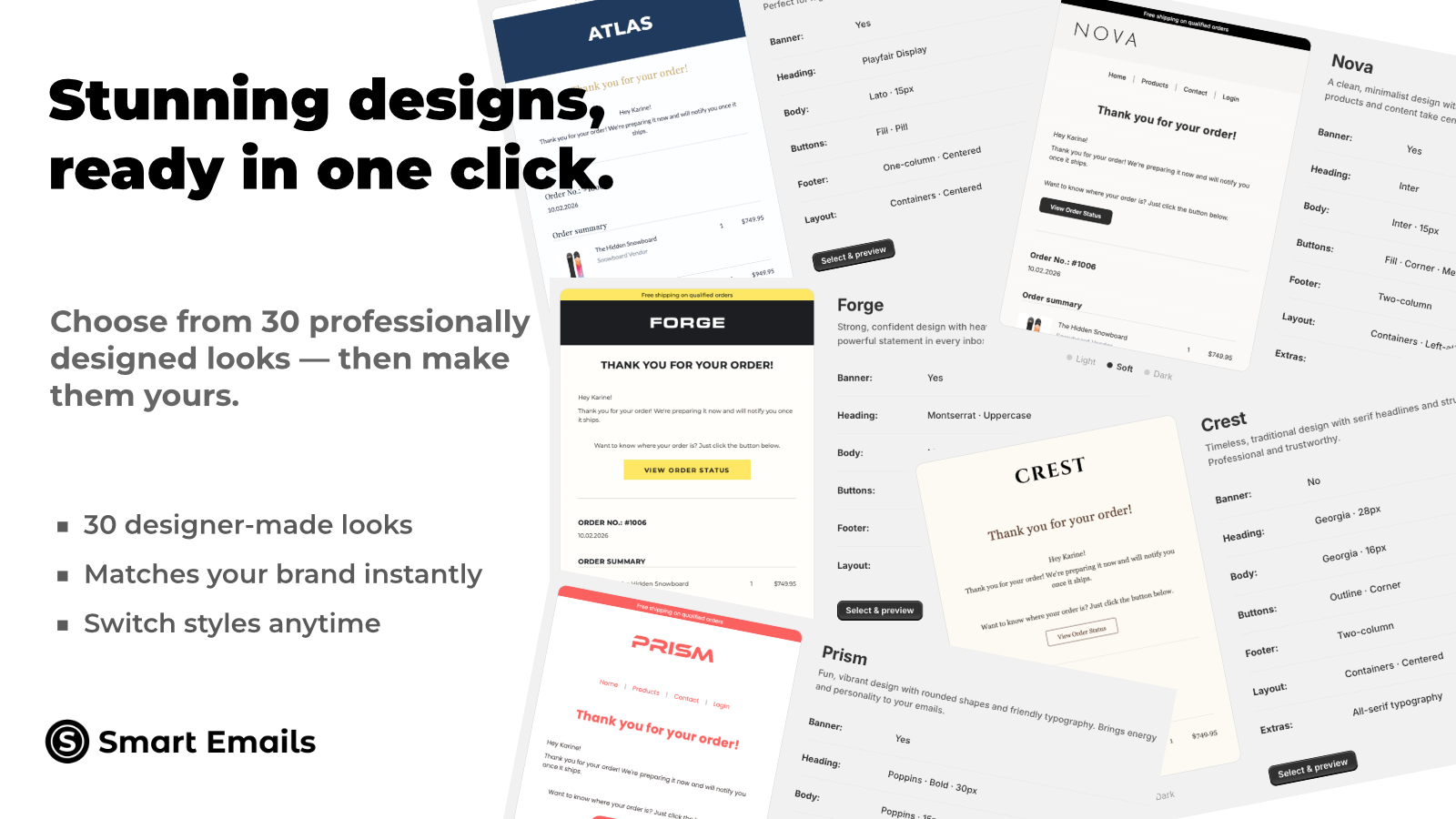
  • 30 professional design presets
  • Auto-save, never lose your work
  • Design & preview all 53 templates
  • Edit text, colors & footer anytime

Annual

$79
  • Built-in discounts & gift cards
  • Everything in Free, plus:
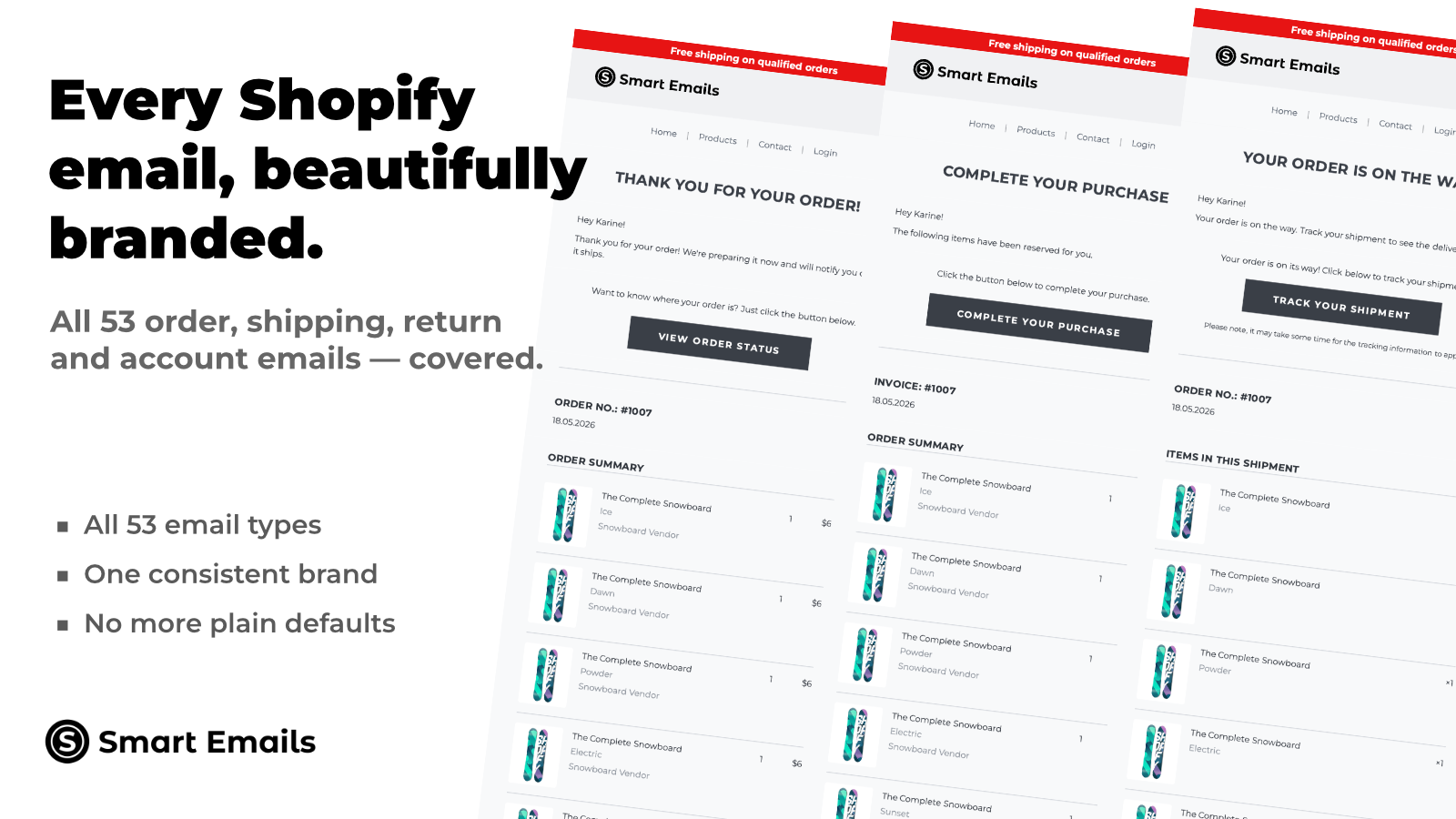
  • Export all 53 notification emails
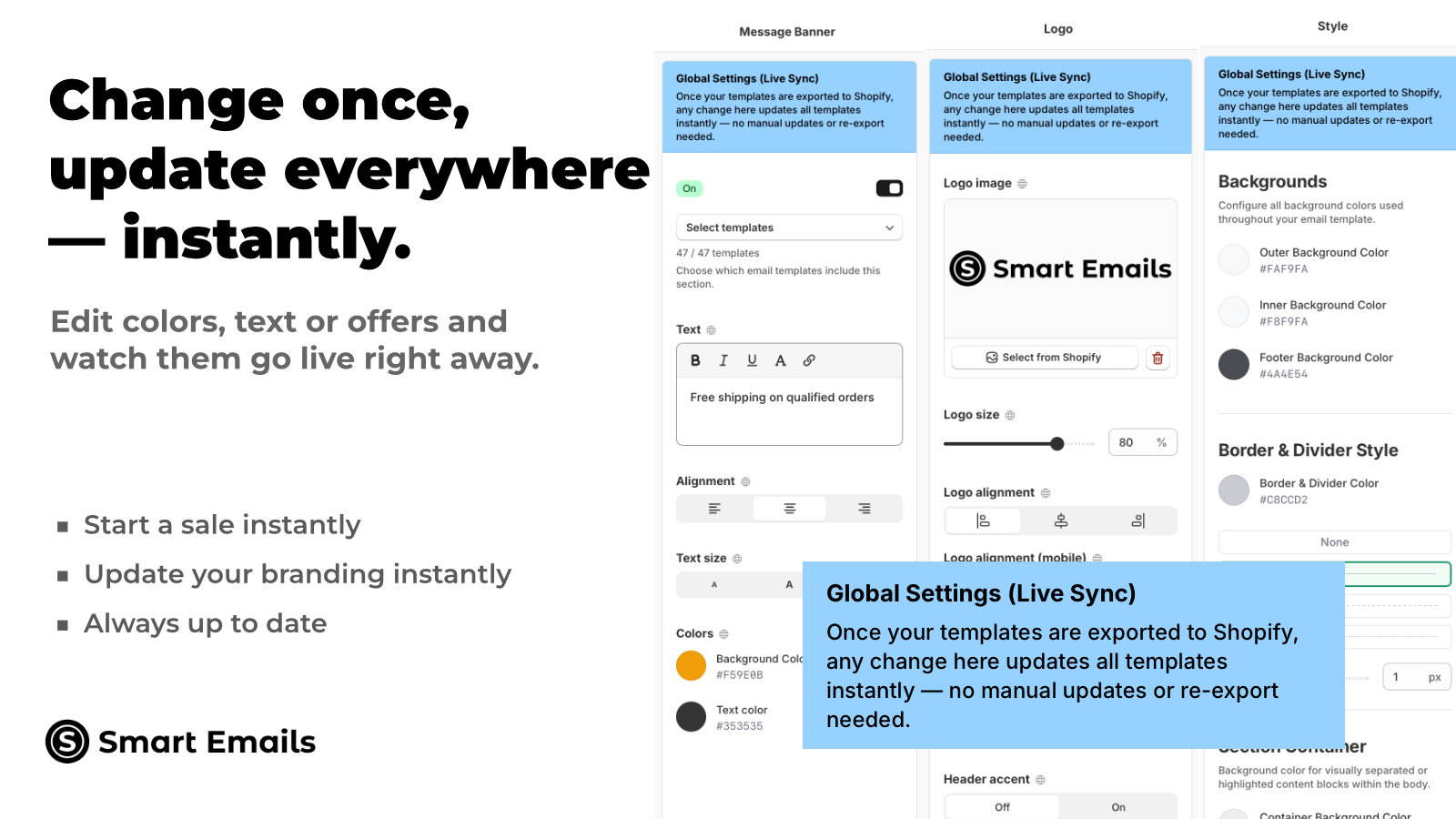
  • Instant live changes, no re-export

App-store listing

About Smart Emails

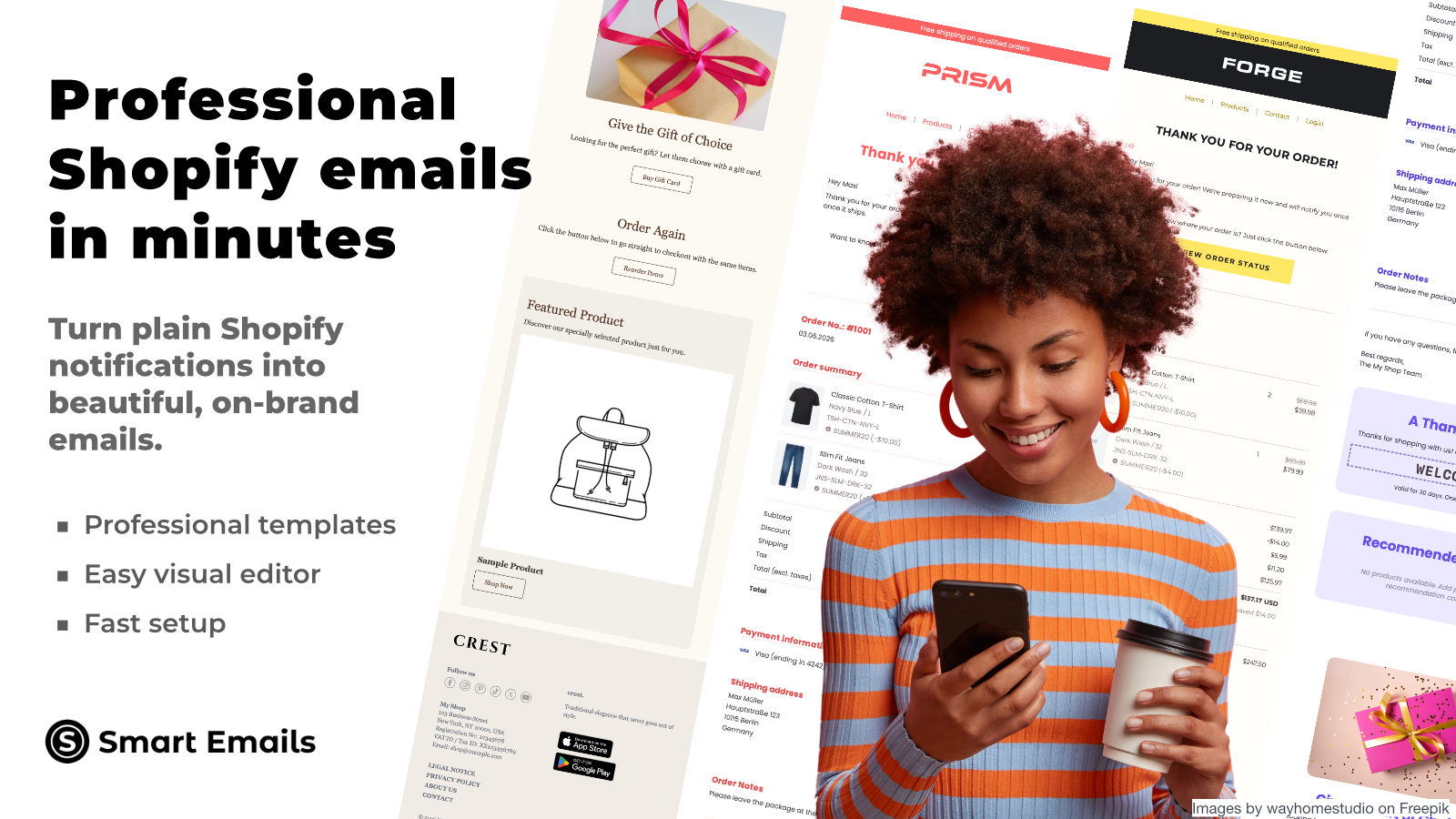
Design all 52 notification emails — no code. Changes go live instantly, new languages in one click.

30 professional presets. A visual editor for all 52 notification emails — no code needed. Change a color, text, or marketing section — live instantly across all templates. No re-export needed. Add discounts, product recommendations, gift cards, featured products, reorder buttons, or a message banner to turn every email into a sales channel. 26 languages — just select one, everything translates and installs automatically. Send test emails. Screenshot your designs. Track clicks per section.

Listing highlights

  • 30 presets, full visual editor — design every notification email, no code
  • One change updates all 53 emails instantly — no re-export needed
  • Add discounts, product recommendations, gift cards, or banners to any email
  • 26 languages — select one, everything translates and installs automatically
  • Built-in analytics — track clicks per section to see what drives sales

Features

Campaign types

Cart emails
Checkout emails
Cross-sell emails
Discounts
Follow-up emails
Product recommendations
Promotions
Show more
Upsell emails
Welcome emails

Managing campaigns

A/B testing
Analytics
Automations
Custom fonts
Editor tool
Localization
Reporting
Show more
Templates
Tracking
Translation

Methodology

How to read these signals

Counts are based on Shoplist's latest available public crawl signal dated June 16, 2026.

Shoplist has not yet found reliable public storefront evidence connecting a Shopify store to this app. This does not mean the app has no users. Some apps are new, admin-only, server-side, theme-independent, or otherwise difficult to detect from public storefront signals.

Merchant rows are filtered to public brand profiles with enough public data to link safely. Full workflow, filtering, and monitoring stay behind signup.

Review, pricing, feature, screenshot, and listing-change data come from public Shopify App Store and Shoplist crawl records. Signals can change between crawls.

FAQ

Questions about Smart Emails

Has Shoplist detected stores using Smart Emails yet?

Shoplist has not yet found reliable public storefront evidence for Smart Emails. The page tracks first merchant evidence as it appears.

What does first-adopter watch mean?

It means Shoplist is monitoring launch context, first storefront-detectable merchant evidence, and pricing.

Can I get alerts when stores start using Smart Emails?

Yes. Create a watchlist to get alerted when Shoplist finds public merchant evidence for Smart Emails.

Keep watching Smart Emails

Turn this public profile into a monitored app workflow for first detections, reviews, pricing, related apps, and listing-change history.

Get alerted when stores start using Smart Emails