ShopFlow logo

ShopFlow Shopify App: Reviews, Pricing & Storefront Detection Notes

Workflow automation

Updated March 26, 2026

By Golden F

Shoplist has not found reliable public storefront evidence for ShopFlow. Track reviews, pricing, listing changes, and developer context and first public

Shoplist public signals

What is visible for ShopFlow right now

Signal date March 26, 2026

Monitoring status

Storefront detection limited

Tracking non-storefront public signals

As of Mar 26, 2026

Reviews

1 public reviews

Momentum

0 No signal

Install trend held steady over the last 28 days

As of Jun 17, 2026

No signal0% confidence

0 momentum score

Install trend held steady over the latest 28-day window.

Updated Jun 17, 2026

0 installs

Momentum inputs

28d installs

0

Prev. 28d

0

New 28d

0

30d reviews

0

Installs
0
Growth
50
Adoption
0
Reviews
0
Fit
84

Quick answer

Shoplist has not found reliable public storefront evidence for ShopFlow. This may happen when an app is admin-only, server-side, or not visibly embedded on storefronts. Shoplist still tracks reviews, pricing, listing changes, developer data, related apps.

Reviews and velocity

Public review signals

Reviews

1

Pricing

Pricing and plan posture

Starter

$20
  • Create and save your favorite queries
  • Extract and synchronise data directly into excel
  • Publish data from Excel to Shopify

Activity and changes

Recent signals for ShopFlow

Recent detections and listing changes are public signals captured by crawl history.

App Store listing

Listing changes

4 updates

Detected Apr 30, 2026

Integrations updated

Integrations

Integrations updated

Shopify Admin

Detected Mar 26, 2026

Media gallery updated

Media

Media gallery updated

1 added, 1 removed — “View the promotional video for ShopFlow”

Detected Mar 23, 2026

Media gallery updated

Media

Media gallery updated

6 added, 3 removed — “Bulk edit product titles, tags, and status in Excel”

Detected Mar 15, 2026

Listing title changed +2 more

Positioning

Listing title changed

Seamlessly integrate your Store with Excel for real-time data management and analysisShopFlow – Bulk Product Edit & Inventory from Excel

Description rewritten

ShopFlow is an Excel add-in that connects to your Shopify store so you can work with products and variants in a spreadsheet. It lets you pull Shopify data into to Excel for review, filtering, powerful bulk product editing, inventory management, and reporting. You can data sync. It easily edit fields products, variants, prices, & SEO in Excel spreadsheets and apply those also validate data, then push changes back to Shopify in bulk. This helps merchants maintain their catalog and prepare updates without repetitive manual edits in the fast. Great for efficient Shopify admin.data management and bulk operations. An easy way to get precise control over your store from Excel.

Callouts updated

Bulk Product Editing: Update product titles, prices, descriptions, and SKUs onceInventory Management: Manage stock levels and product variants efficiently.Two-Way Sync: Pull data from Shopify, make changes in Excel, and pushes backUse Excel filters and formulas to manage large product catalogsSave hours by avoiding manual product editing in ShopifyQuery, download, and analyze products, inventory level, locationMass update your products, variant,Easily follow update errors directly into excel

App-store listing

About ShopFlow

ShopFlow – Bulk Product Edit & Inventory from Excel

ShopFlow connects Shopify to Excel for powerful bulk product editing, inventory management, and data sync. It easily edit products, variants, prices, & SEO in spreadsheets and also validate data, then push changes to Shopify fast. Great for efficient Shopify data management and bulk operations. An easy way to get precise control over your store from Excel.

Listing highlights

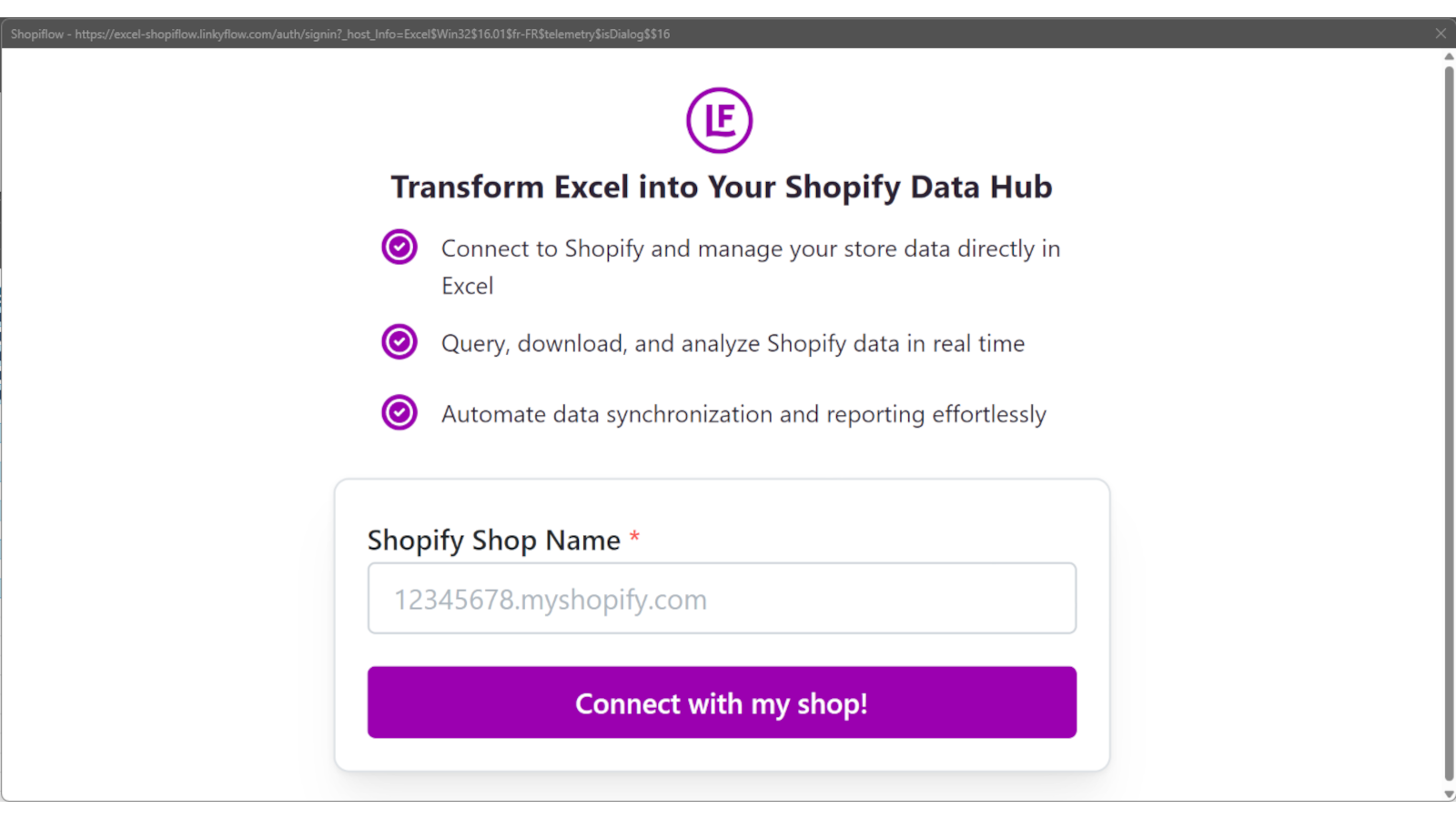
  • Manage your store data directly in Excel with seamless integration
  • Query, download, and analyze Shopify data in real-time for up-to-date insights.
  • Automate data synchronization and reporting to save time and reduce errors

Features

Customization

Auto-sync data

Automation tasks

Inventory levels
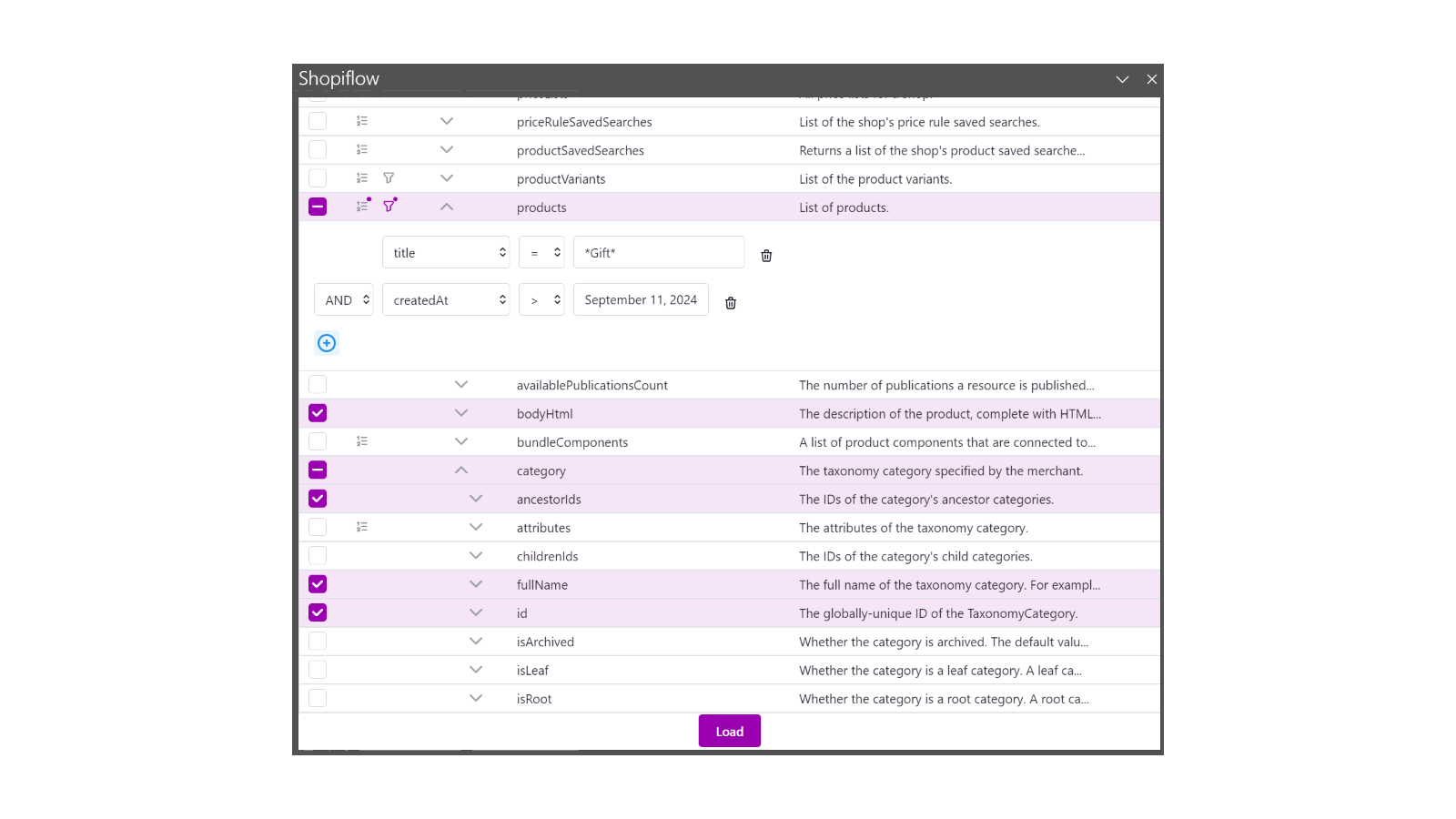
Create complexe shopify query with subtree data
Introduction - query, analyse and synchronise data
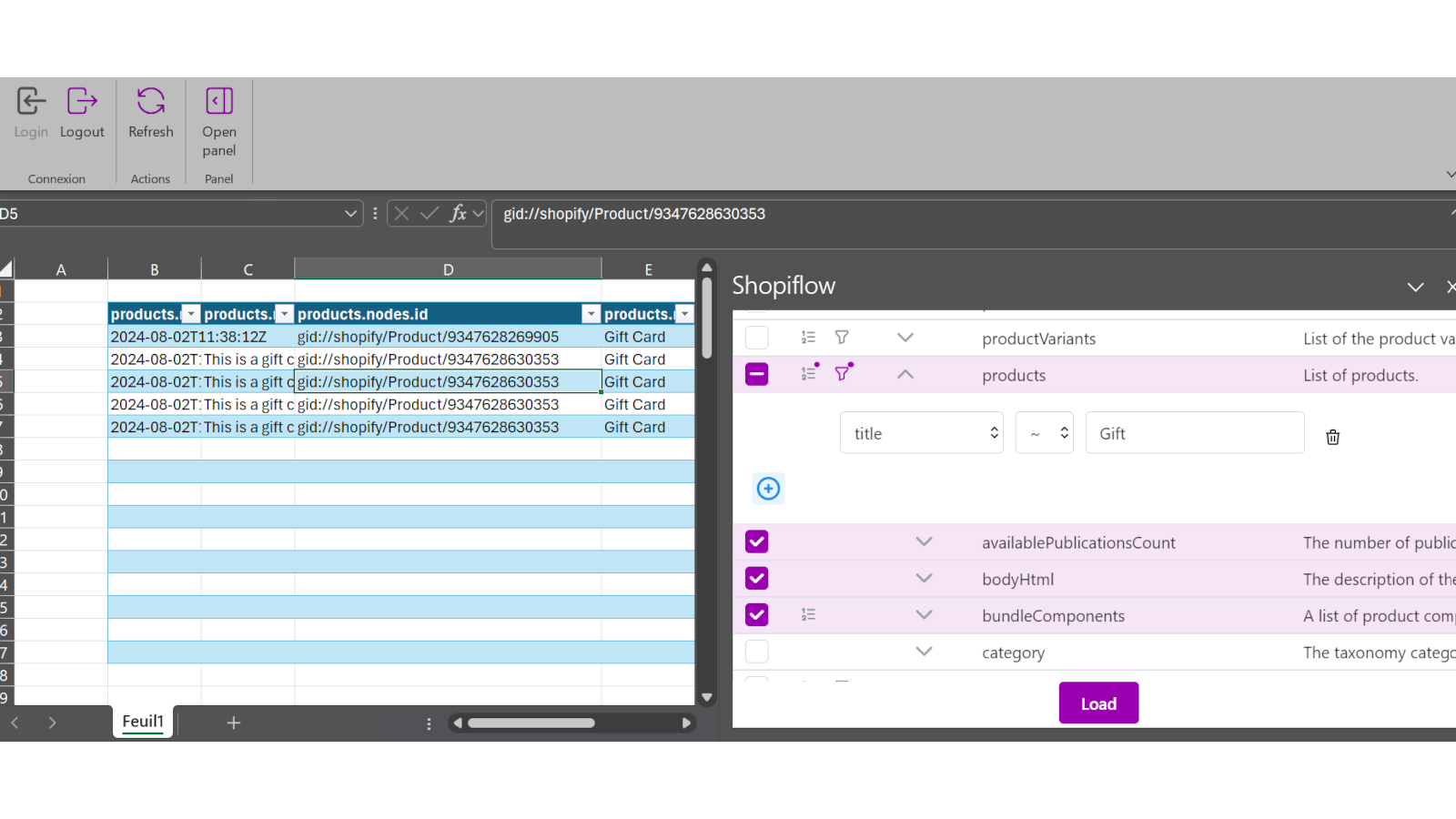
Display result from excel and in excel

Methodology

How to read these signals

Counts are based on Shoplist's latest available public crawl signal dated March 26, 2026.

Shoplist has not yet found reliable public storefront evidence connecting a Shopify store to this app. This does not mean the app has no users. Some apps are new, admin-only, server-side, theme-independent, or otherwise difficult to detect from public storefront signals.

Merchant rows are filtered to public brand profiles with enough public data to link safely. Full workflow, filtering, and monitoring stay behind signup.

Review, pricing, feature, screenshot, and listing-change data come from public Shopify App Store and Shoplist crawl records. Signals can change between crawls.

FAQ

Questions about ShopFlow

Why might Shoplist not show detected stores for ShopFlow?

Some Shopify apps are admin-only, server-side, theme-independent, or otherwise difficult to detect from public storefront signals.

Does no public detection mean ShopFlow has no users?

No. It only means Shoplist has not found reliable public storefront evidence for ShopFlow. reviews, pricing, listing changes, and developer data can still be useful signals.

Can I monitor future public detections?

Yes. Shoplist can monitor ShopFlow for future public storefront detections and listing movement.

Keep watching ShopFlow

Turn this public profile into a monitored app workflow for first detections, reviews, pricing, related apps, and listing-change history.

Monitor ShopFlow listing and first detections