Skip to content
Restock Date: Back in Stock logo

Restock Date: Back in Stock Shopify App: Pricing, Features & First-Adopter Watch

By Restock DateBadges and iconsLaunched September 11, 2026

Free trial

Restock Date: Back in Stock launched on September 11, 2026. Shoplist is watching for its first storefront installs and tracking pricing and listing changes in the meantime.

Key signals for Restock Date: Back in Stock

Sonar hasn’t detected Restock Date: Back in Stock on a store yet. Watching since its Sep 11, 2026 launch.

Free trial
PricingThen from $4.99/month

Updated October 13, 2026Data checked October 27, 2026Listing checked todayHow Shoplist knows

Restock Date: Back in Stock pricing

Restock Date
$4.99/month

Recent Restock Date: Back in Stock activity

Store movement comes from Sonar's storefront scans; listing changes come from the Shopify App Store page.

App Store listing

Listing changes

3 updates

Detected Oct 13, 2026

Price changed +2 more

Pricing

Price changed

$12$4.99/month-58%

Yearly pricing updated

or $120/year and save 17%or $49/year and save 18%

Trial terms updated

7-day free trial14-day free trial

Detected Sep 29, 2026

Feature category removed +1 more

Features

Badges and icons removed

Icon positionIcon types

Stock alerts added

Detected Oct 24, 2026

Integrations updated

Integrations

Integrations updated

Shopify Admin

Get Restock Date: Back in Stock's weekly changes by email

New stores, departures, and listing edits, once a week. No account needed.

Alternatives to Restock Date: Back in Stock

Apps merchants weigh against Restock Date: Back in Stock, with their own detected stores and ratings.
Restock Date: Back in Stock screenshots and video

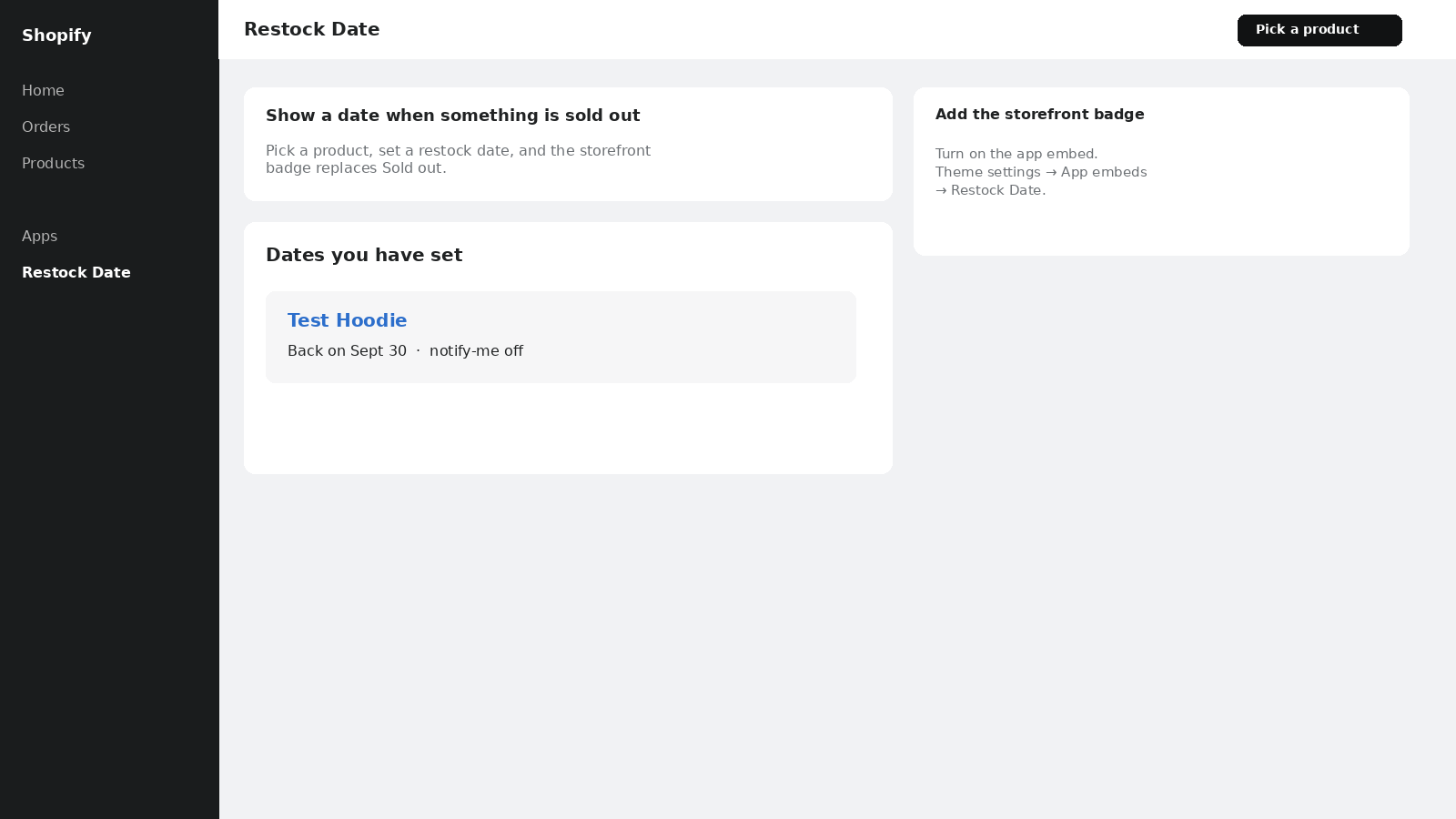
Admin list of saved restock dates
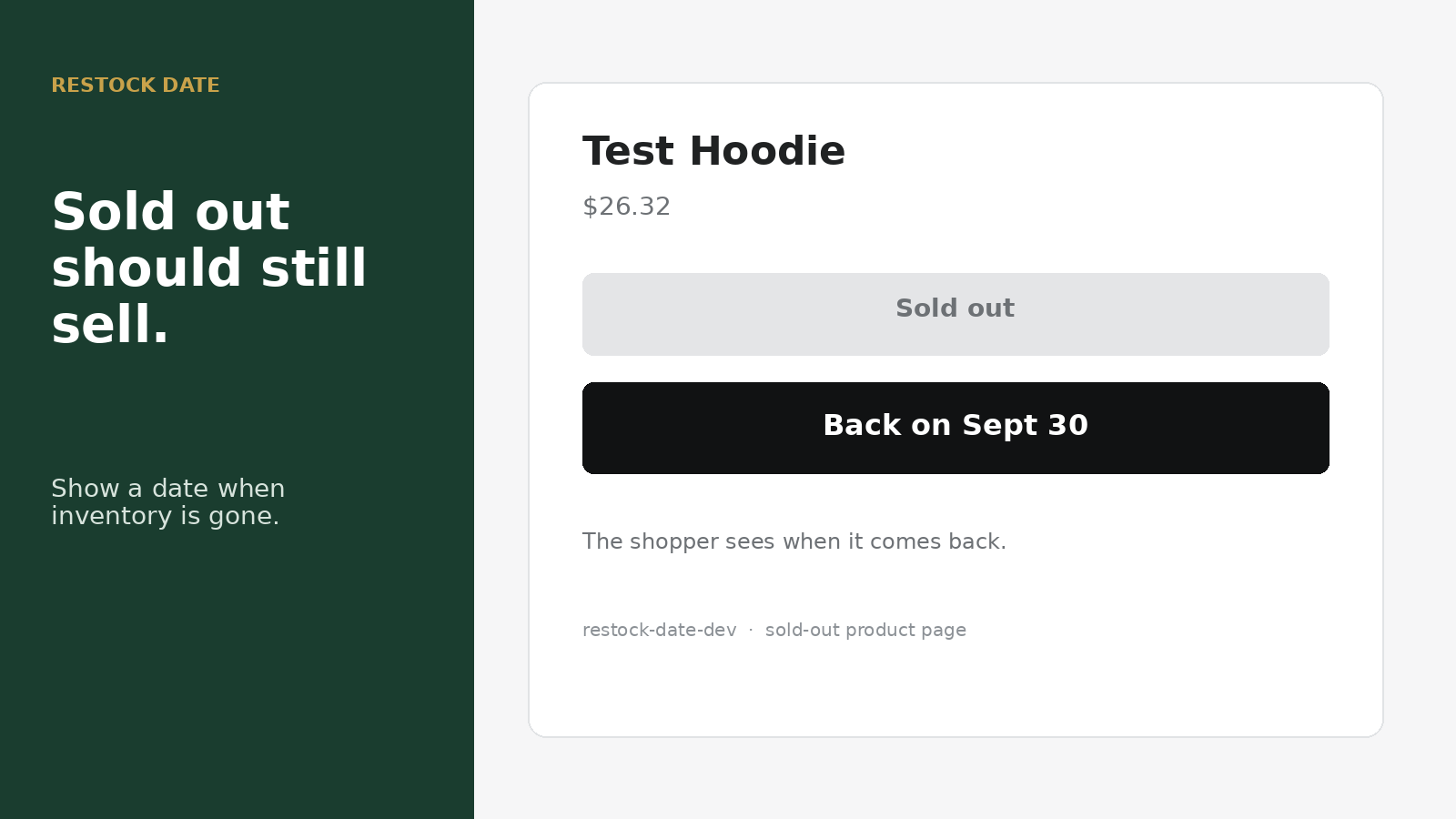
hoodie showing Back on Sept 30
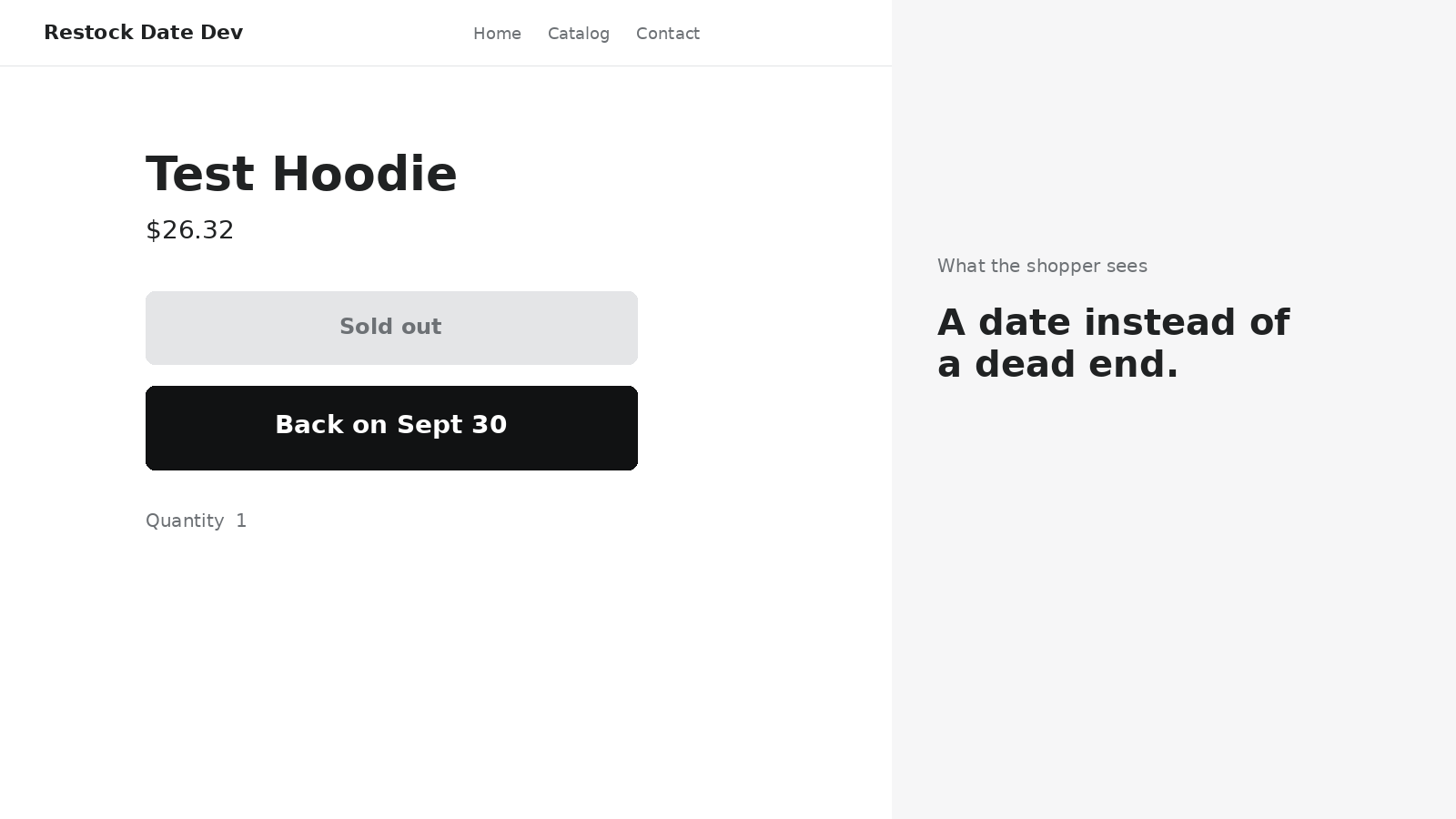
Sold-out product page showing Back on Sept 30
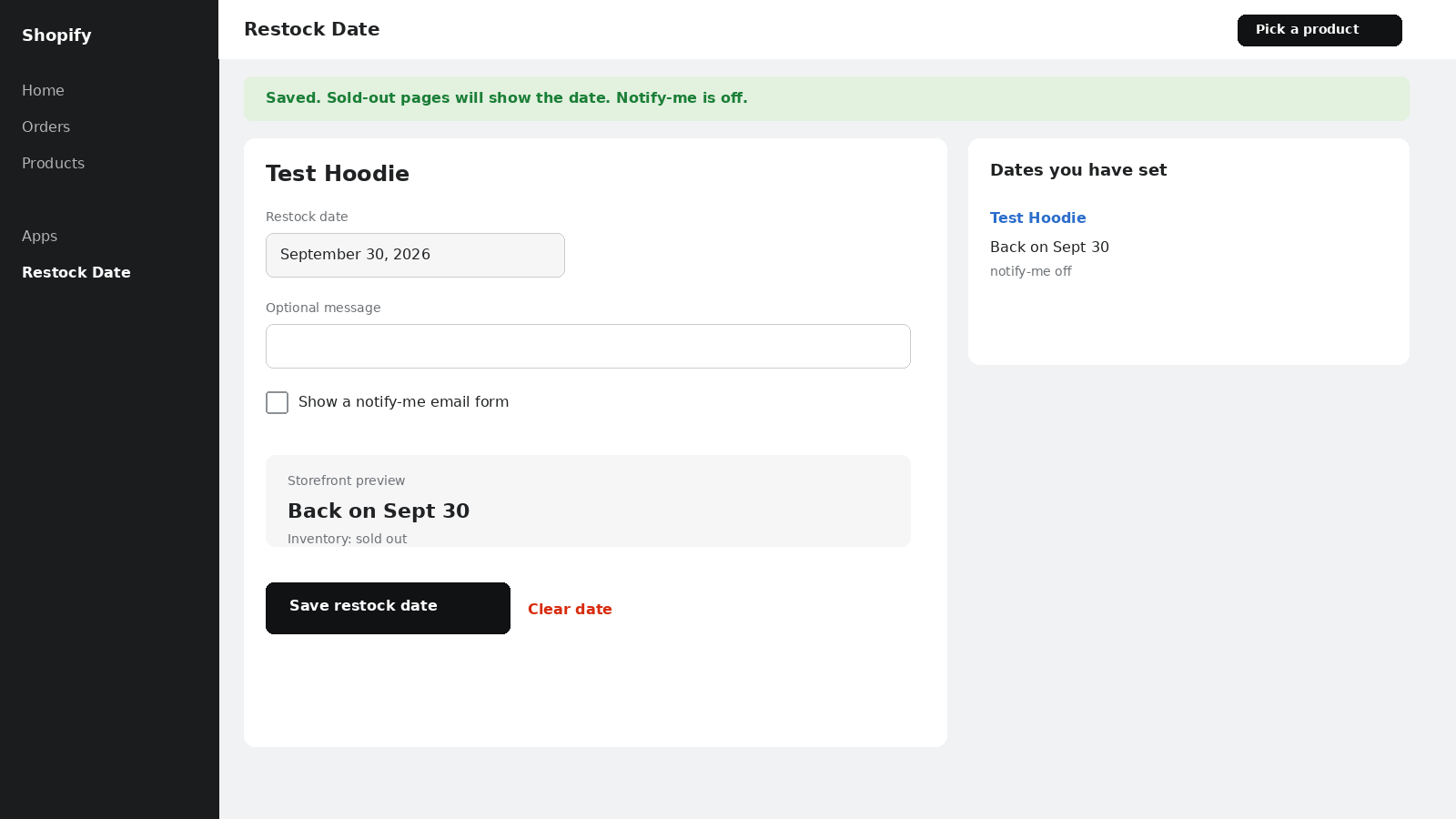
Form to set a restock date

About Restock Date: Back in Stock

Show a restock date on sold-out pages so shoppers wait for it instead of buying elsewhere.

Restock Date lets a merchant pick a sold-out product, set a date, and show that date on the product page. Shoppers see when it will be back instead of a dead Sold out button. Dates are stored on each variant. An optional notify-me form can collect emails. The badge only appears when the item is sold out and a date is set.

Listing highlights

  • Show “Back on [date]” on sold-out product pages
  • Set a restock date on each product variant
  • Optional notify-me email form when an item is sold out

Features

Icon types

  • Custom

Icon position

  • Auto-position

How Shoplist knows

Every number on this page comes from public storefront scans and the public Shopify App Store listing. If Shoplist shows Restock Date: Back in Stock on a store, it is there.

Read the data methodology
  • Counts are based on Shoplist's latest available public crawl signal dated October 13, 2026.
  • Shoplist has not yet found reliable public storefront evidence connecting a Shopify store to this app. This does not mean the app has no users. Some apps are new, admin-only, server-side, theme-independent, or otherwise difficult to detect from public storefront signals.
  • Merchant rows are filtered to public brand profiles with enough public data to link safely. Full workflow, filtering, and monitoring stay behind signup.
  • Review, pricing, feature, screenshot, and listing-change data come from public Shopify App Store and Shoplist crawl records. Signals can change between crawls.

Questions about Restock Date: Back in Stock

Has Shoplist detected stores using Restock Date: Back in Stock yet?
Shoplist has not yet found reliable public storefront evidence for Restock Date: Back in Stock. The page tracks first merchant evidence as it appears.
What does first-adopter watch mean?
It means Shoplist is monitoring launch context, first storefront-detectable merchant evidence, pricing, and listing changes.
Can I get alerts when stores start using Restock Date: Back in Stock?
Yes. Create a watchlist to get alerted when Shoplist finds public merchant evidence for Restock Date: Back in Stock.

Keep exploring

Keep watching Restock Date: Back in Stock.

Get alerted on first storefront installs, review spikes, pricing changes, and listing edits.