1. Home
  2. Shopify Apps
  3. QuickBooks Bridge
QuickBooks Bridge logo
adoption watch

QuickBooks Bridge Shopify App: Adoption Watch, Reviews, Pricing & Alternatives

Track QuickBooks Bridge as Shoplist watches for reliable merchant adoption signals, reviews, pricing movement, listing changes, and related Shopify apps.

4.8 from 208 reviewsBuilt by Parex Technologies Pvt LtdFree plan available

Track this app

Watch detected stores, listing changes, reviews, and related app movement from one workflow.

Create free watchlistShopify listing

Shoplist public signals

What is visible for QuickBooks Bridge right now

Signal date May 7, 2026

Detected stores

0

No public merchant rows yet

As of May 7, 2026

Reviews

208

4.8 average rating

As of Feb 17, 2026

Pricing

Free plan available

As of May 7, 2026

Category

Accounting

As of May 7, 2026

Reviews and velocity

Public review signals

Rating

4.8

Reviews

208

Latest

Feb 17, 2026

Sep 1, 20252
Oct 1, 20251
Nov 1, 20252
Dec 1, 20252
Jan 1, 20261
Feb 1, 20261

Pricing

Pricing and plan posture

Pay As You Go

$0
  • Available for new installs only
  • Easy Reconciliation for Shopify Payouts
  • For QuickBooks Online Only
  • Individual & Summary Sync Options

Silver

$10
  • Best for low volume businesses
  • Easy Reconciliation for Shopify Payouts
  • For MYOB and QuickBooks Online Only
  • Includes 100 orders/month

Gold

$20
  • Easy Reconciliation for Shopify Payouts
  • For MYOB and QuickBooks Online Only
  • Individual & Summary Sync Options
  • Plan includes 800 orders/month.

Platinum

$30
  • Easy Reconciliation for Shopify Payouts
  • For MYOB and QuickBooks Online Only
  • Individual & Summary Sync Options
  • Plan includes 2000 orders/month.

App-store listing

About QuickBooks Bridge

Sync sales data to QuickBooks in an automated manner - individual orders or summary sync options

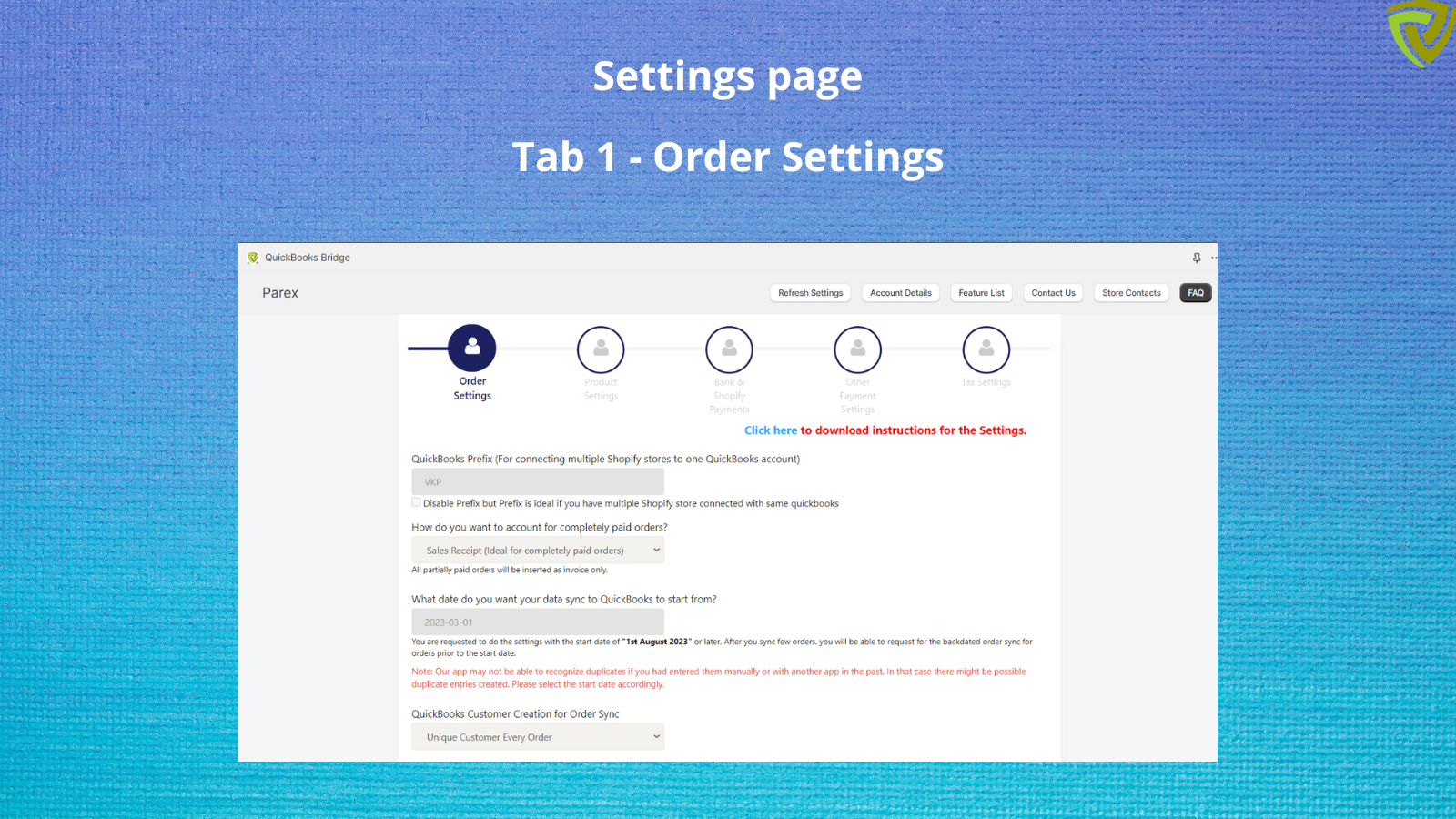
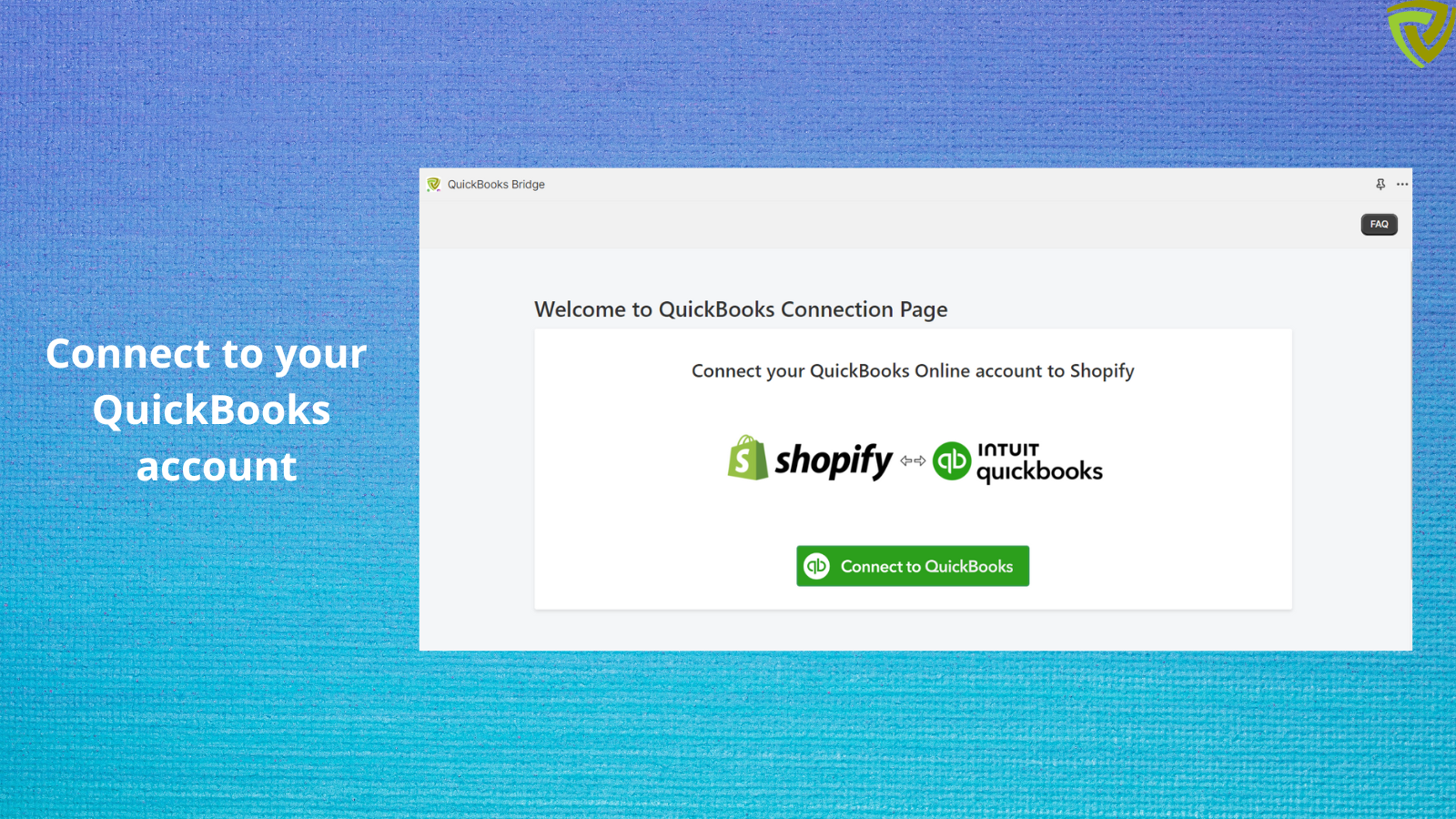
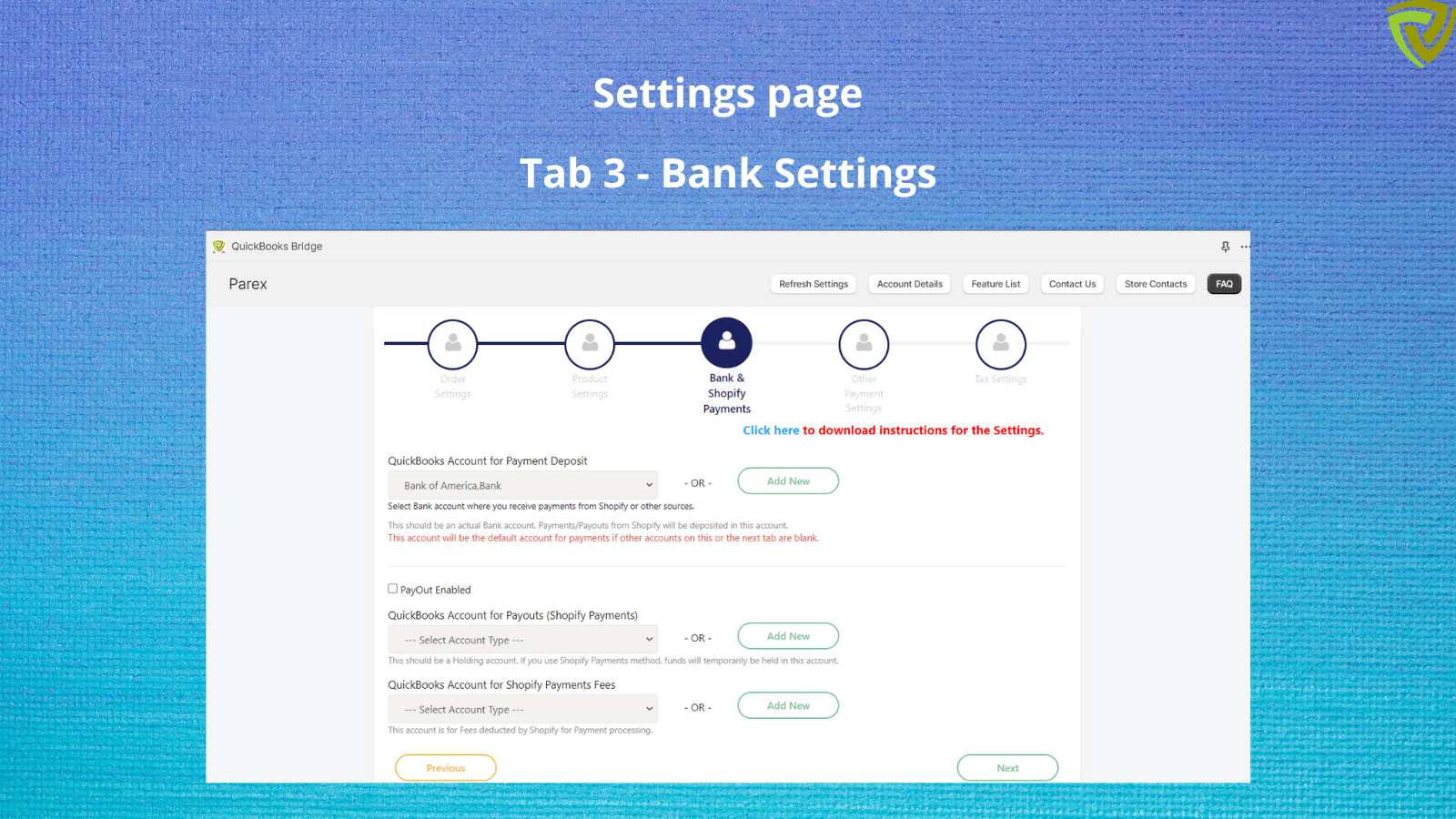
Sync sales data to QuickBooks Online easily in an automated manner - Individual orders OR Summary sync options. With Individual Orders you can export all your Orders, Products & Customer data to QuickBooks Automatically. You can sync data to QuickBooks automatically or prefer to do it manually at your convenience. With Summary Sync our app will create one entry for each Payout from Shopify. and will create one entry per day for each of the other payment methods.

Listing highlights

  • Individual Order Sync - Includes Customer, Products, Taxes and All details
  • Summary Invoice Sync - Create Invoice by Payment method for Easy Reconciliation
  • Automated Sync Process
  • Very Easy Reconciliation

Features

Financial reports

COGS tracking
Cash flow
Income and balance
Returns and exchanges
Sales and refunds
Sales tax

Automated data sync

Bank reconciliation
Customers
Daily sales summary
Historical data import
Inventory and product
Order details
Payouts

Financial operations

Accounts receivable
Billing and invoicing
Multi-channel
Multi-currency
Multi-store
Net terms
Purchase orders

Developer and listing facts

Developer
Parex Technologies Pvt Ltd
Launch
March 6, 2019
Category
Accounting
Languages
English
View Shopify listing

Methodology

How to read these signals

Counts are based on Shoplist's latest available public crawl signal dated 2026-05-07T05:36:09.655Z.

0 detected stores means Shoplist found current public evidence that a Shopify storefront is connected to this app. It is not a developer claim or contract signal.

Merchant rows are filtered to public brand profiles with enough public data to link safely. Full workflow, filtering, and monitoring stay behind signup.

Review, pricing, feature, screenshot, and listing-change data come from public Shopify App Store and Shoplist crawl records. Signals can change between crawls.

FAQ

Questions about QuickBooks Bridge

What does Shoplist know about QuickBooks Bridge adoption?

Shoplist has not detected reliable public merchant adoption for QuickBooks Bridge yet, so this page is in adoption-watch mode until stronger evidence appears.

Are these official QuickBooks Bridge adoption claims?

No. Shoplist uses cautious public detection language. A detected store means public storefront evidence currently connects the merchant to the app; it is not a contract, revenue, or developer-reported adoption claim.

Why are some QuickBooks Bridge sections limited?

Public pages show representative rows and top-level signals. The full workflow keeps deeper filtering, monitoring, exports, and history behind signup.

Keep watching QuickBooks Bridge

Turn this public profile into a monitored app workflow with merchant rows, detected movement, related apps, and listing-change history.

Create free watchlist

© 2025 Shoplist Inc.

Privacy

Terms

LLMS

Contact

Made in LA
AppsEnterprisePricing
  • Apps
  • Newest Apps
  • Data Methodology