Orders Limiter & Rules Shopify App: Pricing, Features & First-Adopter Watch
Order limitsBy Ergasti DigitalLaunched June 11, 2026Updated October 13, 2026
Orders Limiter & Rules launched on June 11, 2026. Shoplist is watching for its first storefront installs and tracking pricing in the meantime.
Key signals for Orders Limiter & Rules
- Launched
- Jun 11, 2026
- Pricing
- Free planPaid from $7.99/month
- Storefront installs
- None yetWatching since its Jun 11, 2026 launch
Orders Limiter & Rules pricing
- FREE
- 1 active quantity rule
- Community support
- Order-wide caps
- Up to 100 enforced actions, then enforce
- Free
- PRO
- Customer lifetime caps
- Email support
- Order-wide & subtotal caps
- Unlimited active quantity rules
- $7.99/month
- ADVANCED
- Advanced usage analytics
- Customer lifetime caps
- Everything in Pro
- Priority support
- $17.99/month
Alternatives to Orders Limiter & Rules
Apps merchants weigh against Orders Limiter & Rules, with their own detected stores and ratings.


Orders Limiter & Rules screenshots and video
About Orders Limiter & Rules
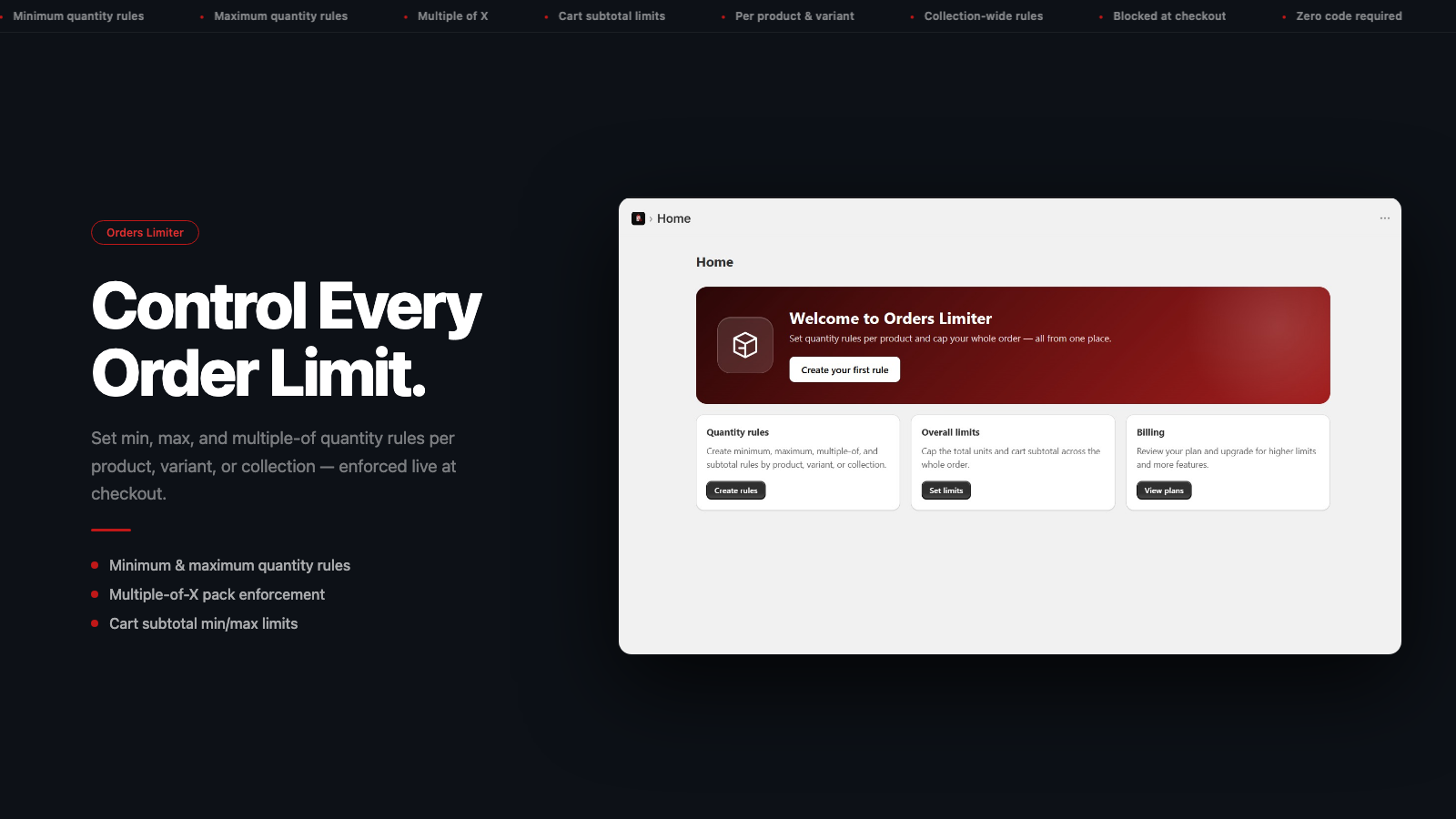
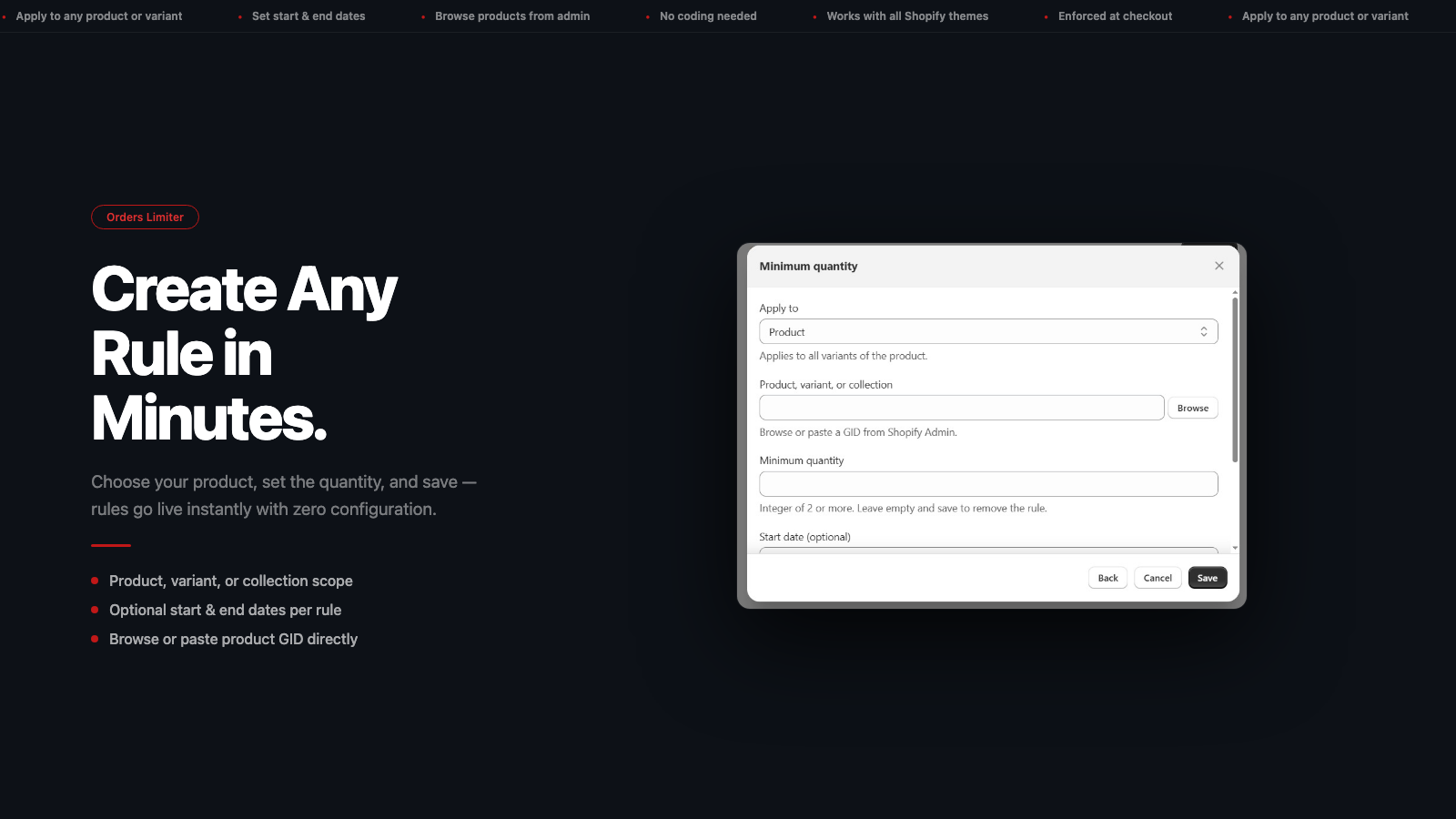
Orders-Limiter sets minimum and maximum purchase rules on your products. Enforce limits at checkout.
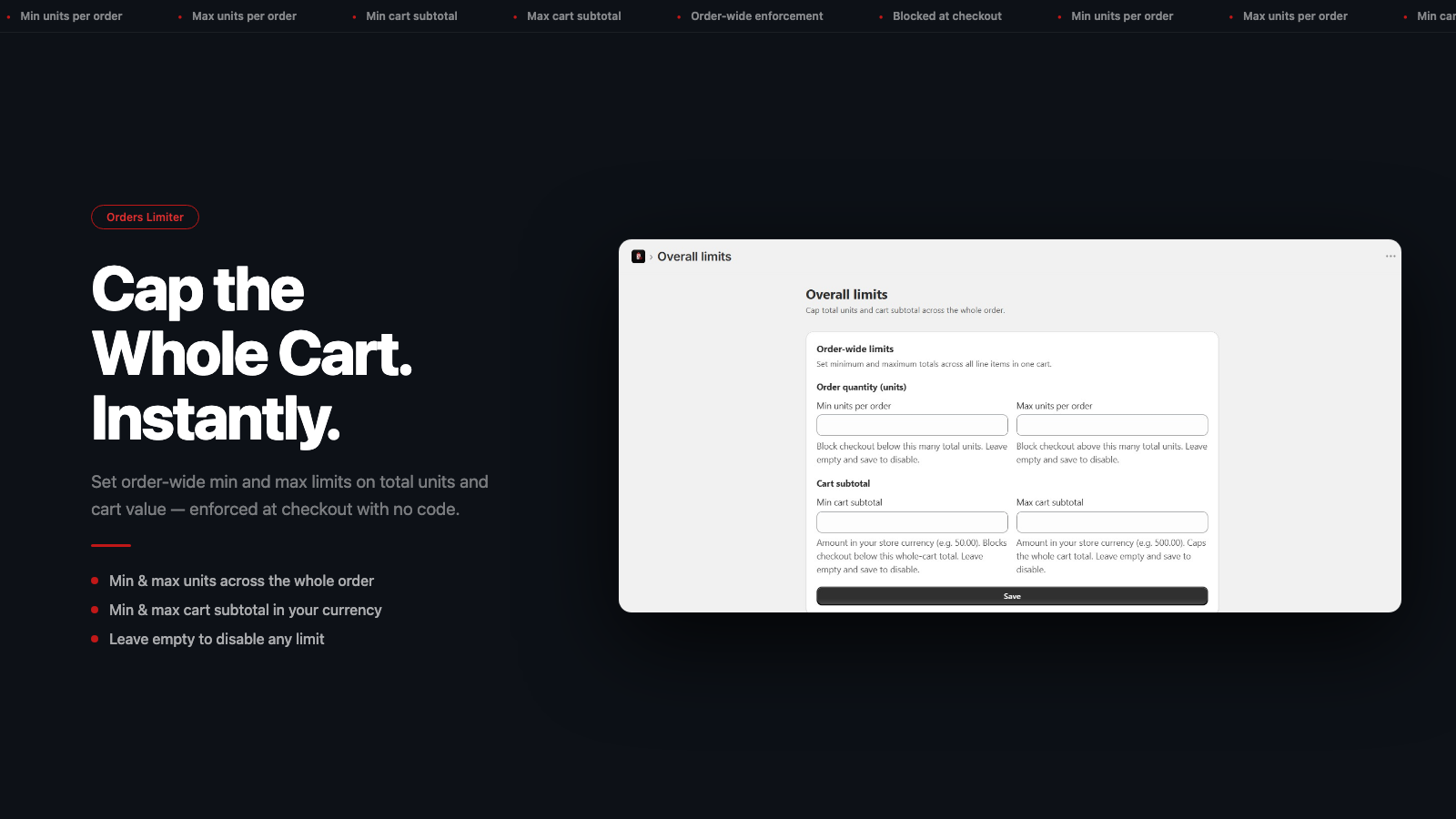
Some products need purchase limits, whether to protect limited stock, support wholesale minimums, or prevent bulk buying that disrupts fair access. Orders-Limiter solves this by letting merchants set minimum and maximum quantities, require quantities in multiples, and cap the total value or item count of an order. Rules apply to products, variants, or the whole store, and are enforced at checkout.
Listing highlights
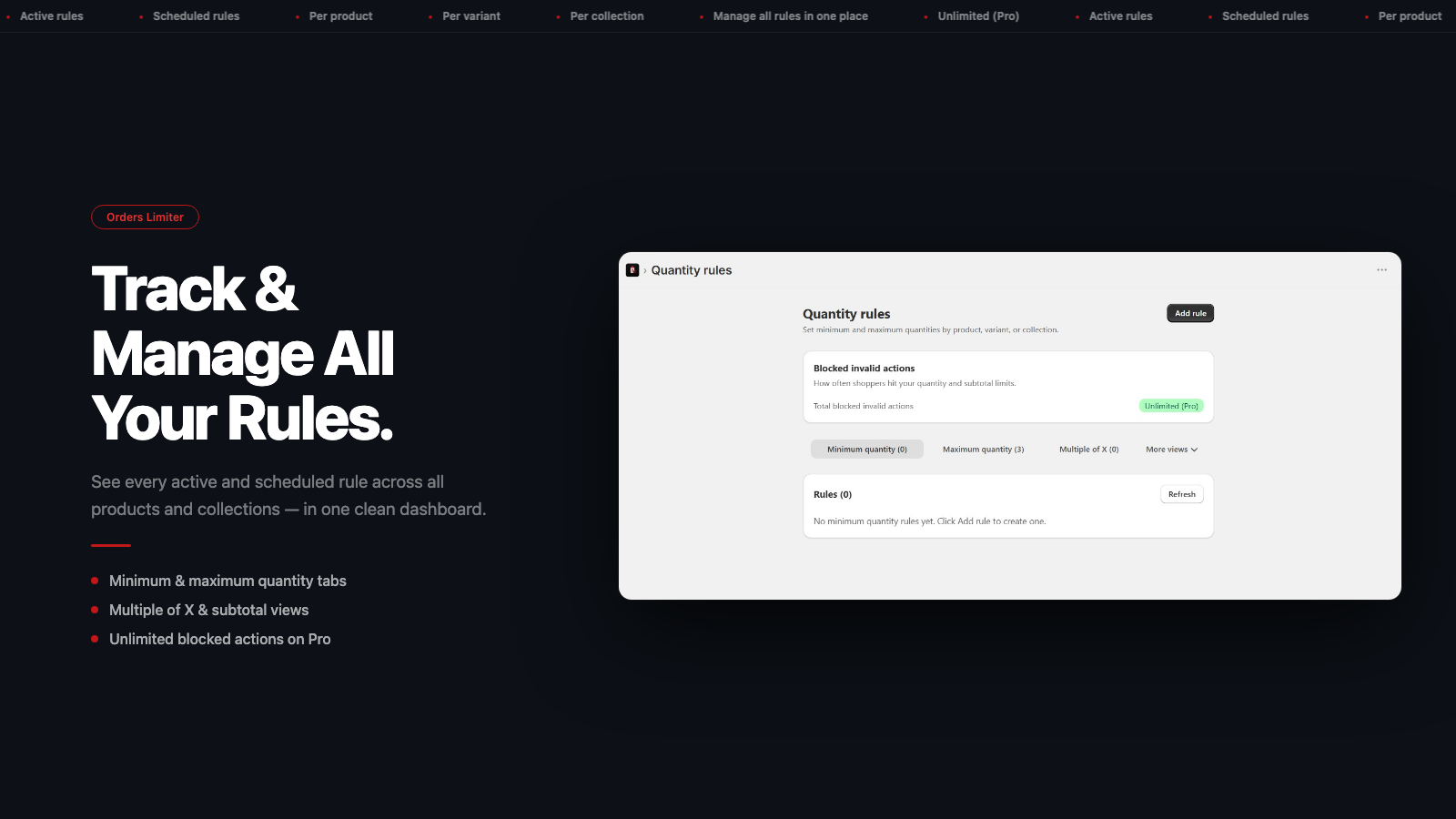
- Set minimum and maximum purchase quantities per product or variant
- Require customers to buy in fixed multiples, like packs of 6 or 12
- Cap the total value or number of items allowed in a single order
- Apply rules to one product, a variant, or your entire store at once
- Schedule rules to start and stop on dates you choose
Features
Limit rules
- Cart-based
- Max quantity
- Min quantity
- Price-based
Notification settings
- Cart alerts
How Shoplist knows
Every number on this page comes from public storefront scans and the public Shopify App Store listing. If Shoplist shows Orders Limiter & Rules on a store, it is there.
Read the data methodology- Counts are based on Shoplist's latest available public crawl signal dated October 13, 2026.
- Shoplist has not yet found reliable public storefront evidence connecting a Shopify store to this app. This does not mean the app has no users. Some apps are new, admin-only, server-side, theme-independent, or otherwise difficult to detect from public storefront signals.
- Merchant rows are filtered to public brand profiles with enough public data to link safely. Full workflow, filtering, and monitoring stay behind signup.
- Review, pricing, feature, screenshot, and listing-change data come from public Shopify App Store and Shoplist crawl records. Signals can change between crawls.
Questions about Orders Limiter & Rules
- Has Shoplist detected stores using Orders Limiter & Rules yet?
- Shoplist has not yet found reliable public storefront evidence for Orders Limiter & Rules. The page tracks first merchant evidence as it appears.
- What does first-adopter watch mean?
- It means Shoplist is monitoring launch context, first storefront-detectable merchant evidence, and pricing.
- Can I get alerts when stores start using Orders Limiter & Rules?
- Yes. Create a watchlist to get alerted when Shoplist finds public merchant evidence for Orders Limiter & Rules.
Keep exploring
Compare
Orders Limiter & Rules vs Melon Minimum Order Quantity
Detected stores, ratings, pricing, and momentum side by side.
Developer
Ergasti Digital
Every app Ergasti Digital publishes, with their detected reach.
Rankings
Top apps by category
The ten apps gaining the most detected installs in each category.
Directory
All Shopify apps
Browse every app Shoplist tracks, by category, rating, and reach.
Keep watching Orders Limiter & Rules.
Get alerted on first storefront installs, review spikes, pricing changes, and listing edits.
