Mixtable Excel and CSV Export Shopify App: Reviews, Pricing & Storefront Detection Notes

Bulk editor

Updated April 25, 2026

5 (1 reviews)

By Daipari EOOD

Shoplist has not found reliable public storefront evidence for Mixtable Excel and CSV Export. Track reviews, pricing, listing changes, and developer context and

Shoplist public signals

What is visible for Mixtable Excel and CSV Export right now

Signal date April 25, 2026

Monitoring status

Storefront detection limited

Tracking non-storefront public signals

As of Apr 25, 2026

Reviews

1 public reviews

5.0 average rating

As of Feb 12, 2026

Momentum

1 No signal

Install trend held steady over the last 28 days

As of Jun 15, 2026

Latest review

February 12, 2026

As of Feb 12, 2026

No signal0% confidence

1 momentum score

Install trend held steady over the latest 28-day window.

Updated Jun 15, 2026

0 installs

Momentum inputs

28d installs

0

Prev. 28d

0

New 28d

0

30d reviews

0

Installs
0
Growth
50
Adoption
0
Reviews
0
Fit
61

Quick answer

Shoplist has not found reliable public storefront evidence for Mixtable Excel and CSV Export. This may happen when an app is admin-only, server-side, or not visibly embedded on storefronts. Shoplist still tracks reviews, pricing, listing changes, developer data, related apps.

Reviews and velocity

Public review signals

Rating

5.0

Reviews

1

Latest

Feb 12, 2026

Pricing

Pricing and plan posture

Basic Shopify

$5
  • For stores on the Basic Shopify plan.

Shopify

$7
  • For stores on the Shopify plan.

Advanced Shopify

$7
  • For stores on the Advanced Shopify plan.

Shopify Plus

$10
  • For Shopify Plus stores.

Activity and changes

Recent signals for Mixtable Excel and CSV Export

Recent detections and listing changes are public signals captured by crawl history.

App Store listing

Listing changes

3 updates

Detected Apr 25, 2026

Listing title changed +3 more

Positioning

Listing title changed

Explore your store data in a live, Excel-like spreadsheet. Export to Excel or CSV for freeExplore your store data in a live, Excel-like spreadsheet, and export to Excel or CSV

Description rewritten

Mixtable is the only an online spreadsheet for Shopify, built to keep your store data always up to date. … , variants, prices, inventory, metafields, orders, customers, tags, blog posts, translations, and more. When ready, export your spreadsheet to Excel or any worksheet to CSV with a single click. This app is free, forever.click.

Callouts updated

Export any worksheet to CSV with a single clickExport any worksheet to CSV with a single click. Free to use.

+1 more change in this update

Detected Apr 22, 2026

App icon changed

Media

App icon changed

Previous app iconNew app icon

Detected Apr 16, 2026

App name changed +4 more

Positioning

App name changed

Mixtable XLS/CSV ExporterMixtable ‑ Explore & Export

Listing title changed

Always-updated online spreadsheet with one-click export to Excel (XLSX) and CSV formatsExplore your store data in a live, Excel-like spreadsheet. Export to Excel or CSV for free

Description rewritten

Mixtable is an the only online spreadsheet for Shopify, built specifically to sync seamlessly with Shopify. keep your store data always up to date. It looks, feels, and functions works like Excel or Google Sheets, including support for formulas — but runs entirely in your browser. Simply set up a workbook formulas. Use our Explore & Export app to browse, audit, and work with the your store data you want to display or export, across products, variants, prices, inventory, metafields, orders, customers, tags, blog posts, and Mixtable will automatically keep it up to date as changes occur in Shopify. more. When you’re ready, export the entire workbook as an your spreadsheet to Excel file—with all tabs and formatting preserved — or export individual sheets as any worksheet to CSV files.with a single click. This app is free, forever.

+2 more changes in this update

App-store listing

About Mixtable Excel and CSV Export

Always-updated online spreadsheet for one-click export to Excel (XLSX) and CSV

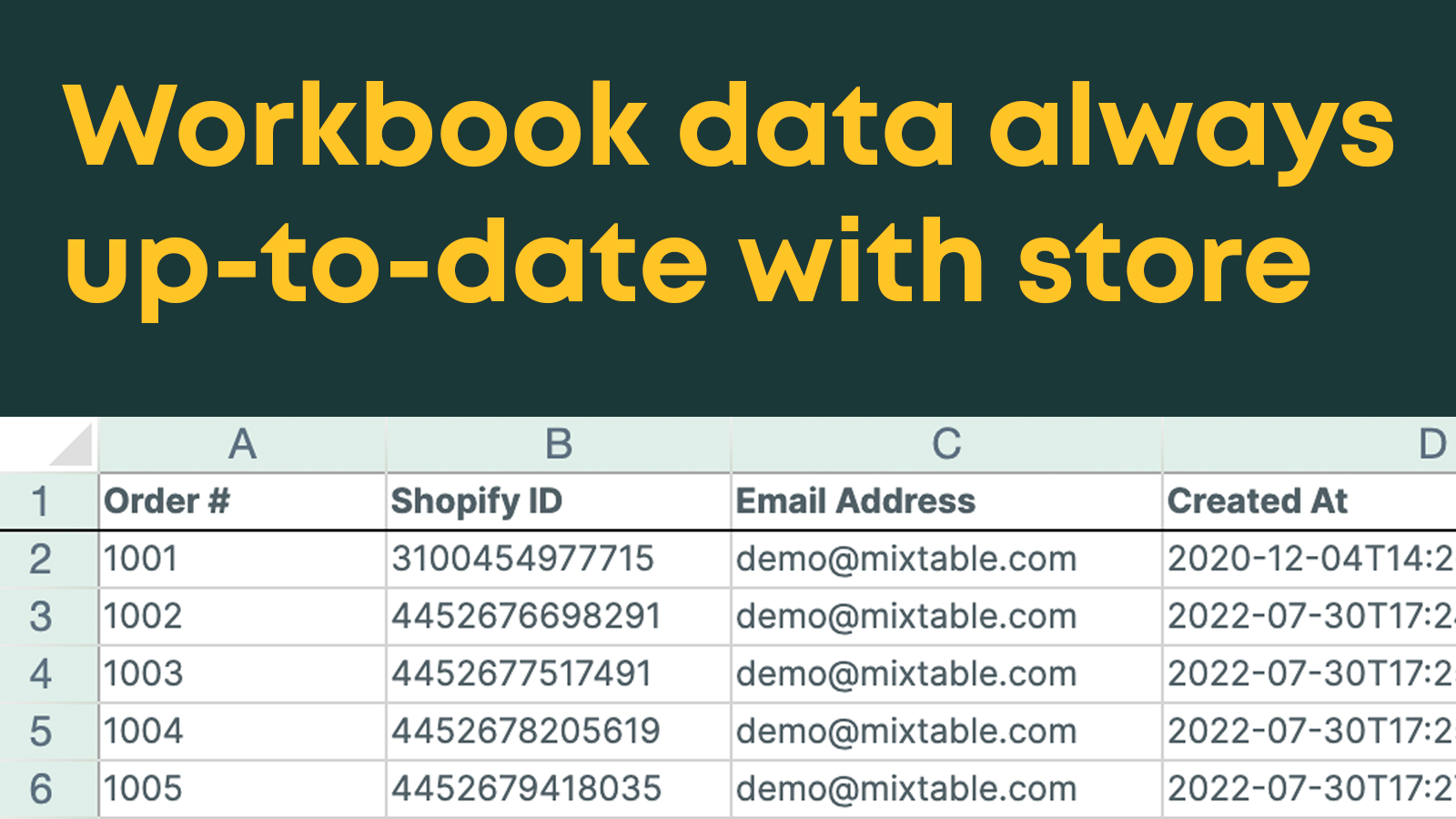
Mixtable is an online spreadsheet, designed from the ground up to sync data with Shopify. It looks, feels, and behaves like Excel (including formulas), but runs in your browser. Set up a workbook with the store data you want to display/export, and we'll keep the data up-to-date as changes are made in Shopify. Then just click a button to export the entire workbook as an Excel file, with all tabs and formatting. You can also export each individual sheet to a CSV file.

Listing highlights

  • Load workbook with products, variants, images, metafields, inventory, and more!
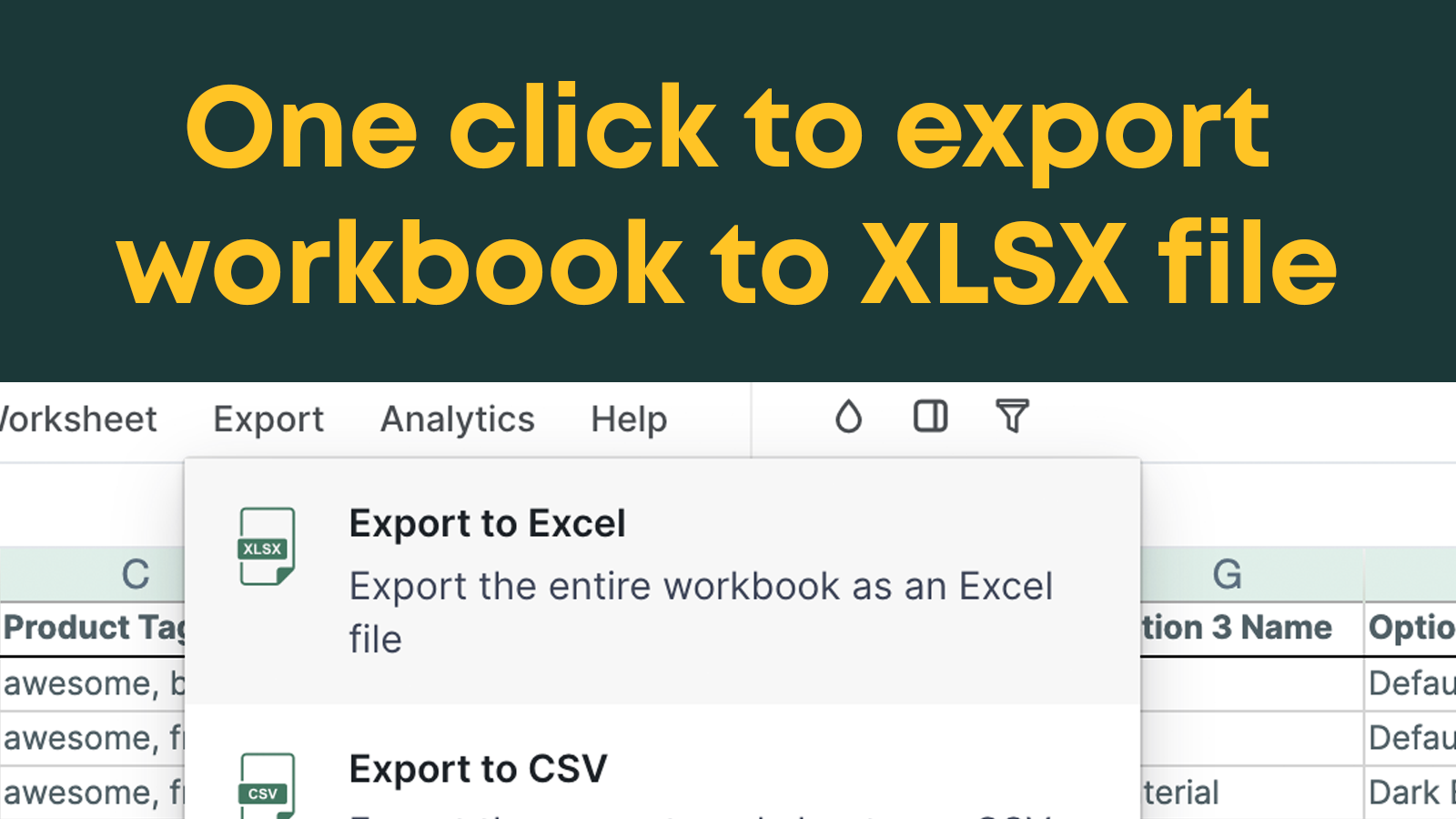
  • Incredible Excel file export - including all tabs, formatting, and formulas
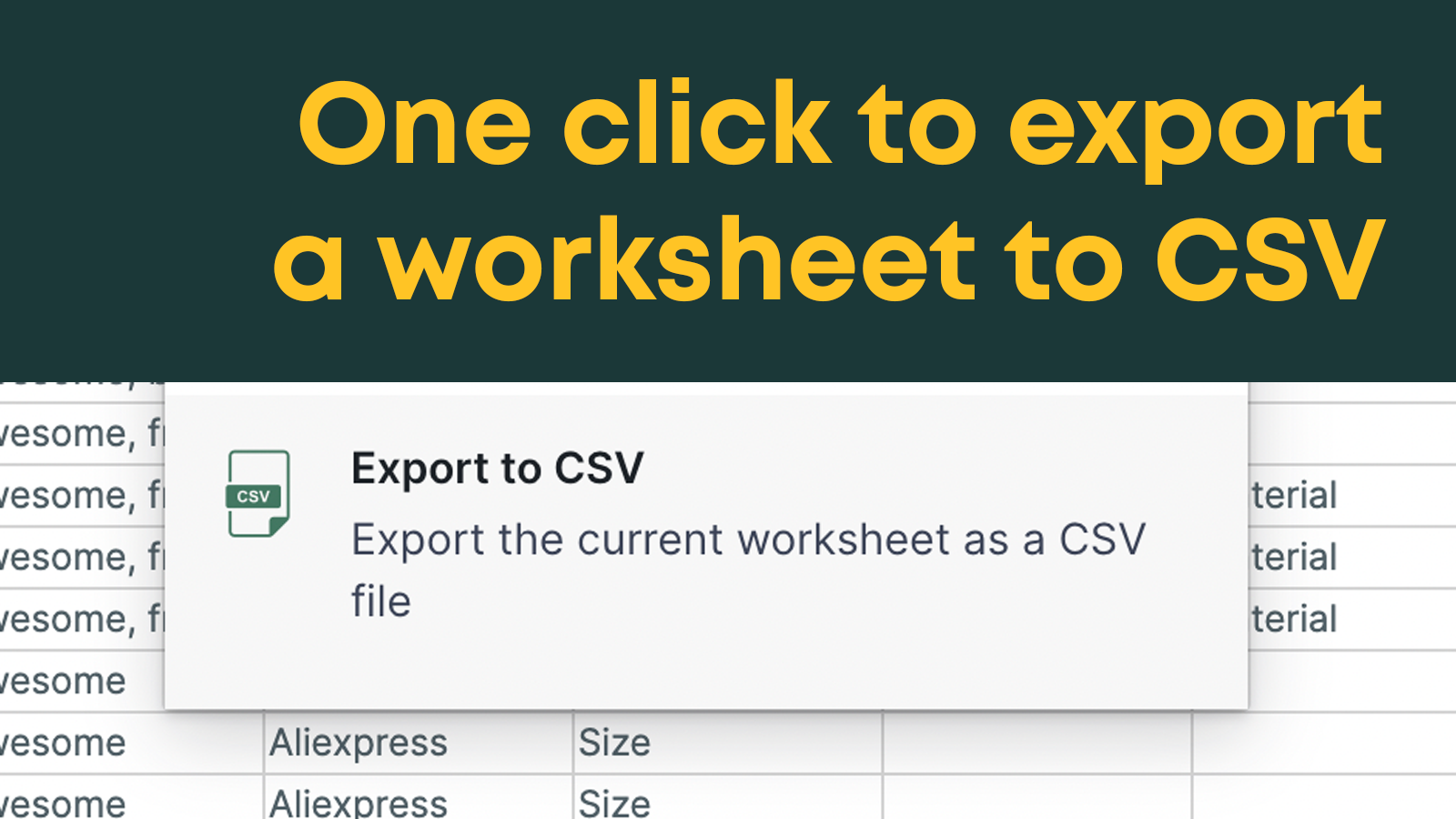
  • One click export of any worksheet to a CSV file

Features

Actions

Backup
CSV import and export

Editable resources

Collections
Descriptions
Images
Inventory
Metafields
Orders
Prices
Show more
Products
SKU and barcodes
Tags
Variants

Methodology

How to read these signals

Counts are based on Shoplist's latest available public crawl signal dated April 25, 2026.

Shoplist has not yet found reliable public storefront evidence connecting a Shopify store to this app. This does not mean the app has no users. Some apps are new, admin-only, server-side, theme-independent, or otherwise difficult to detect from public storefront signals.

Merchant rows are filtered to public brand profiles with enough public data to link safely. Full workflow, filtering, and monitoring stay behind signup.

Review, pricing, feature, screenshot, and listing-change data come from public Shopify App Store and Shoplist crawl records. Signals can change between crawls.

FAQ

Questions about Mixtable Excel and CSV Export

Why might Shoplist not show detected stores for Mixtable Excel and CSV Export?

Some Shopify apps are admin-only, server-side, theme-independent, or otherwise difficult to detect from public storefront signals.

Does no public detection mean Mixtable Excel and CSV Export has no users?

No. It only means Shoplist has not found reliable public storefront evidence for Mixtable Excel and CSV Export. reviews, pricing, listing changes, and developer data can still be useful signals.

Can I monitor future public detections?

Yes. Shoplist can monitor Mixtable Excel and CSV Export for future public storefront detections and listing movement.

Keep watching Mixtable Excel and CSV Export

Turn this public profile into a monitored app workflow for first detections, reviews, pricing, related apps, and listing-change history.

Monitor Mixtable Excel and CSV Export listing and first detections