Mixtable Analytics Spreadsheet logo

Mixtable Analytics Spreadsheet Shopify App: Pricing & Alternatives

By Daipari EOODAnalyticsFree plan

Key signals for Mixtable Analytics Spreadsheet

Shoplist has not found Mixtable Analytics Spreadsheet on a storefront yet, so it tracks the app through pricing and listing changes instead. Storefront detections will appear here as soon as Sonar finds them.

Sonar hasn’t found Mixtable Analytics Spreadsheet on a storefront yet. Admin-only and server-side apps rarely leave a storefront trace.

Free plan
PricingPaid from $15/month

Updated October 14, 2026Data checked October 30, 2026Listing checked todayHow Shoplist knows

Mixtable Analytics Spreadsheet pricing

For small stores
  • Build pivot tables and trends over time
  • Export to Excel with formulas, or CSV
  • For stores under 1,000 lifetime orders
  • Profit, margin, attribution and returns
Free
Basic
  • Build pivot tables and trends over time
  • Export to Excel with formulas, or CSV
  • For Shopify Basic stores
  • Profit, margin, attribution and returns
$15/month
Grow and Advanced
  • Build pivot tables and trends over time
  • Export to Excel with formulas, or CSV
  • For Shopify Grow and Advanced stores
  • Profit, margin, attribution and returns
$25/month
Shopify Plus
  • Build pivot tables and trends over time
  • Export to Excel with formulas, or CSV
  • For Shopify Plus stores
  • Profit, margin, attribution and returns
$49/month

Recent Mixtable Analytics Spreadsheet activity

Store movement comes from Sonar's storefront scans; listing changes come from the Shopify App Store page.

App Store listing

Listing changes

5 updates

Detected Oct 8, 2026

Free plan +6 more

Pricing

Free plan

NoYes

Free trial

NoYes

Media gallery updated

1 added, 1 removed — “View the promotional video for Mixtable Analytics Spreadsheet”

+4 more changes in this update

Detected Oct 14, 2026

Listing title changed +3 more

Positioning

Listing title changed

Get real-time sales, product, and customer analytics in a familiar Excel-like spreadsheetGet analytics in an Excel-style spreadsheet. See metrics beside products, in reports, or over time.

Description rewritten

Description rewritten

Callouts updated

Track sales, profit, stock, customers, and more, all in one spreadsheetNumbers update on their own as orders come in, with no reports to rerunPut metrics beside any product, variant, collection, or customerBuild reports by vendor, market, segment, and more, then track them over timeAdd your own formulas, and export to Excel or any worksheet to CSVReal-time store analytics in an Excel-like spreadsheet, including formulasAnalytics update automatically as new orders are placed in your storeDrill into metrics by product, variant, collection, customers, vendor, and moreBuild custom reporting worksheets with aggregate metrics across your storeExport your analytics spreadsheet to Excel or individual worksheets to CSV

+1 more change in this update

Detected Aug 31, 2026

Integrations updated

Integrations

Integrations updated

Shopify Admin

Detected Jun 19, 2026

Integrations updated

Integrations

Integrations updated

Shopify Admin

Detected Jun 18, 2026

Integrations updated

Integrations

Integrations updated

Shopify Admin

Get Mixtable Analytics Spreadsheet's weekly changes by email

New stores, departures, and listing edits, once a week. No account needed.

Alternatives to Mixtable Analytics Spreadsheet

Apps merchants weigh against Mixtable Analytics Spreadsheet, with their own detected stores and ratings.

Mixtable Analytics Spreadsheet screenshots and video

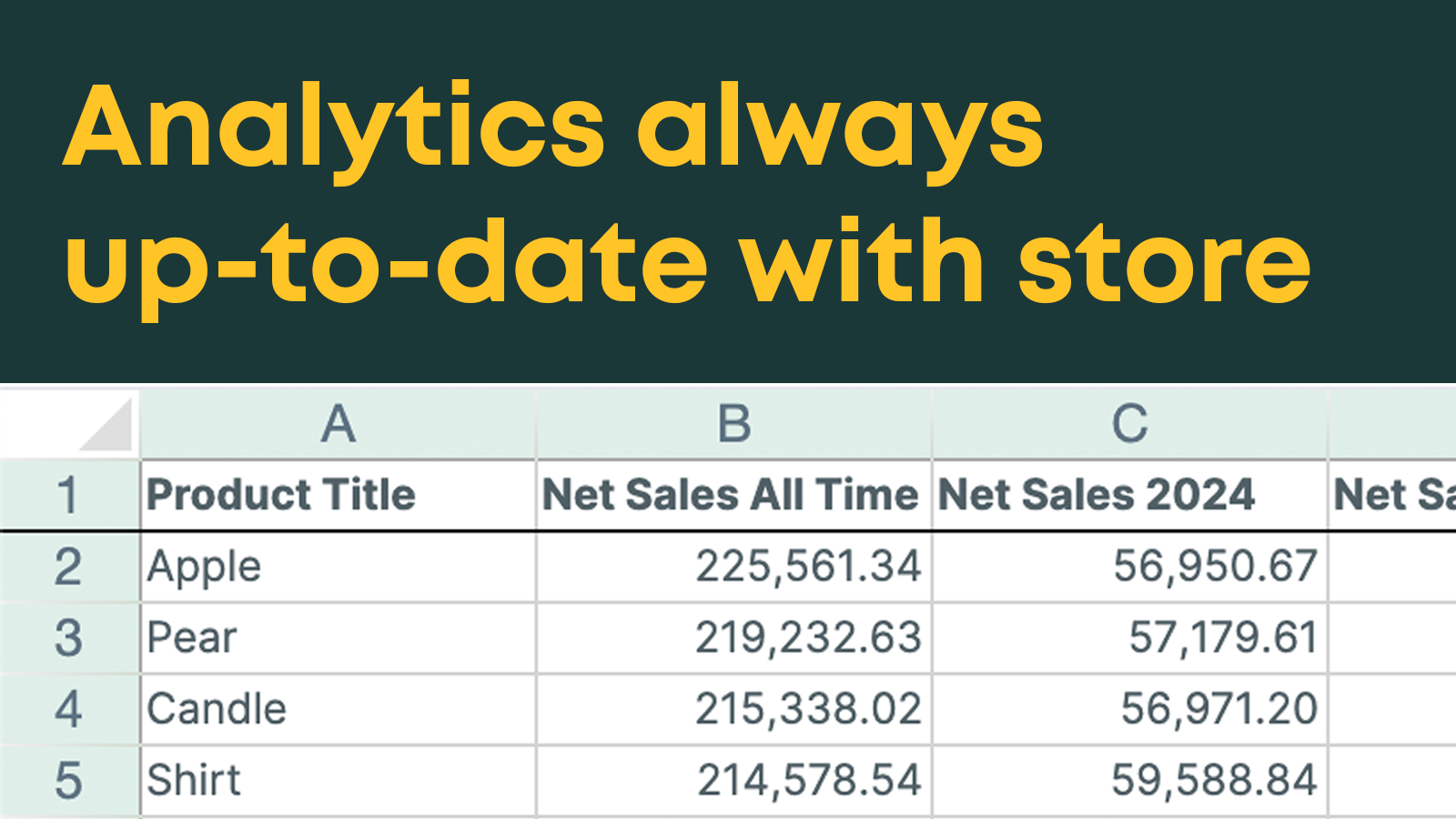
Worksheet analytics update in real time
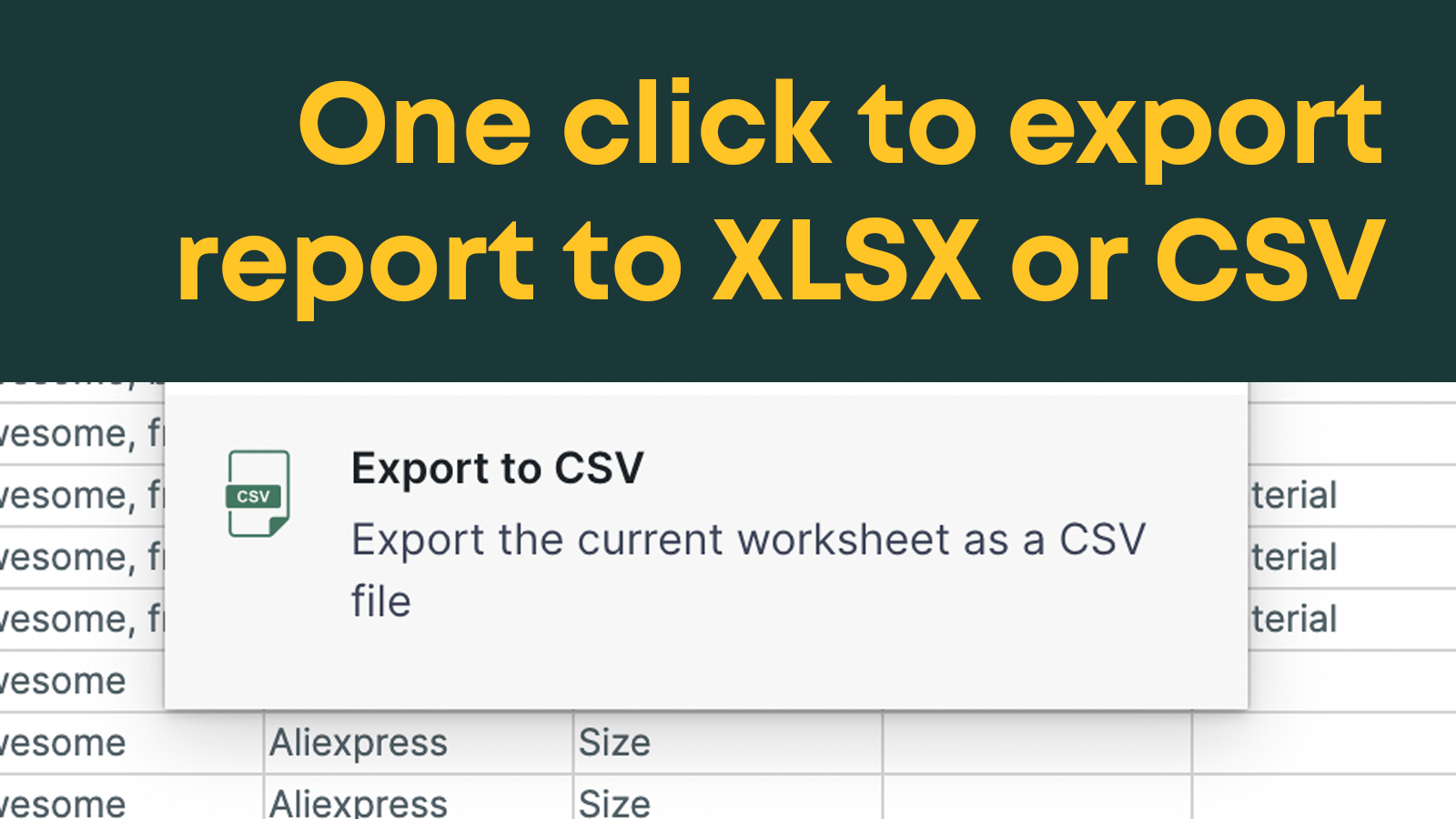
One click export to Excel XLSX or CSV file
Tons of metrics available, with timeframe and customer segments

About Mixtable Analytics Spreadsheet

Get analytics in an Excel-style spreadsheet. See metrics beside products, in reports, or over time.

Mixtable calculates analytics from your Shopify store data and keeps them up to date in an online spreadsheet that works like Excel. Measure net sales, margin, returns, marketing attribution, customer lifetime value, and more. Each metric gets its own time period and filters, like country or sales channel. Break down sales by vendor, market, customer segment, and more, or compare months side by side. Start from a ready-made report, add your own formulas, and export to Excel or CSV.

Listing highlights

  • Store analytics in Excel-like online spreadsheet, with Excel-style formulas
  • Analytics update in real-time as new orders are placed
  • Workbook can be easily exported to XLSX or CSV file

Features

Customer behavior

  • Lifetime value (LTV)
  • Real-time tracking
  • Segmentation

Marketing and sales

  • Profit insights

Visuals and reports

  • Analytics dashboard
  • Benchmarking
  • Custom dashboards
  • Custom reports
  • Data export
  • Forecasting
  • Historical analysis

How Shoplist knows

Every number on this page comes from public storefront scans and the public Shopify App Store listing. If Shoplist shows Mixtable Analytics Spreadsheet on a store, it is there.

Read the data methodology
  • Counts are based on Shoplist's latest available public crawl signal dated October 14, 2026.
  • Shoplist has not yet found reliable public storefront evidence connecting a Shopify store to this app. This does not mean the app has no users. Some apps are new, admin-only, server-side, theme-independent, or otherwise difficult to detect from public storefront signals.
  • Merchant rows are filtered to public brand profiles with enough public data to link safely. Full workflow, filtering, and monitoring stay behind signup.
  • Review, pricing, feature, screenshot, and listing-change data come from public Shopify App Store and Shoplist crawl records. Signals can change between crawls.

Questions about Mixtable Analytics Spreadsheet

Why might Shoplist not show detected stores for Mixtable Analytics Spreadsheet?
Some Shopify apps are admin-only, server-side, theme-independent, or otherwise difficult to detect from public storefront signals.
Does no public detection mean Mixtable Analytics Spreadsheet has no users?
No. It only means Shoplist has not found reliable public storefront evidence for Mixtable Analytics Spreadsheet. pricing, listing changes, and developer data can still be useful signals.
Can I monitor future public detections?
Yes. Shoplist can monitor Mixtable Analytics Spreadsheet for future public storefront detections and listing movement.

Keep exploring

Keep watching Mixtable Analytics Spreadsheet.

Get alerted on first storefront installs, review spikes, pricing changes, and listing edits.

Track this appSee pricingFree plan available.