
LSC ‑ Low Stock Counter Shopify App: Pricing, Features & First-Adopter Watch
Product display - OtherBy VIAV LTDLaunched June 18, 2026Updated June 18, 2026
LSC ‑ Low Stock Counter launched on June 18, 2026. Shoplist is watching for its first storefront installs and tracking pricing in the meantime.
Key signals for LSC ‑ Low Stock Counter
- Launched
- Jun 18, 2026
- Pricing
- Free trialThen from $4.99
- Storefront installs
- None yetWatching since its Jun 18, 2026 launch
LSC ‑ Low Stock Counter pricing
- Basic
- 25,000 widget impressions / month
- All designs, icons & emoji
- Countdown timer
- Widget on all products
- $4.99
- Standard
- 250,000 widget impressions / month
- All designs, icons & emoji
- Countdown timer
- Widget on all products
- $9.99
- Unlimited
- All designs, icons & emoji
- Countdown timer
- Unlimited impressions
- Widget on all products
- $14.99
Alternatives to LSC ‑ Low Stock Counter
Apps merchants weigh against LSC ‑ Low Stock Counter, with their own detected stores and ratings.


LSC ‑ Low Stock Counter screenshots and video
About LSC ‑ Low Stock Counter
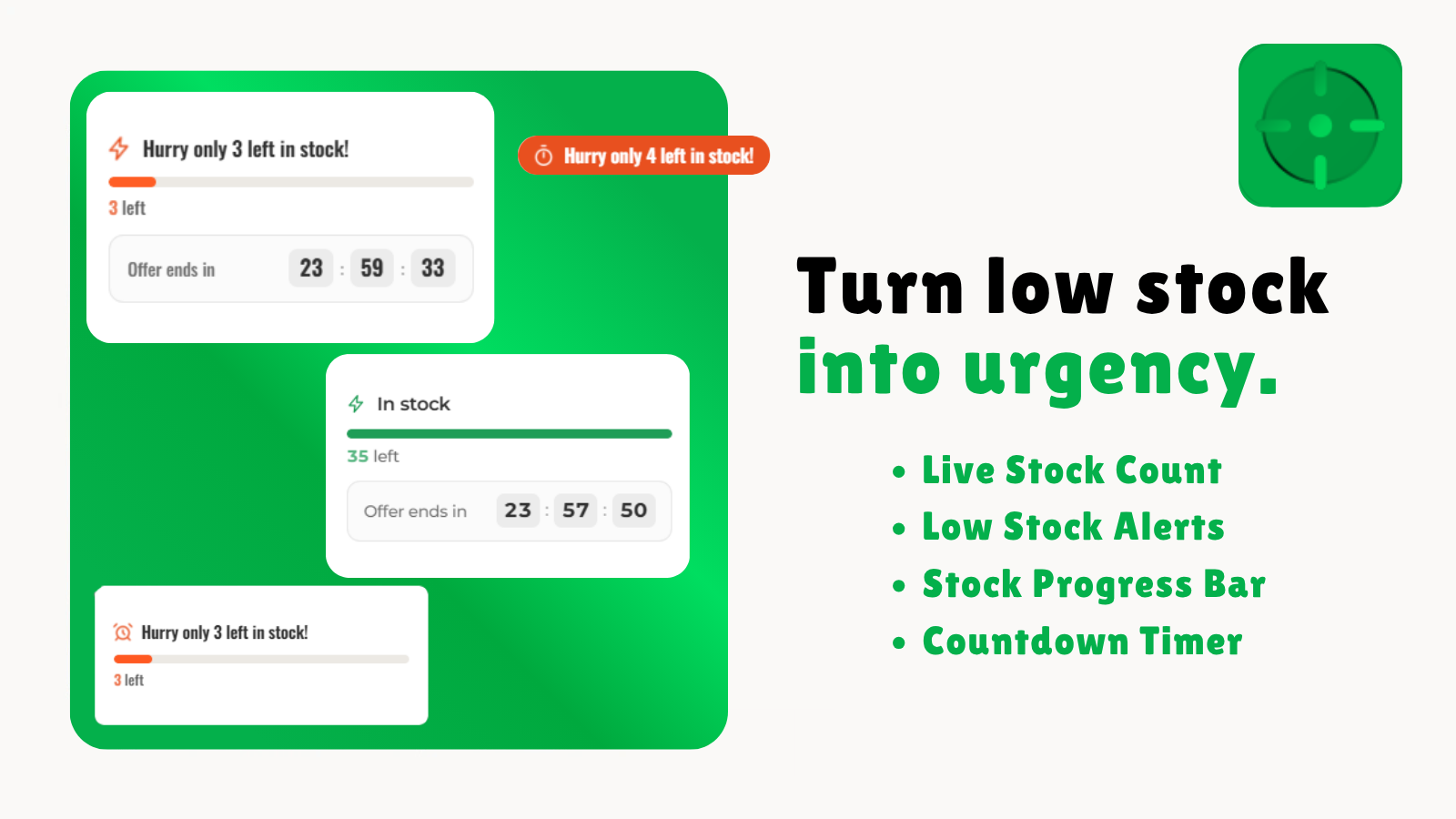
Show live stock levels on product pages. When inventory runs low, shoppers see a stock alert.
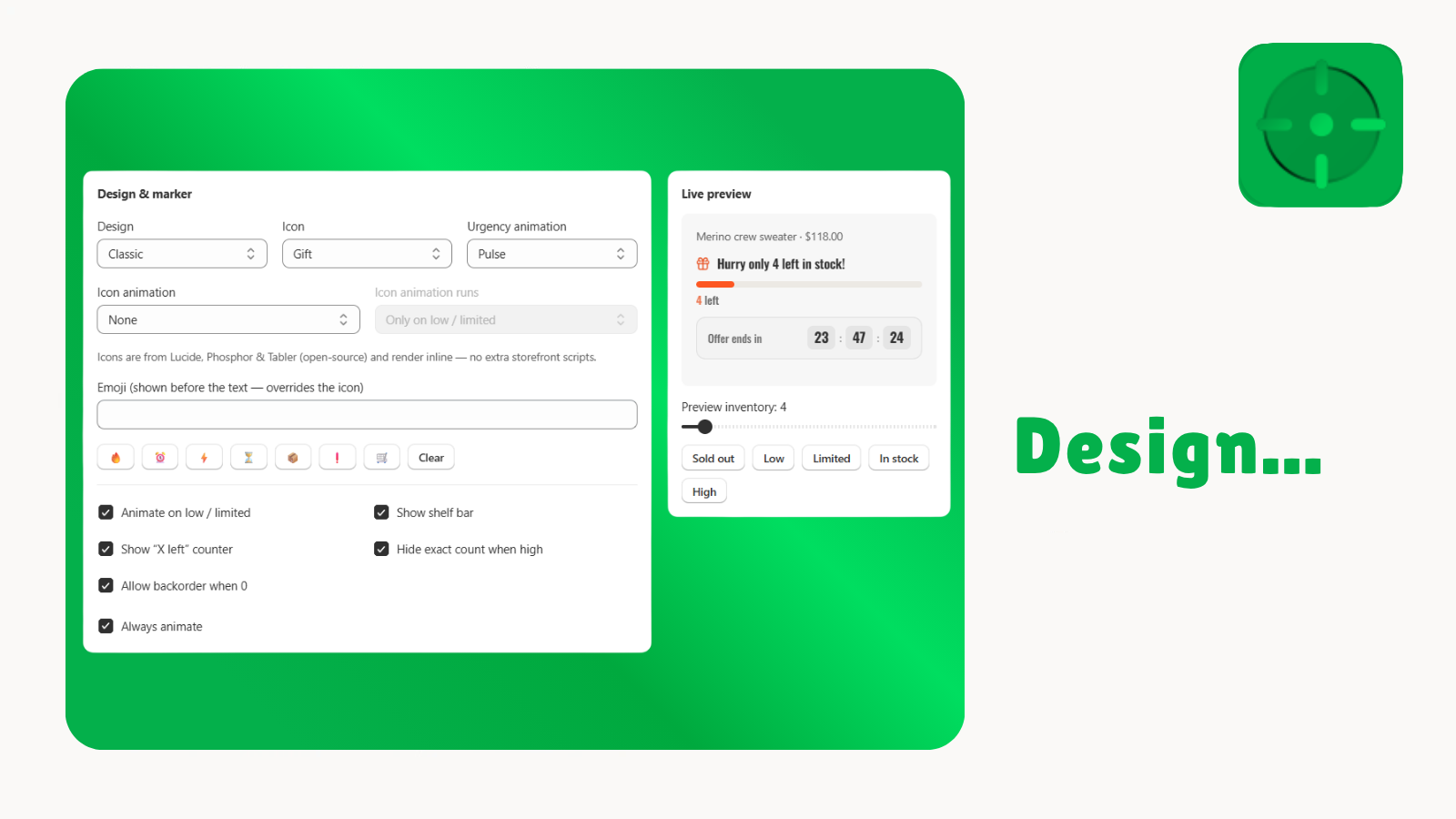
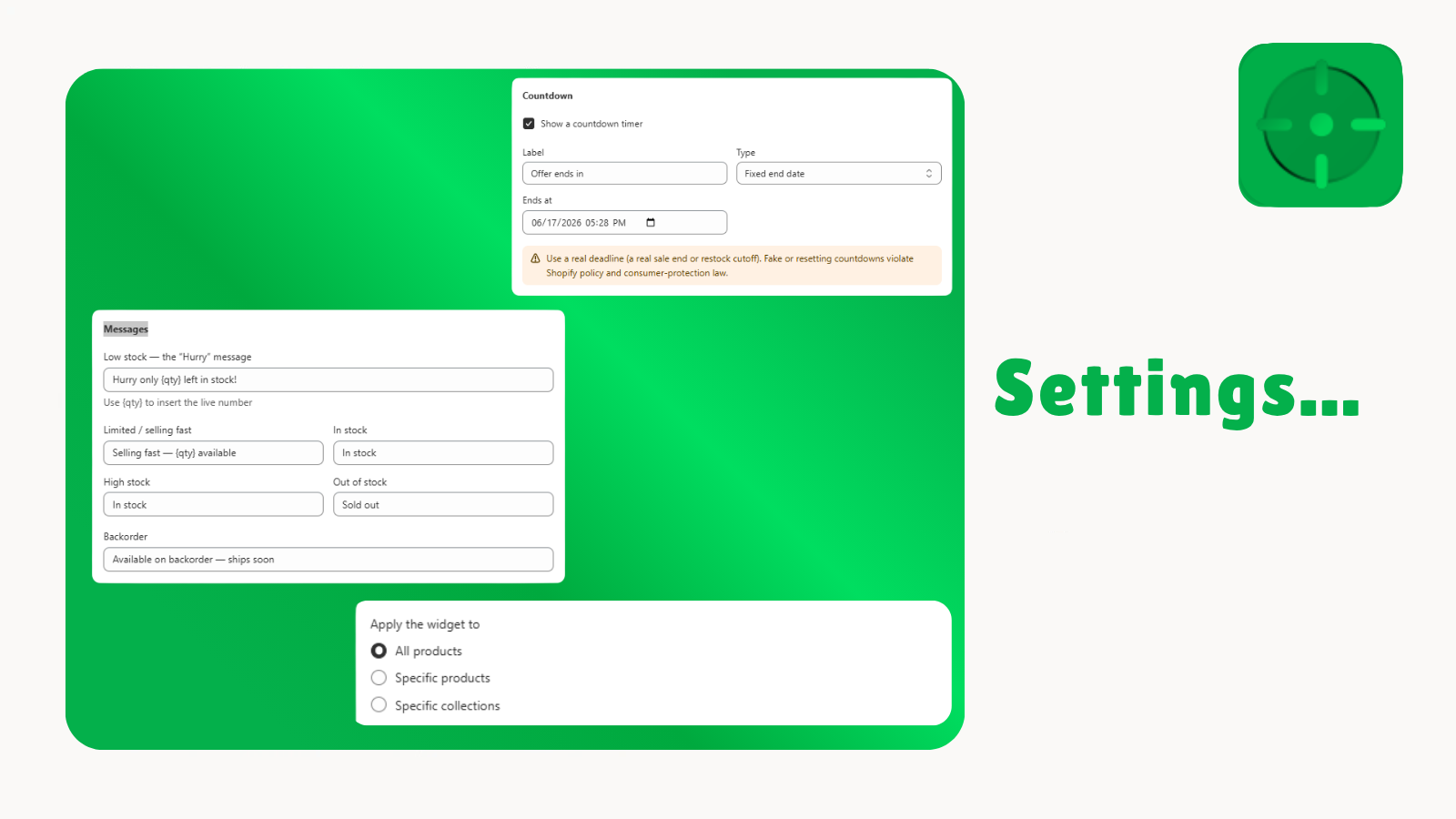
Low Stock Counter shows shoppers how many units are left on each product page, using your store's live inventory. When stock falls below the limits you set, it displays a low-stock message and a progress bar so customers can see an item is running out. You control the wording, colors, icons, fonts, and layout so the widget matches your theme, and you can apply different rules to specific products or collections. It installs from the theme editor without code and updates inventory in real time.
Listing highlights
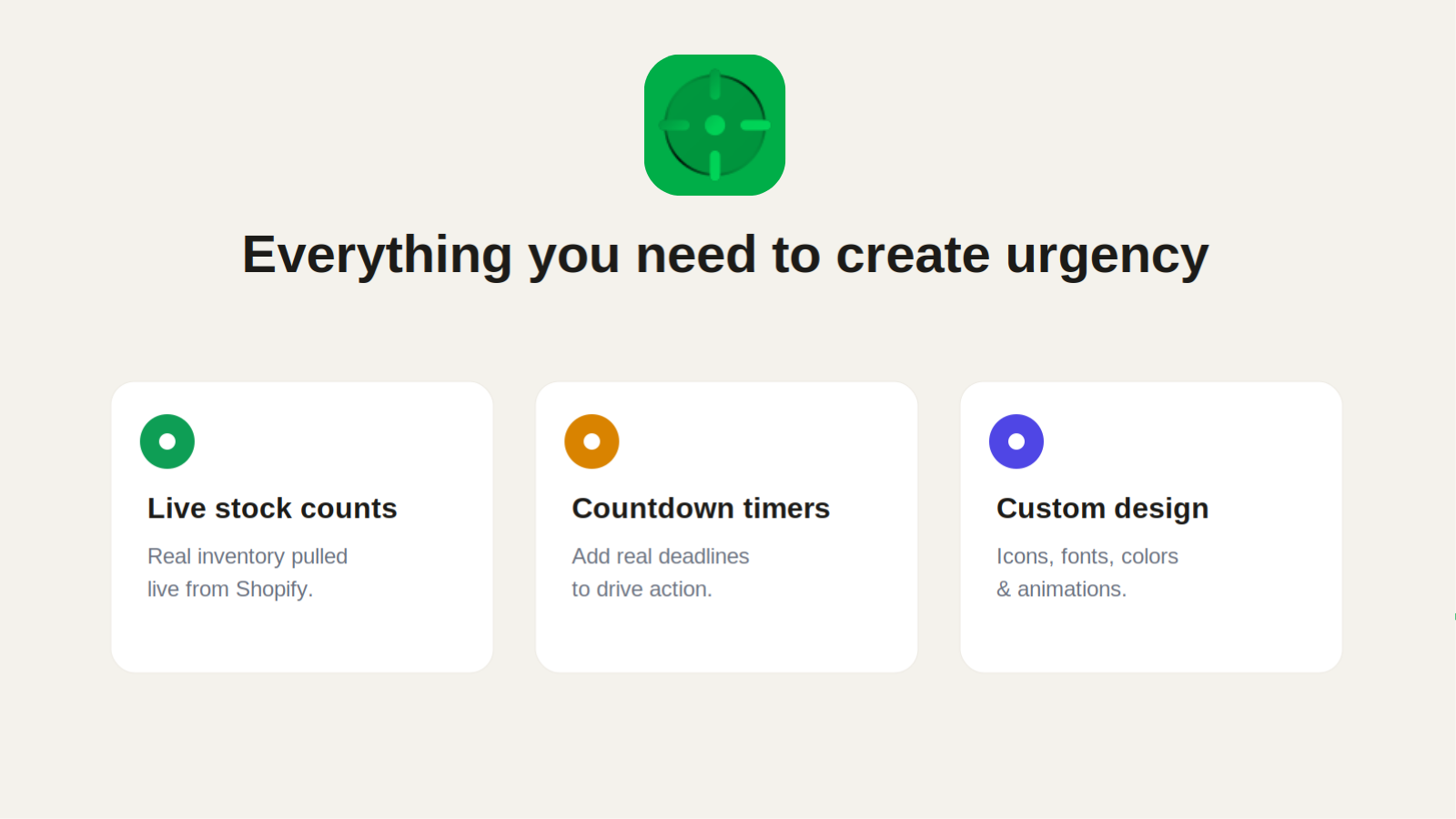
- Live stock counts and low-stock alerts on each product page
- Stock progress bar that shows how close an item is to selling out
- Choose from four layouts and customize icons, fonts, and colors
- Countdown timer for real sale or restock deadlines
- Apply different settings to specific products or collections
How Shoplist knows
Every number on this page comes from public storefront scans and the public Shopify App Store listing. If Shoplist shows LSC ‑ Low Stock Counter on a store, it is there.
Read the data methodology- Counts are based on Shoplist's latest available public crawl signal dated June 18, 2026.
- Shoplist has not yet found reliable public storefront evidence connecting a Shopify store to this app. This does not mean the app has no users. Some apps are new, admin-only, server-side, theme-independent, or otherwise difficult to detect from public storefront signals.
- Merchant rows are filtered to public brand profiles with enough public data to link safely. Full workflow, filtering, and monitoring stay behind signup.
- Review, pricing, feature, screenshot, and listing-change data come from public Shopify App Store and Shoplist crawl records. Signals can change between crawls.
Questions about LSC ‑ Low Stock Counter
- Has Shoplist detected stores using LSC ‑ Low Stock Counter yet?
- Shoplist has not yet found reliable public storefront evidence for LSC ‑ Low Stock Counter. The page tracks first merchant evidence as it appears.
- What does first-adopter watch mean?
- It means Shoplist is monitoring launch context, first storefront-detectable merchant evidence, and pricing.
- Can I get alerts when stores start using LSC ‑ Low Stock Counter?
- Yes. Create a watchlist to get alerted when Shoplist finds public merchant evidence for LSC ‑ Low Stock Counter.
Keep exploring
Compare
LSC ‑ Low Stock Counter vs Stock Counter Pro: Scarcity!
Detected stores, ratings, pricing, and momentum side by side.
Developer
VIAV LTD
Every app VIAV LTD publishes, with their detected reach.
Rankings
Top apps by category
The ten apps gaining the most detected installs in each category.
Directory
All Shopify apps
Browse every app Shoplist tracks, by category, rating, and reach.
Keep watching LSC ‑ Low Stock Counter.
Get alerted on first storefront installs, review spikes, pricing changes, and listing edits.