Detected Feb 19, 2026
Developer name changed +4 more
DigiHyper
7 added — “View the promotional video for Fontomize: Custom Fonts”
Removed
+2 more changes in this update
Shoplist has not found Fontomize: Custom Fonts on a storefront yet, so it tracks the app through its 7 public reviews, pricing, and listing changes instead. Storefront detections will appear here as soon as Sonar finds them.
Sonar hasn’t found Fontomize: Custom Fonts on a storefront yet. Admin-only and server-side apps rarely leave a storefront trace.
Store movement comes from Sonar's storefront scans; listing changes come from the Shopify App Store page.
App Store listing
Detected Feb 19, 2026
DigiHyper
7 added — “View the promotional video for Fontomize: Custom Fonts”
Removed
+2 more changes in this update
Detected Sep 28, 2026
NoYes
İstanbul, TRİstanbul, TR-34, TR
Detected Aug 28, 2026
Detected Aug 24, 2026
Apps merchants weigh against Fontomize: Custom Fonts, with their own detected stores and ratings.
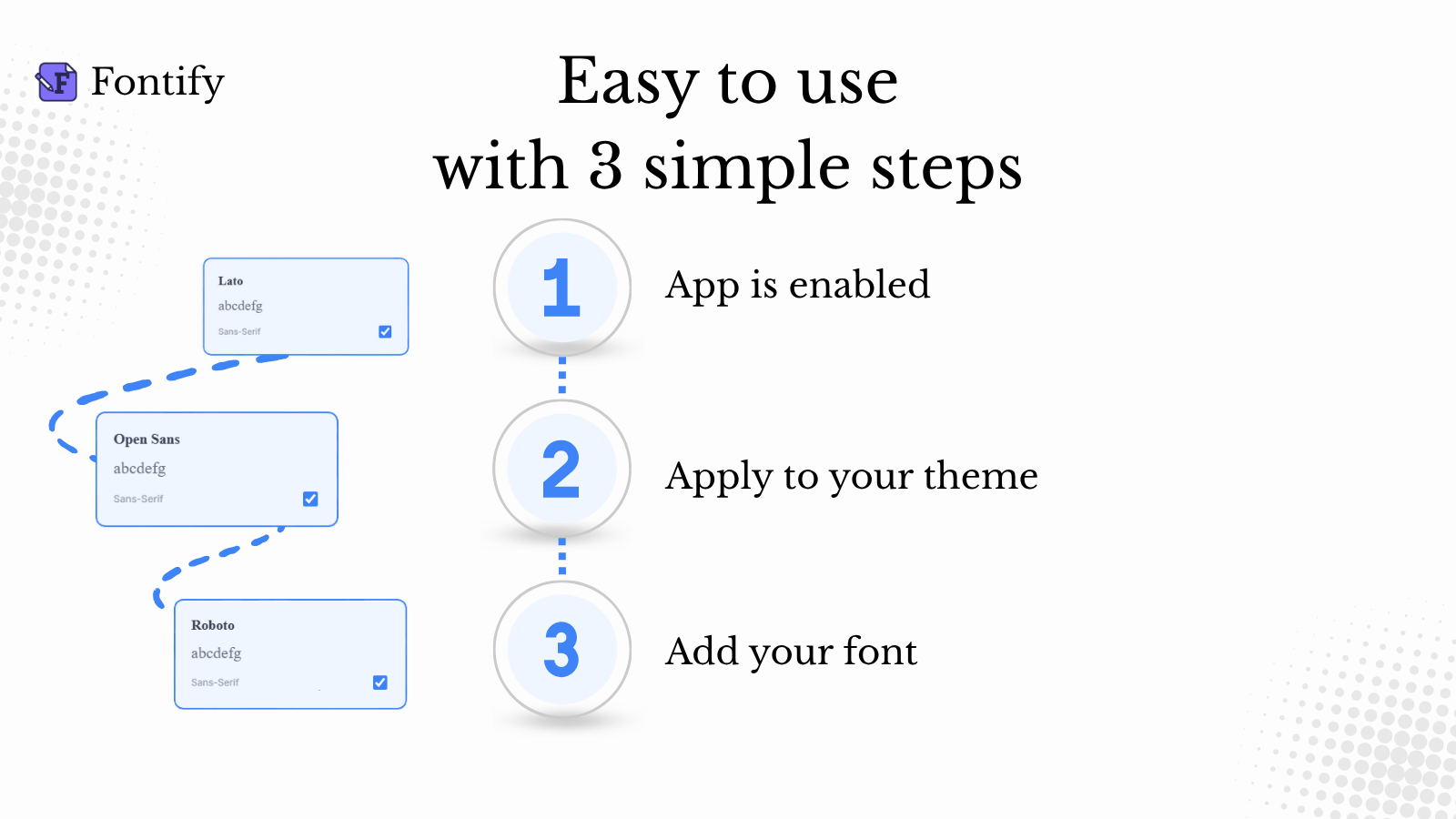
Changing the font for your store has never been easier.
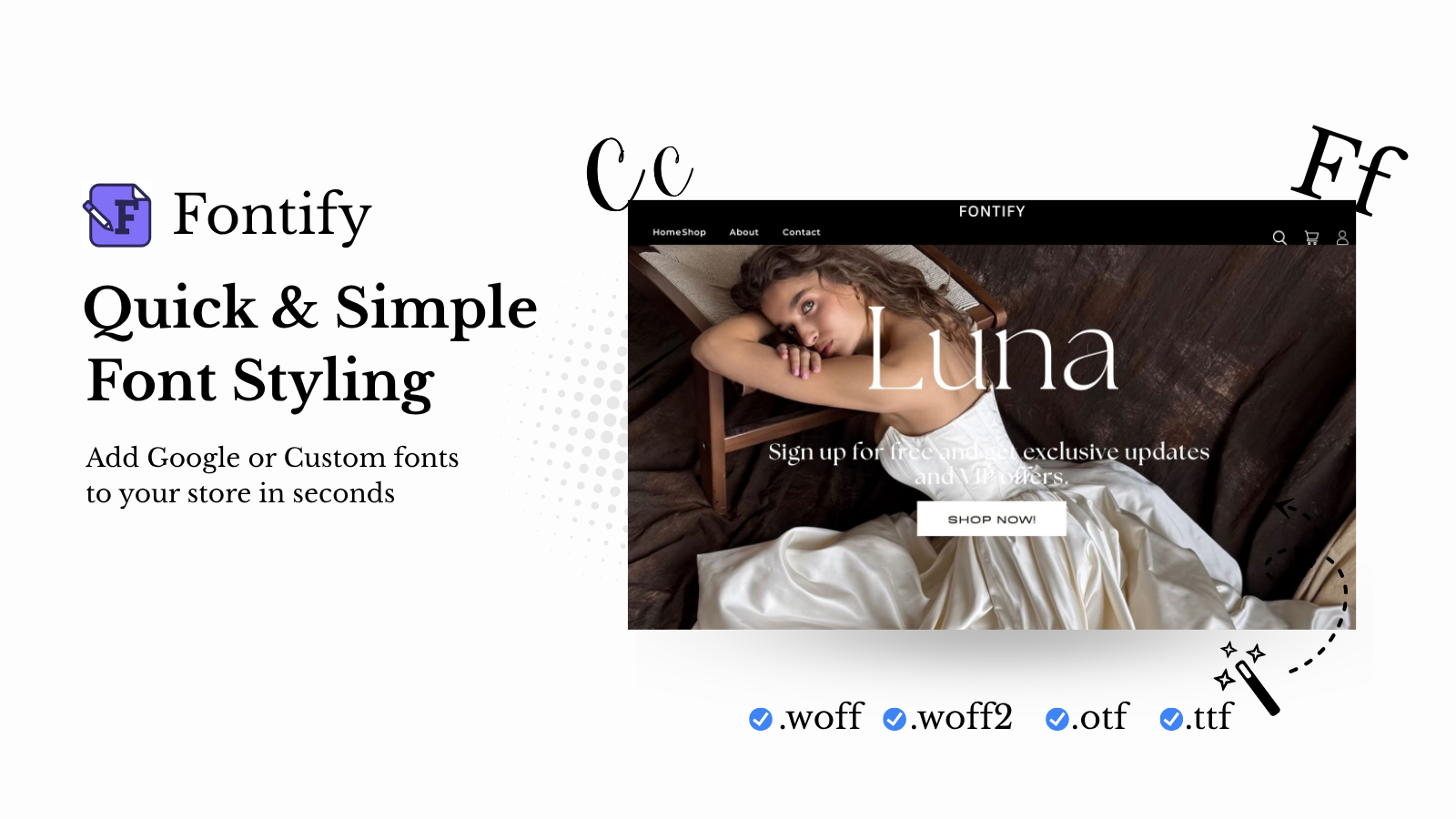
The easiest way to add Google or Custom fonts to your store
Easy way to add Any Fonts to your store without any coding.
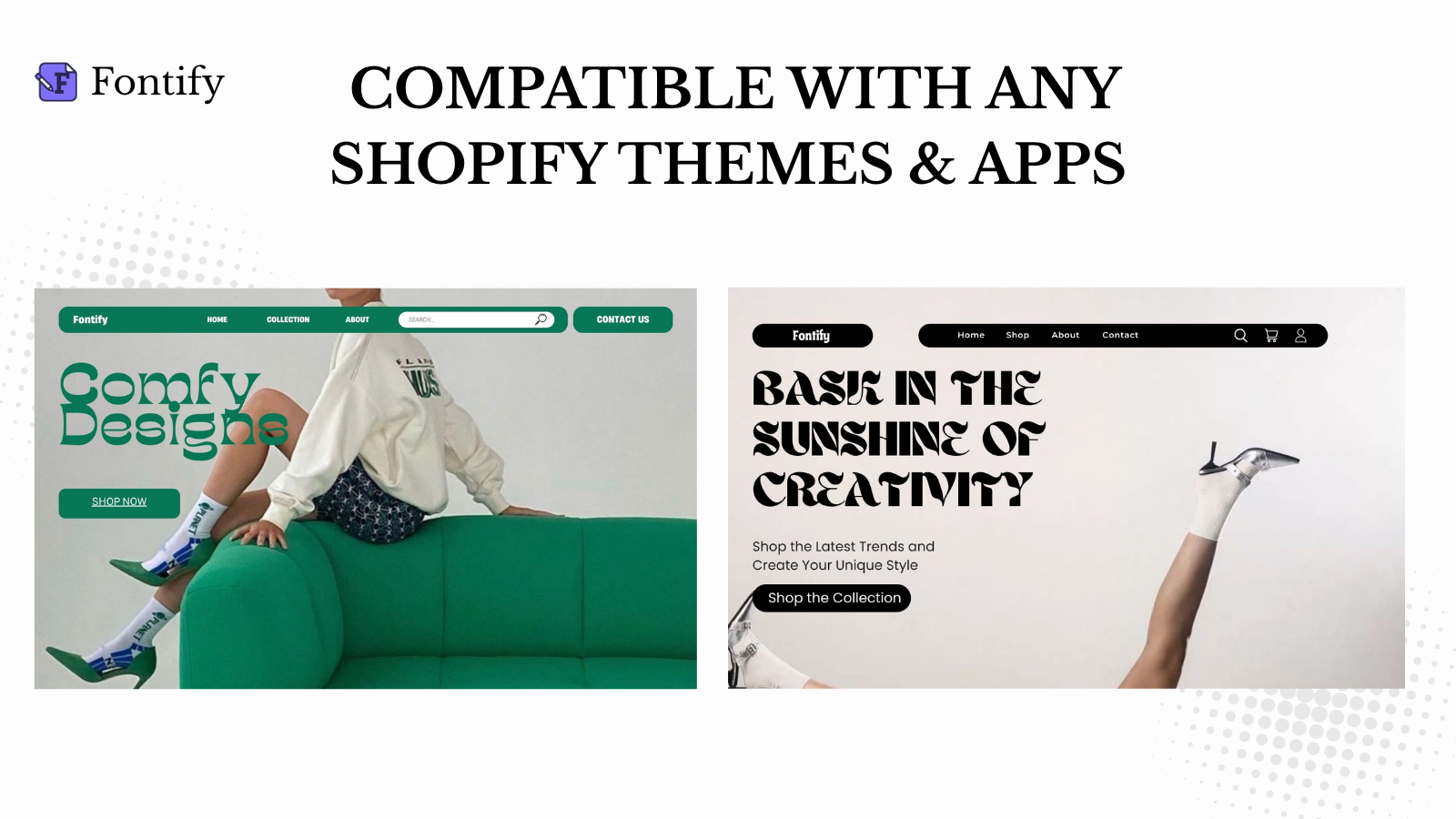
Fontomize adds Google & Custom Fonts to your store keep your design clean and SEO safe.
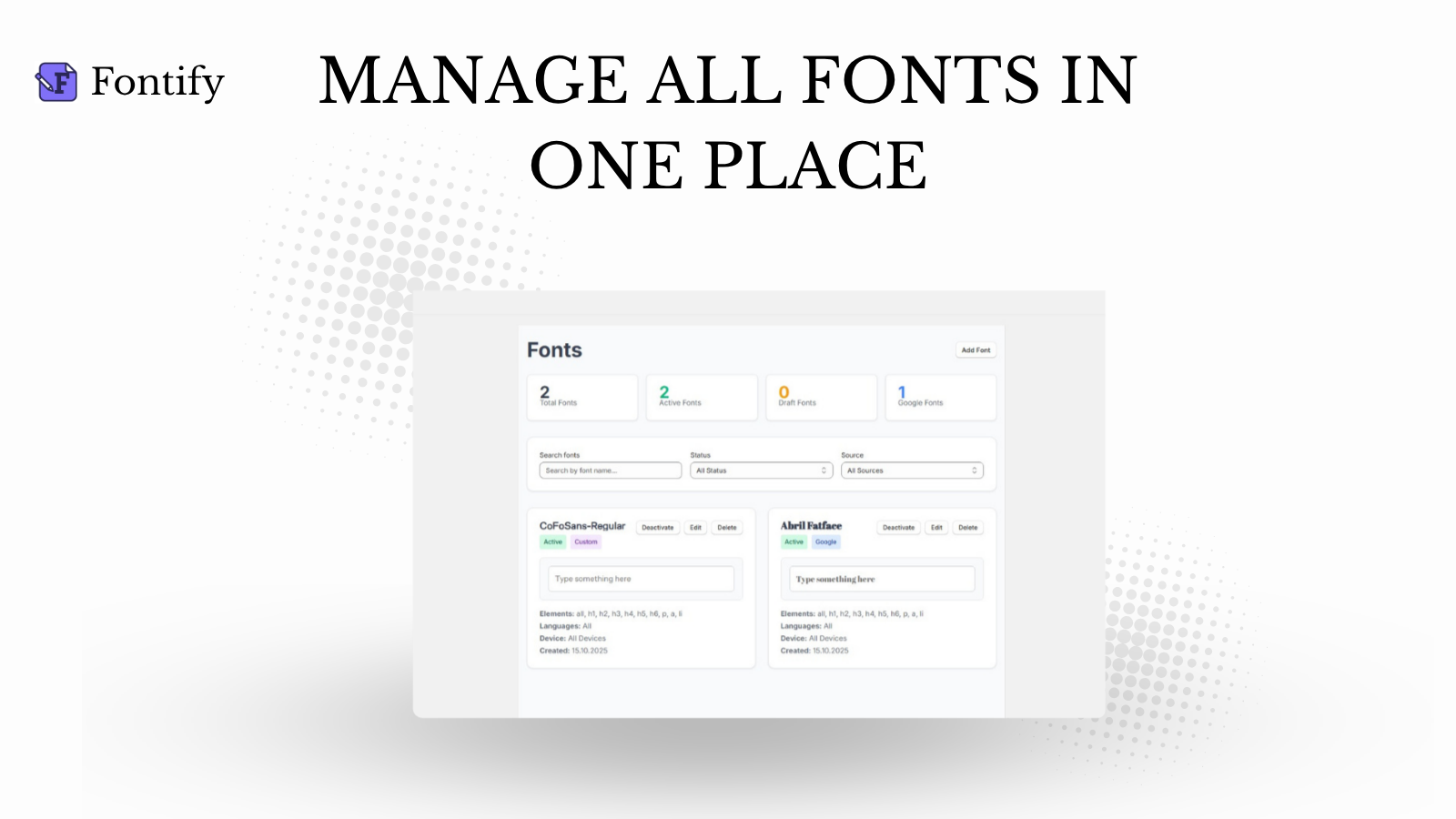
Fontomize makes it simple to add and manage Google or custom fonts across your store. You can apply different fonts to specific elements or pages without editing theme code. Upload your own branded fonts or choose from hundreds of Google Fonts to create a consistent and professional look. Fontomize is designed to maintain stable performance and SEO-friendly operation for every design.
Every number on this page comes from public storefront scans and the public Shopify App Store listing. If Shoplist shows Fontomize: Custom Fonts on a store, it is there.
Compare
Detected stores, ratings, pricing, and momentum side by side.
Developer
Every app DigiHyper publishes, with their detected reach.
Rankings
The ten apps gaining the most detected installs in each category.
Directory
Browse every app Shoplist tracks, by category, rating, and reach.
Get alerted on first storefront installs, review spikes, pricing changes, and listing edits.