File Uploads by UploadGadget logo

File Uploads by UploadGadget Shopify App: Pricing, Features & First-Adopter Watch

Custom file upload

Updated February 19, 2026

By ampersandlane

Launched January 2, 2026. Shoplist is monitoring first merchant evidence, pricing, feature details, and listing changes for this Shopify app.

Shoplist public signals

What is visible for File Uploads by UploadGadget right now

Signal date February 19, 2026

Monitoring status

First-adopter watch

Monitoring first merchant evidence

As of Feb 19, 2026

Momentum

2 Steady

Install trend held steady over the last 28 days

As of Jun 12, 2026

Steady2% confidence

2 momentum score

Install trend held steady over the latest 28-day window.

Updated Jun 12, 2026

0 installs

Momentum inputs

28d installs

0

Prev. 28d

0

New 28d

0

30d reviews

0

Installs
0
Growth
50
Adoption
8
Reviews
0
Fit
67

Quick answer

File Uploads by UploadGadget launched on January 2, 2026. Shoplist is monitoring first public merchant evidence, pricing changes, and listing changes.

Pricing

Pricing and plan posture

Core

$6.95
  • Automatic malware protection
  • Image Editor
  • Unlimited upload fields
  • Up to 25 MB file uploads

Plus

$11.95
  • Auto-tag orders
  • Automatic malware protection
  • Image Editor
  • Unlimited upload fields

Pro

$19.95
  • Auto-tag orders
  • Automatic malware protection
  • Google Drive sync
  • Hide Branding

Activity and changes

Recent signals for File Uploads by UploadGadget

Recent detections and listing changes are public signals captured by crawl history.

App Store listing

Listing changes

3 updates

Detected May 24, 2026

Integrations updated

Integrations

Integrations updated

Shopify Admin

Detected Feb 19, 2026

Developer name changed +5 more

Developer

Developer name changed

ampersandlane

Integrations updated

Shopify Admin

Media gallery updated

4 added — “Uploads with Image Editor”

+3 more changes in this update

Detected Jan 10, 2026

Integrations updated

Integrations

Integrations updated

Shopify Admin

App-store listing

About File Uploads by UploadGadget

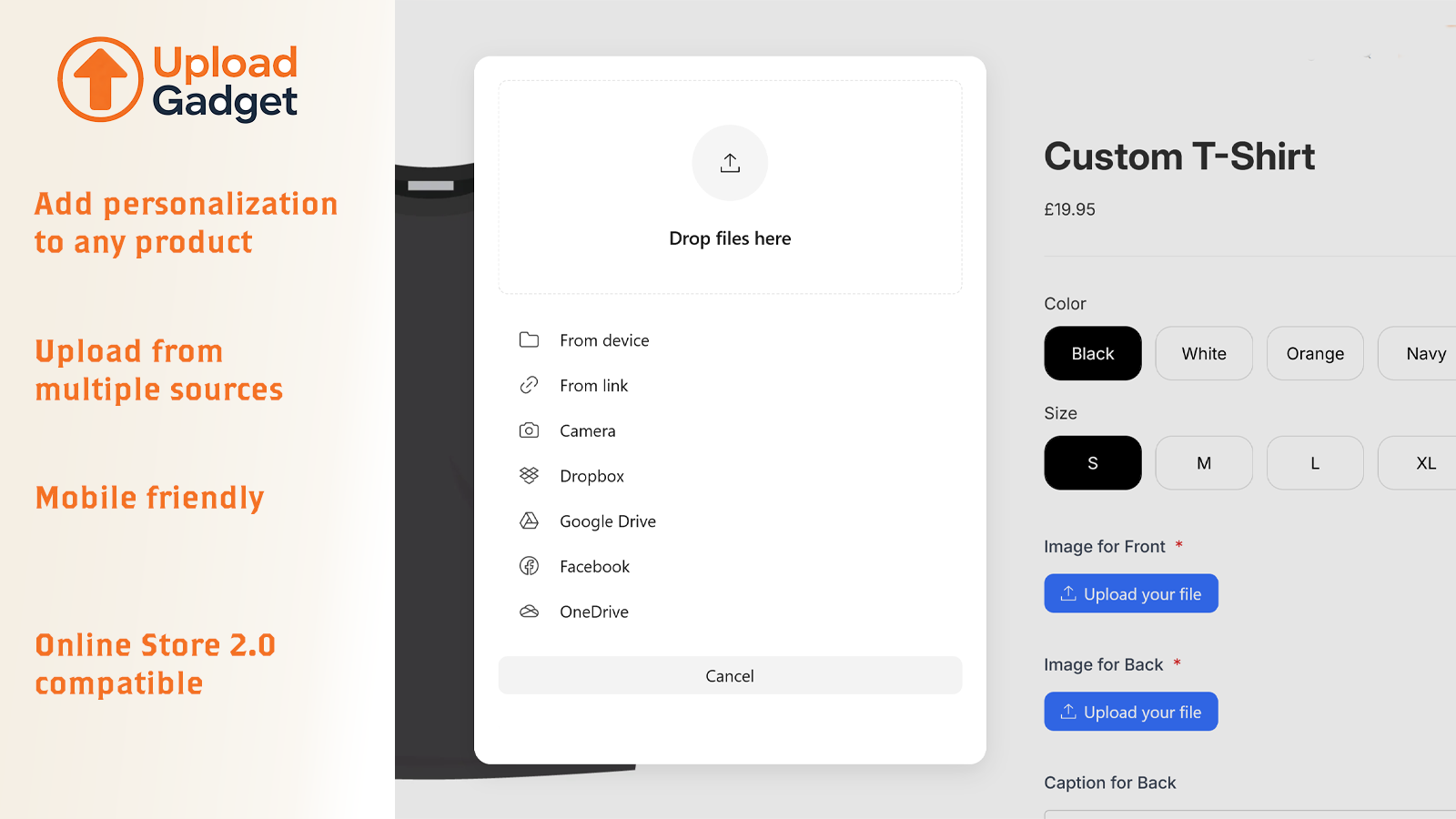
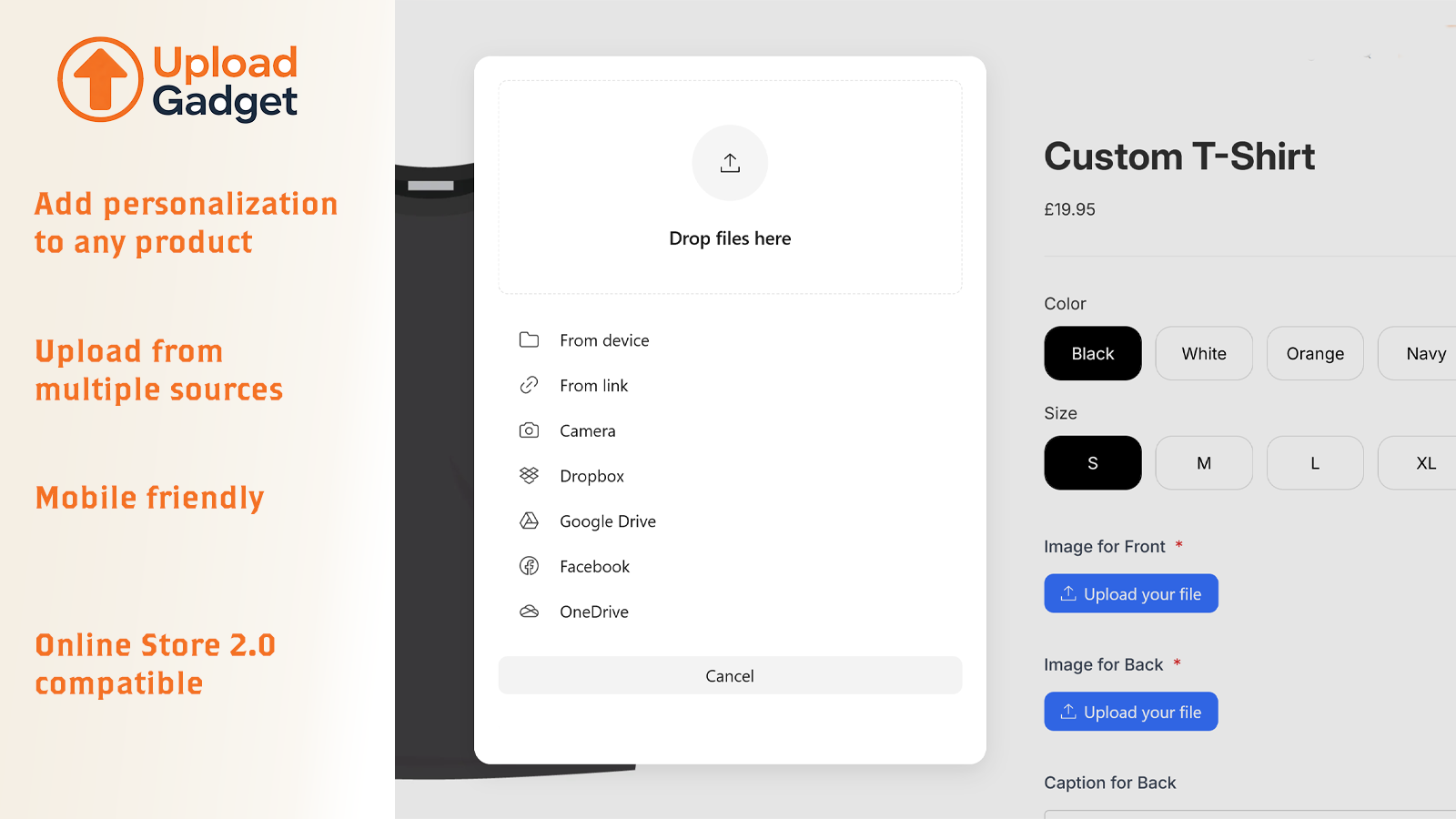
Capture customer files (images, documents and more) & text on product pages to personalize orders.

UploadGadget lets your customers upload images, files and add text information directly on your product pages. Perfect for merchants selling custom apparel, personalized gifts, print-on-demand products, or anything requiring customer-provided images or documents. Uploaded files automatically attach to orders so you always have what you need to fulfill custom requests. No more chasing customers for missing artwork or specifications.

Listing highlights

  • Upload files on any product page and add fields to capture important information
  • Built-in modern image editor UI for cropping, rotating, and filters
  • Automatic Google Drive sync with custom rules for file & folder naming
  • Auto-tag orders that contain file uploads for easy filtering and management
  • Set file type restrictions, size limits, and required fields

Features

File types

Custom rules
Excel
Images
JPEG
PDF
PNG
PSD
Show more
Videos
ZIP

File management

Add text
Custom fields
File download
Image crop
Image optimization
Image rotate
Malware protection
Show more
Printing
Upload File Modal for Shopify
Uploads with Image Editor
Image Editor Built In
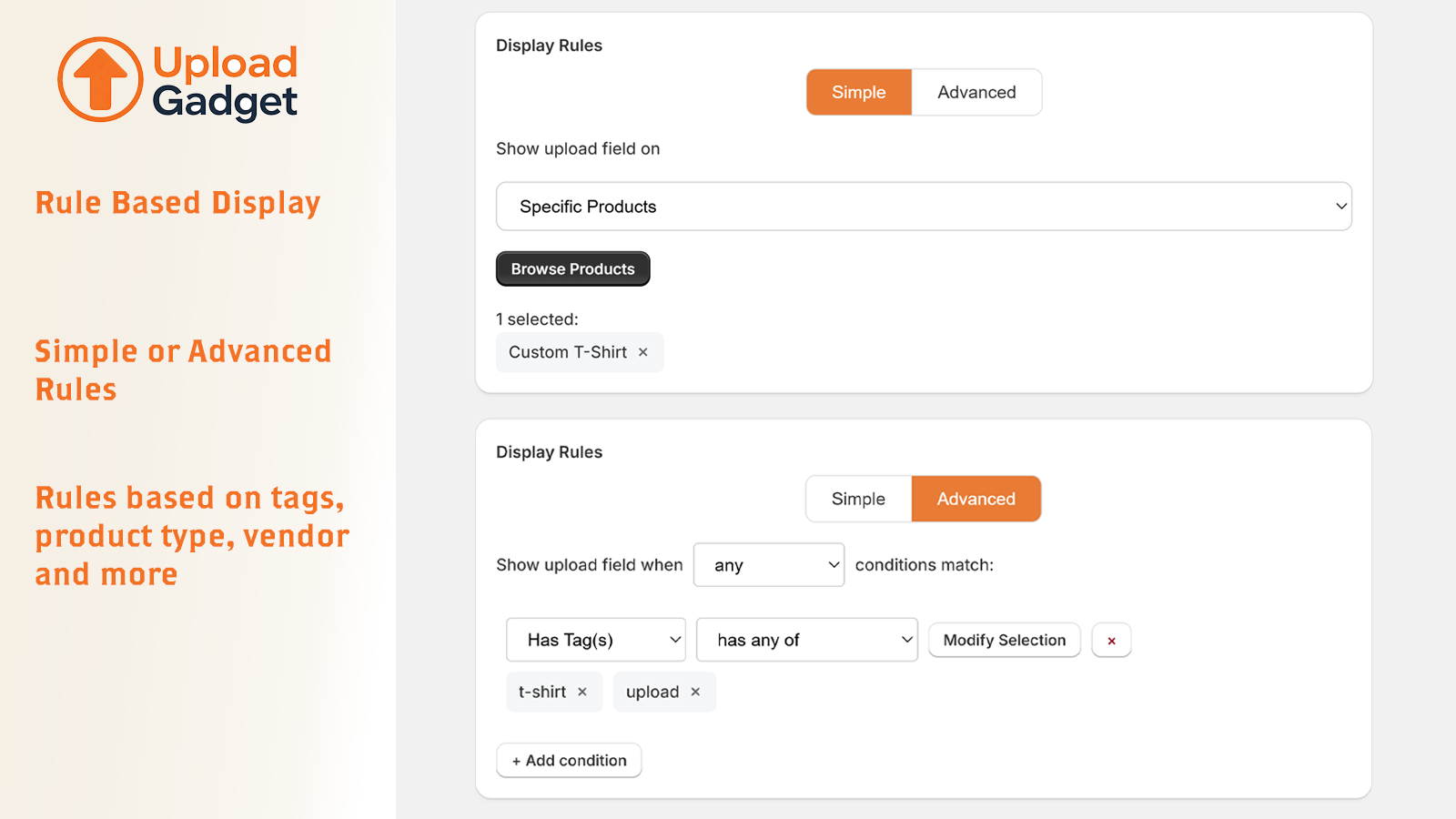
Advanced Upload Display Rules

Methodology

How to read these signals

Counts are based on Shoplist's latest available public crawl signal dated February 19, 2026.

Shoplist has not yet found reliable public storefront evidence connecting a Shopify store to this app. This does not mean the app has no users. Some apps are new, admin-only, server-side, theme-independent, or otherwise difficult to detect from public storefront signals.

Merchant rows are filtered to public brand profiles with enough public data to link safely. Full workflow, filtering, and monitoring stay behind signup.

Review, pricing, feature, screenshot, and listing-change data come from public Shopify App Store and Shoplist crawl records. Signals can change between crawls.

FAQ

Questions about File Uploads by UploadGadget

Has Shoplist detected stores using File Uploads by UploadGadget yet?

Shoplist has not yet found reliable public storefront evidence for File Uploads by UploadGadget. The page tracks first merchant evidence as it appears.

What does first-adopter watch mean?

It means Shoplist is monitoring launch context, first storefront-detectable merchant evidence, pricing, and listing changes.

Can I get alerts when stores start using File Uploads by UploadGadget?

Yes. Create a watchlist to get alerted when Shoplist finds public merchant evidence for File Uploads by UploadGadget.

Keep watching File Uploads by UploadGadget

Turn this public profile into a monitored app workflow for first detections, reviews, pricing, related apps, and listing-change history.

Get alerted when stores start using File Uploads by UploadGadget