Skip to content
Form Builder With File Upload logo

Form Builder With File Upload Shopify App: Pricing, Features & First-Adopter Watch

FormsBy Mandasa TechnologiesLaunched July 2, 2026Updated October 13, 2026

Form Builder With File Upload launched on July 2, 2026. Shoplist is watching for its first storefront installs and tracking pricing and listing changes in the meantime.

Key signals for Form Builder With File Upload

Launched
Jul 2, 2026
Pricing
Free planPaid from $6.99/month
Storefront installs
None yetWatching since its Jul 2, 2026 launch

Data checked October 27, 2026Listing checked todayHow Shoplist knows

Form Builder With File Upload pricing

Free
  • 1 Form
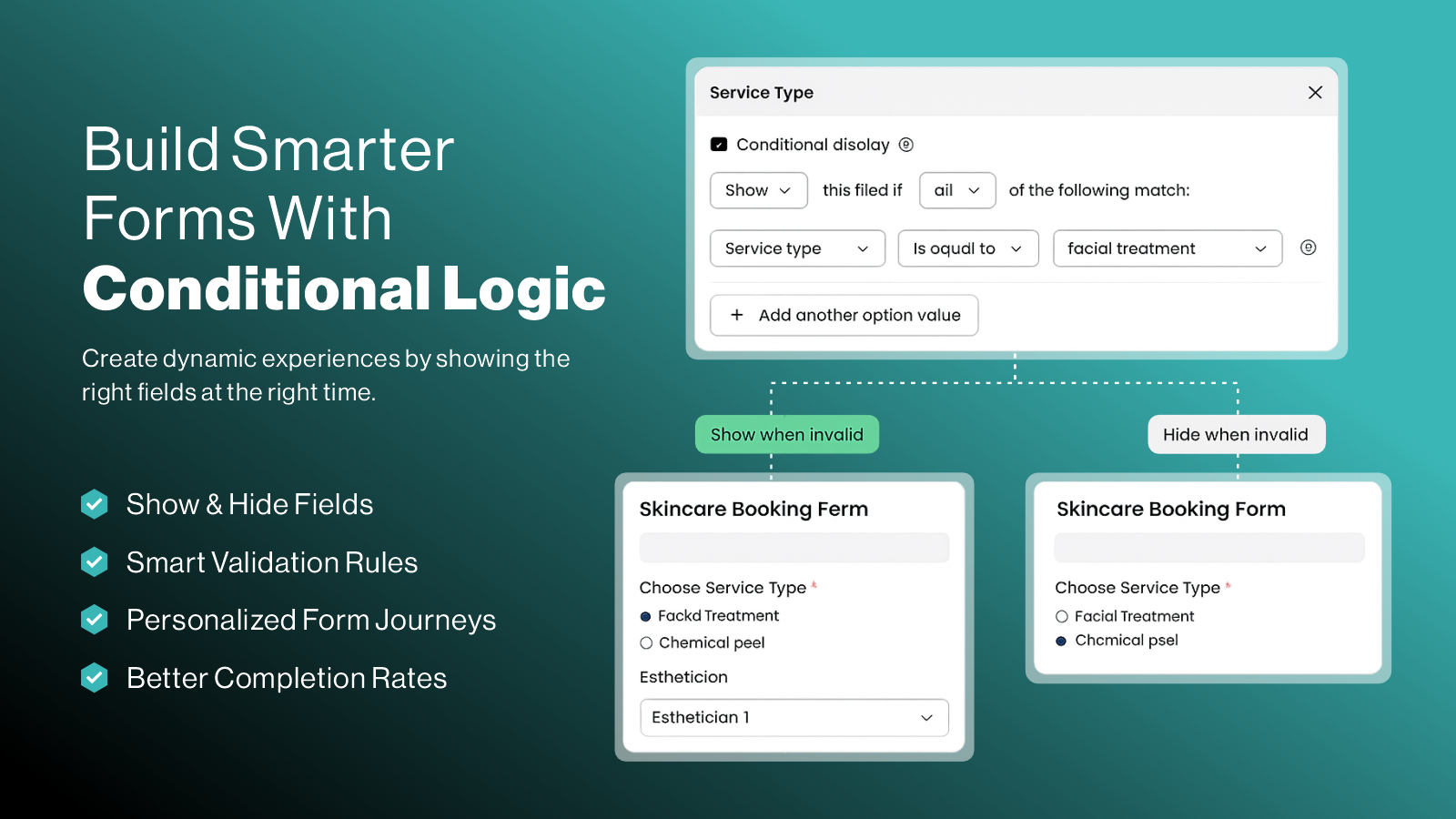
  • Basic Conditional Logic
  • Checkbox & Dropdown Fields
  • Customize Email Content
Free
Pro
  • Advanced Conditional Logic
  • All Field Types
  • B2B Approval Forms
  • Customize Email Content
$6.99/month

Recent Form Builder With File Upload activity

Store movement comes from Sonar's storefront scans; listing changes come from the Shopify App Store page.

App Store listing

Listing changes

5 updates

Detected Sep 26, 2026

App name changed

Positioning

App name changed

Custom Form Builder ‑ MTForm Builder With File Upload

Detected Sep 20, 2026

Integrations updated

Integrations

Integrations updated

Shopify Admin

Detected Sep 15, 2026

Integrations updated

Integrations

Integrations updated

Shopify Admin

Detected Aug 25, 2026

Integrations updated

Integrations

Integrations updated

Shopify Admin

Detected Aug 5, 2026

Integrations updated

Integrations

Integrations updated

Shopify Admin

Get Form Builder With File Upload's weekly changes by email

New stores, departures, and listing edits, once a week. No account needed.

Form Builder With File Upload screenshots and video

About Form Builder With File Upload

Create contact forms, B2B forms & wholesale forms with custom fields, and conditional logic.

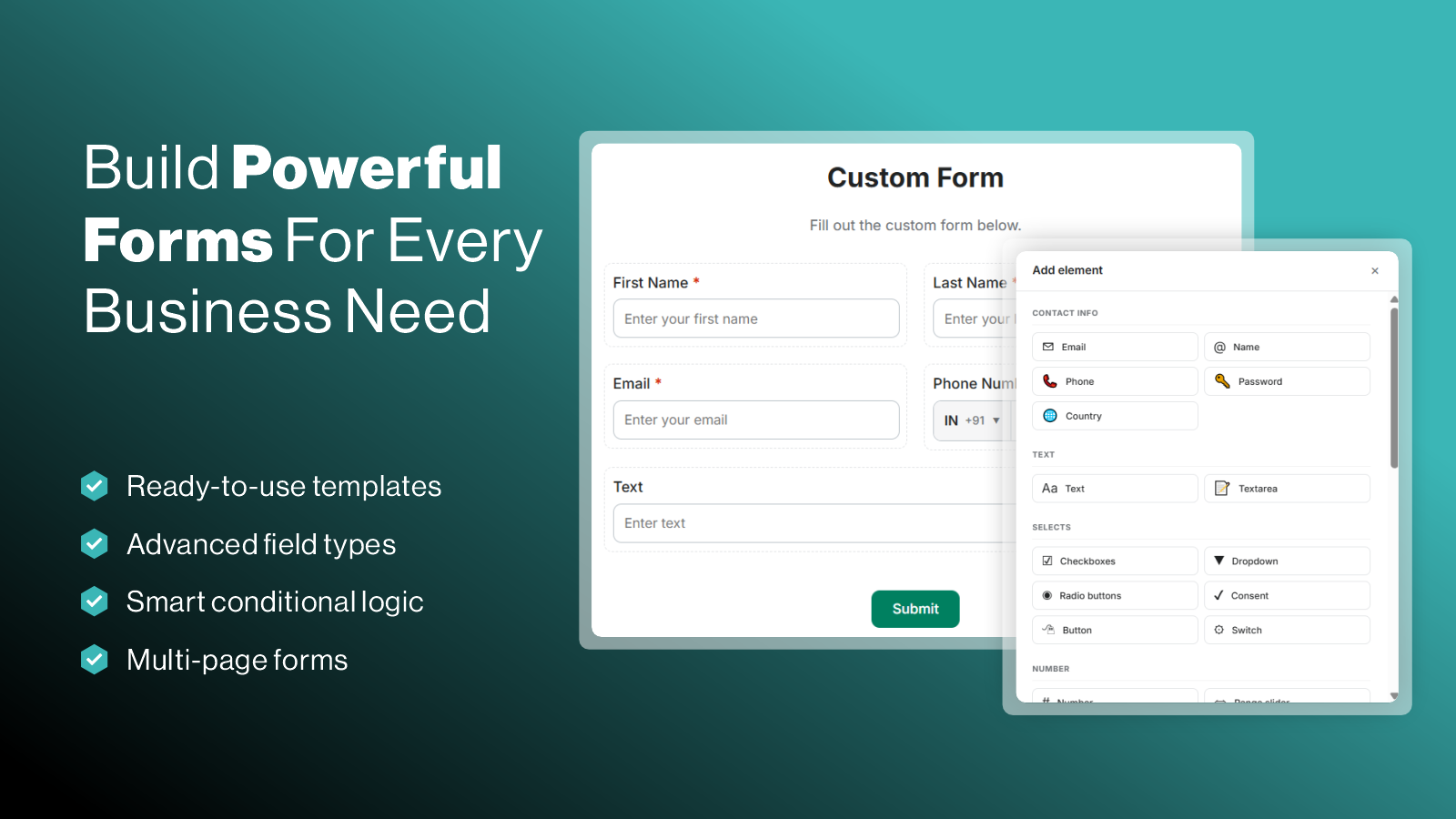
Create unlimited custom forms with an easy drag-and-drop builder. Build contact, B2B registration, wholesale, dealer, supplier, inquiry, feedback, survey, and custom application forms without coding. Add text fields, dropdowns, checkboxes, file uploads, date pickers, and more. Use conditional logic, multi-step forms, custom styling, email notifications, and responsive layouts to create forms that match your Shopify store.

Listing highlights

  • Build Contact, B2B & Wholesale Forms with Drag-and-Drop
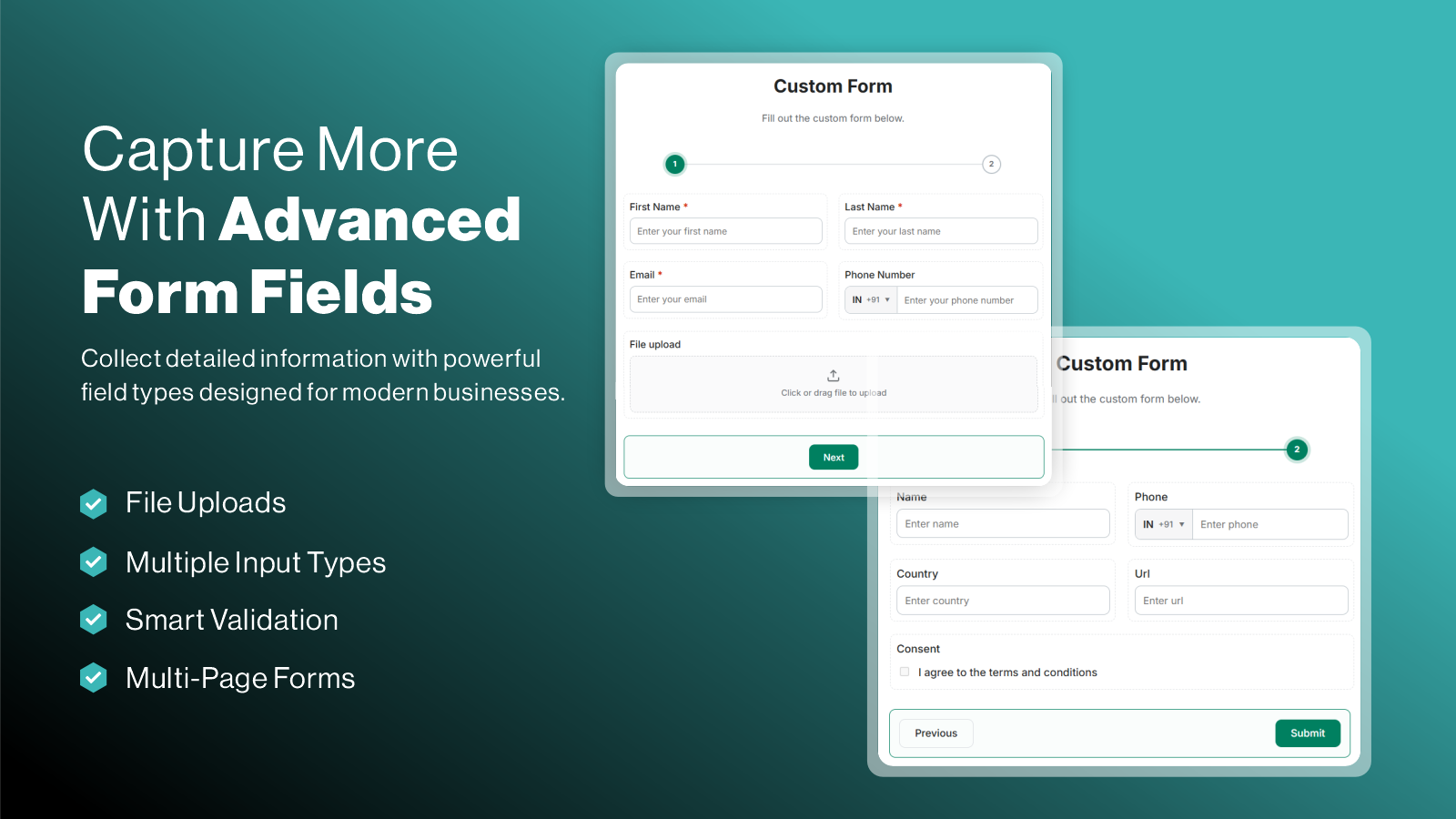
  • 25+ Field Types for Every Form You Need
  • Create Smart Forms with Conditional Logic
  • Collect Files, Images & Customer Information Easily
  • Multi-Step Forms Designed for Better Customer Experience

Features

Form types

  • Applications
  • Contacts
  • Custom
  • Feedback
  • File upload
  • Multi-step
  • Newsletters
Show 5 more
  • Orders
  • Pricing quotes
  • Registrations
  • Surveys
  • Wholesale

Customization

  • Conditional logic
  • Custom CSS
  • Drag-and-drop editor
  • Multi-language

Data management

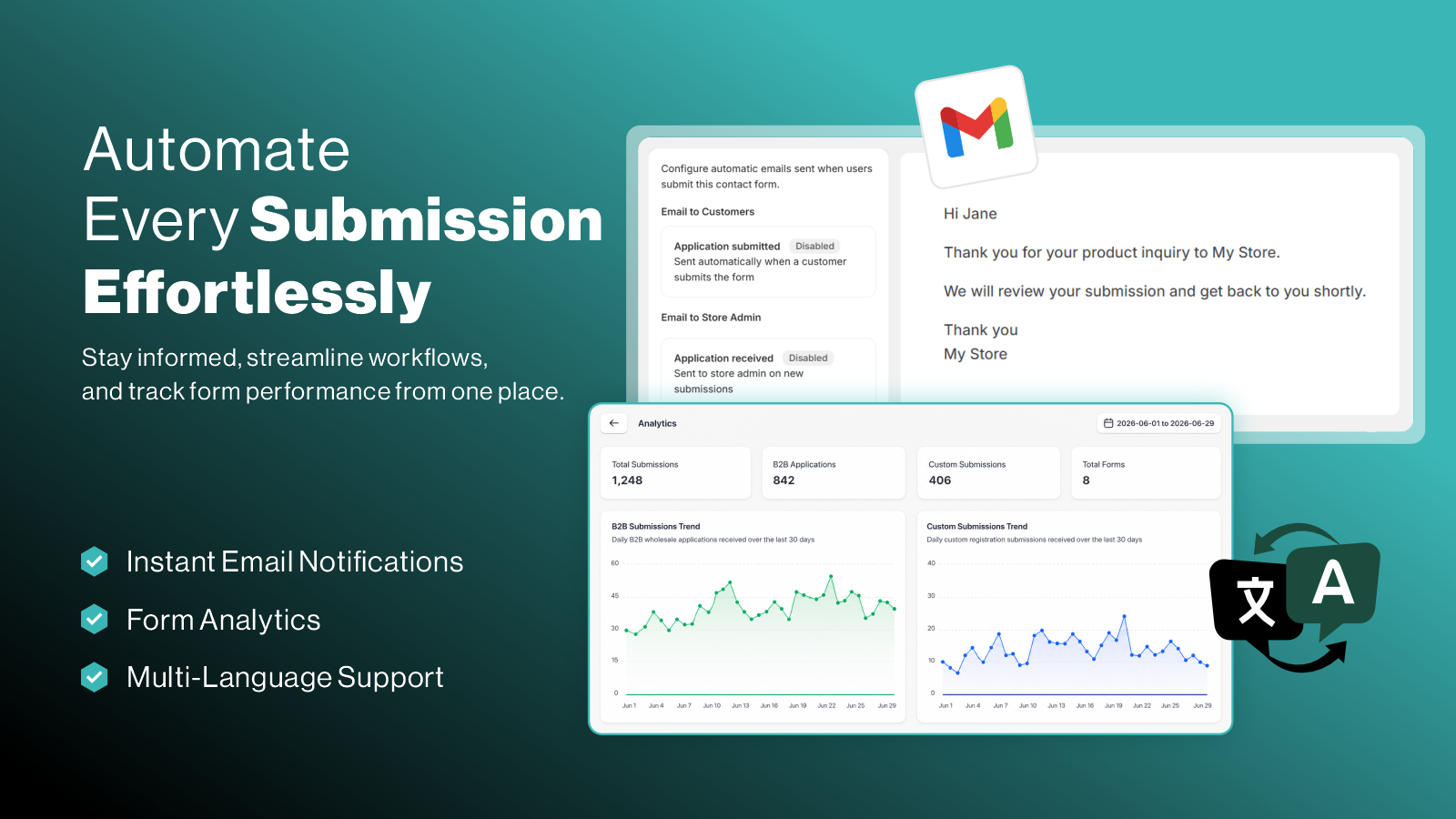
  • Email responses

How Shoplist knows

Every number on this page comes from public storefront scans and the public Shopify App Store listing. If Shoplist shows Form Builder With File Upload on a store, it is there.

Read the data methodology
  • Counts are based on Shoplist's latest available public crawl signal dated October 13, 2026.
  • Shoplist has not yet found reliable public storefront evidence connecting a Shopify store to this app. This does not mean the app has no users. Some apps are new, admin-only, server-side, theme-independent, or otherwise difficult to detect from public storefront signals.
  • Merchant rows are filtered to public brand profiles with enough public data to link safely. Full workflow, filtering, and monitoring stay behind signup.
  • Review, pricing, feature, screenshot, and listing-change data come from public Shopify App Store and Shoplist crawl records. Signals can change between crawls.

Questions about Form Builder With File Upload

Has Shoplist detected stores using Form Builder With File Upload yet?
Shoplist has not yet found reliable public storefront evidence for Form Builder With File Upload. The page tracks first merchant evidence as it appears.
What does first-adopter watch mean?
It means Shoplist is monitoring launch context, first storefront-detectable merchant evidence, pricing, and listing changes.
Can I get alerts when stores start using Form Builder With File Upload?
Yes. Create a watchlist to get alerted when Shoplist finds public merchant evidence for Form Builder With File Upload.

Keep exploring

Keep watching Form Builder With File Upload.

Get alerted on first storefront installs, review spikes, pricing changes, and listing edits.