Detected Jul 9, 2026
Integrations updated
Shopify Admin
Shoplist has not found reliable public storefront evidence for COUNTY ‑ exact stock counting. Track listing changes and developer context and first public
Shoplist public signals
Data checked July 11, 2026
Last listing check today
Monitoring status
Storefront detection limited
Tracking non-storefront public signals
As of May 23, 2026
Momentum
0 No signal
Install volume is too low for a reliable trend yet
Updated Aug 27, 2026
Install volume is too low for a reliable trend yet.
Updated Aug 27, 2026
Momentum inputs
28d installs
0
Prev. 28d
0
New 28d
0
30d reviews
0
Trend comparison is paused or unavailable for this window. The raw inputs show the install and review signals Shoplist observed instead.
Shoplist has not found reliable public storefront evidence for COUNTY ‑ exact stock counting. This may happen when an app is admin-only, server-side, or not visibly embedded on storefronts. Shoplist still tracks listing changes, developer data, related apps.
Recent detections and listing changes are public signals captured by crawl history.
App Store listing
Detected Jul 9, 2026
Detected Jul 2, 2026
Detected Jul 1, 2026
Detected Jun 26, 2026
Detected Jun 13, 2026
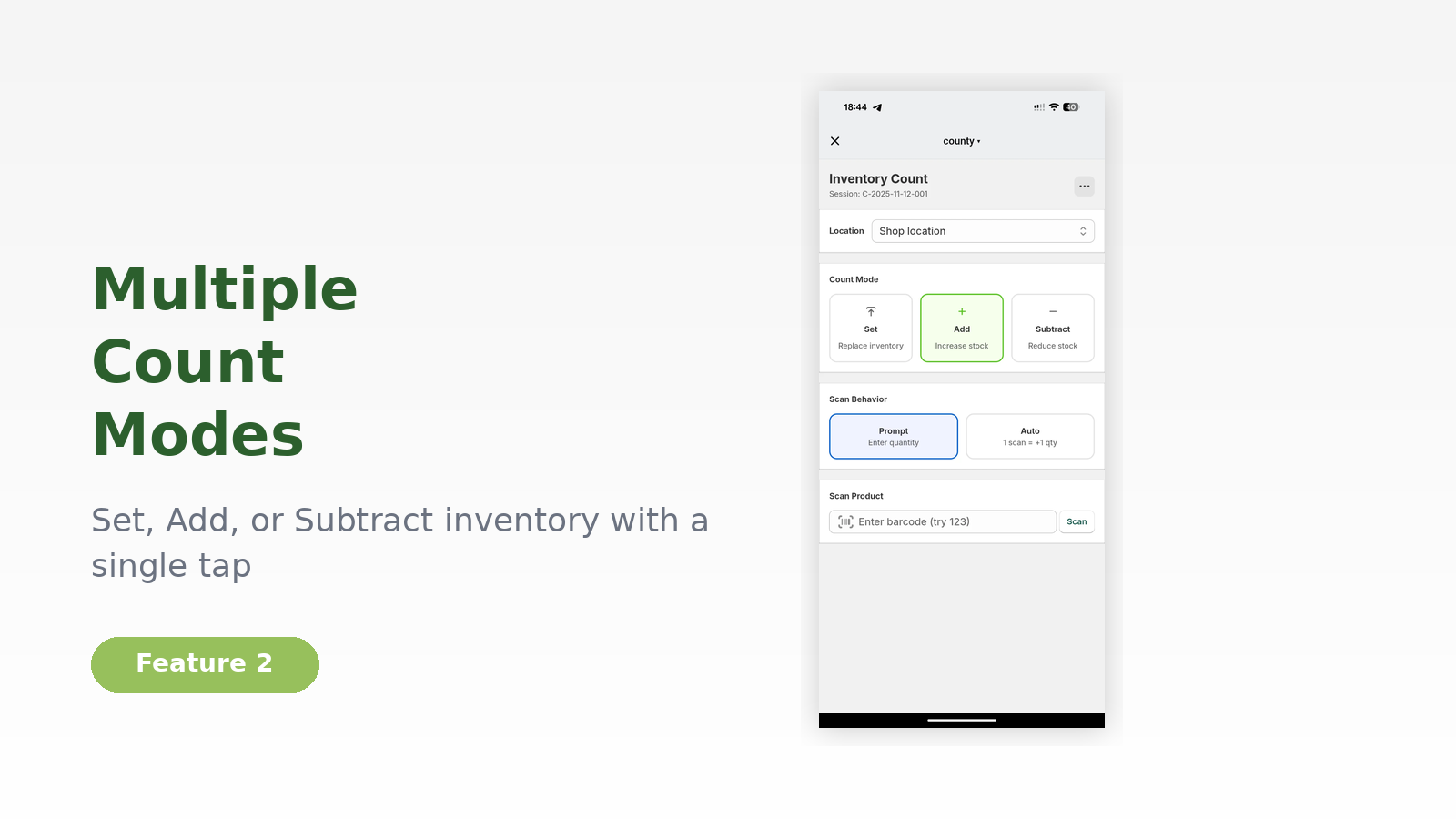
Count, Set, Add & Reduce inventory with just a few clicks. Reduce oversales and stock inaccuracy.
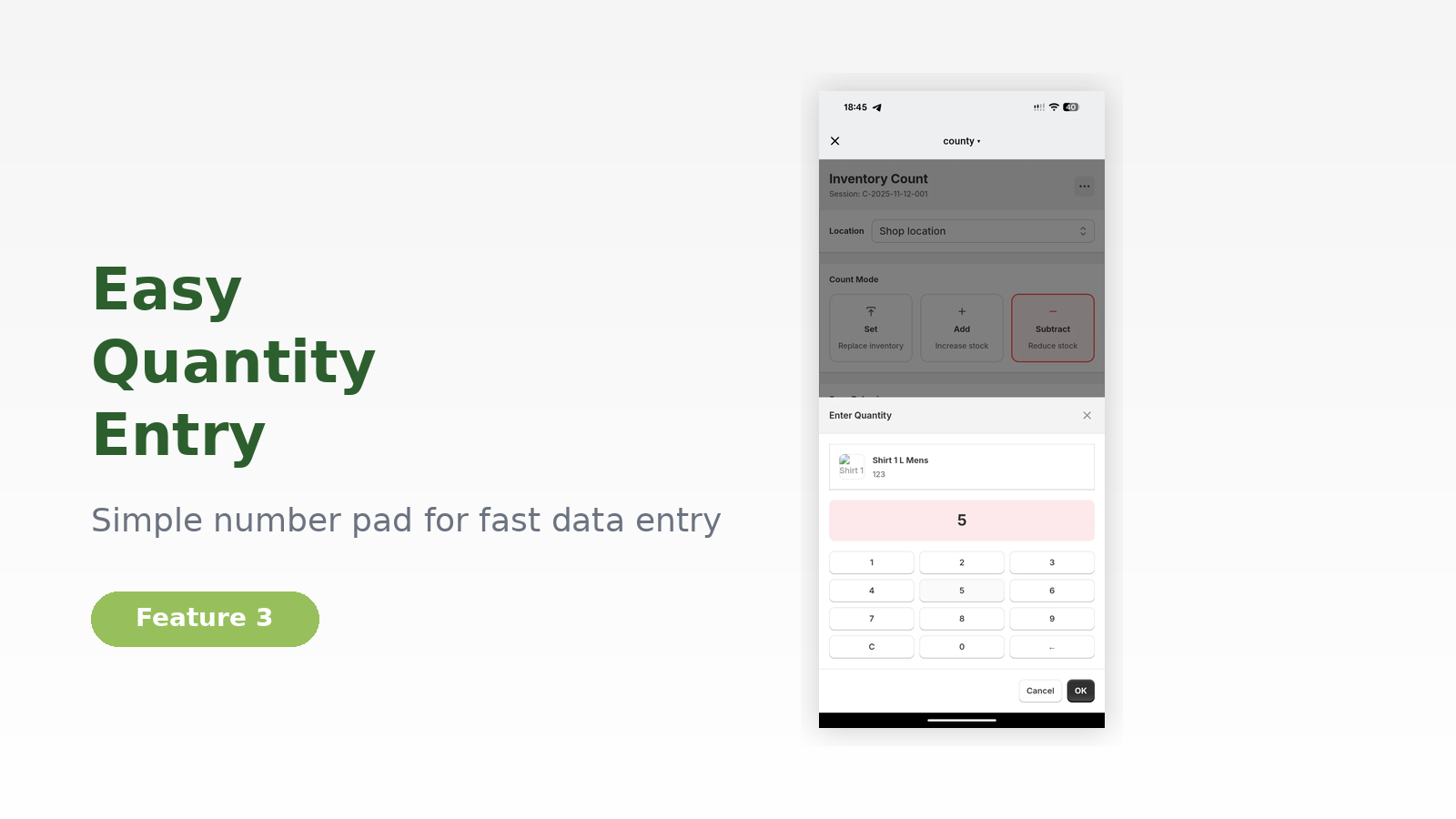
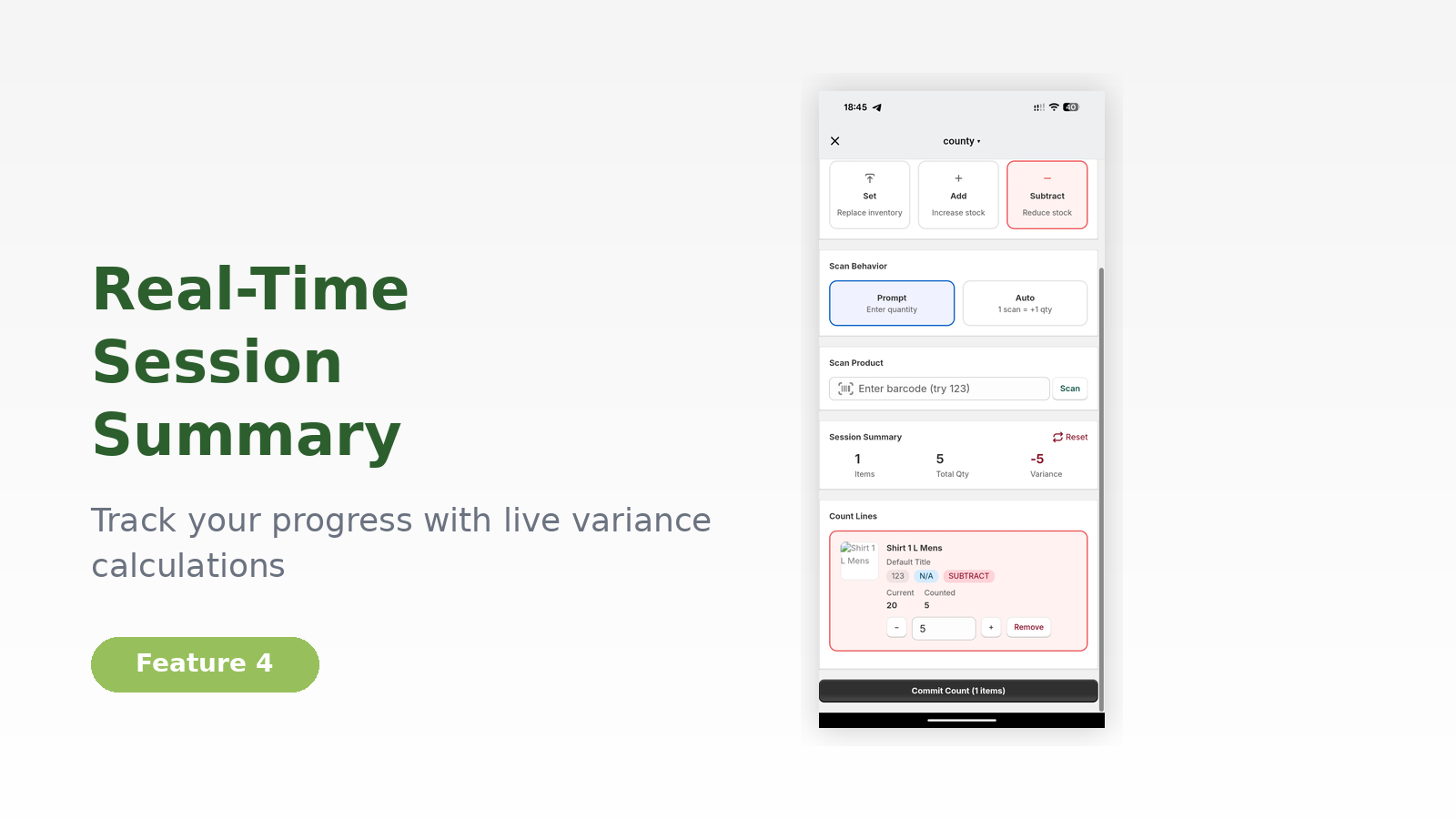
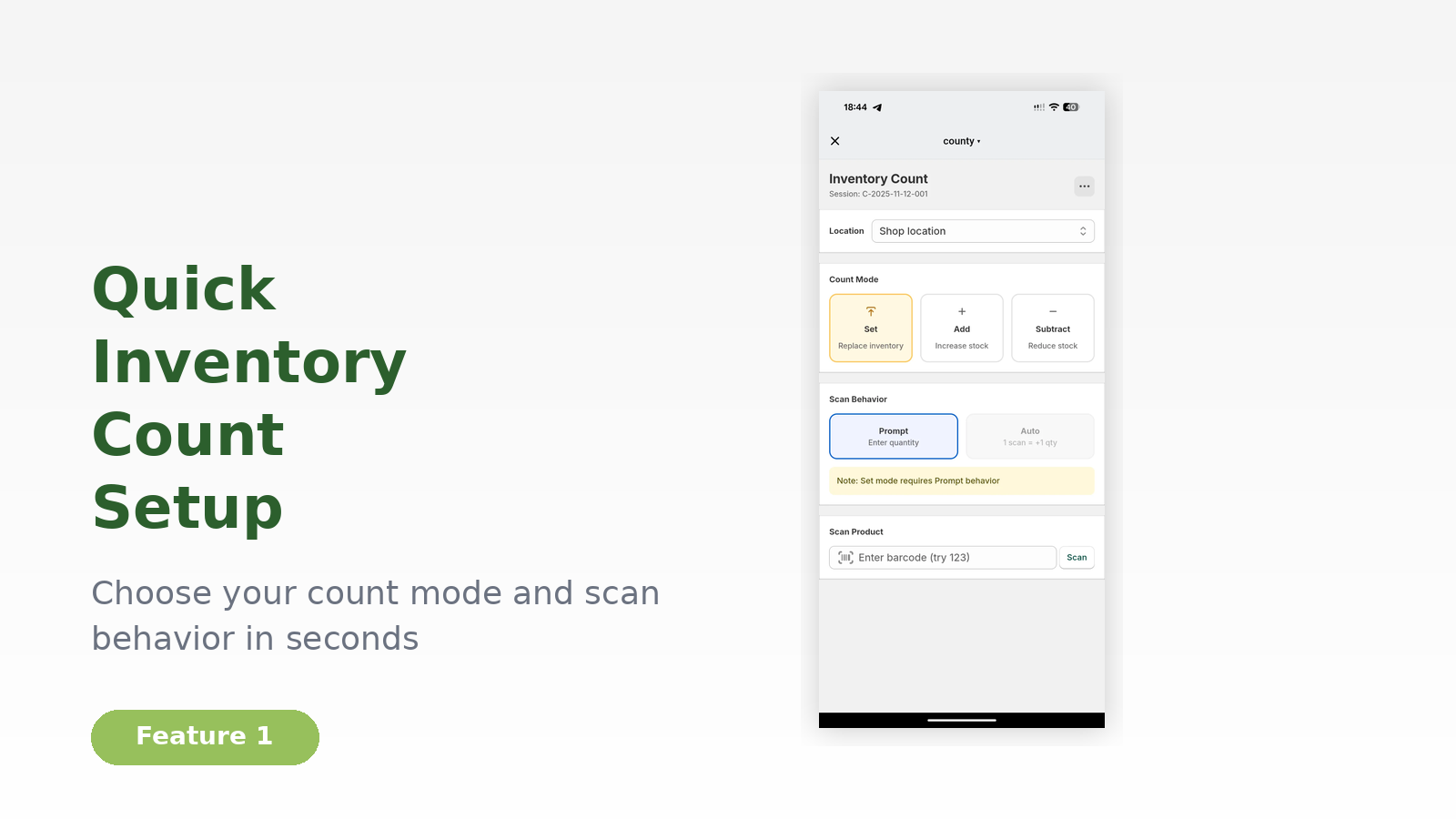
We know how important precise stock levels are. With COUNTY we want to provide you with a swift and intuitive way of setting, adding or reducing your inventory. Simply set your location, what you want to do (set, add or reduce stock), and get going. You can scan or enter the barcode manually, via camera or external barcode-scanner. Once you are done, check your overview and update your inventory. We wish you a successful Black Friday and the Holiday Season!
Counts are based on Shoplist's latest available public crawl signal dated May 23, 2026.
Shoplist has not yet found reliable public storefront evidence connecting a Shopify store to this app. This does not mean the app has no users. Some apps are new, admin-only, server-side, theme-independent, or otherwise difficult to detect from public storefront signals.
Merchant rows are filtered to public brand profiles with enough public data to link safely. Full workflow, filtering, and monitoring stay behind signup.
Review, pricing, feature, screenshot, and listing-change data come from public Shopify App Store and Shoplist crawl records. Signals can change between crawls.
Some Shopify apps are admin-only, server-side, theme-independent, or otherwise difficult to detect from public storefront signals.
No. It only means Shoplist has not found reliable public storefront evidence for COUNTY ‑ exact stock counting. listing changes and developer data can still be useful signals.
Yes. Shoplist can monitor COUNTY ‑ exact stock counting for future public storefront detections and listing movement.
Keep watching COUNTY ‑ exact stock counting
Turn this public profile into a monitored app workflow for first detections, reviews, pricing, related apps, and listing-change history.