
PrintFlo: Printavo Integration vs YoPrint
Two Shopify apps, side by side: detected stores, momentum, reviews, plans, listed features and who runs each. Store counts as of Oct 13, 2026 for PrintFlo, May 24, 2026 for YoPrint.
The short answer
- YoPrint lists 4 features PrintFlo’s listing doesn’t mention, including Auto-sync data, Multi-store, Order fulfillment.
Head to head


Batch & export orders, import products, streamline fulfillment
Momentum
New reviews each month
Review pace is the clearest public read on how fast an app is winning new merchants.
Premium
- · Auto-Tag Orders With Printavo Invoice #
- · Automatic Order Export with Custom Rules
- · Custom Setup for Shop-Specific Workflows
- · Fast Support by Former Printavo Engineer
- · Free 1-on-1 Onboarding
- · Unlimited Campaigns to Batch Orders
Free to install
- · Requires an active YoPrint subscription
Coverage counts what each App Store listing names. Every feature, checked off app by app, is in Shoplist.
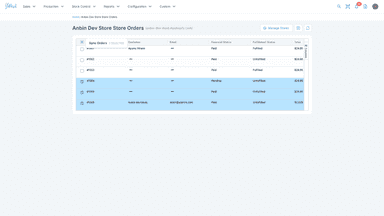
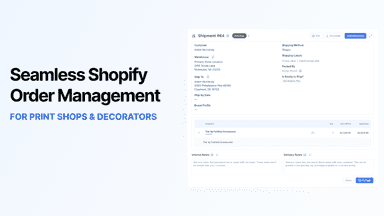
See every featureSave hours every week and reduce costly errors by using PrintFlo to export Shopify orders into Printavo with full production details. Sizes, colors, product mockups, item numbers, customizations and print locations automatically export for each product in the order. Automate order flow or batch orders together based on your shop's workflow. Built by a former Printavo engineer for print shops running on Shopify.
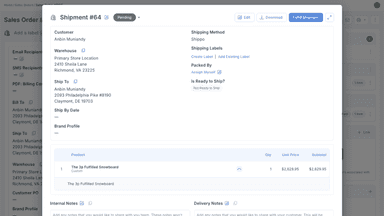
YoPrint connects your store orders with your production workflow. You can track job progress, manage inventory, and mark orders fulfilled once completed. The result is a smoother, more reliable process that helps print shops keep customers informed and satisfied.
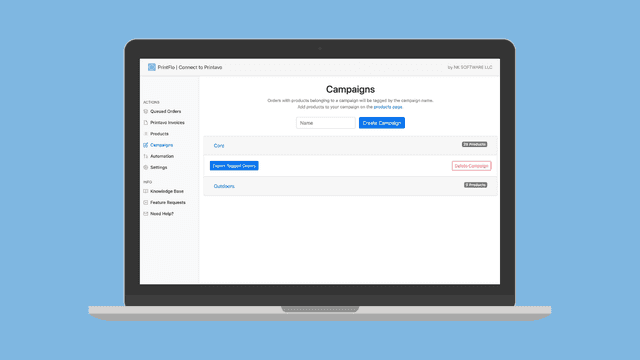
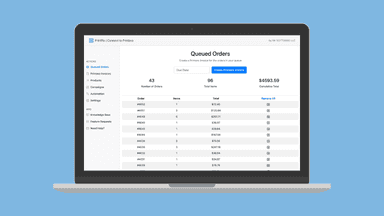
- Select specific orders or use automation to automatically zap orders to Printavo
- Intelligently merge Shopify orders into one single Printavo invoice with images
- Assign products to campaigns in advance and export just the relevant items
- Quickly turn Printavo line items into Shopify products with a click of a button
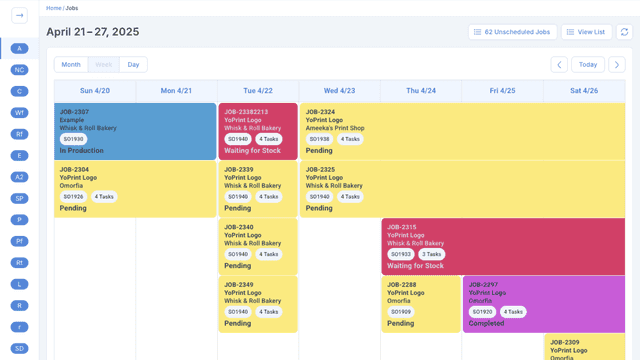
- Track every order from intake to delivery in one place.
- Schedule jobs, assign tasks, and monitor progress easily.
- Ship from YoPrint and mark orders fulfilled in your store.


All the numbers
Every figure, side by side
A green dot marks the app ahead on a measured figure. Estimates, gaps and apps that leave no storefront trace never take the lead.
Adoption
| Measure |  PrintFlo |  YoPrint |
|---|---|---|
| Detected stores | Not published | Not published |
| Net store change, 28 days | 0 | 0 |
| Stores added, 28 days | Not enough data | Not enough data |
| Big-brand share | Not enough data | Not enough data |
| Top store categories | Not published | Not published |
| Top store countries | Not published | Not published |
Reviews
| Measure | PrintFlo | YoPrint |
|---|---|---|
| App Store rating | 5.0 ★ | Not published |
| App Store reviews | 7 | Not published |
| New reviews, 28 days | 0 | Not enough data |
| Reviewers a year or more in | Not enough data | Not enough data |
FAQ
PrintFlo and YoPrint: common questions
- What features does each app list that the other doesn’t?
- YoPrint lists 4 the others don’t mention, such as Auto-sync data, Multi-store, Order fulfillment, Order processing. A feature missing from a listing may still be supported; this compares what each App Store listing says.
- Where does this comparison’s data come from?
- Shoplist crawls Shopify storefronts to detect which apps each store runs, and reads each app’s Shopify App Store listing for reviews, pricing, features and integrations. Store counts are as of Oct 13, 2026 for PrintFlo, May 24, 2026 for YoPrint; estimated figures are labeled.
How Shoplist compares apps
Store counts come from Shoplist’s crawl of Shopify storefronts, which detects the apps each store runs; they are as of Oct 13, 2026 for PrintFlo, May 24, 2026 for YoPrint. Reviews, ratings, plans, features and integrations come from each app’s Shopify App Store listing. 28-day figures are labeled when estimated, and a figure that is missing or estimated never decides who leads. Read the methodology.