

NotiBear vs Oct: Sales Notifier
Two Shopify apps, side by side: detected stores, momentum, reviews, plans, listed features and who runs each. Store counts as of Oct 13, 2026 for NotiBear, Oct 14, 2026 for Oct.
The short answer
- Both list a free plan. Paid plans start at $6.80/month for NotiBear and $4/month for Oct.
Head to head


FREE
- · 100 messages
- · 1000 impressions
- · Add discount codes
- · Custom colours and icons
- · Not support
Starter
- · 24/7 support via email
- · Add discount codes
- · Custom colours and icons
- · Unlimited impressions
- · Unlimited messages
Free
- · 100 views per day
- · Basic Analytics
- · Basic Customization
- · Basic Support
- · Realtime Notification
Monthly Plan
- · Advanced Customization
- · Advanced analytics
- · Priority Support
- · Realtime Notification
- · Unlimited views per day
Annual Plan
- · Advanced Analytics
- · Advanced Customization
- · Priority Support
- · Realtime Notification
- · Unlimited views per day
Coverage counts what each App Store listing names. Every feature, checked off app by app, is in Shoplist.
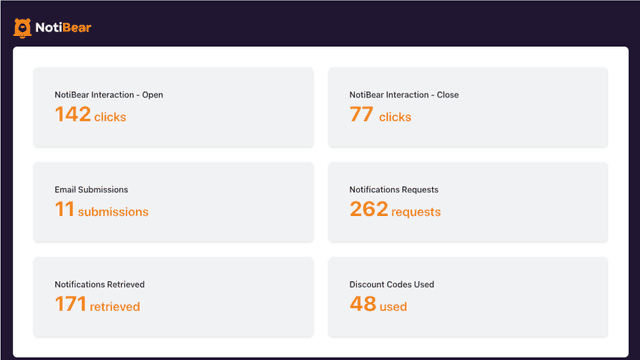
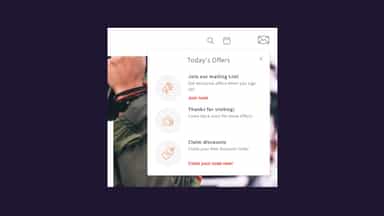
See every featureNotiBear provides users with a functional notification box, similar to the way that notifications are displayed on popular social media platforms. With NotiBear, you can promote your products, campaigns, discounts and more on-site, in a way that your customers are already familiar with and enjoy engaging with.
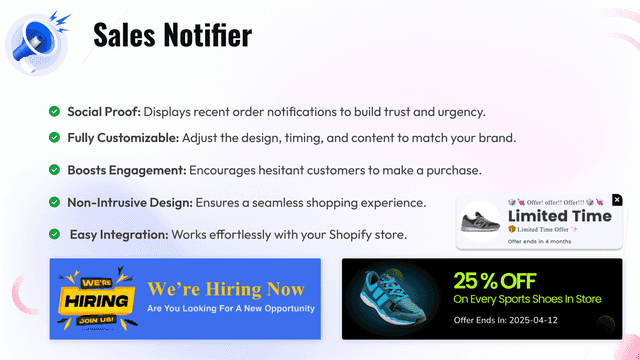
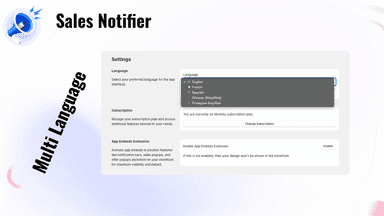
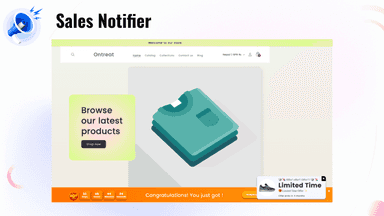
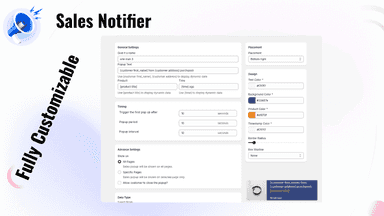
Sales Notifier boosts your store’s credibility by displaying recent order notifications, creating a sense of urgency and trust. Fully customizable, it allows you to showcase realistic sales activity, encouraging customers to make a purchase. With a sleek, non-intrusive design, the app enhances social proof, making your store look active and popular.
- Increase product and content engagement by highlighting key information
- Grow your marketing email list by collecting customer emails with gated discount
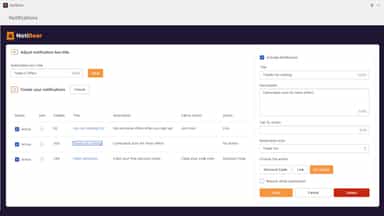
- Customise the design of icons, theme/colours and messaging to suit your brand
- Social Proof: Displays recent order notifications to build trust and urgency.
- Fully Customizable: Adjust the design, timing, and content to match your brand.
- Boosts Engagement: Encourages hesitant customers to make a purchase.

All the numbers
Every figure, side by side
A green dot marks the app ahead on a measured figure. Estimates, gaps and apps that leave no storefront trace never take the lead.
Adoption
| Measure |  NotiBear |  Oct |
|---|---|---|
| Detected stores | Not published | Not published |
| Net store change, 28 days | 0 | 0 |
| Stores added, 28 days | Not enough data | Not enough data |
| Big-brand share | Not enough data | Not enough data |
| Top store categories | Not published | Not published |
| Top store countries | Not published | Not published |
Reviews
| Measure | NotiBear | Oct |
|---|---|---|
| App Store rating | Not published | Not published |
| App Store reviews | Not published | Not published |
| New reviews, 28 days | Not enough data | Not enough data |
| Reviewers a year or more in | Not enough data | Not enough data |
FAQ
NotiBear and Oct: common questions
- Is NotiBear or Oct cheaper?
- Both list a free plan. Paid plans start at $6.80/month for NotiBear and $4/month for Oct. Shoplist compares base prices only between monthly plans in the same currency; usage charges and annual plans vary, so check each plan’s limits.
- Where does this comparison’s data come from?
- Shoplist crawls Shopify storefronts to detect which apps each store runs, and reads each app’s Shopify App Store listing for reviews, pricing, features and integrations. Store counts are as of Oct 13, 2026 for NotiBear, Oct 14, 2026 for Oct; estimated figures are labeled.
How Shoplist compares apps
Store counts come from Shoplist’s crawl of Shopify storefronts, which detects the apps each store runs; they are as of Oct 13, 2026 for NotiBear, Oct 14, 2026 for Oct. Reviews, ratings, plans, features and integrations come from each app’s Shopify App Store listing. 28-day figures are labeled when estimated, and a figure that is missing or estimated never decides who leads. Read the methodology.