

Magic 360 vs Magic Zoom Plus
Two Shopify apps, side by side: detected stores, momentum, reviews, plans, listed features and who runs each. Store counts as of Oct 13, 2026.
The short answer
- On the Shopify App Store: Magic 360 4.6 from 30 reviews and Magic Zoom Plus 4.8 from 95 reviews.
Head to head


360 degree spin is the perfect way to view products!
Beautiful image zoom, videos and 360 spin for your products
Momentum
New reviews each month
Review pace is the clearest public read on how fast an app is winning new merchants.
One-time charge
One-time charge
Coverage counts what each App Store listing names. Every feature, checked off app by app, is in Shoplist.
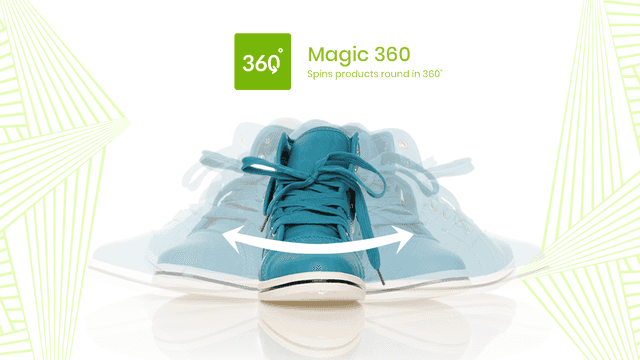
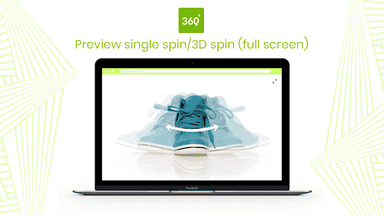
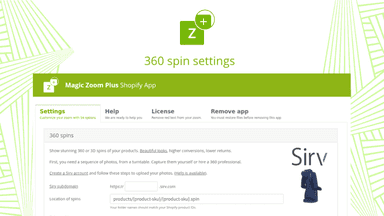
See every featureShow customers every detail of your product with 360-degree spin. Customers can even zoom-in and enlarge to full-screen too. You'll need a set of JPG photos which show every angle. Your product moves ever so slightly in each photo, to create the 360 effect. We recommend 1200px to 1500px wide. These big images will create gorgeous spin, magnify & full-screen effects.
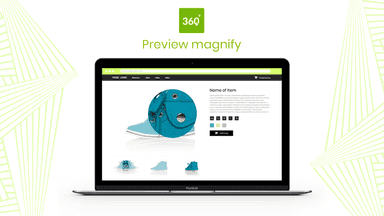
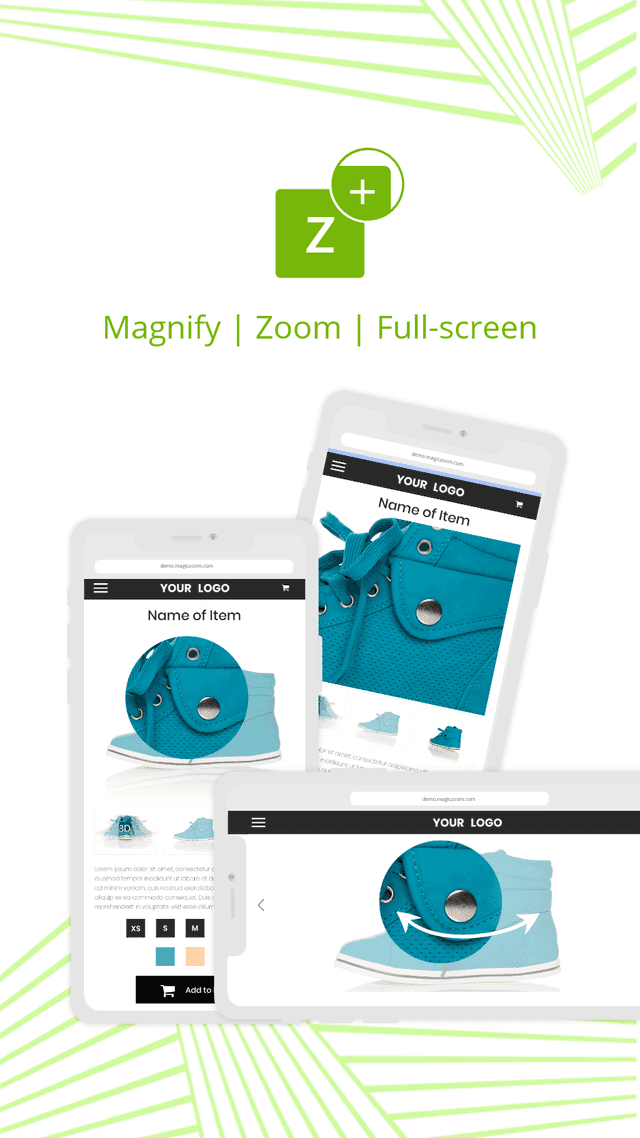
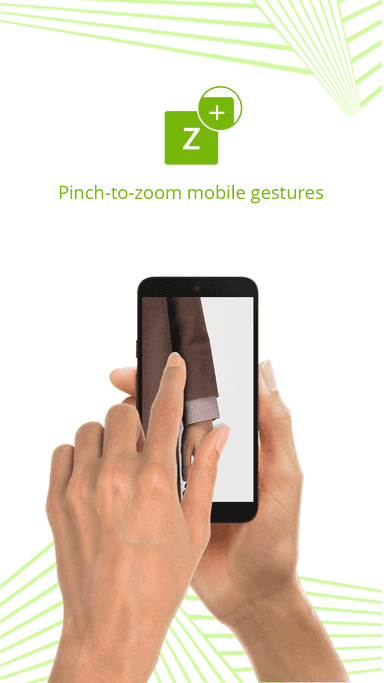
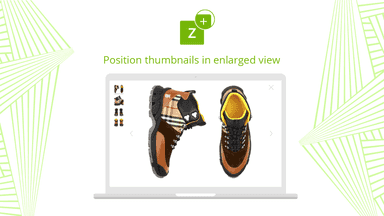
Image zoom to display products in stunning detail and the enlarged view displays helpful thumbnails for quick browsing. Magic Zoom Plus supports Shopify's native video functionality too, so you can upload your videos to products as you normally would an image, and the video will display as part of the main image gallery.
- Display static images alongside your 360 degree spin.
- Magic 360 supports any Shopify theme.
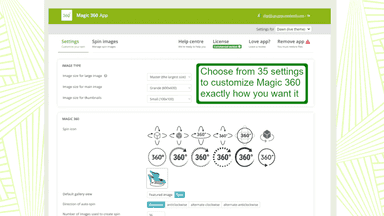
- Customize options like speed and autospin easily on the app settings page.
- Works with variant images, so your images change when you swap the colour/size.
- Magic Zoom Plus can be integrated with Shopify themes and custom built themes.
- Customize options easily on the app settings page, like the magnifier zoom.
All the numbers
Every figure, side by side
A green dot marks the app ahead on a measured figure. Estimates, gaps and apps that leave no storefront trace never take the lead.
Adoption
| Measure |  Magic 360 |  Magic Zoom Plus |
|---|---|---|
| Detected stores | Not published | Not published |
| Net store change, 28 days | 0 | 0 |
| Stores added, 28 days | Not enough data | Not enough data |
| Big-brand share | Not enough data | Not enough data |
| Top store categories | Not published | Not published |
| Top store countries | Not published | Not published |
Reviews
| Measure | Magic 360 | Magic Zoom Plus |
|---|---|---|
| App Store rating | 4.6 ★ | 4.8 ★(ahead) |
| App Store reviews | 30 | 95(ahead) |
| New reviews, 28 days | 0 | 0 |
| Reviewers a year or more in | Not enough data | Not enough data |
Pricing
| Measure | Magic 360 | Magic Zoom Plus |
|---|---|---|
| Free plan | Not listed | Not listed |
| Lowest paid monthly plan | No monthly plan listed | No monthly plan listed |
| Longest free trial | Not listed | Not listed |
| Plans listed | 1 | 1 |
Listing
| Measure | Magic 360 | Magic Zoom Plus |
|---|---|---|
| Shopify category rank | #91 | #33 |
| Shopify App Charts | Not on this week’s charts | Not on this week’s charts |
| Built for Shopify | No | No |
| Launched | Sep 7, 2012 | Jul 3, 2012 |
| Languages | 1 | 1 |
| Developer | Magic Toolbox | Magic Toolbox |
FAQ
Magic 360 and Magic Zoom Plus: common questions
- Which has better reviews, Magic 360 or Magic Zoom Plus?
- On the Shopify App Store: Magic 360 4.6 from 30 reviews and Magic Zoom Plus 4.8 from 95 reviews.
- Where does this comparison’s data come from?
- Shoplist crawls Shopify storefronts to detect which apps each store runs, and reads each app’s Shopify App Store listing for reviews, pricing, features and integrations. Store counts are as of Oct 13, 2026; estimated figures are labeled.
How Shoplist compares apps
Store counts come from Shoplist’s crawl of Shopify storefronts, which detects the apps each store runs; they are as of Oct 13, 2026. Reviews, ratings, plans, features and integrations come from each app’s Shopify App Store listing. 28-day figures are labeled when estimated, and a figure that is missing or estimated never decides who leads. Read the methodology.