

AxiTrace vs Pixova
Two Shopify apps, side by side: detected stores, momentum, reviews, plans, listed features and who runs each. Store counts as of Nov 8, 2026 for AxiTrace, Oct 13, 2026 for Pixova.
The short answer
- Both list a free plan. Paid plans start at $119/month for AxiTrace and $8.99/month for Pixova.
Head to head


Free
- · 10,000 visits/month
- · 9 ad platform integrations
- · 90-day data retention
- · Full dashboard, 1 domain
Pro
- · 14-day in-app trial: 500K visits
- · 180-day data retention
- · 500,000 visits/month
- · 9 ad platforms, API and MCP
- · Paid selection starts billing now
- · Start trial in app before subscribing
Business
- · 14-day in-app trial: 3M visits
- · 3,000,000 visits/month
- · 365-day data retention
- · Paid selection starts billing now
- · Start trial in app before subscribing
- · Trial: no card or automatic charge
Free
- · 1 pixel channel, standard event dispatch
- · Auto-dispatch checkout events
- · Native Web Pixel, zero speed impact
Starter
- · 3 channels: Google Ads, Meta, TikTok
- · Auto-dispatch events with value/currency
- · Native Web Pixel, zero speed impact
- · No Pixova branding
- · Priority support
Coverage counts what each App Store listing names. Every feature, checked off app by app, is in Shoplist.
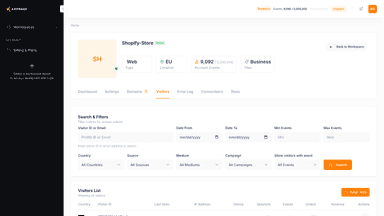
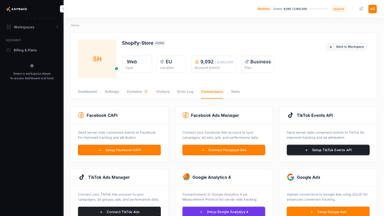
See every featureAxiTrace captures every Shopify event server-side and forwards it to Meta Conversions API, TikTok Events API, Google Ads Enhanced Conversions, and Google Analytics 4. Simple setup. No theme code, no Liquid edits, no developer required. Order webhooks, the Web Pixel, and the three mandatory GDPR endpoints are configured automatically when you install.
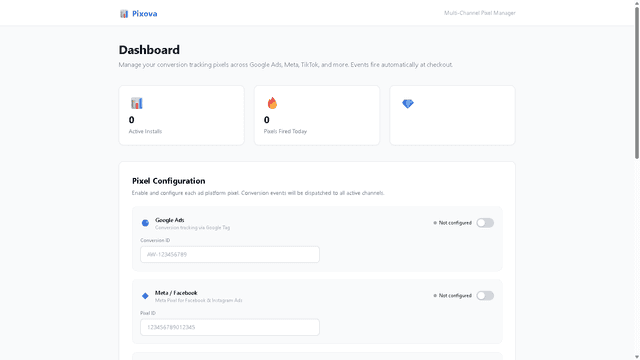
Pixova is a conversion pixel manager for Shopify. Connect Google Ads, Meta, and TikTok pixel IDs — Pixova auto-dispatches checkout_started, payment_info_submitted, and checkout_completed events directly from the customer browser to your ad platforms. Native Web Pixel extension means zero JavaScript and zero checkout speed impact. No coding required: enter pixel IDs and go live in 60 seconds.
- Restores conversion data blocked by iOS 14, ad blockers and cookie deprecation
- Forwards events to Meta CAPI, TikTok Events API, Google Ads and GA4 in parallel
- OAuth install auto-registers order webhooks, Web Pixel and GDPR endpoints
- PII SHA-256 hashed server-side before any data leaves the store
- Multi-channel pixel aggregation — Google Ads, Meta, TikTok in one dashboard
- Auto-dispatch 3 checkout events: started, payment info, completed
- Native Web Pixel extension — zero JavaScript, zero impact on checkout speed
- Zero-code setup — enter pixel IDs and go live in under 60 seconds




All the numbers
Every figure, side by side
A green dot marks the app ahead on a measured figure. Estimates, gaps and apps that leave no storefront trace never take the lead.
Adoption
| Measure |  AxiTrace |  Pixova |
|---|---|---|
| Detected stores | 2 | Not published |
| Net store change, 28 days | 0 | 0 |
| Stores added, 28 days | Not enough data | Not enough data |
| Big-brand share | Not enough data | Not enough data |
| Top store categories | Furniture, Health & Beauty | Not published |
| Top store countries | Not published | Not published |
Reviews
| Measure | AxiTrace | Pixova |
|---|---|---|
| App Store rating | Not published | Not published |
| App Store reviews | Not published | Not published |
| New reviews, 28 days | Not enough data | Not enough data |
| Reviewers a year or more in | Not enough data | Not enough data |
FAQ
AxiTrace and Pixova: common questions
- Is AxiTrace or Pixova cheaper?
- Both list a free plan. Paid plans start at $119/month for AxiTrace and $8.99/month for Pixova. Shoplist compares base prices only between monthly plans in the same currency; usage charges and annual plans vary, so check each plan’s limits.
- Where does this comparison’s data come from?
- Shoplist crawls Shopify storefronts to detect which apps each store runs, and reads each app’s Shopify App Store listing for reviews, pricing, features and integrations. Store counts are as of Nov 8, 2026 for AxiTrace, Oct 13, 2026 for Pixova; estimated figures are labeled.
How Shoplist compares apps
Store counts come from Shoplist’s crawl of Shopify storefronts, which detects the apps each store runs; they are as of Nov 8, 2026 for AxiTrace, Oct 13, 2026 for Pixova. Reviews, ratings, plans, features and integrations come from each app’s Shopify App Store listing. 28-day figures are labeled when estimated, and a figure that is missing or estimated never decides who leads. Read the methodology.