
Chargly ‑ Collect POS Fees Shopify App: Reviews, Pricing & Alternatives
RetailBy Sasquatch Studio3.2 (5 reviews)Updated October 14, 2026
Shoplist has not found Chargly ‑ Collect POS Fees on a storefront yet, so it tracks the app through its 5 public reviews and pricing instead. Storefront detections will appear here as soon as Sonar finds them.
Key signals for Chargly ‑ Collect POS Fees
- Rating
- 3.25 reviews
- Pricing
- Free trialThen from $6.99/month
- Launched
- Feb 24, 2025
- Storefront installs
- None foundAdmin-only and server-side apps rarely leave a storefront trace
Chargly ‑ Collect POS Fees reviews and rating
- Rating
- 3.2
- Reviews
- 5
- Latest
- Aug 23, 2026
Reviews added by month
Chargly ‑ Collect POS Fees pricing
- Basic
- All our core features
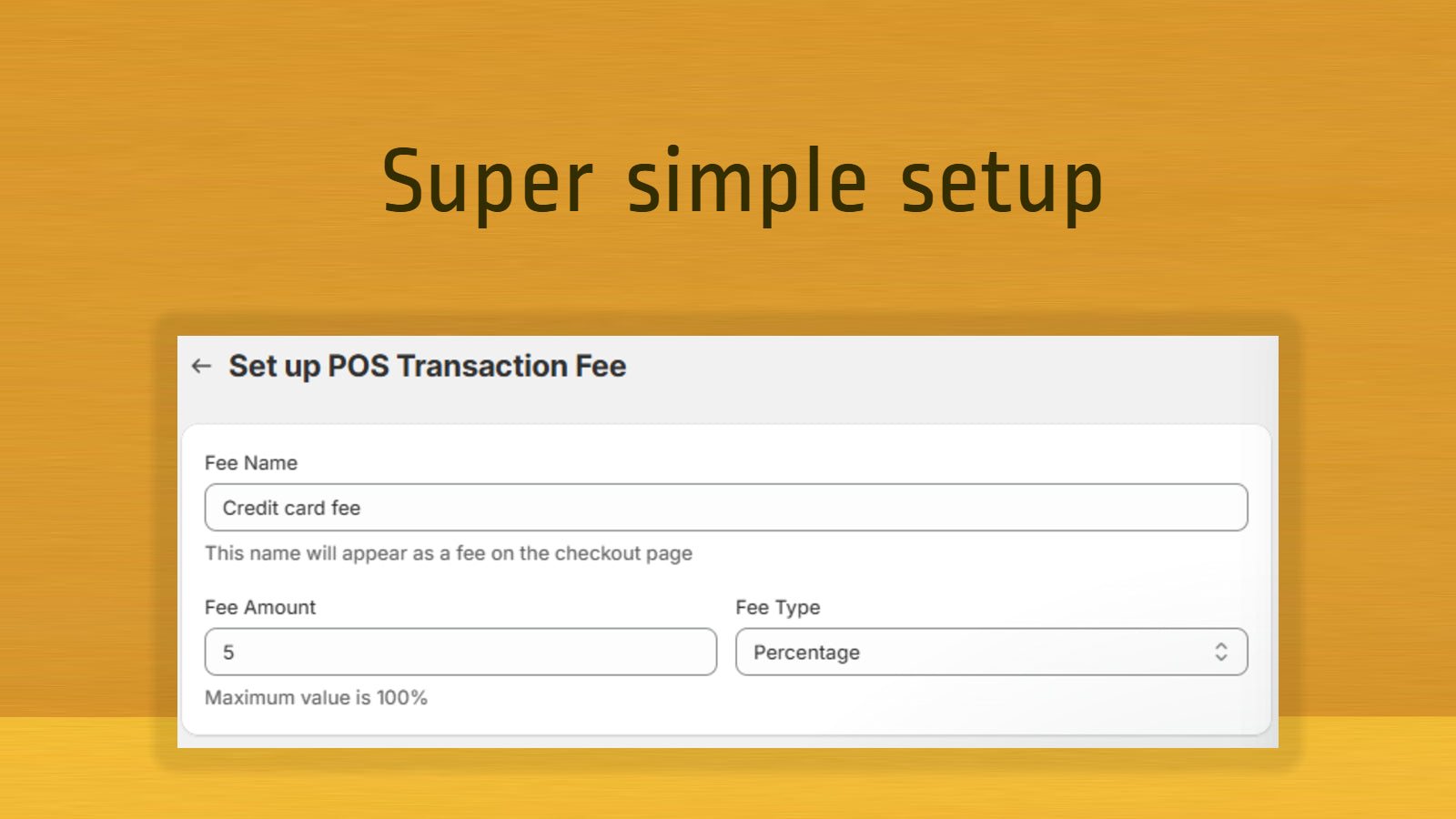
- Fixed or percentage fees
- Unlimited use
- $6.99/month
Alternatives to Chargly ‑ Collect POS Fees
Apps merchants weigh against Chargly ‑ Collect POS Fees, with their own detected stores and ratings.


Chargly ‑ Collect POS Fees screenshots and video
About Chargly ‑ Collect POS Fees
Add credit card surcharges, processing fees, setup fees, and other custom fees directly in the POS.
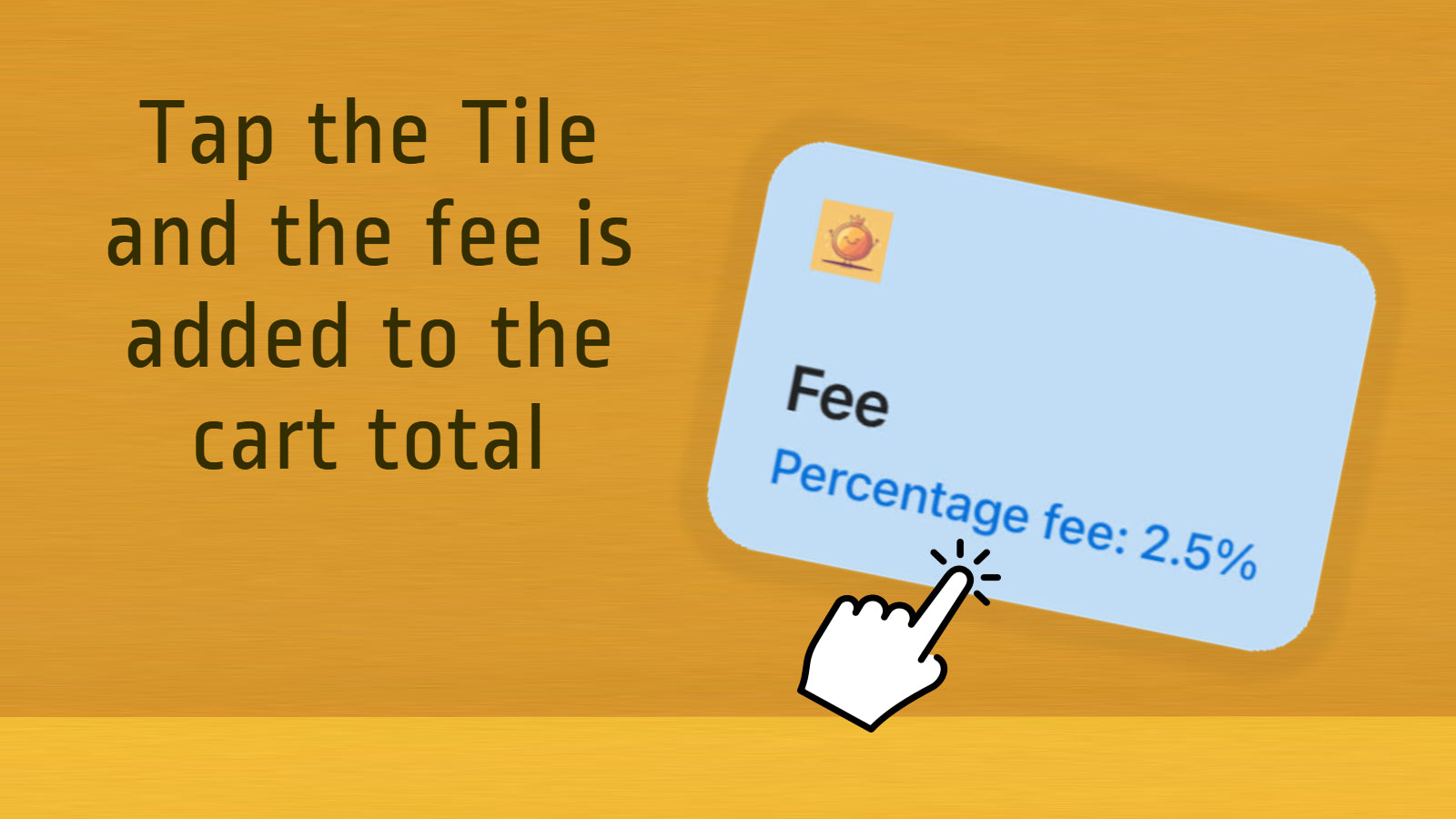
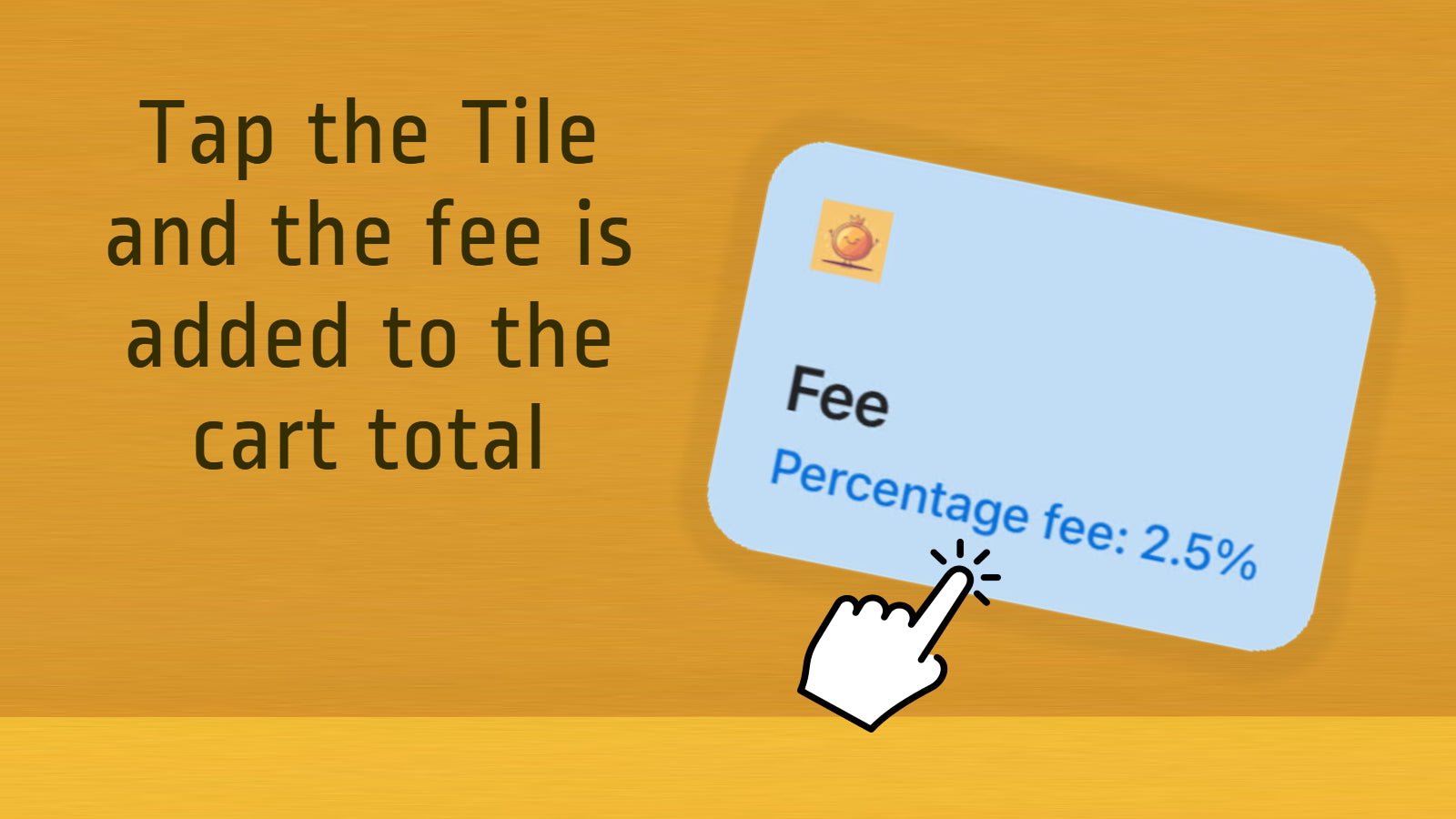
Stop losing revenue to rising payment costs! Chargly lets Shopify POS staff easily add credit card surcharges, credit card processing fees, Amex fees, Afterpay fees, PayPal fees, BNPL surcharges, service fees, setup fees, and other transaction fees. Staff simply tap the Chargly tile, choose the fee, and it’s automatically added at checkout. Fast, accurate, and the easiest way to recover processing costs, protect margins, and stay flexible with every payment method your store accepts.
Listing highlights
- Easy to use POS tile that charges the appropriate fee
- The fee stays enabled the whole order experience
- Easily report your collected fees for accounting purposes.
Features
POS
- Payments
How Shoplist knows
Every number on this page comes from public storefront scans and the public Shopify App Store listing. If Shoplist shows Chargly ‑ Collect POS Fees on a store, it is there.
Read the data methodology- Counts are based on Shoplist's latest available public crawl signal dated October 14, 2026.
- Shoplist has not yet found reliable public storefront evidence connecting a Shopify store to this app. This does not mean the app has no users. Some apps are new, admin-only, server-side, theme-independent, or otherwise difficult to detect from public storefront signals.
- Merchant rows are filtered to public brand profiles with enough public data to link safely. Full workflow, filtering, and monitoring stay behind signup.
- Review, pricing, feature, screenshot, and listing-change data come from public Shopify App Store and Shoplist crawl records. Signals can change between crawls.
Questions about Chargly ‑ Collect POS Fees
- Why might Shoplist not show detected stores for Chargly ‑ Collect POS Fees?
- Some Shopify apps are admin-only, server-side, theme-independent, or otherwise difficult to detect from public storefront signals.
- Does no public detection mean Chargly ‑ Collect POS Fees has no users?
- No. It only means Shoplist has not found reliable public storefront evidence for Chargly ‑ Collect POS Fees. reviews, pricing, and developer data can still be useful signals.
- Can I monitor future public detections?
- Yes. Shoplist can monitor Chargly ‑ Collect POS Fees for future public storefront detections and listing movement.
Keep exploring
Compare
Chargly ‑ Collect POS Fees vs SPOS Fees & Surcharges
Detected stores, ratings, pricing, and momentum side by side.
Developer
Sasquatch Studio
Every app Sasquatch Studio publishes, with their detected reach.
Rankings
Top apps by category
The ten apps gaining the most detected installs in each category.
Directory
All Shopify apps
Browse every app Shoplist tracks, by category, rating, and reach.
Keep watching Chargly ‑ Collect POS Fees.
Get alerted on first storefront installs, review spikes, pricing changes, and listing edits.
