Detected Sep 21, 2026
App name changed +3 more
Bulk Fulfill CSV ‑ SFTSFT Fulfillment ‑ Bulk Fulfill


Up to 6000 order syncsUp to 6 000 order syncs
+1 more change in this update

Order editingBy ShopFlowTools5.0 (2 reviews)Launched June 23, 2026Updated September 20, 2026
SFT Fulfillment ‑ Bulk Fulfill launched on June 23, 2026. Shoplist is watching for its first storefront installs and tracking its 2 public reviews, pricing, and listing changes in the meantime.
Get alerted on first storefront installs, review spikes, pricing changes, and listing edits.
Store movement comes from Sonar's storefront scans; listing changes come from the Shopify App Store page.
App Store listing
Detected Sep 21, 2026
Bulk Fulfill CSV ‑ SFTSFT Fulfillment ‑ Bulk Fulfill
+1 more change in this update
Detected Aug 24, 2026
Detected Aug 16, 2026
Pro — $2.99/month · 15-day free trial
Max — $9.99/month · 15-day free trial
+3 more changes in this update
Detected Sep 14, 2026
Bulk Tracking UploadBulk Fulfill CSV ‑ SFT
Description rewritten
Detected Sep 20, 2026
1 added, 1 removed — “Bulk fulfill orders and upload tracking numbers”
Apps merchants weigh against SFT Fulfillment ‑ Bulk Fulfill, with their own detected stores and ratings.

Bulk Update Tracking, Notify Customers & Mark Orders Fulfilled


Easily create orders from a single CSV file in bulk!

Reduce wasted time - Automatically sync your tracking numbers
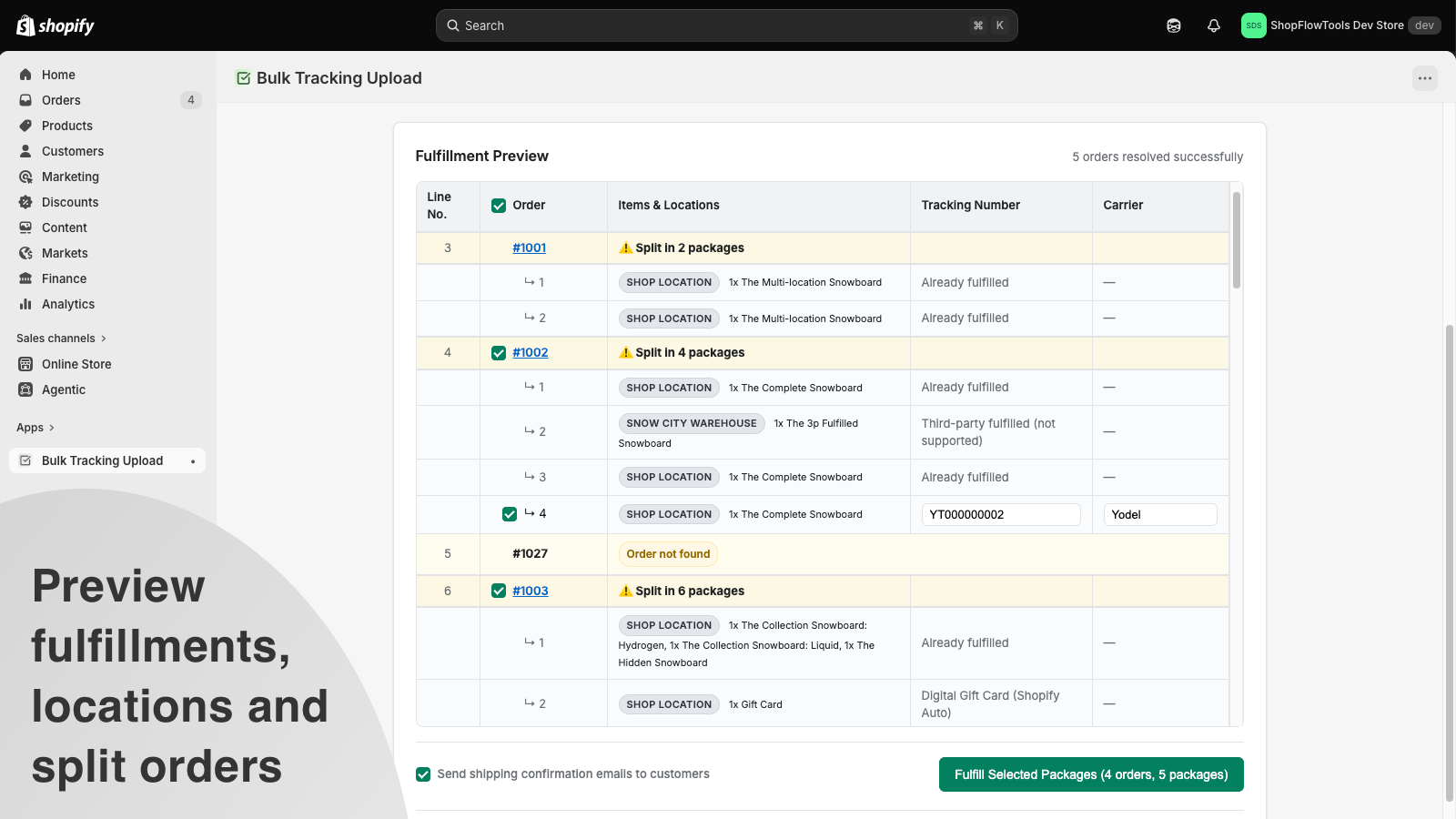
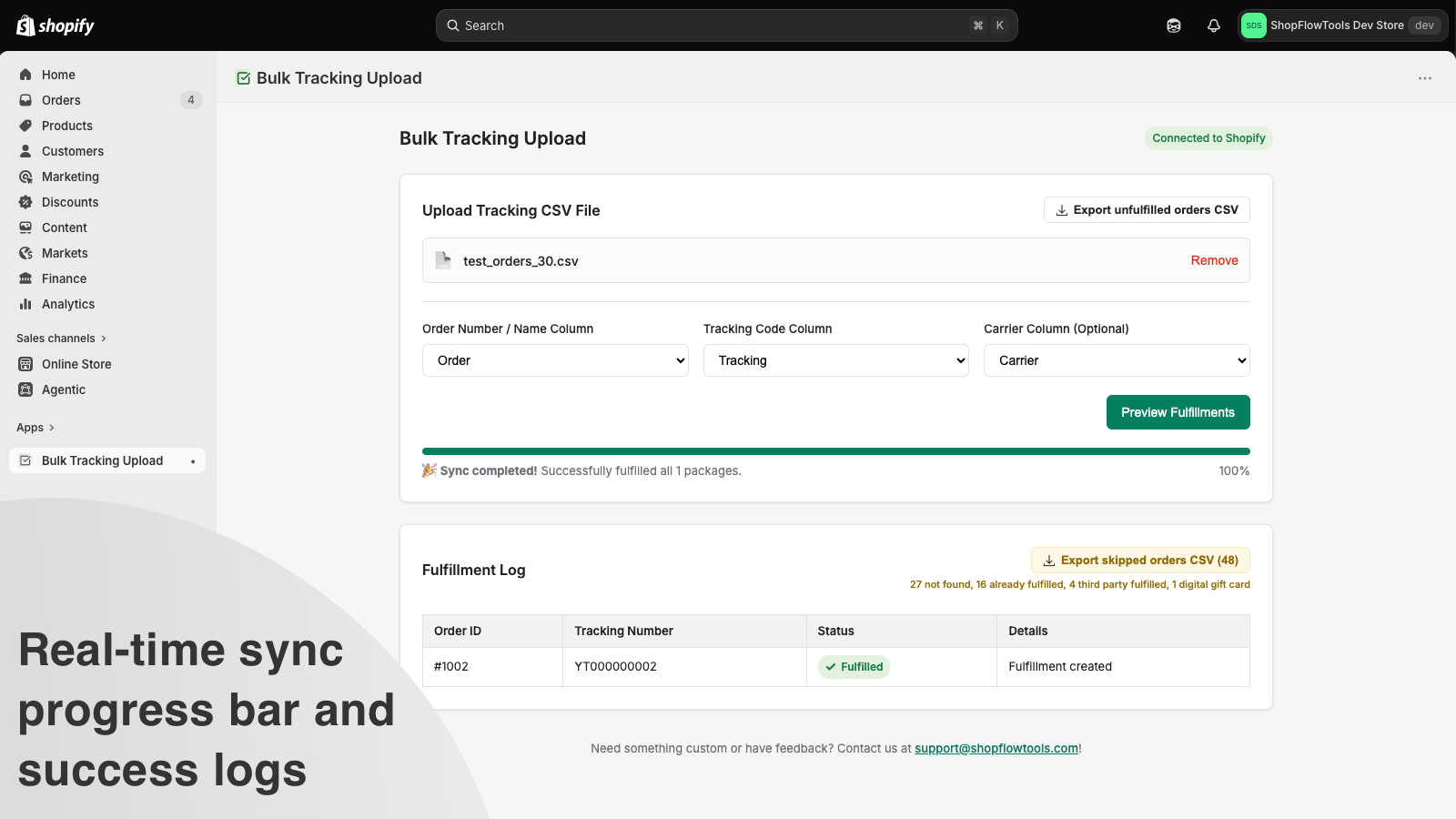
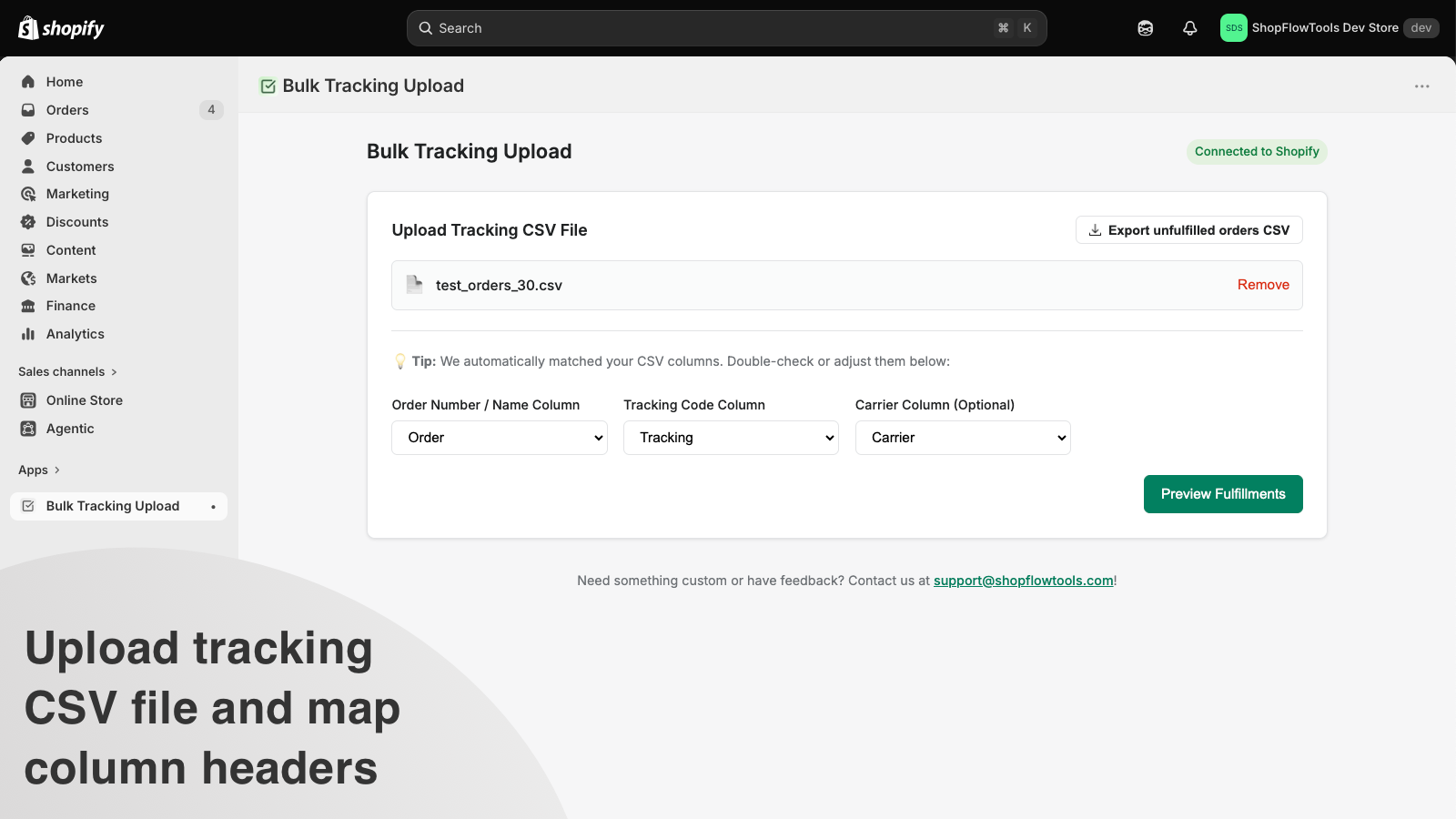
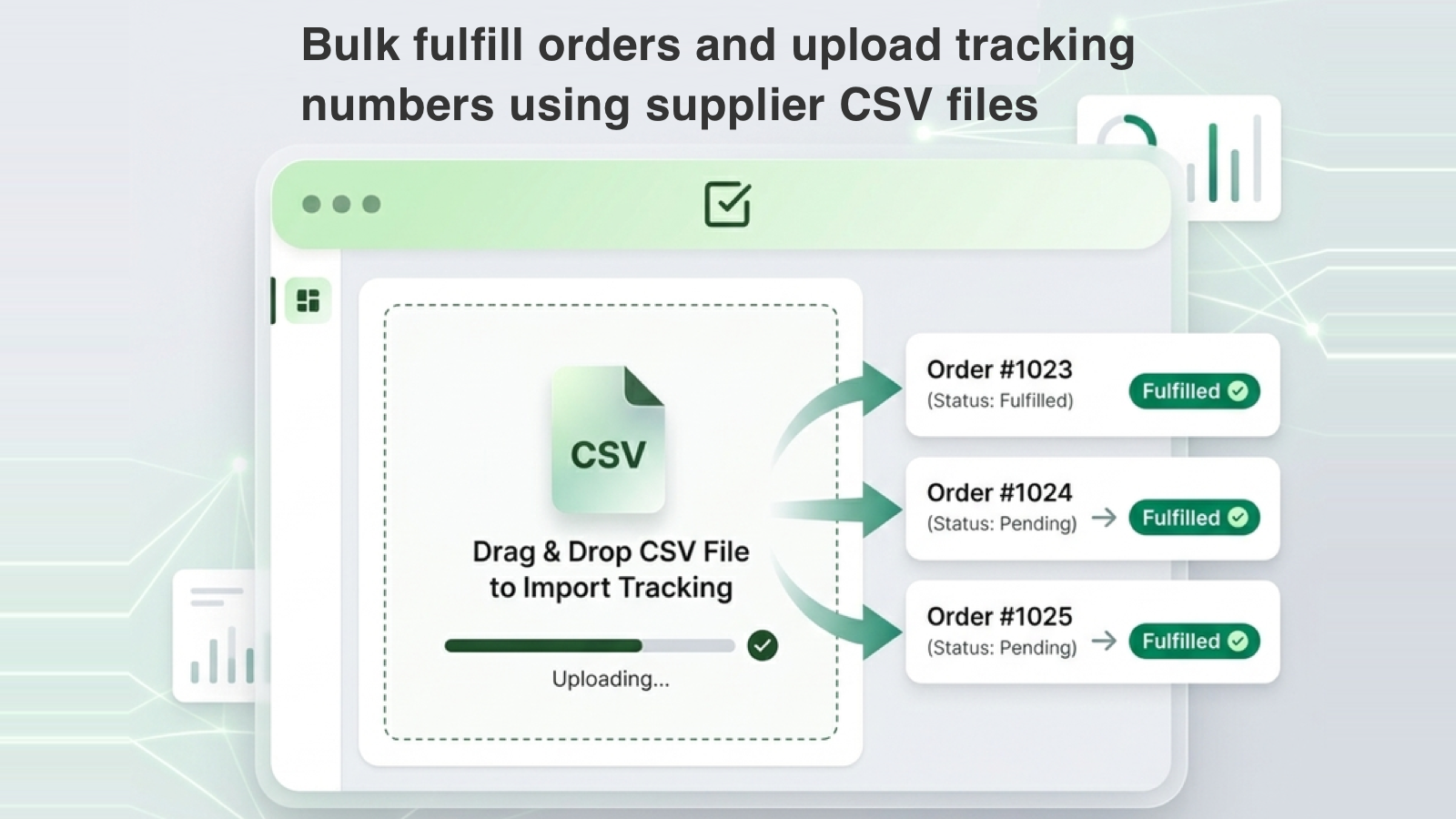
Bulk fulfill orders and upload tracking numbers using supplier CSVs. Save time and prevent errors.
The bulk fulfill app allows bulk tracking upload simplifies your fulfilment workflow by automating tracking number uploads. Instead of manually updating each order, you can upload tracking CSV files directly from suppliers or shipping carriers. It automatically maps columns, updates order statuses to fulfilled, and notifies your customers with their tracking information. It supports split orders across multiple locations and remembers your CSV mapping preferences, making future uploads easy.
Every number on this page comes from public storefront scans and the public Shopify App Store listing. If Shoplist shows SFT Fulfillment ‑ Bulk Fulfill on a store, it is there.
Read the data methodologyCompare
Detected stores, ratings, pricing, and momentum side by side.
Developer
Every app ShopFlowTools publishes, with their detected reach.
Rankings
The ten apps gaining the most detected installs in each category.
Directory
Browse every app Shoplist tracks, by category, rating, and reach.