Autophoto Bulk Image Editing Shopify App: Pricing, Features & First-Adopter Watch
Launched May 13, 2026. Shoplist is monitoring first merchant evidence, pricing, and feature details for this Shopify app.
Shoplist public signals
What is visible for Autophoto Bulk Image Editing right now
Signal date May 13, 2026
Monitoring status
First-adopter watch
Monitoring first merchant evidence
As of May 13, 2026
Momentum
0 No signal
Install trend held steady over the last 28 days
As of Jun 12, 2026
0 momentum score
Install trend held steady over the latest 28-day window.
Updated Jun 12, 2026
Momentum inputs
28d installs
0
Prev. 28d
0
New 28d
0
30d reviews
0
Quick answer
Autophoto Bulk Image Editing launched on May 13, 2026. Shoplist is monitoring first public merchant evidence and pricing changes.
Pricing
Pricing and plan posture
Autophoto Starter
$35- 2 batches at once
- 2,500 tokens
- 250 files per batch
- 5 GB per batch (max 20 MB per file)
Autophoto Growth
$109- 10,000 tokens
- 25 GB storage / 30 days
- 3 batches at once
- 300 files per batch
Autophoto Scale
$199- 100 GB storage / 90 days
- 25,000 tokens
- 400 files per batch
- 5 batches at once
App-store listing
About Autophoto Bulk Image Editing
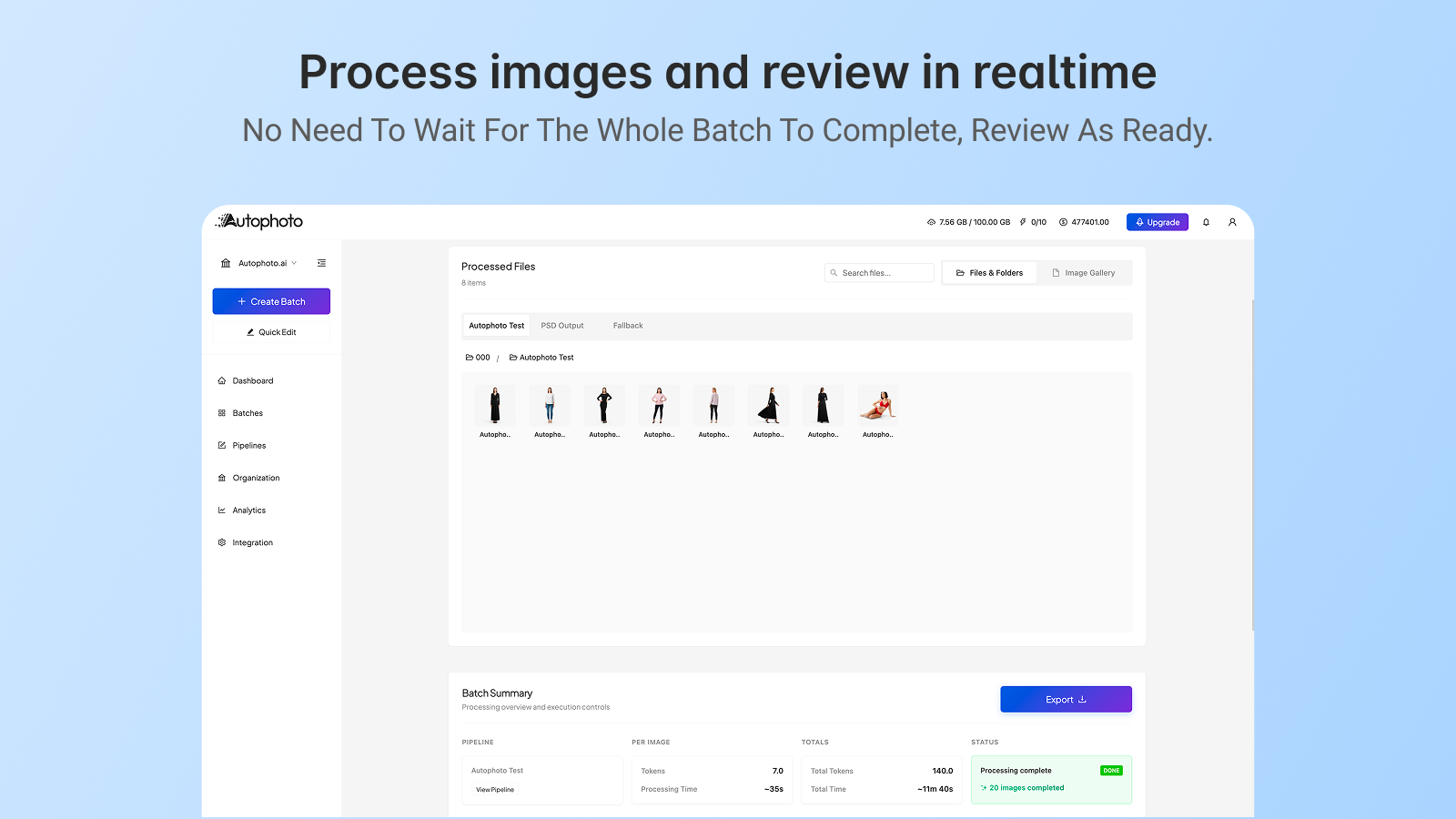
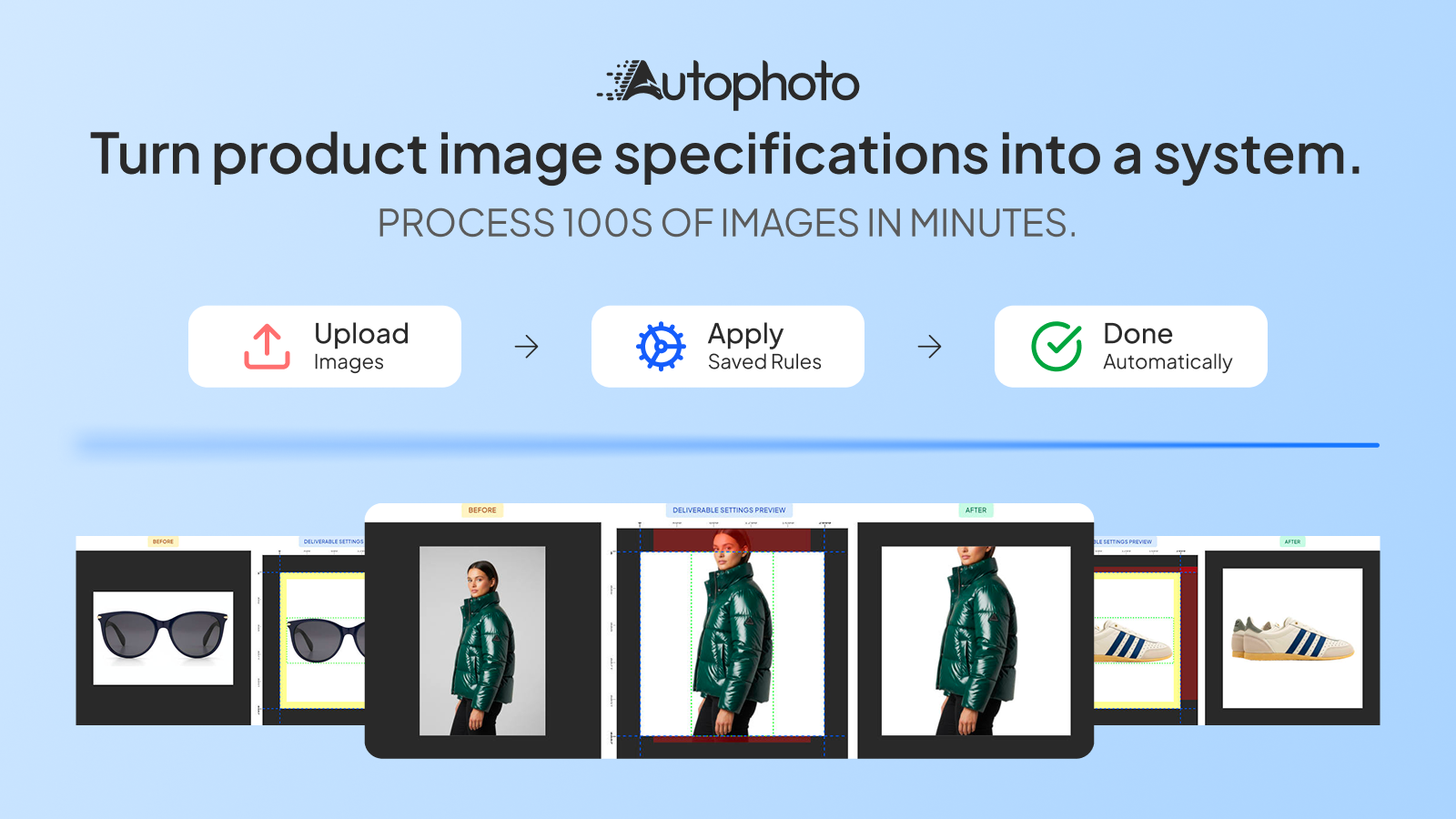
Autophoto automates repetitive product photo editing using AI, reusable rules and batch processing.
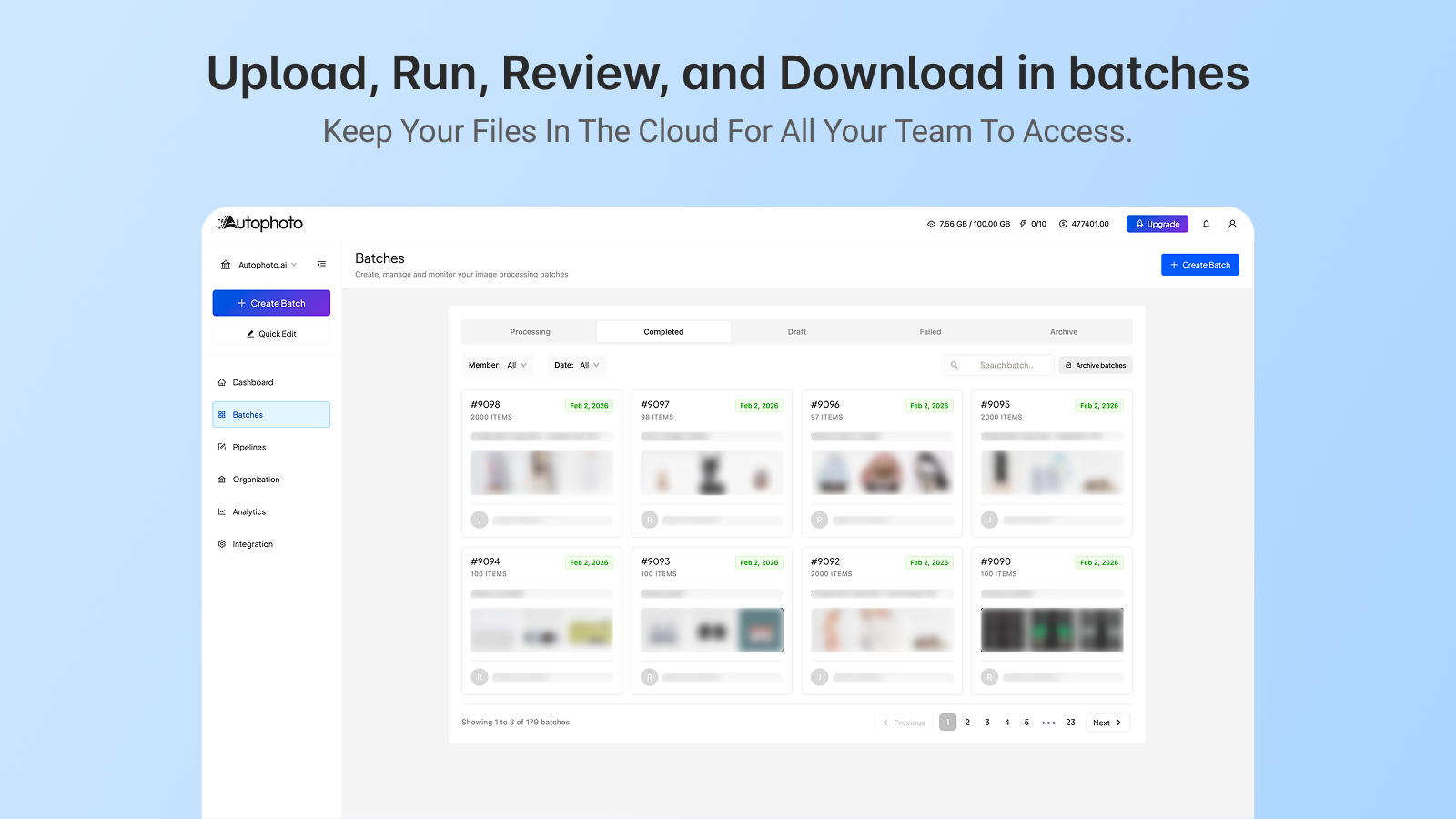
Autophoto helps merchants manage repetitive product image editing more efficiently. Instead of editing images one by one, teams define simple standards and apply them across entire catalogs in batches. This reduces manual work, keeps image output consistent, and supports growing product collections without changing existing creative or review workflows. Autophoto can do background removal, crop images, apply dynamic padding, crop body parts, remove mannequins & hangers and much more.
Listing highlights
- Batch image processing Process many product images at once.
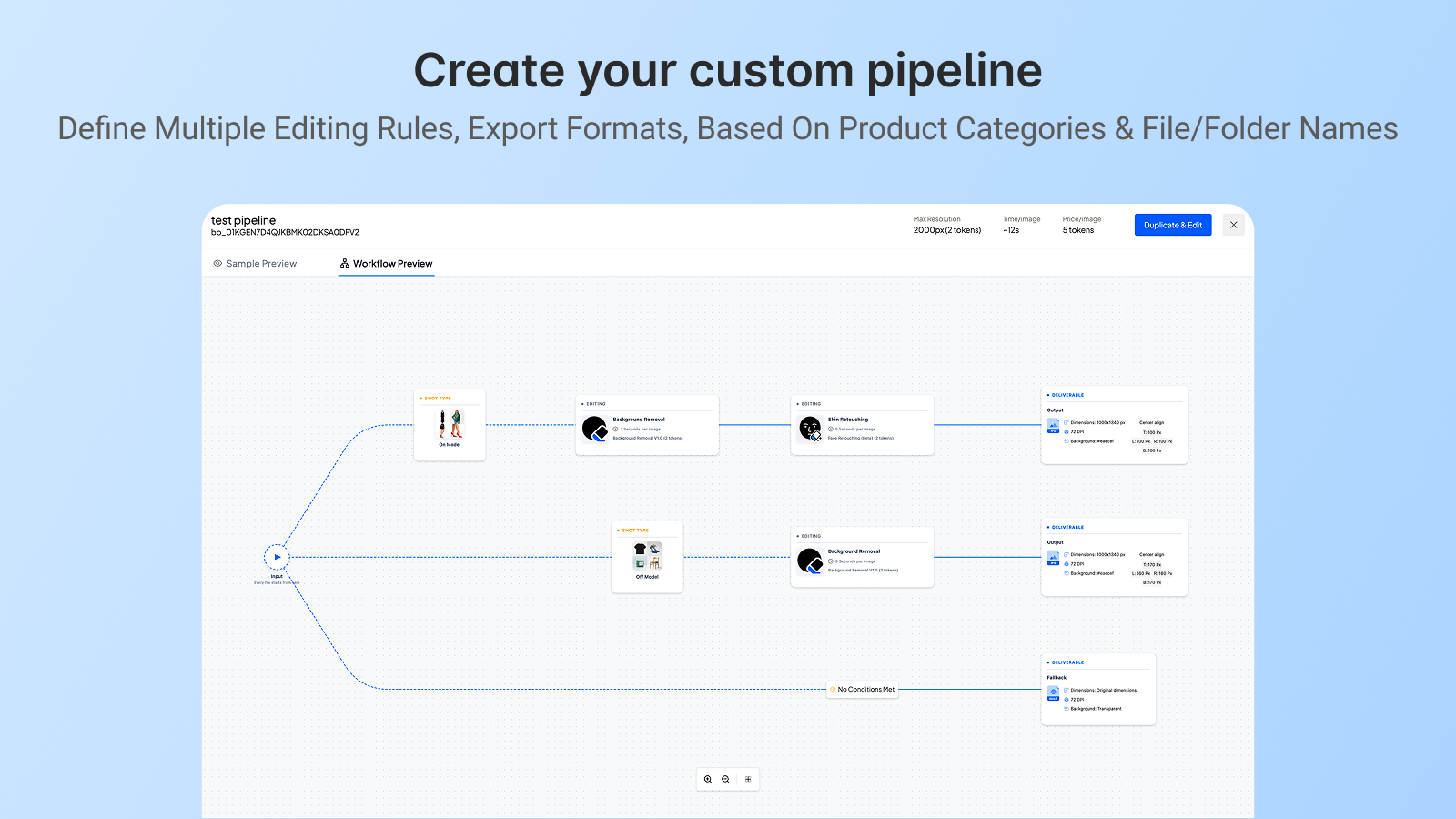
- Reusable standards Apply the same image standards across products.
- Rules by product type Use different image rules for different products.
- Consistent results at scale Keep image output predictable with large catalogs.
- Fits existing workflows Use alongside current creative processes.
Features
Bulk editing
Image optimization
Methodology
How to read these signals
Counts are based on Shoplist's latest available public crawl signal dated May 13, 2026.
Shoplist has not yet found reliable public storefront evidence connecting a Shopify store to this app. This does not mean the app has no users. Some apps are new, admin-only, server-side, theme-independent, or otherwise difficult to detect from public storefront signals.
Merchant rows are filtered to public brand profiles with enough public data to link safely. Full workflow, filtering, and monitoring stay behind signup.
Review, pricing, feature, screenshot, and listing-change data come from public Shopify App Store and Shoplist crawl records. Signals can change between crawls.
FAQ
Questions about Autophoto Bulk Image Editing
Has Shoplist detected stores using Autophoto Bulk Image Editing yet?
Shoplist has not yet found reliable public storefront evidence for Autophoto Bulk Image Editing. The page tracks first merchant evidence as it appears.
What does first-adopter watch mean?
It means Shoplist is monitoring launch context, first storefront-detectable merchant evidence, and pricing.
Can I get alerts when stores start using Autophoto Bulk Image Editing?
Yes. Create a watchlist to get alerted when Shoplist finds public merchant evidence for Autophoto Bulk Image Editing.
Keep watching Autophoto Bulk Image Editing
Turn this public profile into a monitored app workflow for first detections, reviews, pricing, related apps, and listing-change history.