Upload Center: File Upload logo

Upload Center: File Upload Shopify App: Reviews, Pricing & Storefront Detection Notes

Custom file upload & Product variants

5 (17 reviews)

By Quaflow

Shoplist has not found reliable public storefront evidence for Upload Center: File Upload. Track reviews, pricing, listing changes, and developer context and

Shoplist public signals

What is visible for Upload Center: File Upload right now

Signal date April 19, 2026

Monitoring status

Storefront detection limited

Tracking non-storefront public signals

As of Apr 19, 2026

Reviews

17 public reviews

5.0 average rating

As of Apr 2, 2026

Latest review

April 2, 2026

As of Apr 2, 2026

Quick answer

Shoplist has not found reliable public storefront evidence for Upload Center: File Upload. This may happen when an app is admin-only, server-side, or not visibly embedded on storefronts. Shoplist still tracks reviews, pricing, listing changes, developer data, related apps.

Reviews and velocity

Public review signals

Rating

5.0

Reviews

17

Latest

Apr 2, 2026

Jan 1, 20251
Feb 1, 20252
Jul 1, 20251
Jan 1, 20263
Feb 1, 20261
Apr 1, 20261

Pricing

Pricing and plan posture

BASIC

$9
  • 300MB per file
  • Custom File Renaming
  • Dimension Control
  • Files are stored for 30 days

BASIC+

$19
  • 300MB per file
  • Custom price calculations (PNG,PDF)
  • Everything in BASIC plan

PRO

$29
  • 5GB per file
  • Everything in BASIC plan

PRO+

$59
  • 10GB per file
  • Custom price calculations (PNG,PDF)
  • Everything in PRO plan
  • New Feature Unlocked: File Tagging

Activity and changes

Recent detected movement for Upload Center: File Upload

Recent detections and listing changes are public signals captured by crawl history.

Listing changes

2 listing updates detected

Detected Apr 19, 2026

moderate

Listing description updated

Before

With Upload Center, you can effortlessly offer custom products like personalized phone cases, t-shirts with unique designs, engraved jewelr...

Now

Meet the most advanced file upload app. Replace separate product options and order status apps with our all-in-one print on demand solution...

Listing callouts updated

Before

Fully customizable multiple upload fields with different conditions., Automatic price calculation based on height or inch square. (PNG & PD...

Now

Create upload fields with strict rules for file types, dimension (e.g DPI Check), Charge dynamic fees based on file sizes(e.g height) or cu...

36 listing updates detected

Detected Feb 19, 2026

moderate

Star rating updated

Before

Not listed

Now

5

Developer name updated

Before

Not listed

Now

Quaflow

Developer link updated

Before

Not listed

Now

https://apps.shopify.com/partners/quaflow

2 listing updates detected

Detected Jan 10, 2026

minor

Listing highlights updated

Before

Use directly in Shopify admin, Works with the latest themes

Now

None

Integrations updated

Before

Checkout, Customer accounts, Shopify Flow

Now

Checkout, Customer accounts, Shopify Admin +1 more

6 listing updates detected

Detected Sep 29, 2025

moderate

Integrations updated

Before

Checkout

Now

Checkout, Customer accounts, Shopify Flow

Additional charges updated

Before

Additional charges may apply for custom development requests.

Now

Not listed

Additional charges updated

Before

Additional charges may apply for custom development requests.

Now

Not listed

App-store listing

About Upload Center: File Upload

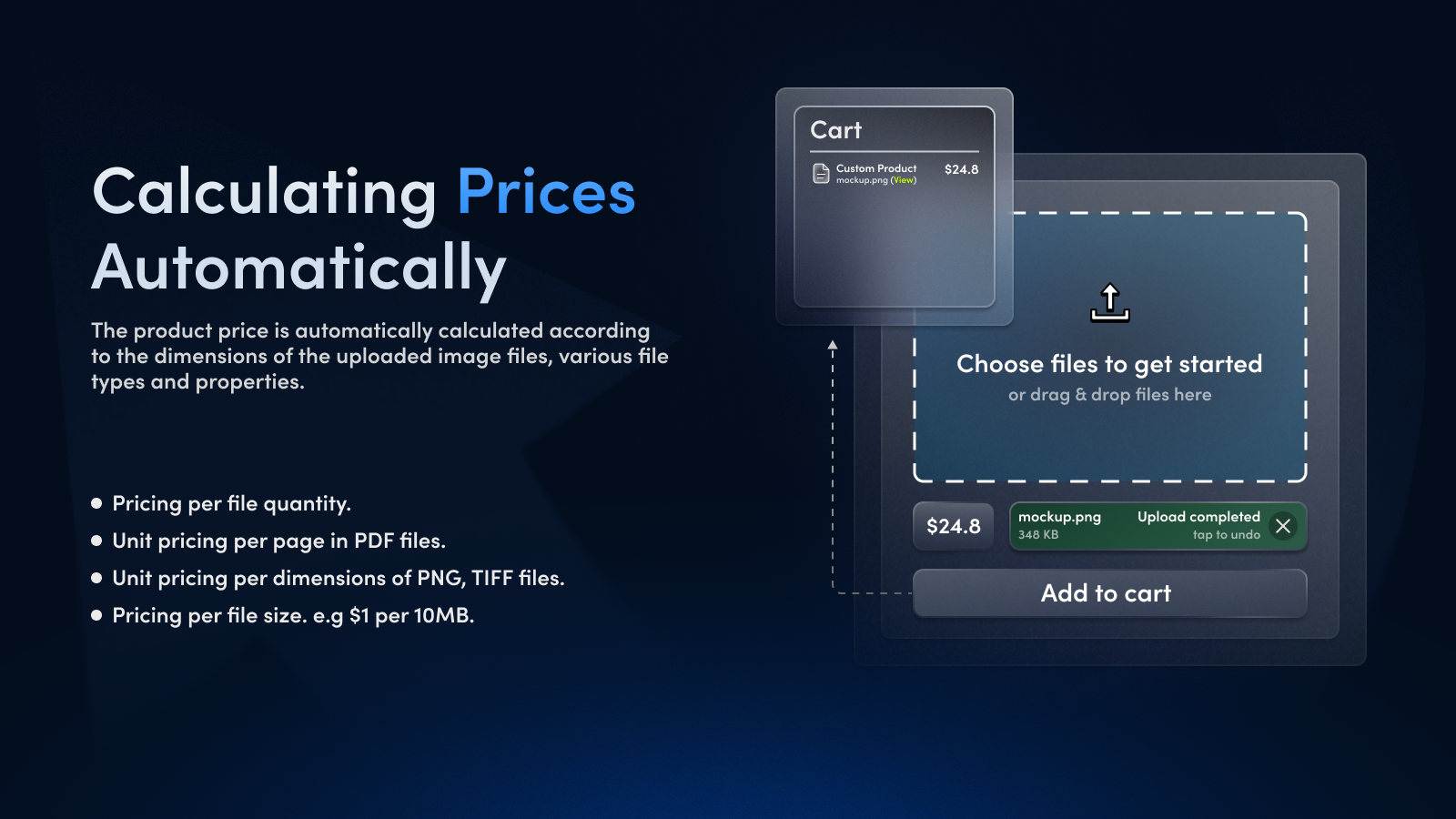
Automatically price your customers' multiple uploaded files, images with various conditions.

With Upload Center, you can effortlessly offer custom products like personalized phone cases, t-shirts with unique designs, engraved jewelry, custom printed guitar picks, or DTF gang sheet. Our seamless file upload fields make it effortless for customers to bring their ideas to life, while our powerful features streamline your workflow and improves customer satisfaction.

Listing highlights

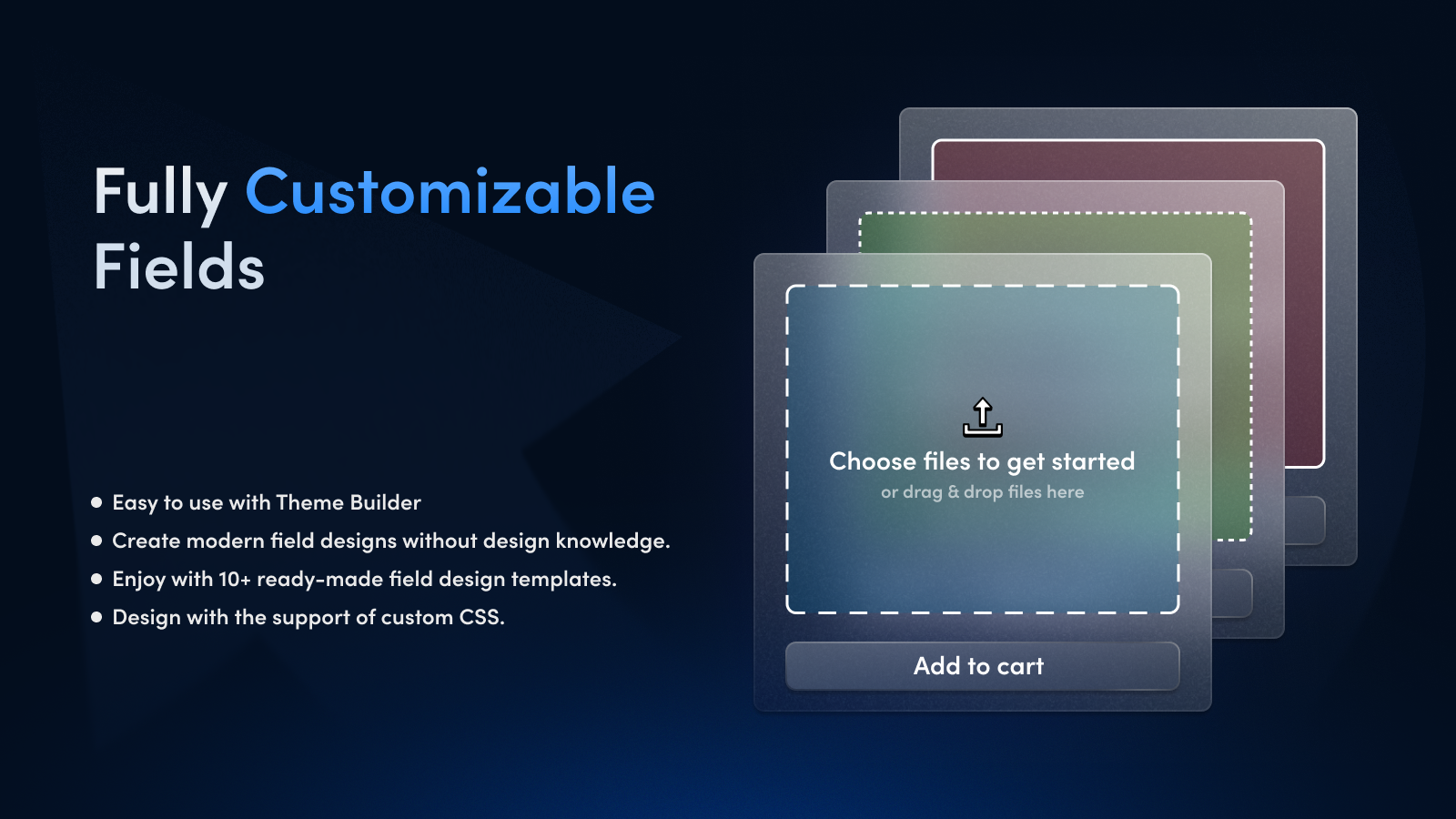
  • Fully customizable multiple upload fields with different conditions.
  • Automatic price calculation based on height or inch square. (PNG & PDF support)
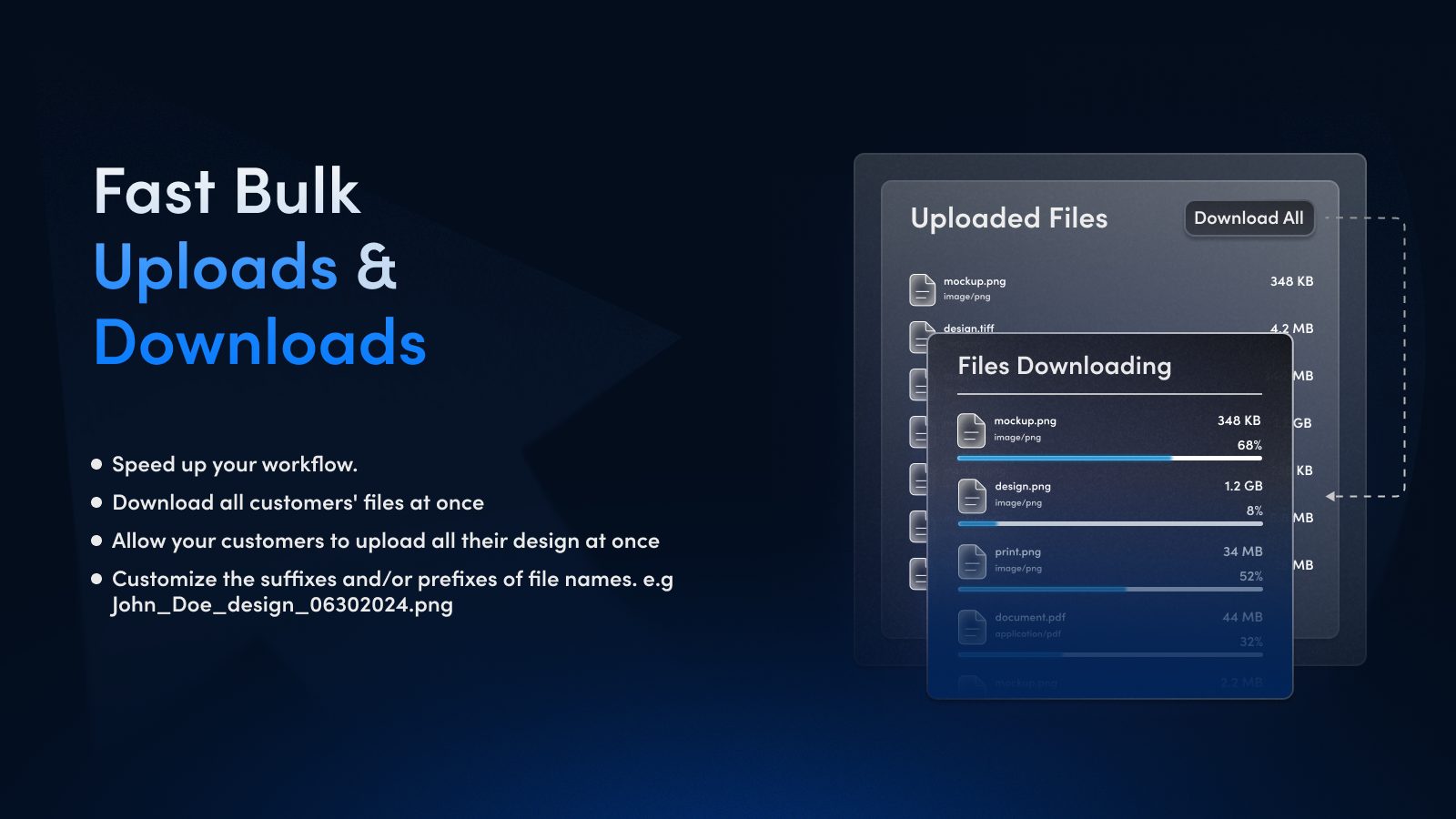
  • Ability to upload multiple files and set the quantity per file.
  • Restore uploaded files even if the product page is closed.
  • Automatically rename the file according to a specified rule.e.g #1002_john_a.png

Features

Pricing

Bulk pricing
Conditional pricing
Custom pricing
Dynamic pricing

Inventory

In-stock display

File types

Custom rules
Excel
Images
JPEG
PDF
PNG
PSD
Show more
Videos
ZIP

Customization

Conditional logic
Custom CSS
Custom HTML
File upload

File management

File download
Import and export
Malware protection
Templates
Fully Customizable Fields
Fast Bulk Upload & Downloads
Calculating prices automatically
Upload Center Features

Methodology

How to read these signals

Counts are based on Shoplist's latest available public crawl signal dated April 19, 2026.

Shoplist has not yet found reliable public storefront evidence connecting a Shopify store to this app. This does not mean the app has no users. Some apps are new, admin-only, server-side, theme-independent, or otherwise difficult to detect from public storefront signals.

Merchant rows are filtered to public brand profiles with enough public data to link safely. Full workflow, filtering, and monitoring stay behind signup.

Review, pricing, feature, screenshot, and listing-change data come from public Shopify App Store and Shoplist crawl records. Signals can change between crawls.

FAQ

Questions about Upload Center: File Upload

Why might Shoplist not show detected stores for Upload Center: File Upload?

Some Shopify apps are admin-only, server-side, theme-independent, or otherwise difficult to detect from public storefront signals.

Does no public detection mean Upload Center: File Upload has no users?

No. It only means Shoplist has not found reliable public storefront evidence for Upload Center: File Upload. reviews, pricing, listing changes, and developer data can still be useful signals.

Can I monitor future public detections?

Yes. Shoplist can monitor Upload Center: File Upload for future public storefront detections and listing movement.

Keep watching Upload Center: File Upload

Turn this public profile into a monitored app workflow for first detections, reviews, pricing, related apps, and listing-change history.

Monitor Upload Center: File Upload listing and first detections