ThanhBT: File Upload Shopify App: Reviews, Pricing & Storefront Detection Notes
Shoplist has not found reliable public storefront evidence for ThanhBT: File Upload. Track reviews, pricing, listing changes, and developer context and first
Shoplist public signals
What is visible for ThanhBT: File Upload right now
Signal date March 17, 2026
Monitoring status
Storefront detection limited
Tracking non-storefront public signals
As of Mar 17, 2026
Reviews
3 public reviews
5.0 average rating
As of Feb 13, 2026
Latest review
February 13, 2026
As of Feb 13, 2026
Quick answer
Shoplist has not found reliable public storefront evidence for ThanhBT: File Upload. This may happen when an app is admin-only, server-side, or not visibly embedded on storefronts. Shoplist still tracks reviews, pricing, listing changes, developer data, related apps.
Reviews and velocity
Public review signals
5.0
3
Feb 13, 2026
Pricing
Pricing and plan posture
Development
$0- 1MB total file upload amount per month.
- Maximum file size 1MB.
Basic
$3.95- 100MB total file upload amount per month.
- Maximum file size 5MB.
Starter
$7.95- 500MB total file upload amount per month.
- Maximum file size 20MB.
Professional
$14.95- 3GB total file upload amount per month.
- Maximum file size 100MB.
Activity and changes
Recent detected movement for ThanhBT: File Upload
Recent detections and listing changes are public signals captured by crawl history.
Listing changes
8 listing updates detected
Detected Mar 17, 2026
Listing title updated
Before
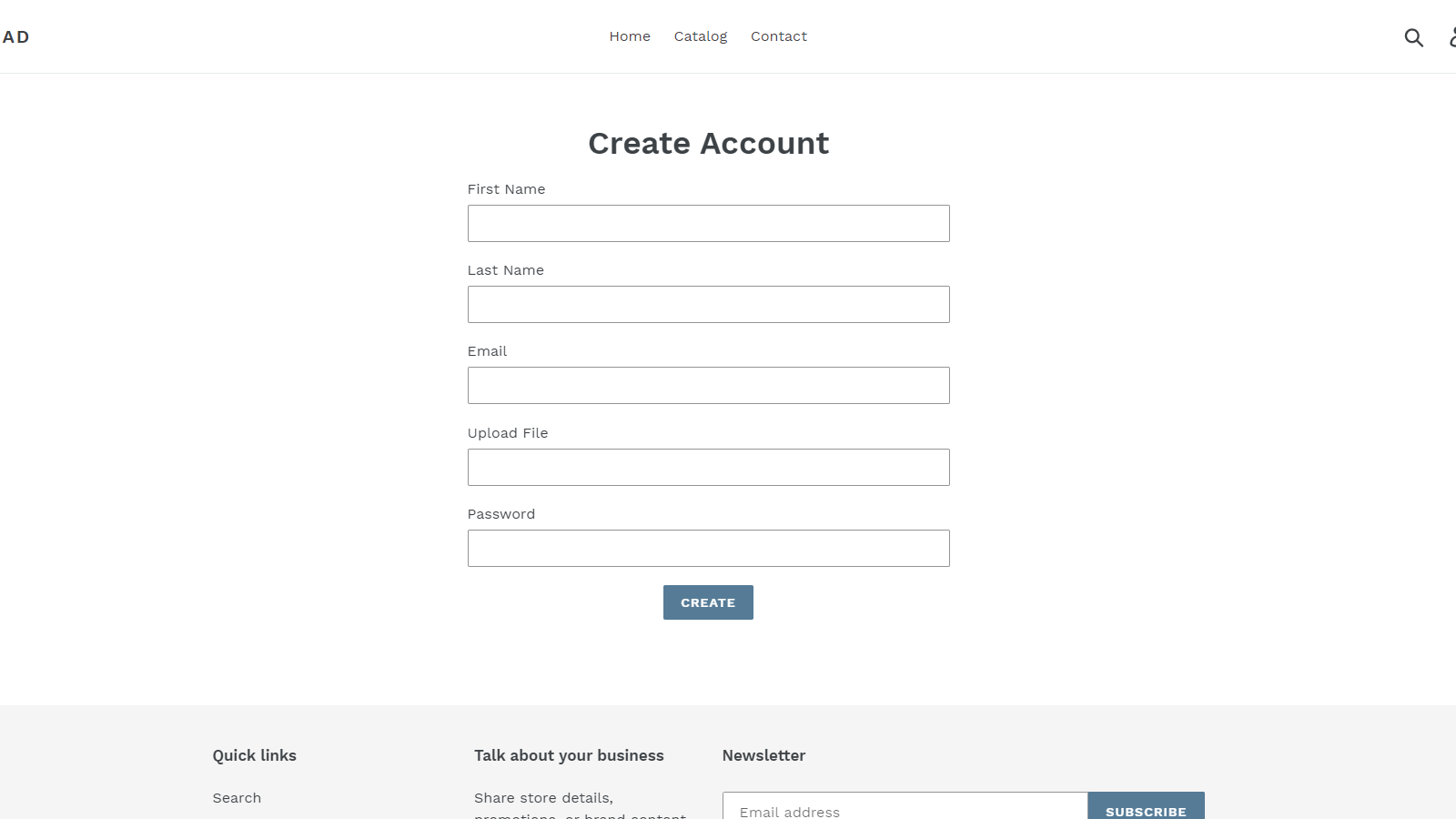
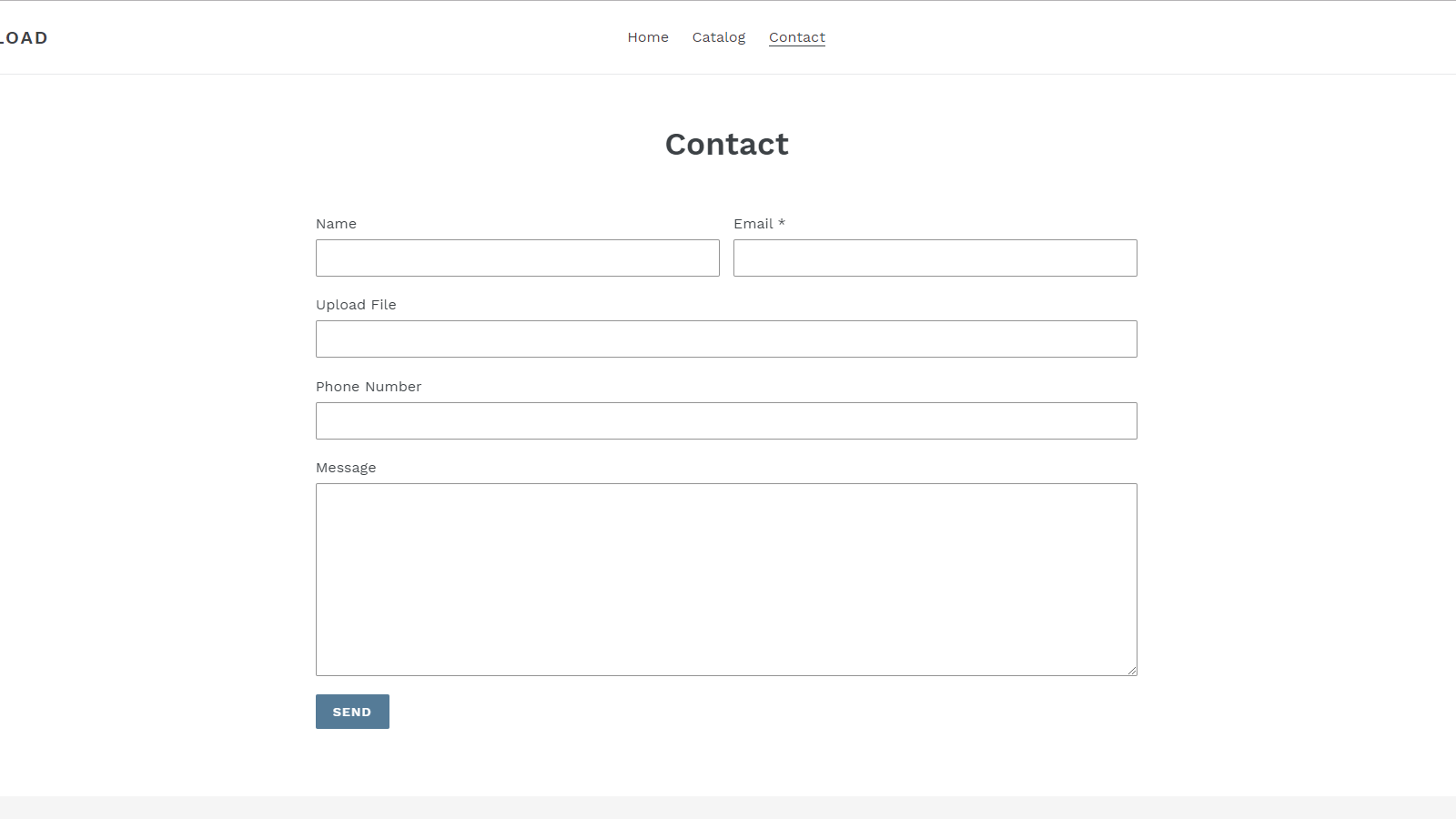
Add file upload field to any of your store forms.
Now
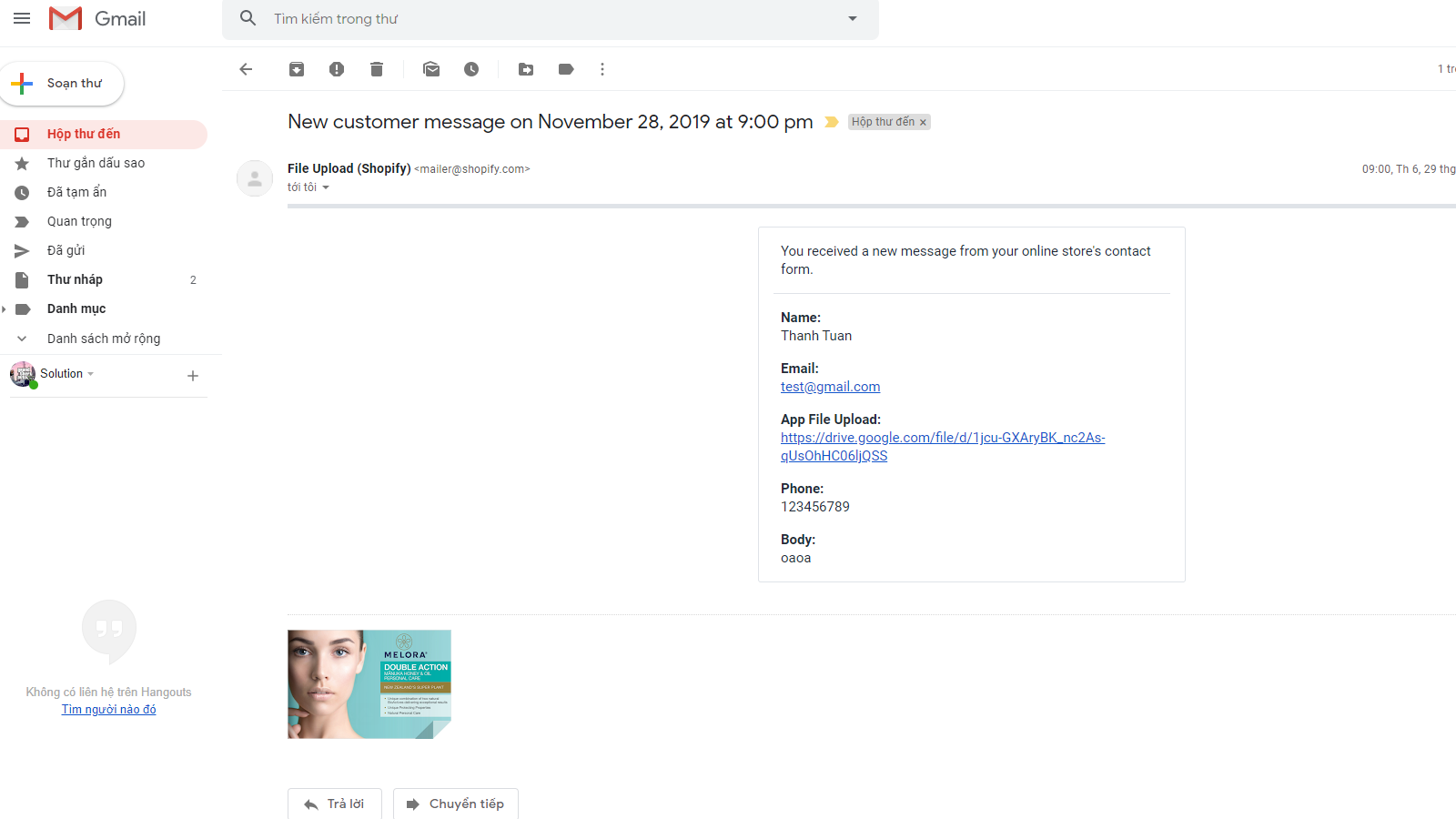
Add file upload to any form. Files saved to Google Drive. Works with default and Klaviyo forms.
Listing description updated
Before
Allow your store visitors to send files with your forms. Include all types of forms on your store: contact form, register form, cart form,...
Now
Let your customers upload files directly from your store forms — contact, register, cart, product, or even Klaviyo embedded forms. Files ar...
Listing callouts updated
Before
Add file upload field to your store forms., All form types supported., Multiple upload fields in one form.
Now
Upload files from any form — contact, register, cart, or product page., Files saved directly to your Google Drive with custom folder select...
12 listing updates detected
Detected Feb 19, 2026
Star rating updated
Before
Not listed
Now
5
Developer name updated
Before
Not listed
Now
ThanhBT App
Developer link updated
Before
Not listed
Now
https://apps.shopify.com/partners/omegatheme1
Listing highlights updated
Detected Jan 16, 2026
Listing highlights updated
Before
Works with the latest themes
Now
None
3 listing updates detected
Detected Sep 27, 2025
Listing highlights updated
Before
Use directly in Shopify admin, Works with the latest themes
Now
Works with the latest themes
Listing description updated
Before
Allow your store visitors to send files with your forms. Include all types of forms on your store: contact form, register form, cart form,...
Now
Allow your store visitors to send files with your forms. Include all types of forms on your store: contact form, register form, cart form,...
Feature category added
Before
Not listed
Now
Forms
App-store listing
About ThanhBT: File Upload
Add file upload to any form. Files saved to Google Drive. Works with default and Klaviyo forms.
Let your customers upload files directly from your store forms — contact, register, cart, product, or even Klaviyo embedded forms. Files are securely stored in your Google Drive account. Choose a specific Google Drive folder for uploads. Customize file names with dynamic templates using form field values (e.g. customer name, age). Multiple upload fields per form supported. Simple setup: install the theme extension, connect your Google Drive, and configure from the admin panel.
Listing highlights
- Add file upload field to your store forms.
- All form types supported.
- Multiple upload fields in one form.
Methodology
How to read these signals
Counts are based on Shoplist's latest available public crawl signal dated March 17, 2026.
Shoplist has not yet found reliable public storefront evidence connecting a Shopify store to this app. This does not mean the app has no users. Some apps are new, admin-only, server-side, theme-independent, or otherwise difficult to detect from public storefront signals.
Merchant rows are filtered to public brand profiles with enough public data to link safely. Full workflow, filtering, and monitoring stay behind signup.
Review, pricing, feature, screenshot, and listing-change data come from public Shopify App Store and Shoplist crawl records. Signals can change between crawls.
FAQ
Questions about ThanhBT: File Upload
Why might Shoplist not show detected stores for ThanhBT: File Upload?
Some Shopify apps are admin-only, server-side, theme-independent, or otherwise difficult to detect from public storefront signals.
Does no public detection mean ThanhBT: File Upload has no users?
No. It only means Shoplist has not found reliable public storefront evidence for ThanhBT: File Upload. reviews, pricing, listing changes, and developer data can still be useful signals.
Can I monitor future public detections?
Yes. Shoplist can monitor ThanhBT: File Upload for future public storefront detections and listing movement.
Keep watching ThanhBT: File Upload
Turn this public profile into a monitored app workflow for first detections, reviews, pricing, related apps, and listing-change history.