Pluginos‑Order Quantity Limits logo

Pluginos‑Order Quantity Limits Shopify App: Features & First-Adopter Watch

Inventory - Other & Order limits

By Pluginos

Launched May 14, 2026. Shoplist is monitoring first merchant evidence and feature details for this Shopify app.

Shoplist public signals

What is visible for Pluginos‑Order Quantity Limits right now

Monitoring status

First-adopter watch

Monitoring first merchant evidence

Quick answer

Pluginos‑Order Quantity Limits launched on May 14, 2026. Shoplist is monitoring first public merchant evidence and public listing context.

App-store listing

About Pluginos‑Order Quantity Limits

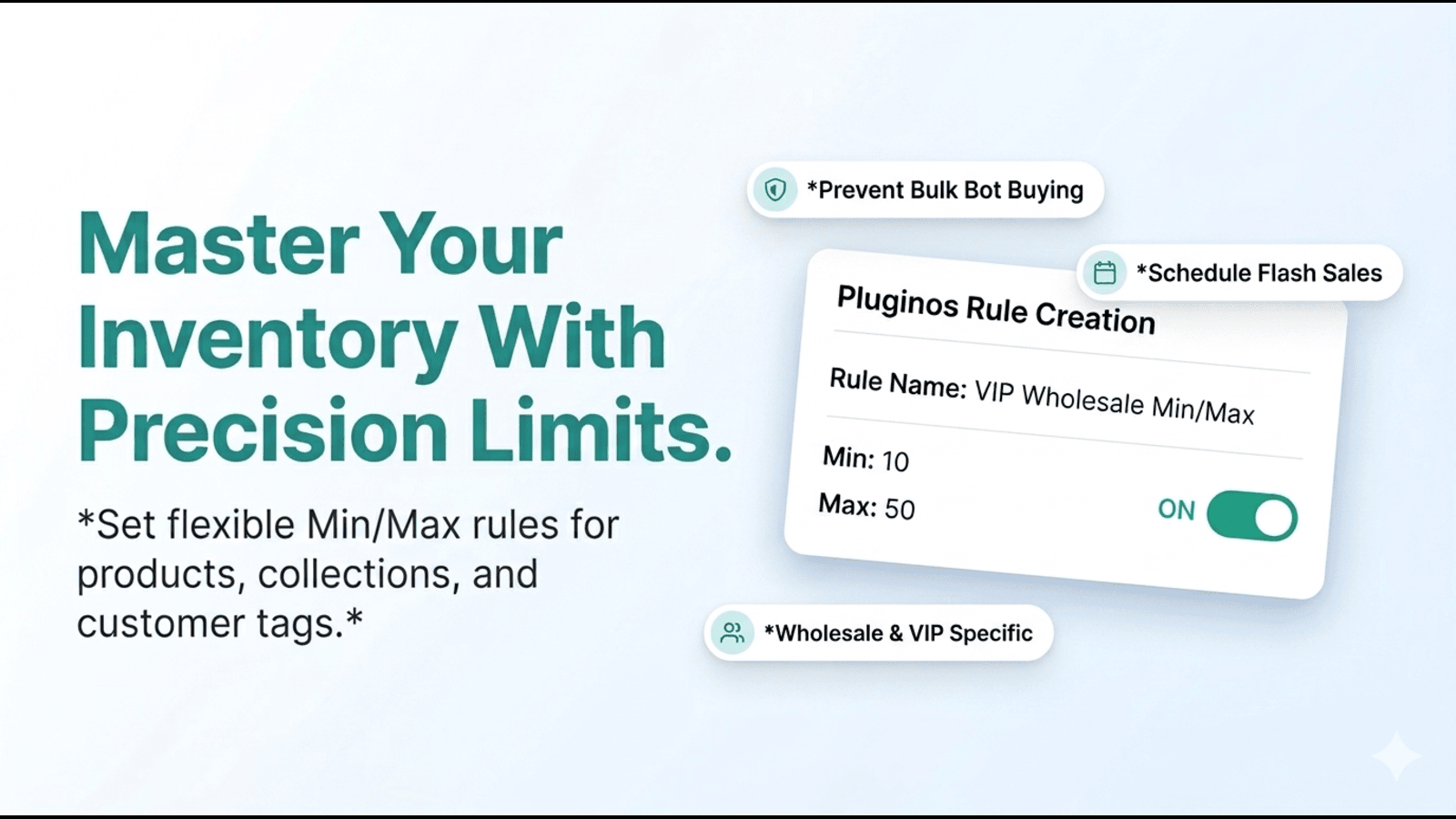
Set min & max order quantity limits per product or collection. Target customer groups & countries.

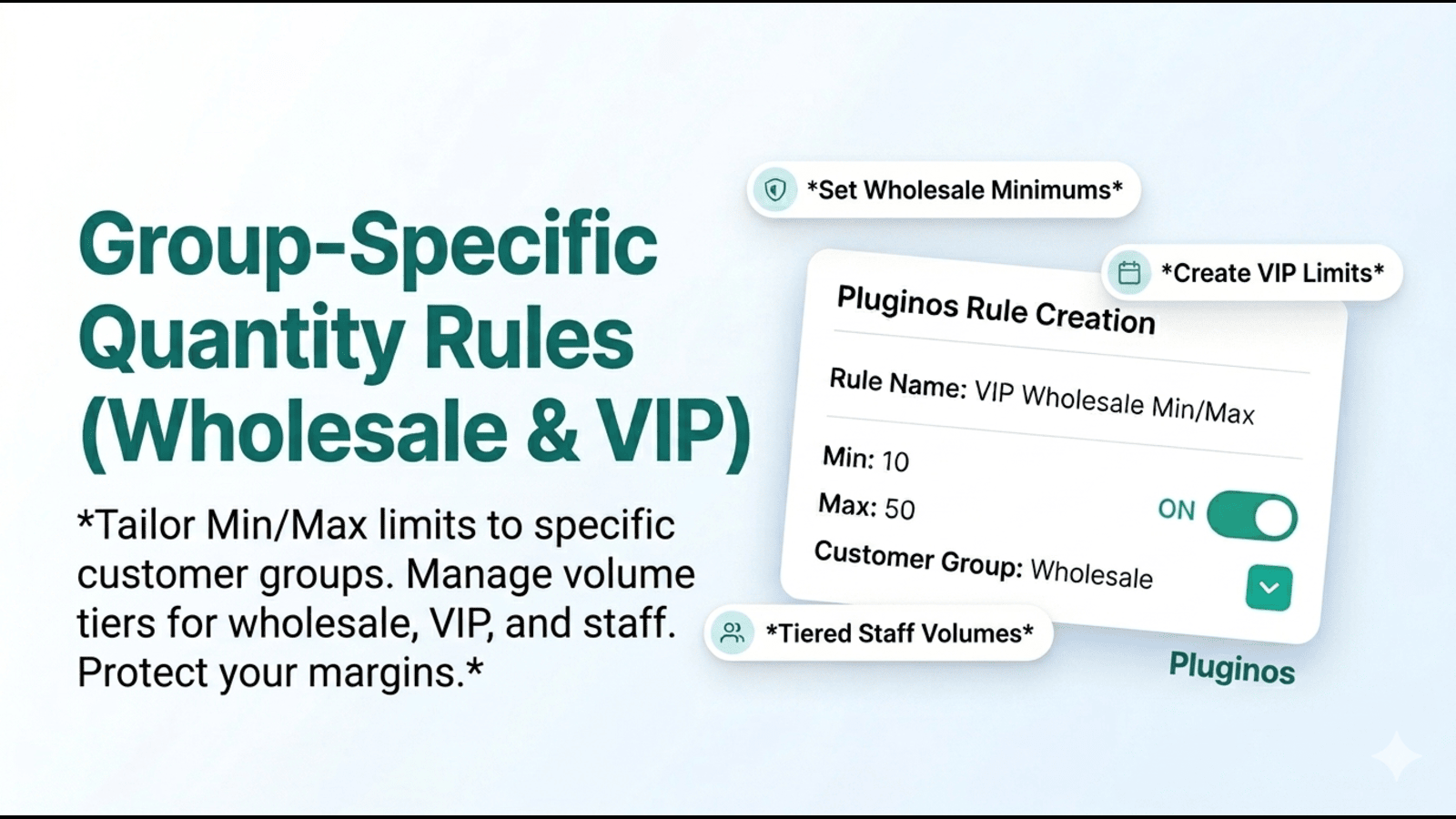
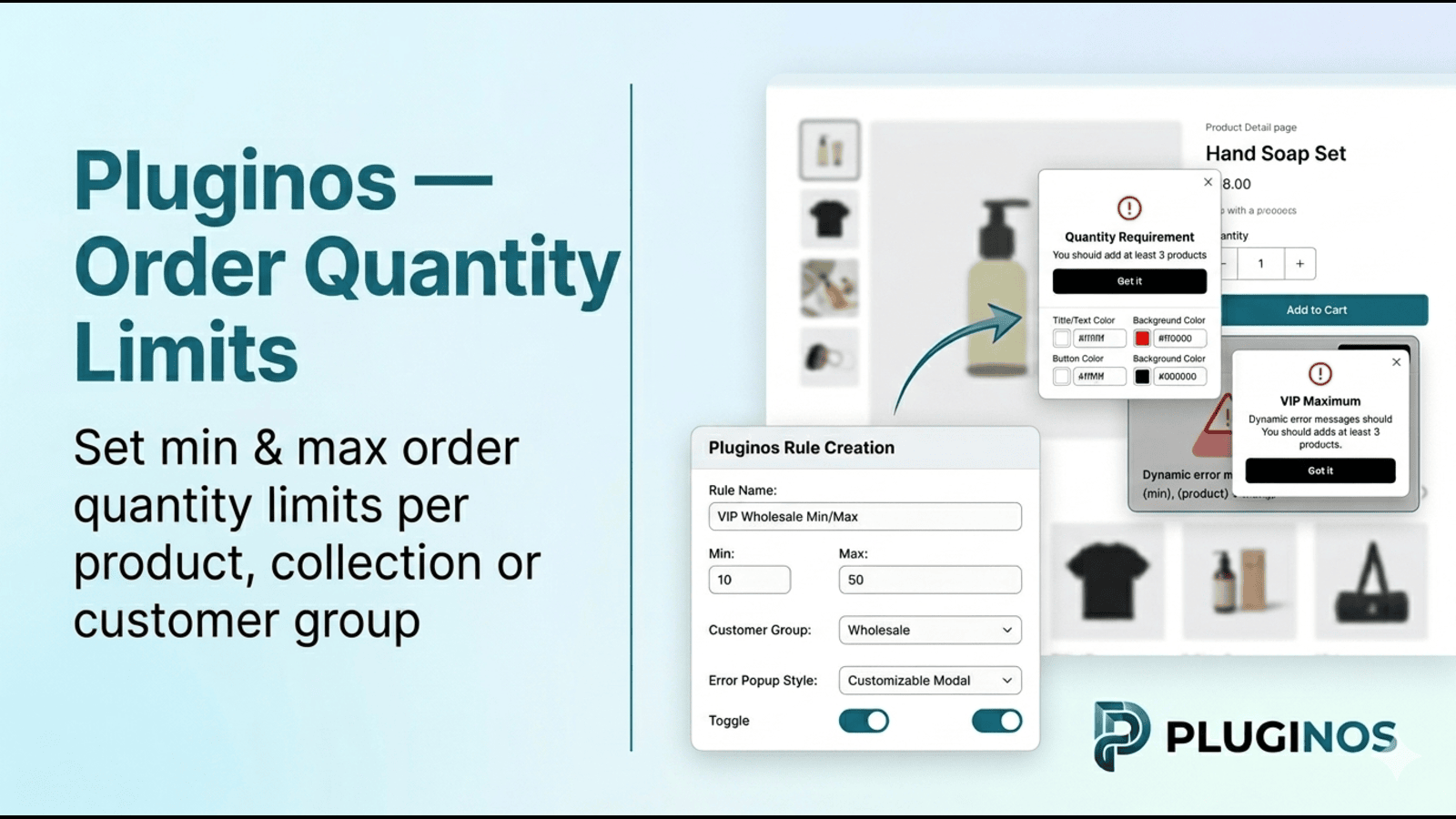
Order Quantity Limits lets store owners control how much of a product customers can buy at once — setting a minimum and/or maximum amount per order. You can apply these rules to specific products or entire collections, and target them by customer, country, or time period. If a customer tries to order too little or too much, they'll see a clear error message or a popup explaining the limit — keeping the shopping experience smooth.

Listing highlights

  • Set minimum and maximum order quantities
  • Apply rules to products, collections, or variants
  • Target specific customer groups (e.g., wholesale, VIP)
  • Restrict rules globally or to selected countries
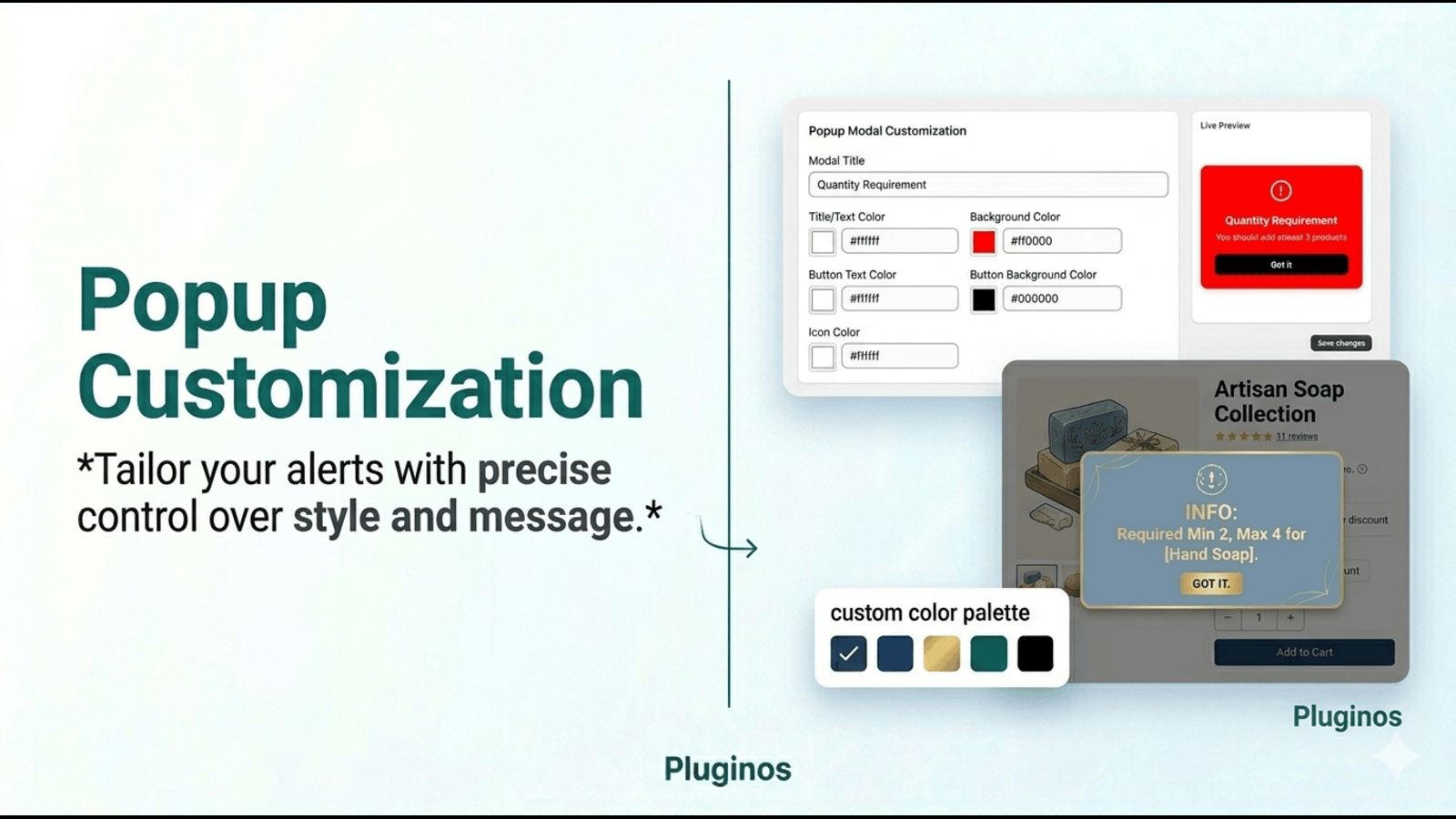
  • Show dynamic error messages when limits are not met

Features

Limit rules

Cart-based
Collection-specific
Customer tags
Geolocation
Max quantity
Min quantity
Product-specific
Show more
Variant-specific

Notification settings

Pop-ups
Apply rules for specific customers
Apply to Product collections or variants.
Pluginos Order Quantity Limits
Display messages and popups when rules are not met.

Methodology

How to read these signals

Counts are based on the latest public Shoplist crawl signals available for this app.

Shoplist has not yet found reliable public storefront evidence connecting a Shopify store to this app. This does not mean the app has no users. Some apps are new, admin-only, server-side, theme-independent, or otherwise difficult to detect from public storefront signals.

Merchant rows are filtered to public brand profiles with enough public data to link safely. Full workflow, filtering, and monitoring stay behind signup.

Review, pricing, feature, screenshot, and listing-change data come from public Shopify App Store and Shoplist crawl records. Signals can change between crawls.

FAQ

Questions about Pluginos‑Order Quantity Limits

Has Shoplist detected stores using Pluginos‑Order Quantity Limits yet?

Shoplist has not yet found reliable public storefront evidence for Pluginos‑Order Quantity Limits. The page tracks first merchant evidence as it appears.

What does first-adopter watch mean?

It means Shoplist is monitoring launch context and first storefront-detectable merchant evidence.

Can I get alerts when stores start using Pluginos‑Order Quantity Limits?

Yes. Create a watchlist to get alerted when Shoplist finds public merchant evidence for Pluginos‑Order Quantity Limits.

Keep watching Pluginos‑Order Quantity Limits

Turn this public profile into a monitored app workflow for first detections, reviews, pricing, related apps, and listing-change history.

Get alerted when stores start using Pluginos‑Order Quantity Limits