Detected Jul 5, 2026

Magic Custom Upload Shopify App: Reviews, Pricing & Storefront Detection Notes
Shoplist has not found reliable public storefront evidence for Magic Custom Upload. Track reviews, pricing, listing changes, and developer context and first
Shoplist public signals
What is visible for Magic Custom Upload right now
Signal date February 19, 2026
Last listing check today
Monitoring status
Storefront detection limited
Tracking non-storefront public signals
As of Feb 19, 2026
Reviews
1 public reviews
5.0 average rating
As of Sep 28, 2021
Momentum
1 No signal
Install volume is too low for a reliable trend yet
As of Jul 15, 2026
Latest review
September 28, 2021
As of Sep 28, 2021
1 momentum score
Install volume is too low for a reliable trend yet.
Updated Jul 15, 2026
Momentum inputs
28d installs
0
Prev. 28d
0
New 28d
0
30d reviews
0
Trend comparison is paused or unavailable for this window. The raw inputs show the install and review signals Shoplist observed instead.
Quick answer
Shoplist has not found reliable public storefront evidence for Magic Custom Upload. This may happen when an app is admin-only, server-side, or not visibly embedded on storefronts. Shoplist still tracks reviews, pricing, listing changes, developer data, related apps.
Reviews and velocity
Public review signals
5.0
1
Sep 28, 2021
Pricing
Pricing and plan posture
Activity and changes
Recent signals for Magic Custom Upload
Recent detections and listing changes are public signals captured by crawl history.
App Store listing
Listing changes
Detected Jun 25, 2026
Integrations updated
Detected Jun 11, 2026
Integrations updated
Detected Jun 1, 2026
Integrations updated
Detected May 17, 2026
Integrations updated
App-store listing
About Magic Custom Upload
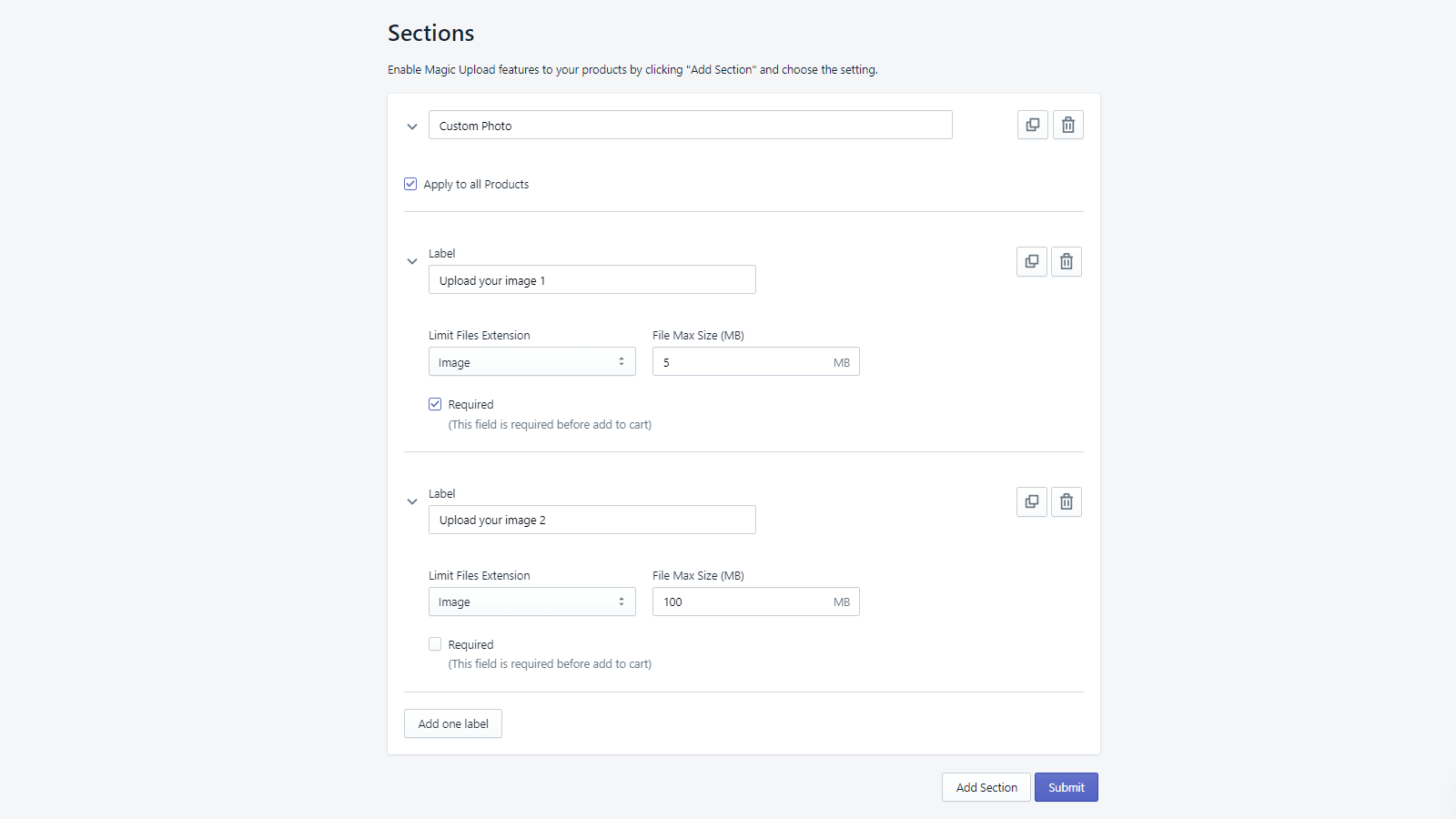
Easily Customize Your Orders with Magic Upload - Set Up Rules to Restrict Files, Products & Size!
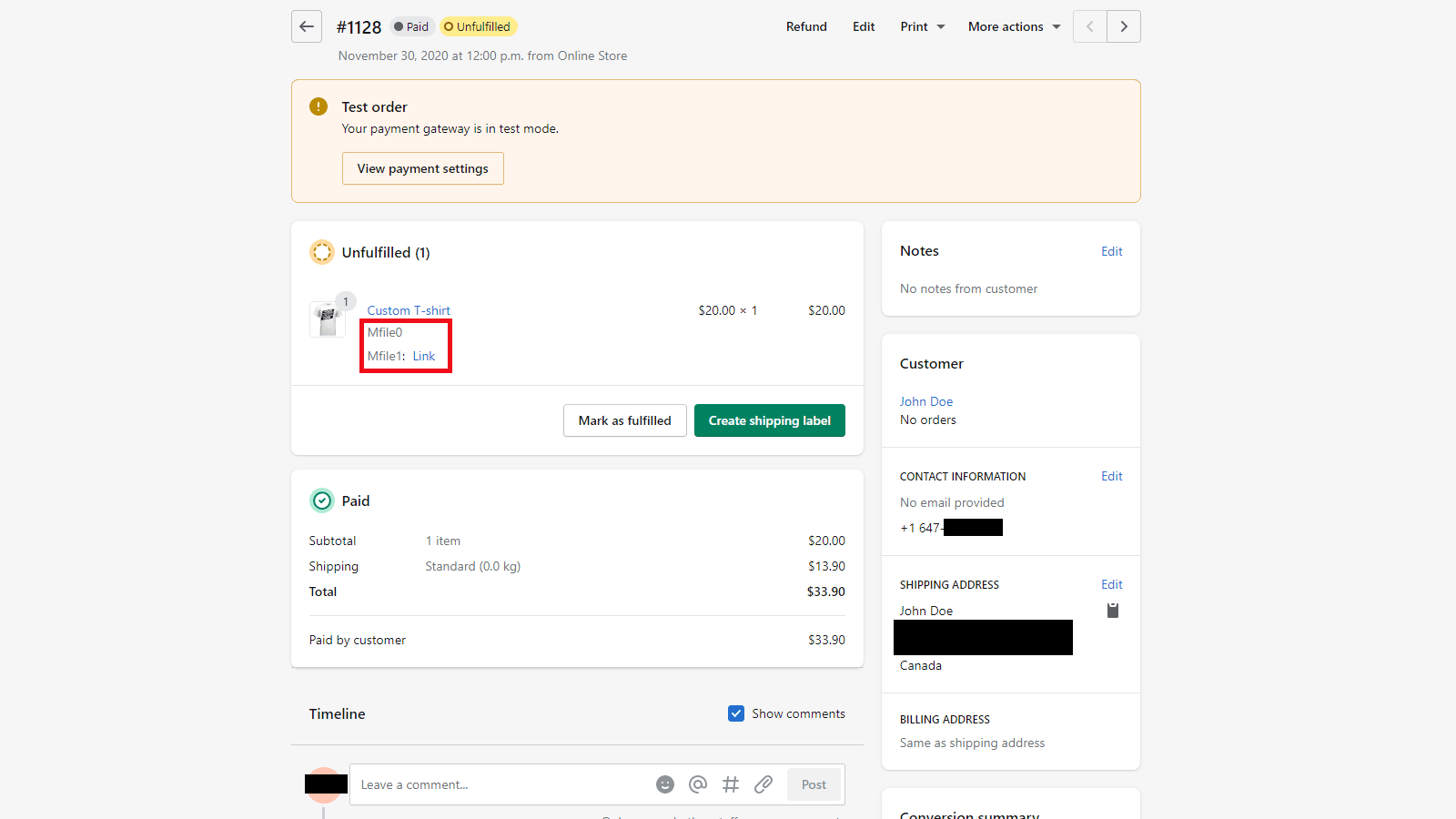
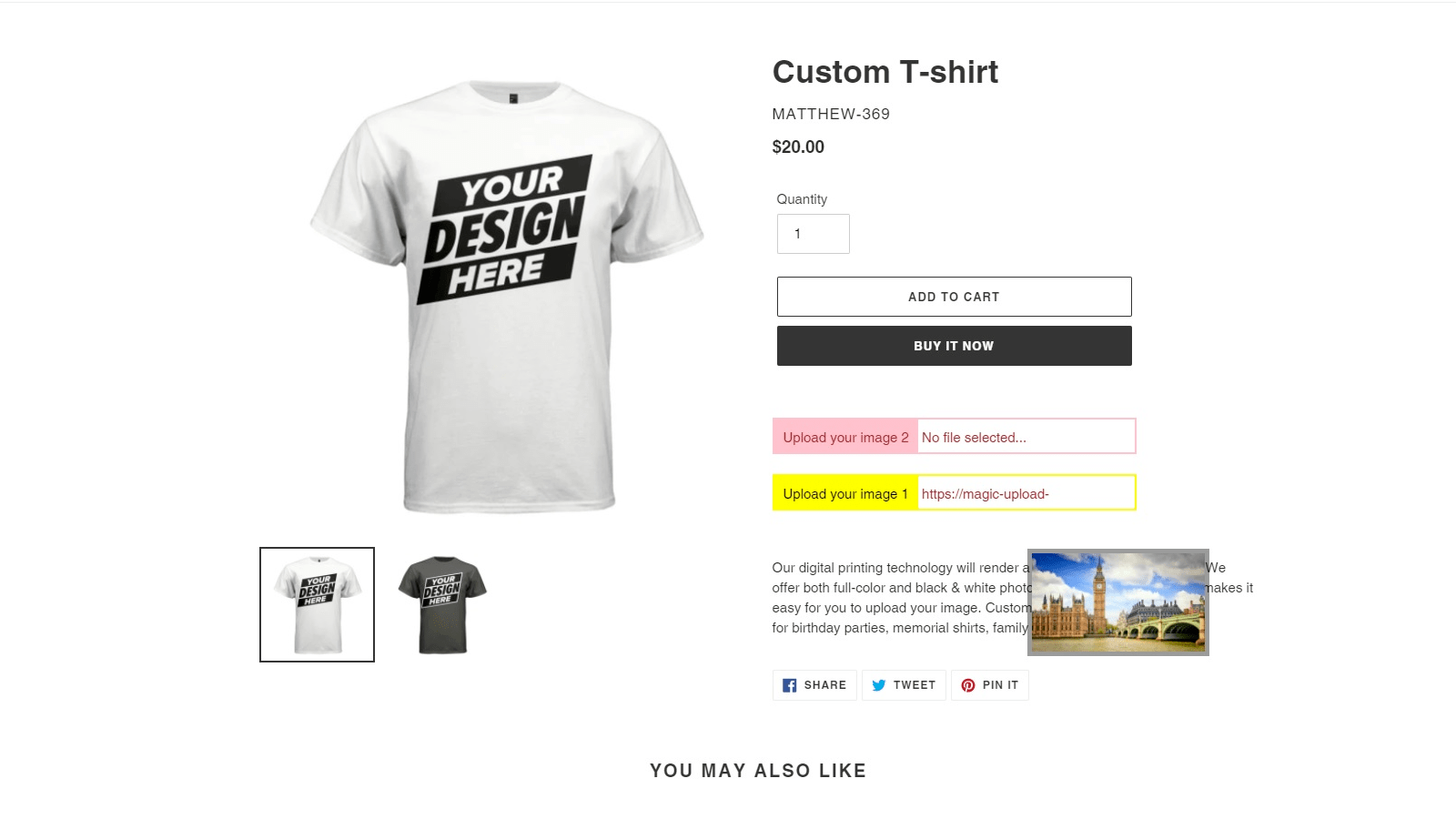
Magic Custom Upload is a solution for businesses that need to have their customers attach files to their orders. This feature allows your customers to upload any type of file, and you can customize the rules so that only certain types, products, or sizes are accepted. The friendly user interface makes it easy to set up and manage your own custom rules. With this tool, you can ensure that all customer orders are fulfilled in a timely manner with all required documents attached!
Listing highlights
- Ensure customer orders are fulfilled with all required documents attached
- Set up and manage custom rules so only certain types, products, or sizes are accepted
- Friendly user interface makes it easy to use
Features
File types
Methodology
How to read these signals
Counts are based on Shoplist's latest available public crawl signal dated February 19, 2026.
Shoplist has not yet found reliable public storefront evidence connecting a Shopify store to this app. This does not mean the app has no users. Some apps are new, admin-only, server-side, theme-independent, or otherwise difficult to detect from public storefront signals.
Merchant rows are filtered to public brand profiles with enough public data to link safely. Full workflow, filtering, and monitoring stay behind signup.
Review, pricing, feature, screenshot, and listing-change data come from public Shopify App Store and Shoplist crawl records. Signals can change between crawls.
FAQ
Questions about Magic Custom Upload
Why might Shoplist not show detected stores for Magic Custom Upload?
Some Shopify apps are admin-only, server-side, theme-independent, or otherwise difficult to detect from public storefront signals.
Does no public detection mean Magic Custom Upload has no users?
No. It only means Shoplist has not found reliable public storefront evidence for Magic Custom Upload. reviews, pricing, listing changes, and developer data can still be useful signals.
Can I monitor future public detections?
Yes. Shoplist can monitor Magic Custom Upload for future public storefront detections and listing movement.
Keep watching Magic Custom Upload
Turn this public profile into a monitored app workflow for first detections, reviews, pricing, related apps, and listing-change history.