Order Limits & MOQ ‑ AOD logo

Order Limits & MOQ ‑ AOD Shopify App: Reviews, Pricing & Storefront Detection Notes

Order limits & Cart customization

Updated May 23, 2026

4.8 (15 reviews)

By App on Demands

Shoplist has not found reliable public storefront evidence for Order Limits & MOQ ‑ AOD. Track reviews, pricing, listing changes, and developer context and

Shoplist public signals

What is visible for Order Limits & MOQ ‑ AOD right now

Signal date May 23, 2026

Monitoring status

Storefront detection limited

Tracking non-storefront public signals

As of May 23, 2026

Reviews

15 public reviews

4.8 average rating

As of Mar 13, 2025

Momentum

14 Steady

Install trend held steady over the last 28 days

As of Jun 1, 2026

Latest review

March 13, 2025

As of Mar 13, 2025

Steady0% confidence

14 momentum score

Install trend held steady over the latest 28-day window.

Updated Jun 1, 2026

0 installs

Momentum inputs

28d installs

0

Prev. 28d

0

Stores

0

30d reviews

0

Installs
0
Growth
0
Adoption
0
Reviews
0
Fit
58

Quick answer

Shoplist has not found reliable public storefront evidence for Order Limits & MOQ ‑ AOD. This may happen when an app is admin-only, server-side, or not visibly embedded on storefronts. Shoplist still tracks reviews, pricing, listing changes, developer data, related apps.

Reviews and velocity

Public review signals

Rating

4.8

Reviews

15

Latest

Mar 13, 2025

Pricing

Pricing and plan posture

Basic

$3.99
  • Collection Based Limit
  • Global Order Limit
  • Global product Limit
  • Product Based Limit

Activity and changes

Recent signals for Order Limits & MOQ ‑ AOD

Recent detections and listing changes are public signals captured by crawl history.

App Store listing

Listing changes

6 updates

Detected May 23, 2026

3 listing updates detected

moderate

App name updated

BeforeOrder Limits Quantity ‑ AOD

NowOrder Limits & MOQ ‑ AOD

Listing description updated

BeforeOrder Limit lets you easily set minimum and maximum purchase quantities for products in your Shopify store. Control how many units customer...

NowOrder Limit lets you easily set minimum and maximum purchase quantities for products in your Shopify store. Using Order Limit, you can cont...

Media gallery updated

Before5 items

Now5 items

Detected Apr 21, 2026

Similar apps updated

minor

Similar apps updated

BeforeBlockify Checkout Form & Rules, Kedra Checkout Rules, Qikify Checkout Customizer

NowBlockify Checkout Customizer, Kedra Checkout Rules, Qikify Checkout Customizer

Detected Apr 18, 2026

Similar apps updated

minor

Similar apps updated

BeforeBlockify Checkout Rules Plus, Kedra Checkout Rules, Qikify Checkout Customizer

NowBlockify Checkout Form & Rules, Kedra Checkout Rules, Qikify Checkout Customizer

Detected Apr 5, 2026

Integrations updated

minor

Integrations updated

BeforeShopify Admin

NowCheckout, Shopify Admin

Detected Feb 19, 2026

29 listing updates detected

moderate

Star rating updated

BeforeNot listed

Now4.8

Developer name updated

BeforeNot listed

NowApp on Demands

Developer link updated

BeforeNot listed

Nowhttps://apps.shopify.com/partners/app-on-demands

App-store listing

About Order Limits & MOQ ‑ AOD

Set min-max limits & multiple rules for products, variants, collections, cart & more.

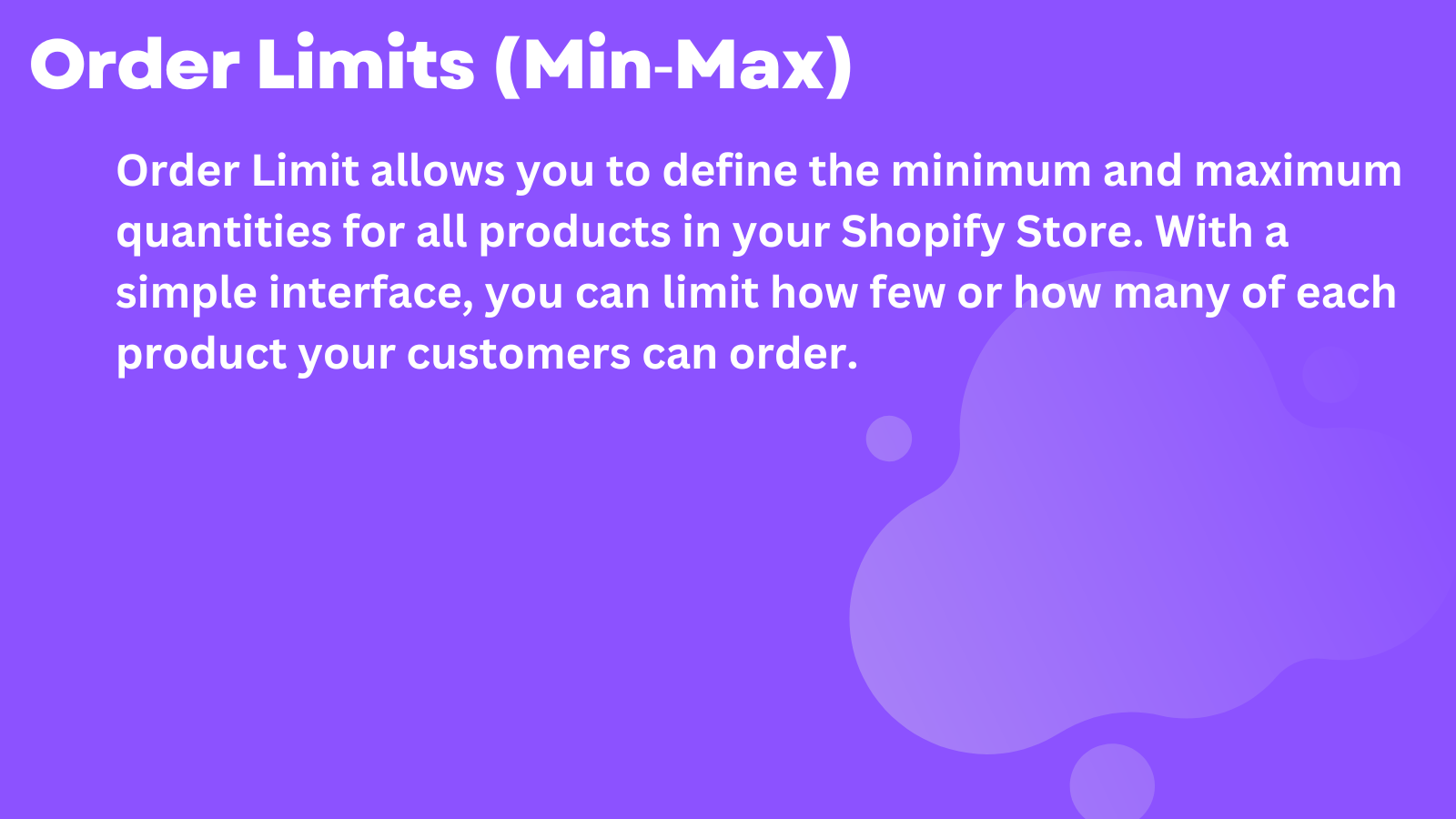
Order Limit lets you easily set minimum and maximum purchase quantities for products in your Shopify store. Using Order Limit, you can control how many units customers can buy, manage checkout behaviour, and prevent low-margin or unprofitable orders. With a simple, user-friendly interface, it’s ideal for enforcing wholesale rules, bulk purchase limits, and smarter order management across your store. Perfect for wholesale stores, B2B, bulk ordering, and quantity-based purchase control in Shopify

Listing highlights

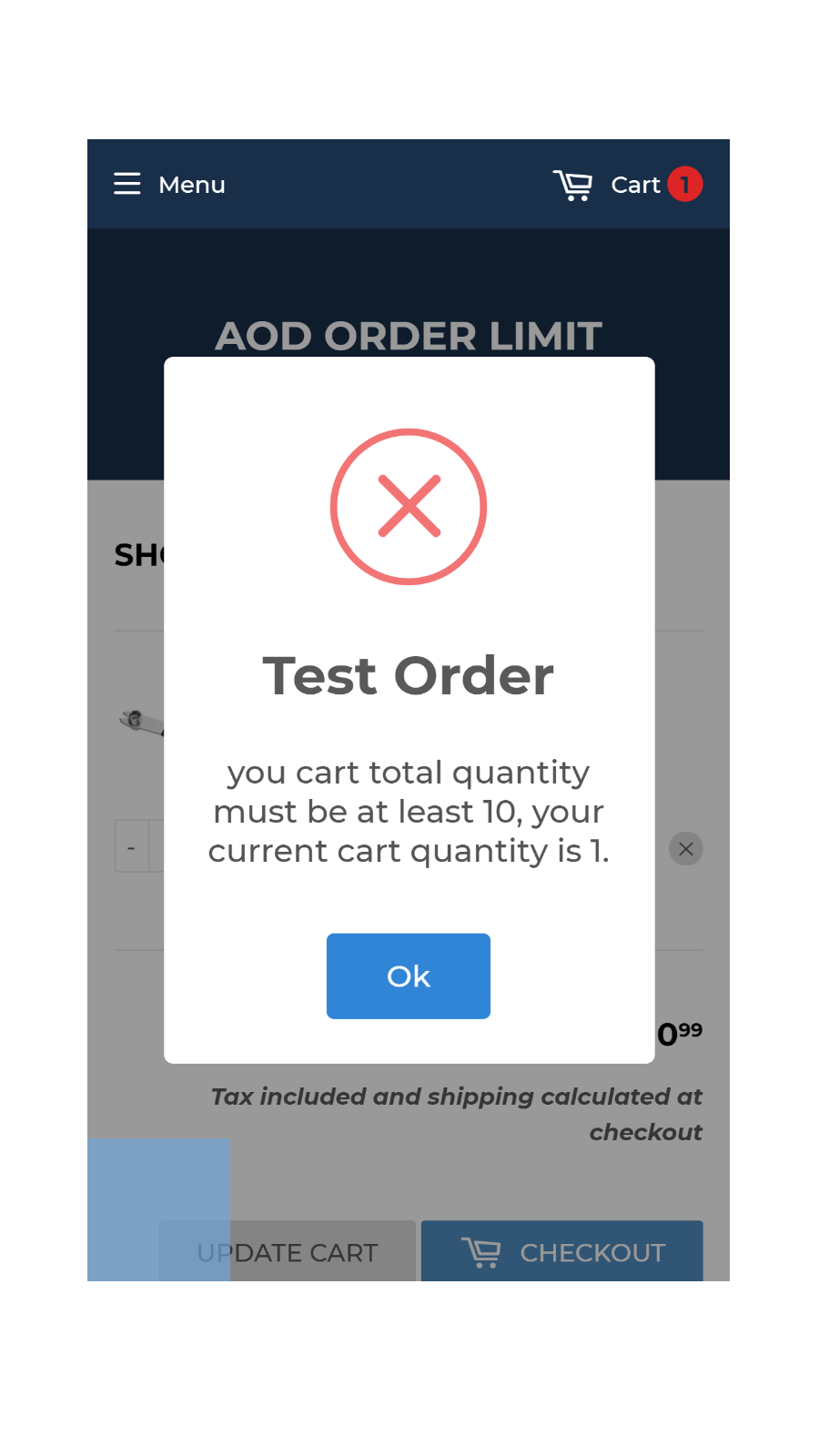
  • You are able to set order limits based on Amounts, Weight, Quantities, etc.
  • You are able to set limits based on a single product, collection or all products
  • You are able to bypass the limit for the selected customers.
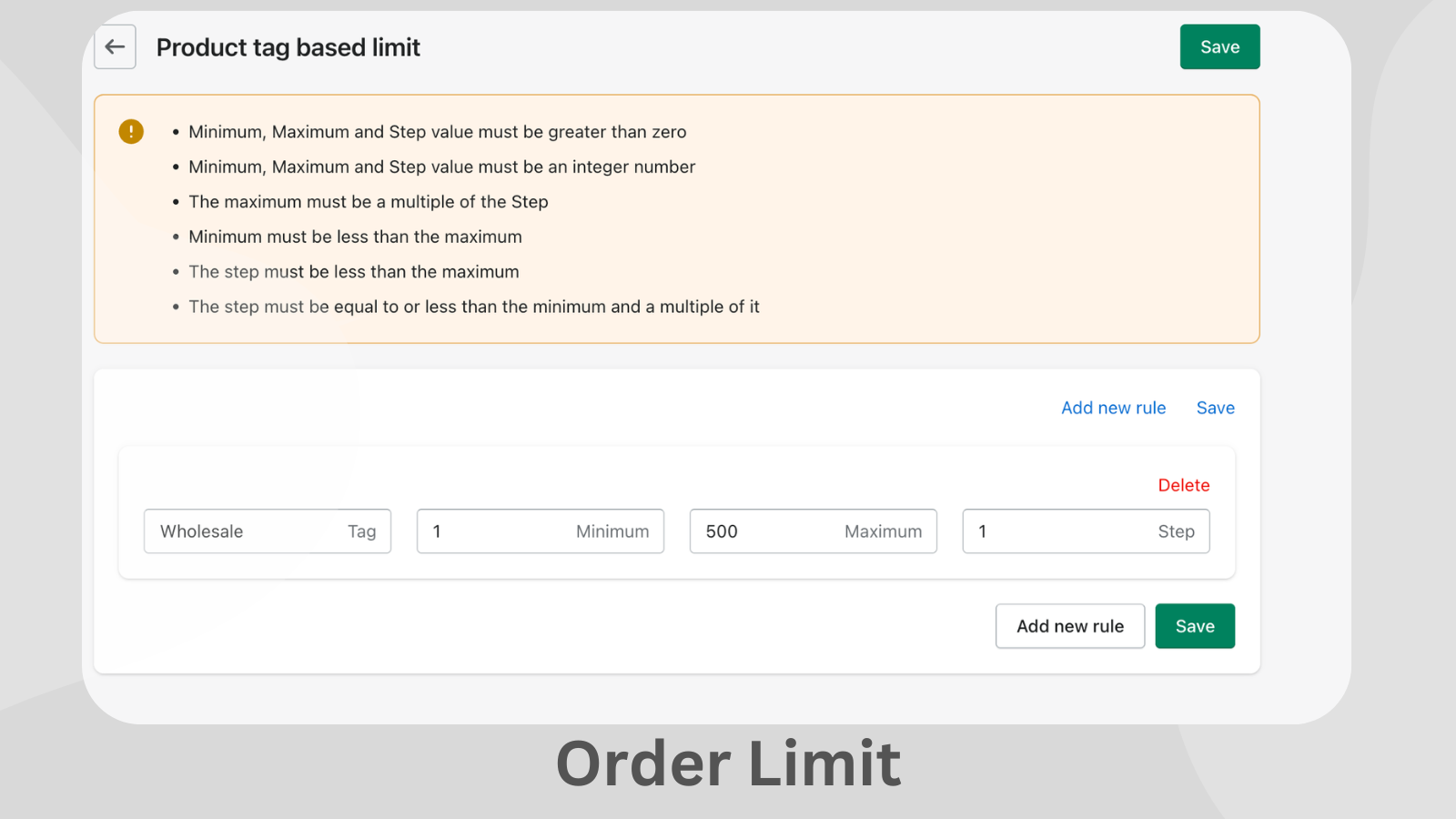
  • Create limits based on product tags.
  • Quick, easy setup. No coding required.

Features

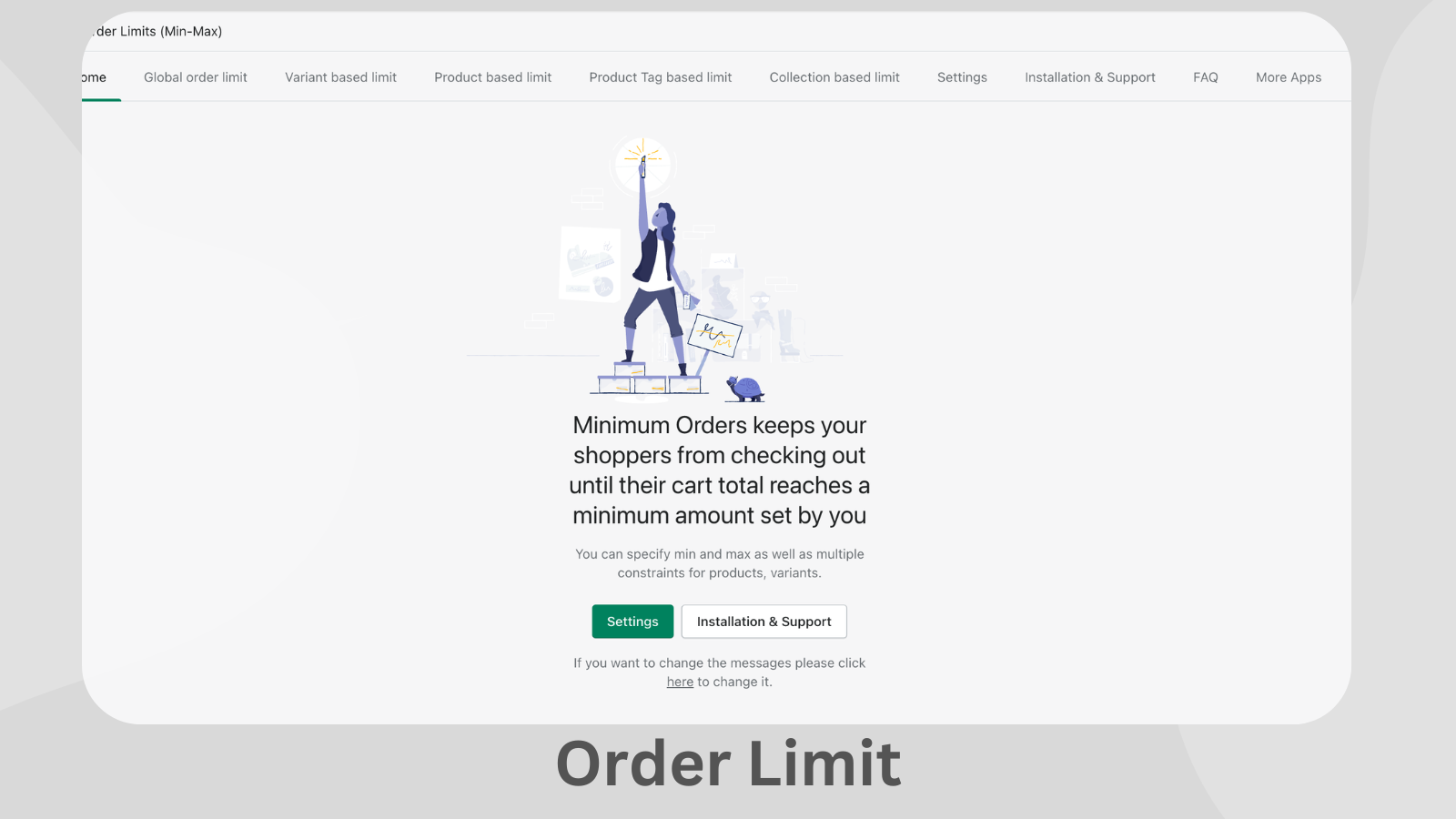
Limit rules

Cart-based
Collection-specific
Customer tags
Max quantity
Min quantity
Product-specific
Variant-specific
Show more
Weight-based

Cart display

Announcements
Cart drawer
Custom rules
Shipping estimator

Notification settings

Cart alerts
Custom messages
Pop-ups
Product page alerts

Methodology

How to read these signals

Counts are based on Shoplist's latest available public crawl signal dated May 23, 2026.

Shoplist has not yet found reliable public storefront evidence connecting a Shopify store to this app. This does not mean the app has no users. Some apps are new, admin-only, server-side, theme-independent, or otherwise difficult to detect from public storefront signals.

Merchant rows are filtered to public brand profiles with enough public data to link safely. Full workflow, filtering, and monitoring stay behind signup.

Review, pricing, feature, screenshot, and listing-change data come from public Shopify App Store and Shoplist crawl records. Signals can change between crawls.

FAQ

Questions about Order Limits & MOQ ‑ AOD

Why might Shoplist not show detected stores for Order Limits & MOQ ‑ AOD?

Some Shopify apps are admin-only, server-side, theme-independent, or otherwise difficult to detect from public storefront signals.

Does no public detection mean Order Limits & MOQ ‑ AOD has no users?

No. It only means Shoplist has not found reliable public storefront evidence for Order Limits & MOQ ‑ AOD. reviews, pricing, listing changes, and developer data can still be useful signals.

Can I monitor future public detections?

Yes. Shoplist can monitor Order Limits & MOQ ‑ AOD for future public storefront detections and listing movement.

Keep watching Order Limits & MOQ ‑ AOD

Turn this public profile into a monitored app workflow for first detections, reviews, pricing, related apps, and listing-change history.

Monitor Order Limits & MOQ ‑ AOD listing and first detections