Whats Up: Customer Chat Button logo

Shopify Stores Using Whats Up: Customer Chat Button

Chat

4 (2 reviews)

By Styled.Link

Shoplist detects stores using Whats Up: Customer Chat Button, plus merchant movement, co-installed apps, reviews, pricing, alternatives, and methodology.

Shoplist public signals

What is visible for Whats Up: Customer Chat Button right now

Signal date May 6, 2026

Detected stores

214

15 public rows shown

As of May 6, 2026

Reviews

2 public reviews

4.0 average rating

As of Feb 24, 2026

Latest review

February 24, 2026

As of Feb 24, 2026

Quick answer

Shoplist currently detects 214 Shopify stores using Whats Up: Customer Chat Button. The public page shows 15 example merchants. Shoplist also tracks category, country, product-count, co-installed app, review, pricing, and listing-change signals when available.

Public merchant index

Every store running Whats Up: Customer Chat Button, on tap.

Search 214 merchants by category, country, traffic rank, install date, revenue band, and 40+ other filters. Below is a sample slice โ€” sign up to unlock and export.

Open full table
Search 214 stores...
Country ยท US, GB, CARevenue ยท $1M+CategoryAdd filter
214 matching
StoreCategoryCountryShopRank# AppsInstalled
Apparel & Accessories๐Ÿ‡ต๐Ÿ‡ฐPK# 11610Mar 2026
Vehicles & Parts๐Ÿ‡ฎ๐Ÿ‡นIT# 8,81625Mar 2026
Apparel & Accessories๐Ÿ‡บ๐Ÿ‡ธUS# 10,99620Mar 2026
Apparel & Accessories๐Ÿ‡ฎ๐Ÿ‡นIT# 10,65813Mar 2026
Apparel & Accessories๐Ÿ‡ง๐Ÿ‡ทBR# 30,92912Mar 2026
Health & Beauty๐Ÿ‡ฌ๐Ÿ‡นGT# 35,6456Mar 2026
Apparel & Accessories๐Ÿ‡ฆ๐Ÿ‡ชAE# 44,33211Mar 2026
Home & Garden๐Ÿ‡ณ๐Ÿ‡ฑNL# 51,54810Mar 2026
Apparel & Accessories๐Ÿ‡ฎ๐Ÿ‡นIT# 50,21211Mar 2026
Baby & Toddler๐Ÿ‡ฒ๐Ÿ‡ฝMX# 59,16510Mar 2026
Food, Beverages & Tobacco๐Ÿ‡ฉ๐Ÿ‡ชDE# 74,71613Mar 2026
Apparel & Accessories๐Ÿ‡ฎ๐Ÿ‡ฑIL# 73,23612Mar 2026
โ€”๐Ÿ‡ฉ๐Ÿ‡ดDO# 70,5383Mar 2026
Health & Beauty๐Ÿ‡ฒ๐Ÿ‡ฝMX# 78,9477Mar 2026
Business & Industrial๐Ÿ‡ง๐Ÿ‡ทBR# 77,6904Mar 2026

199 more stores are hidden

Create a free Shoplist account to unlock 25 stores instantly โ€” or upgrade to export the full table to CSV, HubSpot, or Apollo in one click.

Activity and changes

Recent detected movement for Whats Up: Customer Chat Button

Recent detections and listing changes are public signals captured by crawl history.

New 28d

20

Adoption footprint

Category, country, and product-count distribution

Top categories

Apparel & Accessories49
Home & Garden21
Health & Beauty15
Food, Beverages & Tobacco13
Business & Industrial11

Stores by product count

Brands using Whats Up: Customer Chat Button, grouped by product count

11-5053
201-50034
101-20033
51-10028
1,001-5,00018

Detected stores by country

Top 5

Current public merchant geography.

1.Italy
13.1%
2.Mexico
7.0%
3.Germany
6.5%
4.Spain
6.5%
5.United States
6.5%

Reviews and velocity

Public review signals

Rating

4.0

Reviews

2

Latest

Feb 24, 2026

Oct 1, 20251
Feb 1, 20261

Pricing

Pricing and plan posture

Free

Free
  • 7 different appearance types
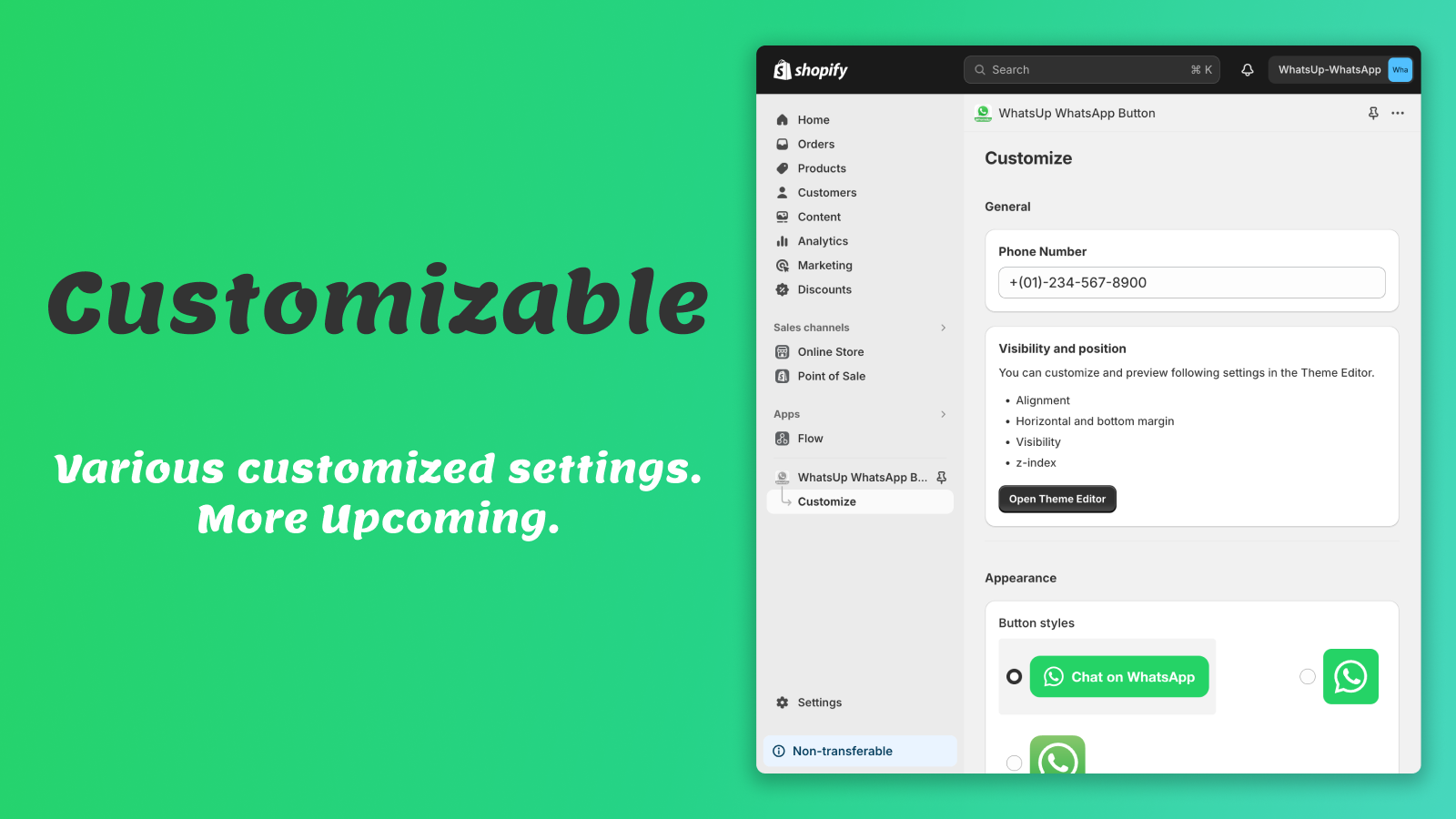
  • Customize button position and visibility

Premium

$0.9
  • All Free plan features
  • Custom CSS
  • Prefill page URL in chat
  • Priority support
Advanced settings
WhatsUp: Easy Chat Button
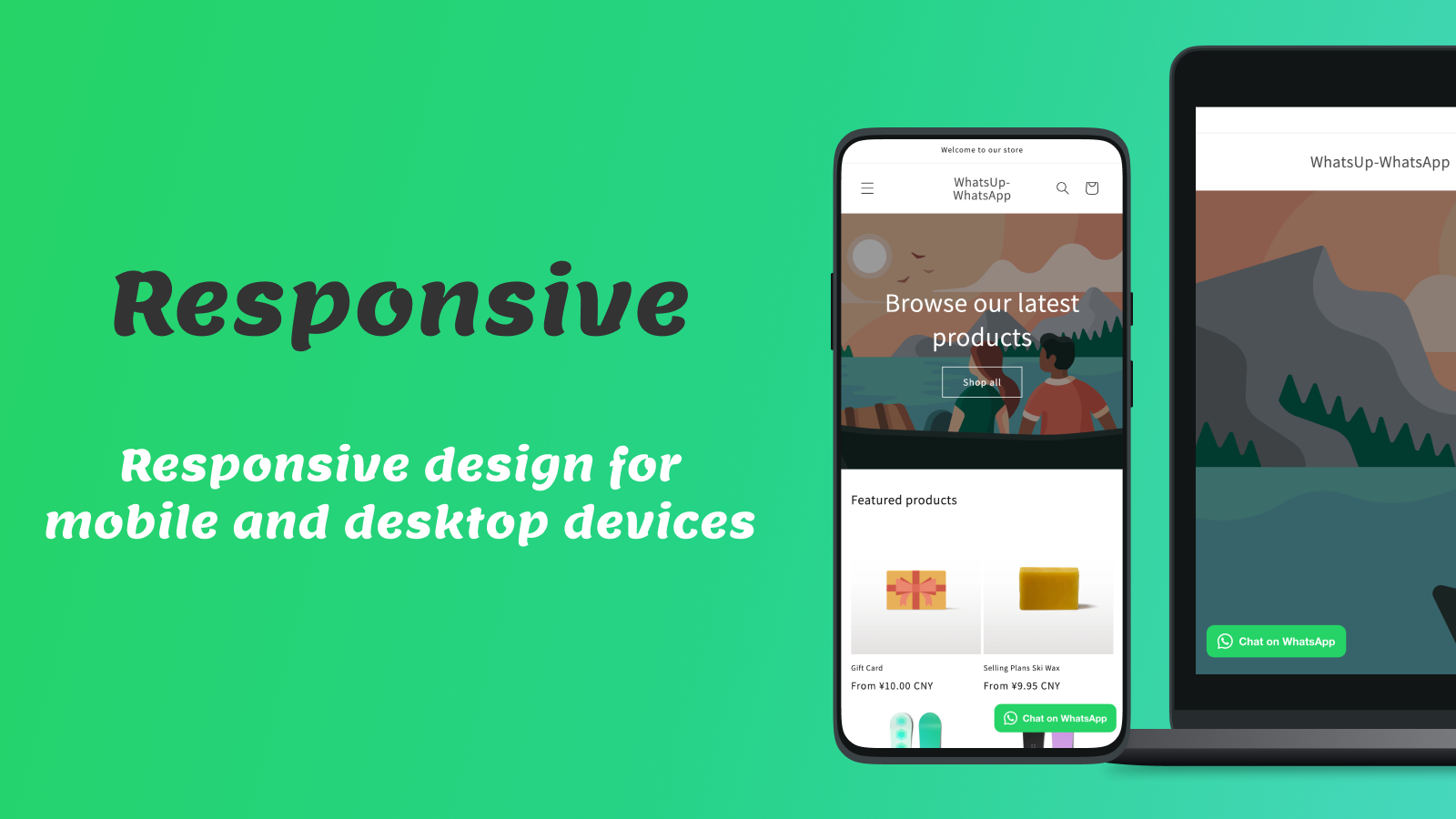
Responseive designed WhatsApp button
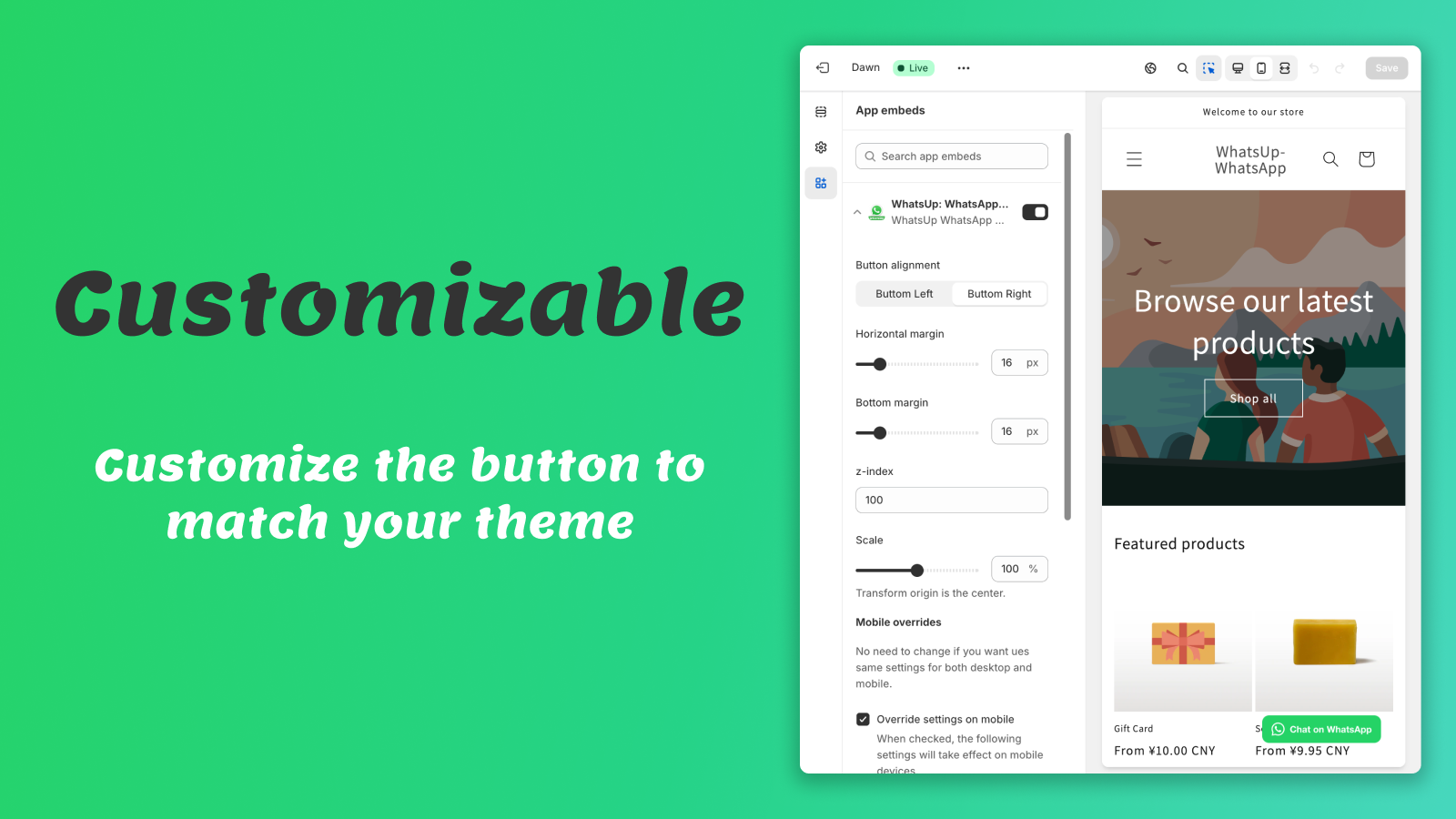
Customizable in Theme Editor

App-store listing

About Whats Up: Customer Chat Button

Show a WhatsApp chat button in your online shop so customers can reach you directly.

This app adds a WhatsApp chat button to your store, making it easier for customers to reach you directly. This customizable button blends seamlessly with your store's design, ensuring a consistent brand look. With quick, zero-code installation, you can improve customer communication in minutes.

Listing highlights

  • Add a WhatsApp chat button to your shop.
  • You can customize your chat button to match your shop's style.
  • Responsive design for mobile and desktop devices.
  • Simple and easy to install, with no Coding, 1 minute to go live.

Features

Customization

Chat buttons
Emojis and stickers
Welcome messages

Automated responses

Greetings

Real-time messaging

Social media

Methodology

How to read these signals

Counts are based on Shoplist's latest available public crawl signal dated May 6, 2026.

214 detected stores means Shoplist found current public storefront evidence connecting those stores to this app. This is detection-based and is not a developer-provided customer list.

Merchant rows are filtered to public brand profiles with enough public data to link safely. Full workflow, filtering, and monitoring stay behind signup.

Review, pricing, feature, screenshot, and listing-change data come from public Shopify App Store and Shoplist crawl records. Signals can change between crawls.

FAQ

Questions about Whats Up: Customer Chat Button

How many Shopify stores use Whats Up: Customer Chat Button?

Shoplist currently detects public evidence of 214 Shopify stores using Whats Up: Customer Chat Button. This page shows 15 public merchant rows where the linked brand profile has enough public data to display.

Which Shopify stores use Whats Up: Customer Chat Button?

This page shows 15 public example merchants using Whats Up: Customer Chat Button. The full workflow adds filters, exports, contacts, and monitoring.

What apps are commonly used with Whats Up: Customer Chat Button?

Shoplist tracks co-installed and related Shopify apps so teams can find merchants using Whats Up: Customer Chat Button alongside complementary tools.

Can I export stores using Whats Up: Customer Chat Button?

Yes. Signup unlocks export, filtering, contacts availability, and alert workflows for stores using Whats Up: Customer Chat Button.

How does Shoplist detect Whats Up: Customer Chat Button?

Shoplist uses cautious public detection language. A detected store means public storefront evidence currently connects the merchant to the app; it is not a contract, revenue, or developer-reported adoption claim.

Turn Whats Up: Customer Chat Button detections into a workflow

Unlock merchant filtering, contacts availability, app-stack filters, monitoring, and exports.

Export 214 stores using Whats Up: Customer Chat Button