Skip to content
Upatra: Bulk Image Upload logo

Upatra: Bulk Image Upload Shopify App: Pricing, Features & First-Adopter Watch

Bulk editorBy UpatraLaunched June 29, 2026Updated September 3, 2026

Upatra: Bulk Image Upload launched on June 29, 2026. Shoplist is watching for its first storefront installs and tracking pricing and listing changes in the meantime.

Key signals for Upatra: Bulk Image Upload

Launched
Jun 29, 2026
Pricing
Free
Storefront installs
None yetWatching since its Jun 29, 2026 launch

Data checked October 26, 2026Listing checked todayHow Shoplist knows

Upatra: Bulk Image Upload pricing

Free

Recent Upatra: Bulk Image Upload activity

Store movement comes from Sonar's storefront scans; listing changes come from the Shopify App Store page.

App Store listing

Listing changes

1 update

Detected Sep 3, 2026

Description rewritten

Positioning

Description rewritten

Shopify has no built-in bulk image import — native upload is one at a time. Bulk … g. Safe replace swaps in the new image before deleting the old, so nothing goes blank. Image-metered — pay for what you upload, cancel anytime.blank.

Get Upatra: Bulk Image Upload's weekly changes by email

New stores, departures, and listing edits, once a week. No account needed.

Upatra: Bulk Image Upload screenshots and video

About Upatra: Bulk Image Upload

Bulk upload product images from Google Drive, Dropbox or your computer, matched by SKU or barcode.

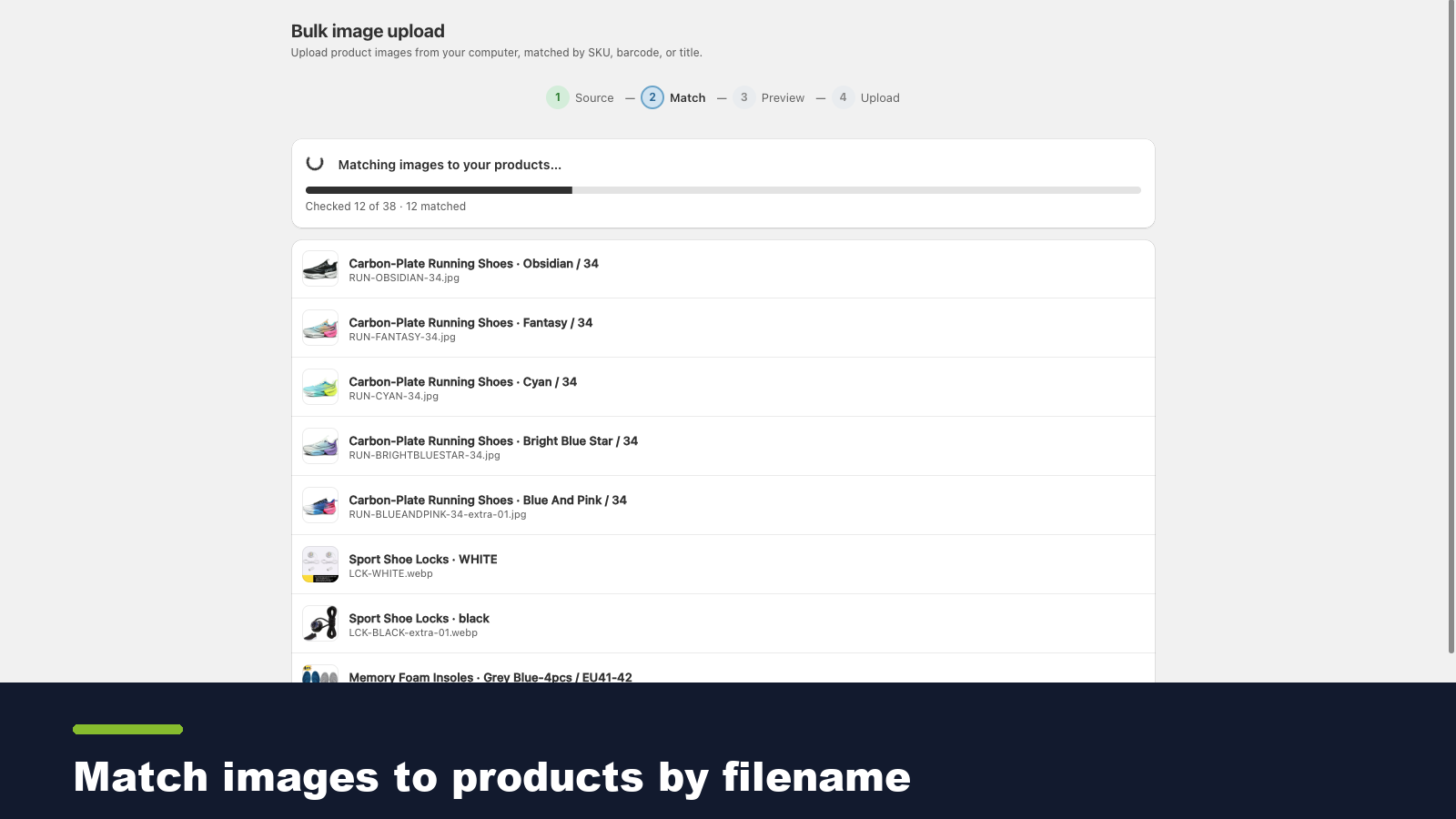
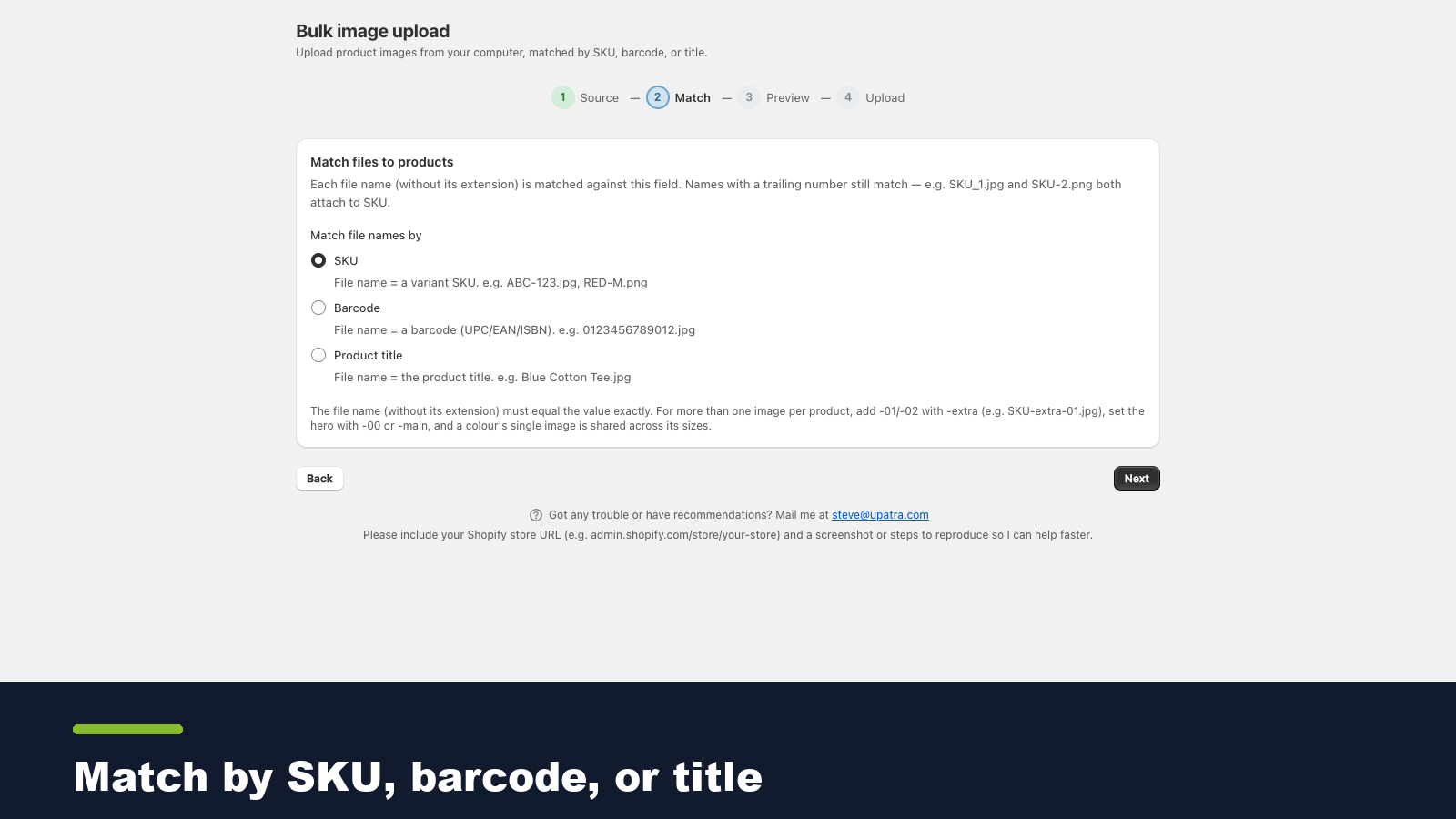
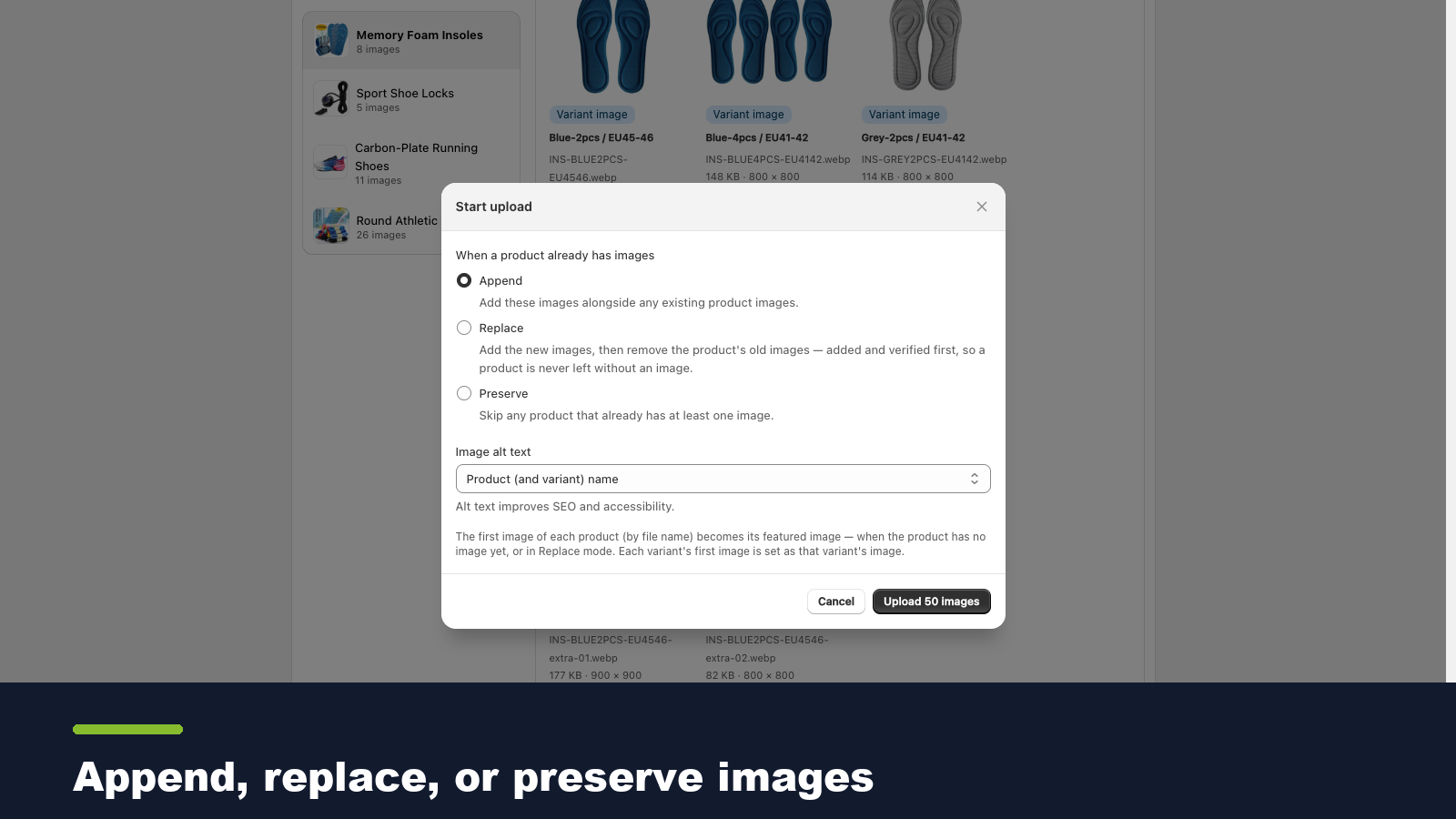
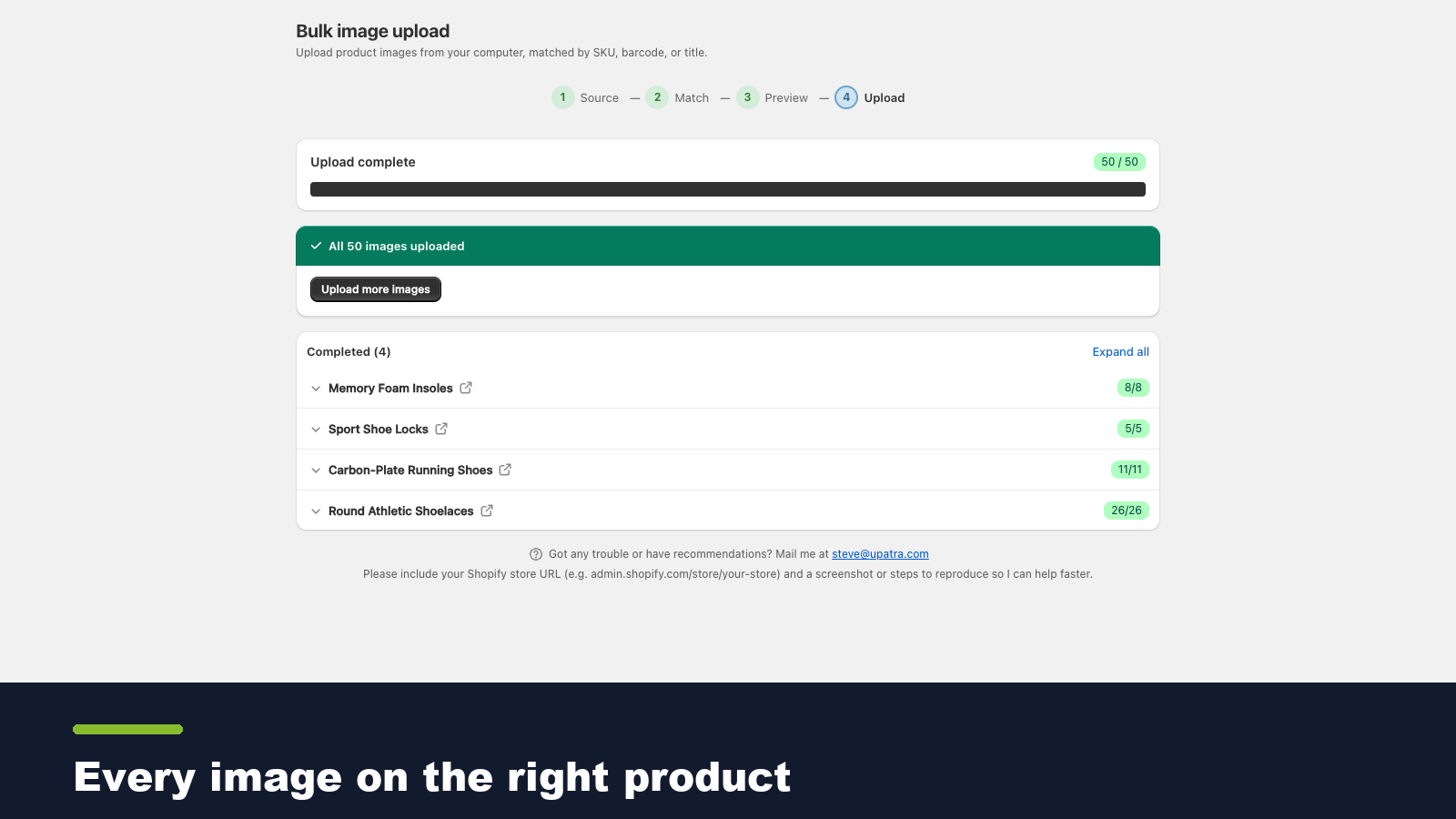
Shopify has no built-in bulk image import — native upload is one at a time. Bulk Image Upload fixes that: point it at a Google Drive or Dropbox folder, or pick files from your computer, and each image is matched to its product or variant by filename (SKU, barcode, or title). Preview every match before it's written, then add, replace, or keep existing. Safe replace swaps in the new image before deleting the old, so nothing goes blank.

Listing highlights

  • Upload product images in bulk from your computer.
  • Auto-match each file to its product or variant by SKU, barcode, or title.
  • Preview every match before anything is written — no surprises, no manual fixes.
  • Safe replace: add new images before deleting old, never leaving a product blank.
  • Set variant images and the product's main image automatically.

Features

Actions

  • Bulk edit
  • Data sync

Editable resources

  • Images
  • Products
  • SKU and barcodes
  • Variants

How Shoplist knows

Every number on this page comes from public storefront scans and the public Shopify App Store listing. If Shoplist shows Upatra: Bulk Image Upload on a store, it is there.

Read the data methodology
  • Counts are based on Shoplist's latest available public crawl signal dated September 3, 2026.
  • Shoplist has not yet found reliable public storefront evidence connecting a Shopify store to this app. This does not mean the app has no users. Some apps are new, admin-only, server-side, theme-independent, or otherwise difficult to detect from public storefront signals.
  • Merchant rows are filtered to public brand profiles with enough public data to link safely. Full workflow, filtering, and monitoring stay behind signup.
  • Review, pricing, feature, screenshot, and listing-change data come from public Shopify App Store and Shoplist crawl records. Signals can change between crawls.

Questions about Upatra: Bulk Image Upload

Has Shoplist detected stores using Upatra: Bulk Image Upload yet?
Shoplist has not yet found reliable public storefront evidence for Upatra: Bulk Image Upload. The page tracks first merchant evidence as it appears.
What does first-adopter watch mean?
It means Shoplist is monitoring launch context, first storefront-detectable merchant evidence, pricing, and listing changes.
Can I get alerts when stores start using Upatra: Bulk Image Upload?
Yes. Create a watchlist to get alerted when Shoplist finds public merchant evidence for Upatra: Bulk Image Upload.

Keep exploring

Keep watching Upatra: Bulk Image Upload.

Get alerted on first storefront installs, review spikes, pricing changes, and listing edits.