SwiftXR Virtual Try‑On logo

SwiftXR Virtual Try‑On Shopify App: Pricing, Features & First-Adopter Watch

3D/AR/VR

Updated March 1, 2026

5 (1 reviews)

By SwiftXR

Launched February 11, 2026. Shoplist is monitoring first merchant evidence, reviews, pricing, feature details, and listing changes for this Shopify app.

Shoplist public signals

What is visible for SwiftXR Virtual Try‑On right now

Signal date March 1, 2026

Monitoring status

First-adopter watch

Monitoring first merchant evidence

As of Mar 1, 2026

Reviews

1 public reviews

5.0 average rating

As of May 5, 2026

Momentum

1 No signal

Install trend held steady over the last 28 days

As of Jun 12, 2026

Latest review

May 5, 2026

As of May 5, 2026

No signal0% confidence

1 momentum score

Install trend held steady over the latest 28-day window.

Updated Jun 12, 2026

0 installs

Momentum inputs

28d installs

0

Prev. 28d

0

New 28d

0

30d reviews

0

Installs
0
Growth
50
Adoption
0
Reviews
0
Fit
66

Quick answer

SwiftXR Virtual Try‑On launched on February 11, 2026. Shoplist is monitoring first public merchant evidence, reviews, pricing changes, and listing changes.

Reviews and velocity

Public review signals

Rating

5.0

Reviews

1

Latest

May 5, 2026

Pricing

Pricing and plan posture

Starter

$199
  • 750 try-ons per month included
  • Additional usage from $0.10/try-on
  • Self-serve setup

Growth

$499
  • 3,000 try-ons per month included
  • Additional usage from $0.08/try-on
  • Email support

Business

$899
  • 6,000 try-ons per month included
  • Additional usage from $0.07/try-on
  • Priority support & onboarding

Activity and changes

Recent signals for SwiftXR Virtual Try‑On

Recent detections and listing changes are public signals captured by crawl history.

App Store listing

Listing changes

3 updates

Detected May 25, 2026

Integrations updated

Integrations

Integrations updated

Shopify Admin

Detected May 16, 2026

Integrations updated

Integrations

Integrations updated

Shopify Admin

Detected Mar 4, 2026

Integrations updated

Integrations

Integrations updated

Shopify Admin

App-store listing

About SwiftXR Virtual Try‑On

Add virtual try-on to product pages so shoppers can see how items look before buying.

SwiftXR Virtual Try-On lets shoppers preview how products look on them using a photo, directly on product pages. Merchants can enable try-on per product, control where the button appears, and match it to their store’s design. This helps customers make more confident purchase decisions without changing existing product workflows.

Listing highlights

  • Photo-based virtual try-on directly on product pages
  • Enable or disable try-on per product from the app
  • Customizable Try-On button placement and styling

Features

Customization

Conditional logic
Custom branding
Mobile responsive

Visualization

AI-powered
Virtual try-on
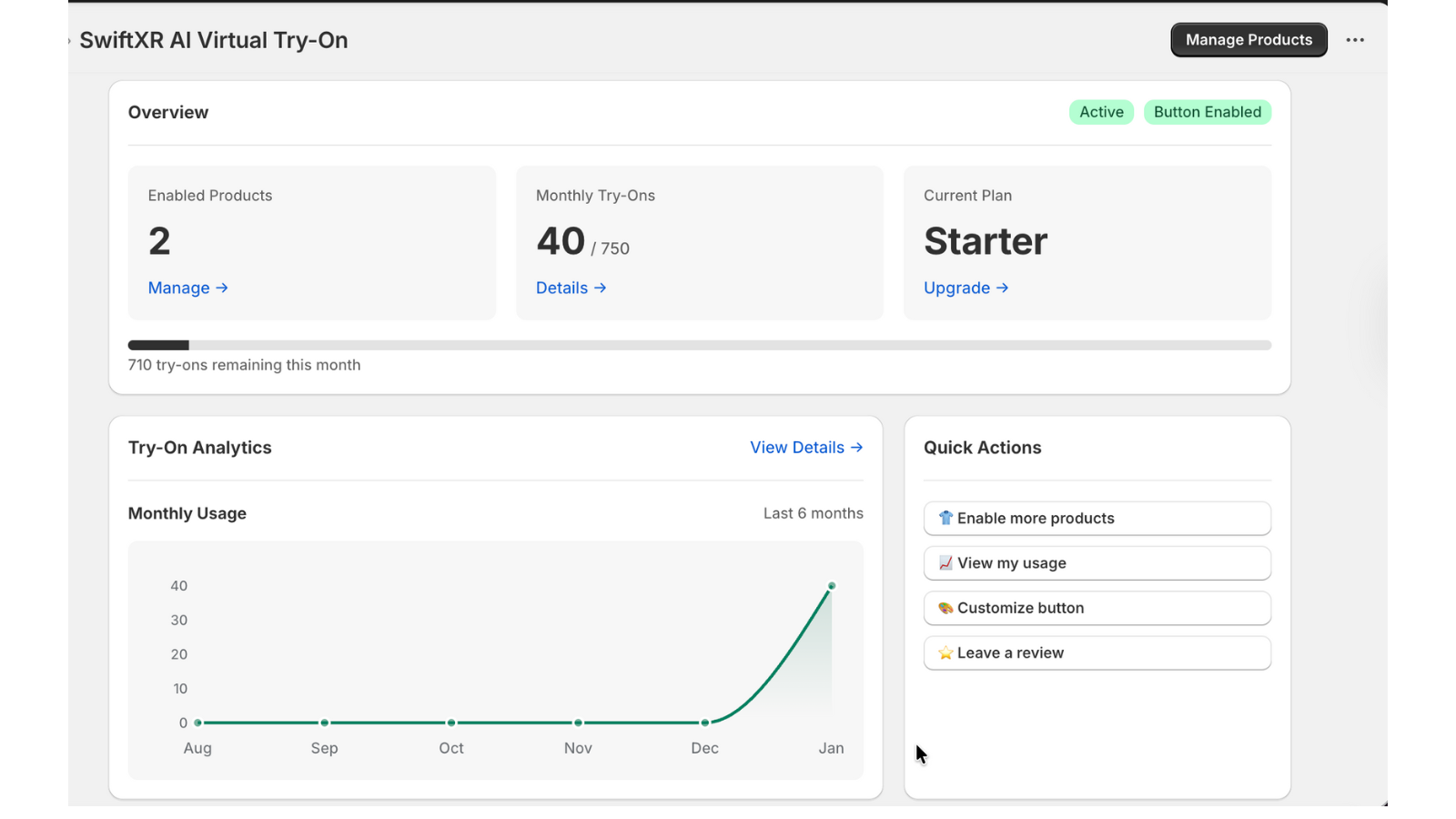
SwiftXR dashboard showing try-on usage and enabled products
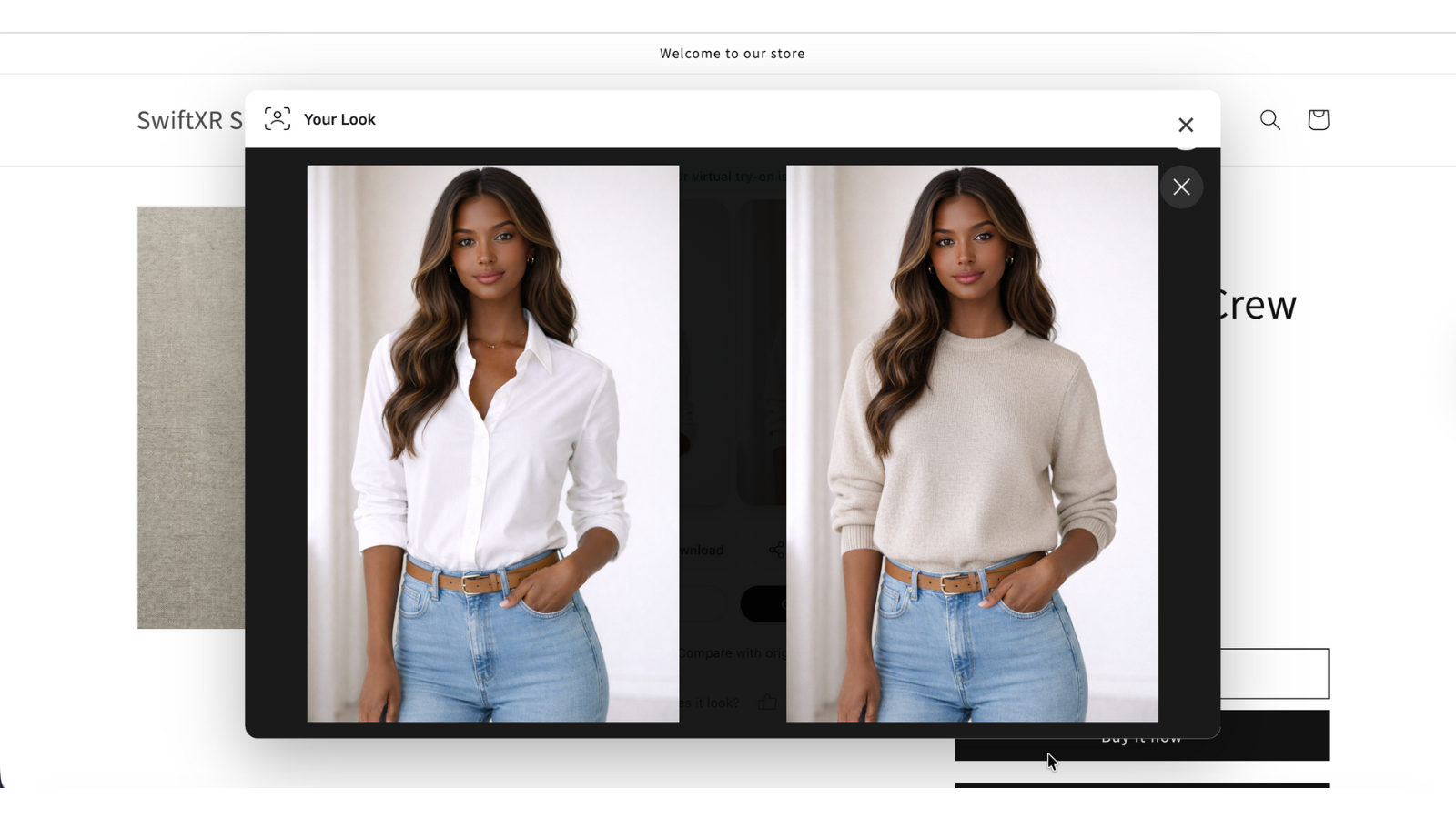
Before and after virtual try-on comparison in SwiftXR
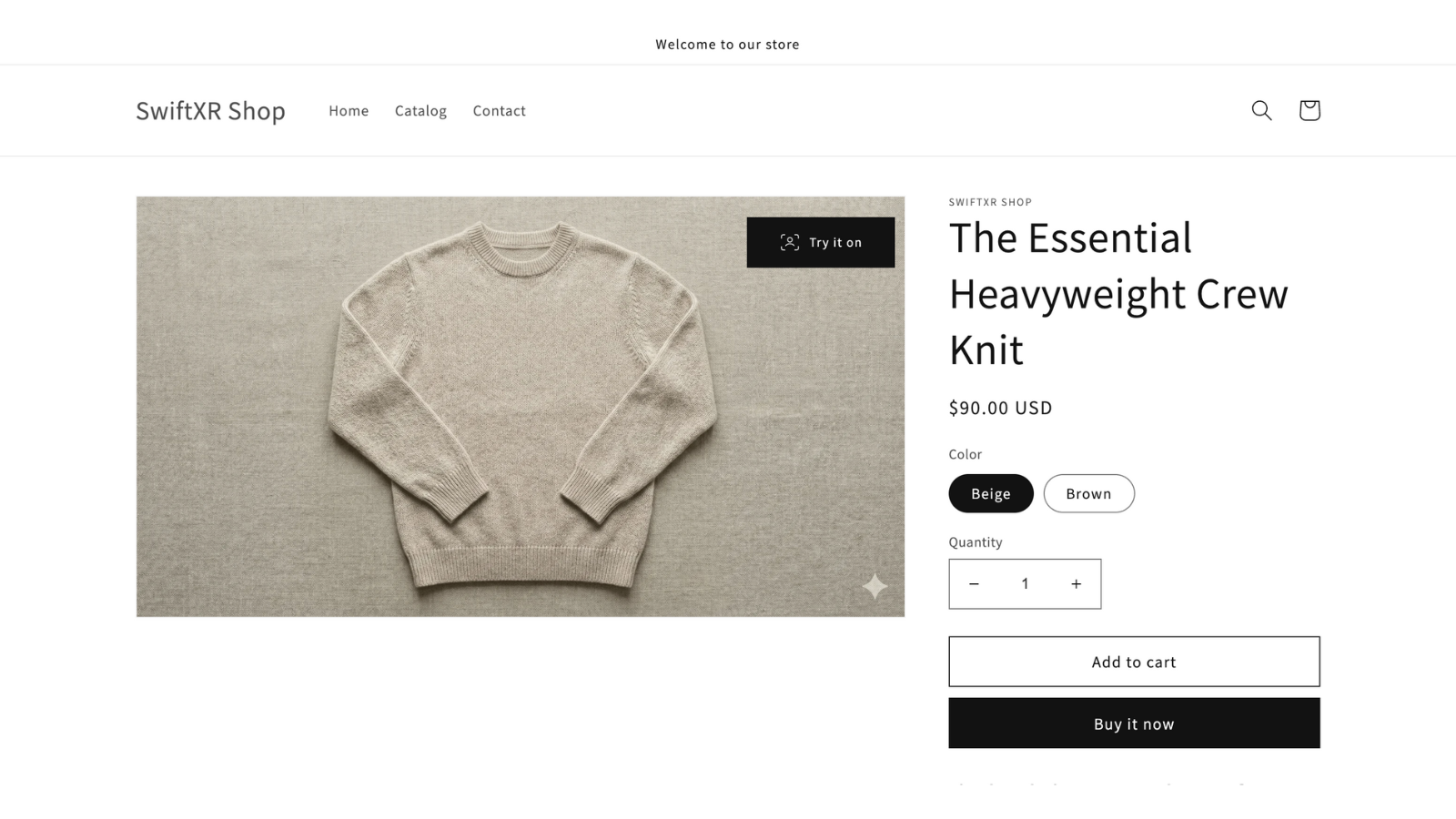
Virtual Try-On integrated into a standard product page
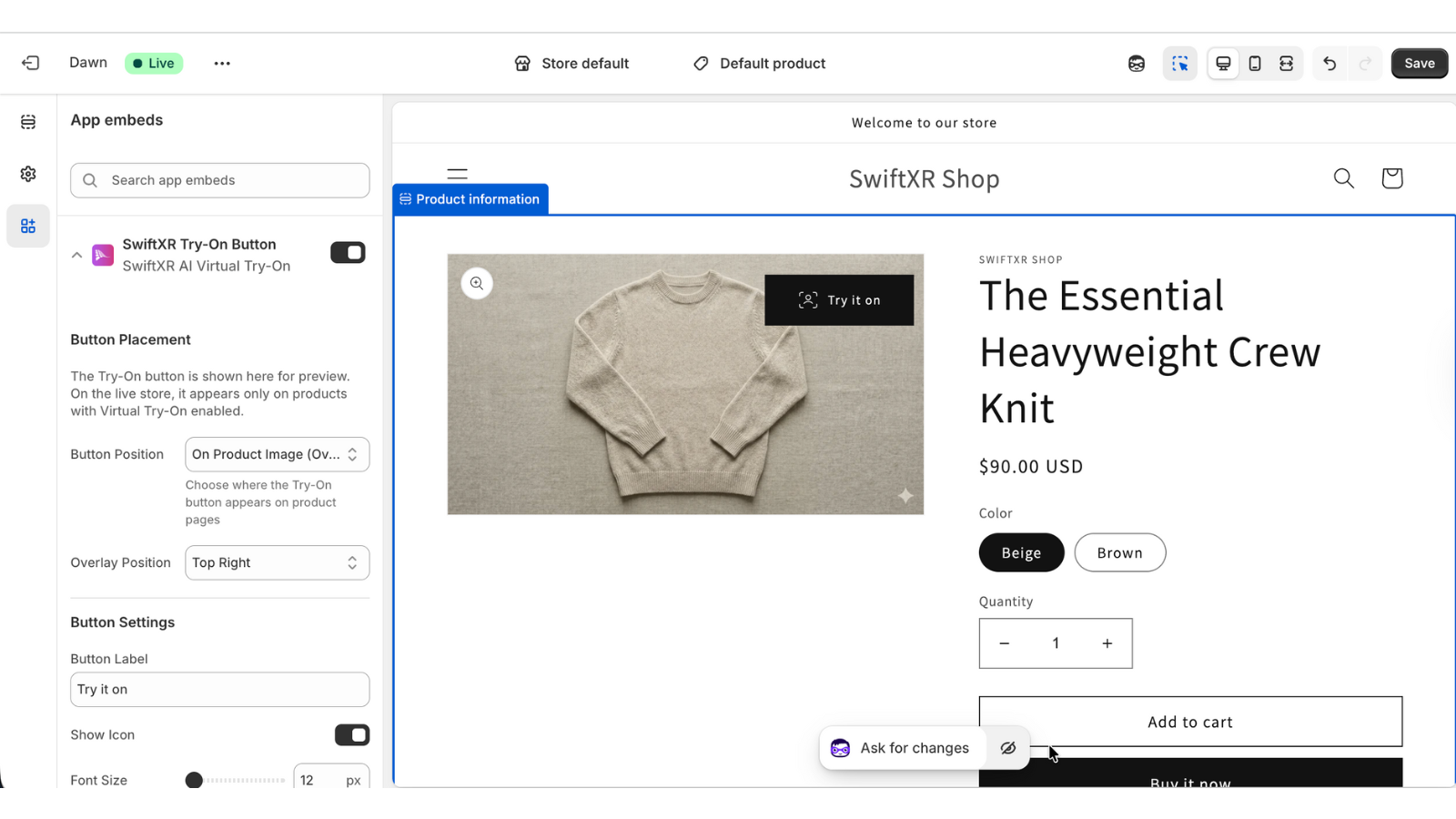
Virtual Try-On button displayed on a product image

Methodology

How to read these signals

Counts are based on Shoplist's latest available public crawl signal dated March 1, 2026.

Shoplist has not yet found reliable public storefront evidence connecting a Shopify store to this app. This does not mean the app has no users. Some apps are new, admin-only, server-side, theme-independent, or otherwise difficult to detect from public storefront signals.

Merchant rows are filtered to public brand profiles with enough public data to link safely. Full workflow, filtering, and monitoring stay behind signup.

Review, pricing, feature, screenshot, and listing-change data come from public Shopify App Store and Shoplist crawl records. Signals can change between crawls.

FAQ

Questions about SwiftXR Virtual Try‑On

Has Shoplist detected stores using SwiftXR Virtual Try‑On yet?

Shoplist has not yet found reliable public storefront evidence for SwiftXR Virtual Try‑On. The page tracks first merchant evidence as it appears.

What does first-adopter watch mean?

It means Shoplist is monitoring launch context, first storefront-detectable merchant evidence, reviews, pricing, and listing changes.

Can I get alerts when stores start using SwiftXR Virtual Try‑On?

Yes. Create a watchlist to get alerted when Shoplist finds public merchant evidence for SwiftXR Virtual Try‑On.

Keep watching SwiftXR Virtual Try‑On

Turn this public profile into a monitored app workflow for first detections, reviews, pricing, related apps, and listing-change history.

Get alerted when stores start using SwiftXR Virtual Try‑On