Supershoot AI ‑ AI Studio logo

Supershoot AI ‑ AI Studio Shopify App: Pricing, Features & First-Adopter Watch

3D/AR/VR

Updated May 13, 2026

No signal

By Webmakers Studio

Launched May 13, 2026. Shoplist is monitoring first merchant evidence, pricing, and feature details for this Shopify app.

Shoplist public signals

What is visible for Supershoot AI ‑ AI Studio right now

Signal date May 13, 2026

Last listing check today

Monitoring status

First-adopter watch

Monitoring first merchant evidence

As of May 13, 2026

Momentum

0 No signal

Install volume is too low for a reliable trend yet

As of Jul 15, 2026

No signal0% data confidence

0 momentum score

Install volume is too low for a reliable trend yet.

Updated Jul 15, 2026

0 installs

Momentum inputs

28d installs

0

Prev. 28d

0

New 28d

0

30d reviews

0

Trend comparison is paused or unavailable for this window. The raw inputs show the install and review signals Shoplist observed instead.

Installs
0
Growth
50
Adoption
0
Reviews
0
Fit
84

Quick answer

Supershoot AI ‑ AI Studio launched on May 13, 2026. Shoplist is monitoring first public merchant evidence and pricing changes.

Pricing

Pricing and plan posture

Pay As You Go

Free

App-store listing

About Supershoot AI ‑ AI Studio

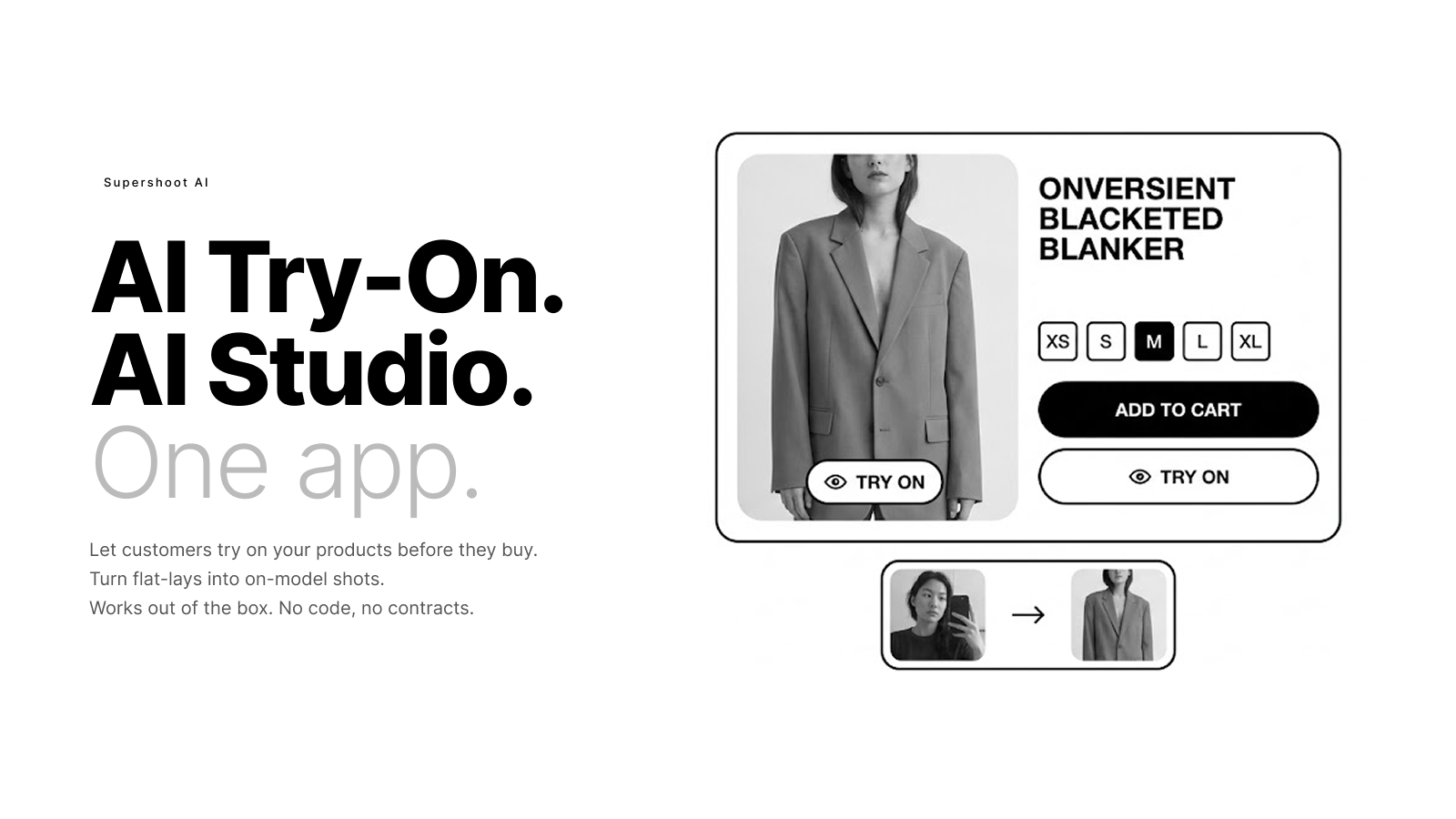
AI try-on for your shoppers. AI photo studio for your content.

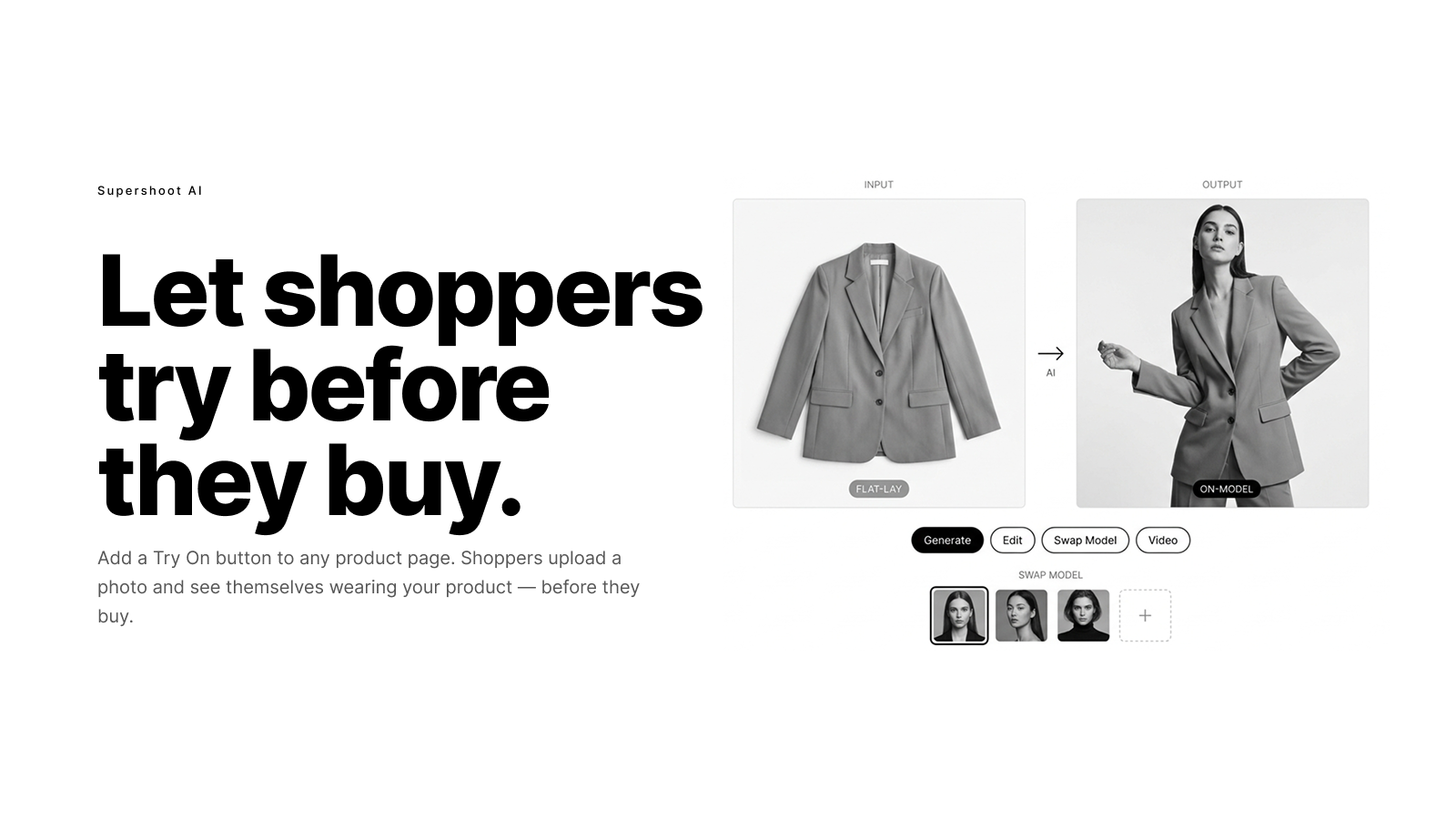
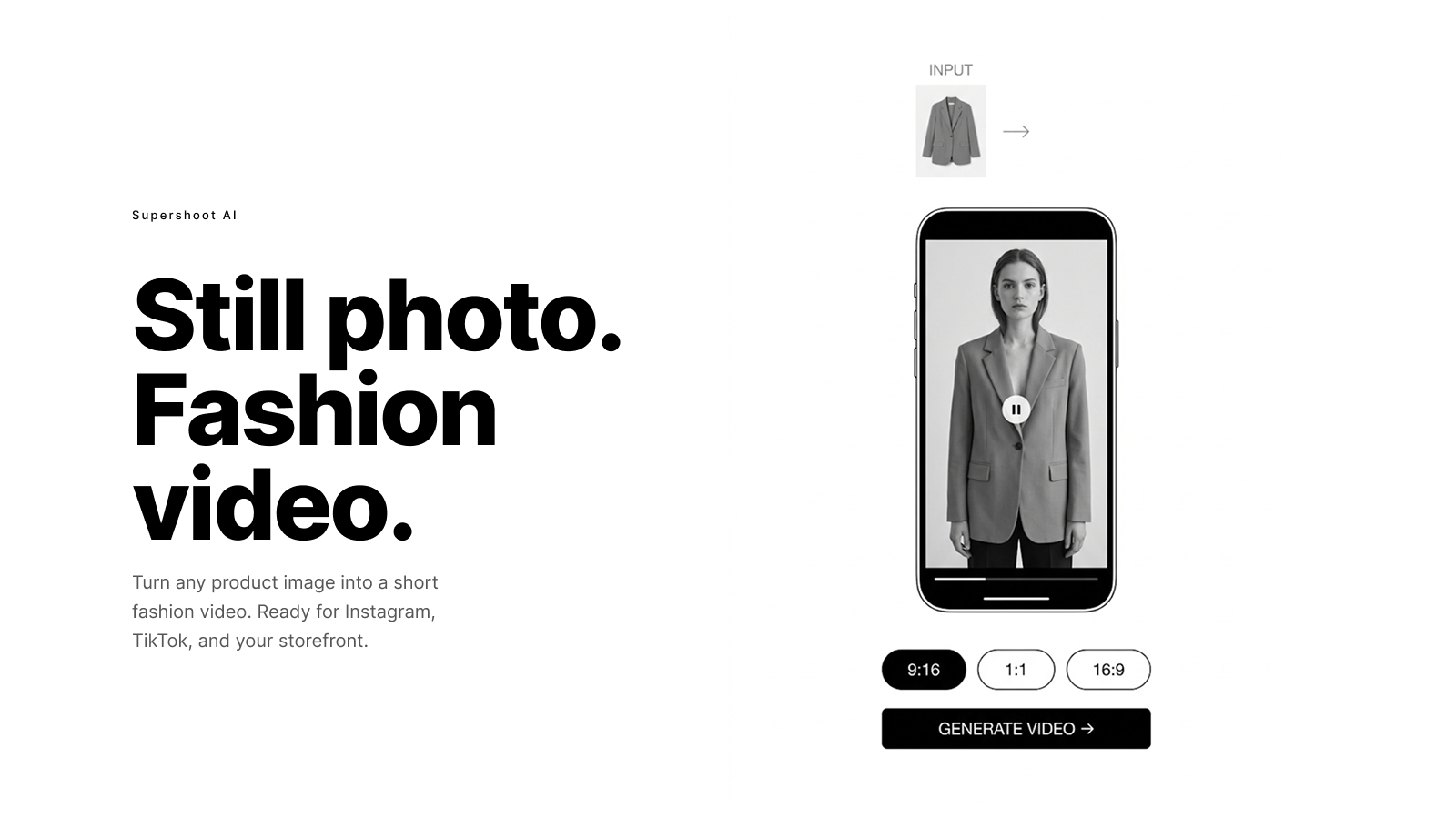
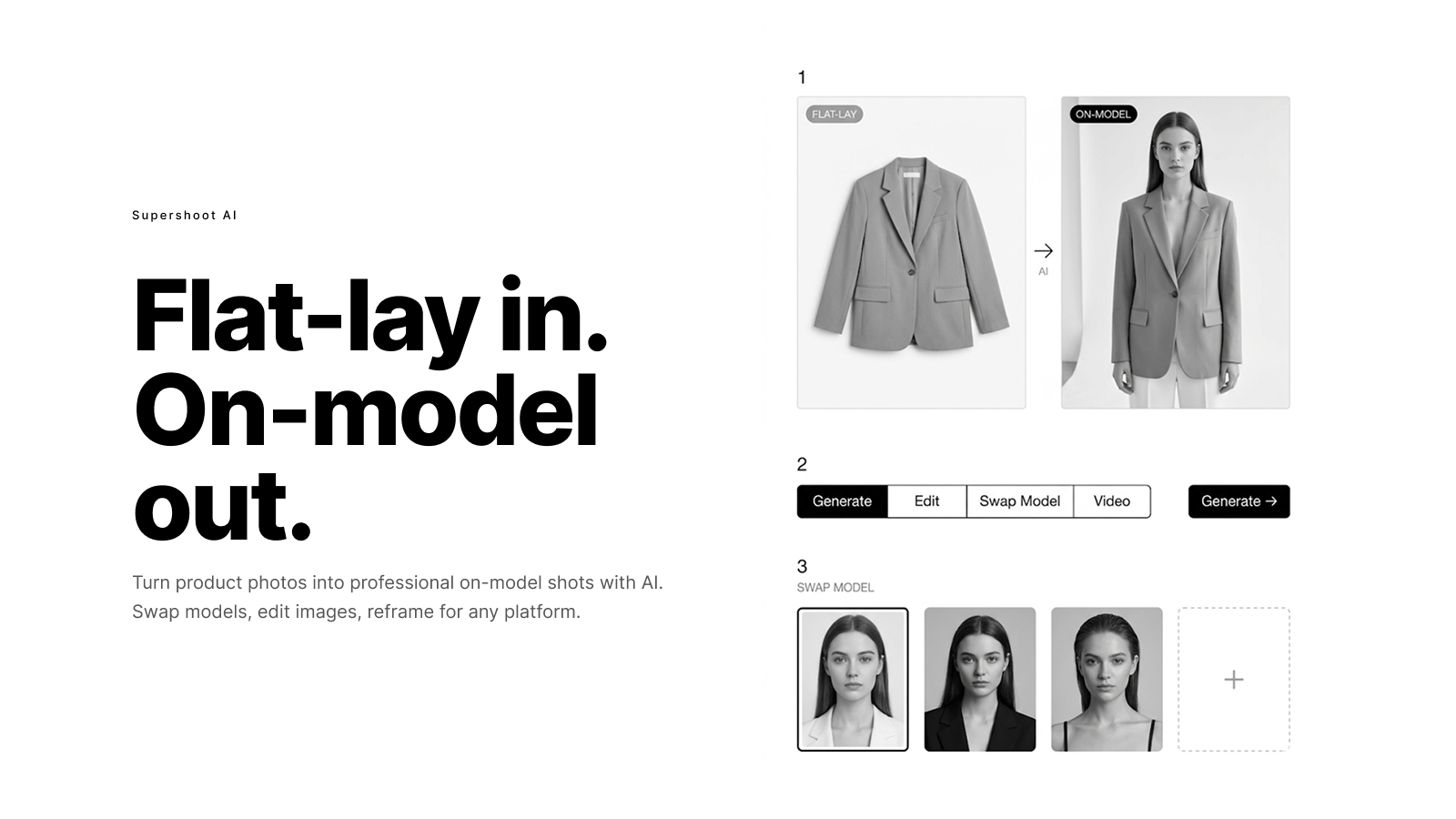
Supershoot AI gives fashion and apparel merchants two tools in one app. For your storefront: customers upload a photo and see themselves wearing your products before they buy. The try-on button adds to any product page with no code or theme edits required. It works on all Shopify themes, desktop and mobile. For your content: the AI Studio turns flat-lay photos into on-model shots, edits images, swaps models, and creates short fashion videos.

Listing highlights

  • Customers try on your products by uploading a photo, before they buy.
  • Turn flat-lay product photos into on-model shots with the AI Studio.
  • Swap models, edit images, and reframe photos for any social platform.
  • Generate short fashion videos from any product image.
  • Try-on button works on any Shopify theme with no code changes needed.

Features

Customization

Custom products
File upload
Images
Model creation
Videos

Visualization

AI-powered
Live previews
Virtual try-on

Methodology

How to read these signals

Counts are based on Shoplist's latest available public crawl signal dated May 13, 2026.

Shoplist has not yet found reliable public storefront evidence connecting a Shopify store to this app. This does not mean the app has no users. Some apps are new, admin-only, server-side, theme-independent, or otherwise difficult to detect from public storefront signals.

Merchant rows are filtered to public brand profiles with enough public data to link safely. Full workflow, filtering, and monitoring stay behind signup.

Review, pricing, feature, screenshot, and listing-change data come from public Shopify App Store and Shoplist crawl records. Signals can change between crawls.

FAQ

Questions about Supershoot AI ‑ AI Studio

Has Shoplist detected stores using Supershoot AI ‑ AI Studio yet?

Shoplist has not yet found reliable public storefront evidence for Supershoot AI ‑ AI Studio. The page tracks first merchant evidence as it appears.

What does first-adopter watch mean?

It means Shoplist is monitoring launch context, first storefront-detectable merchant evidence, and pricing.

Can I get alerts when stores start using Supershoot AI ‑ AI Studio?

Yes. Create a watchlist to get alerted when Shoplist finds public merchant evidence for Supershoot AI ‑ AI Studio.

Keep watching Supershoot AI ‑ AI Studio

Turn this public profile into a monitored app workflow for first detections, reviews, pricing, related apps, and listing-change history.

Get alerted when stores start using Supershoot AI ‑ AI Studio