SpecFlow logo

SpecFlow Shopify App: Pricing, Features & First-Adopter Watch

Product display - Other

Updated May 4, 2026

No signal

By Swonie Creative Design

Launched May 4, 2026. Shoplist is monitoring first merchant evidence, pricing, and feature details for this Shopify app.

Shoplist public signals

What is visible for SpecFlow right now

Signal date May 4, 2026

Last listing check today

Monitoring status

First-adopter watch

Monitoring first merchant evidence

As of May 4, 2026

Momentum

0 No signal

Install volume is too low for a reliable trend yet

As of Jul 18, 2026

No signal0% data confidence

0 momentum score

Install volume is too low for a reliable trend yet.

Updated Jul 18, 2026

0 installs

Momentum inputs

28d installs

0

Prev. 28d

0

New 28d

0

30d reviews

0

Trend comparison is paused or unavailable for this window. The raw inputs show the install and review signals Shoplist observed instead.

Installs
0
Growth
50
Adoption
0
Reviews
0
Fit
77

Quick answer

SpecFlow launched on May 4, 2026. Shoplist is monitoring first public merchant evidence and pricing changes.

Pricing

Pricing and plan posture

Free

Free
  • 3 visual themes
  • Global spec table
  • Storefront app block
  • Table layout

Pro

$9.99
  • Custom CSS & JavaScript
  • Custom theme & fonts
  • Everything in Free
  • File attachments (PDFs)

Growth

$24.99
  • Bulk CSV import/export
  • Everything in Pro
  • Geo-shipping banner
  • Priority support

App-store listing

About SpecFlow

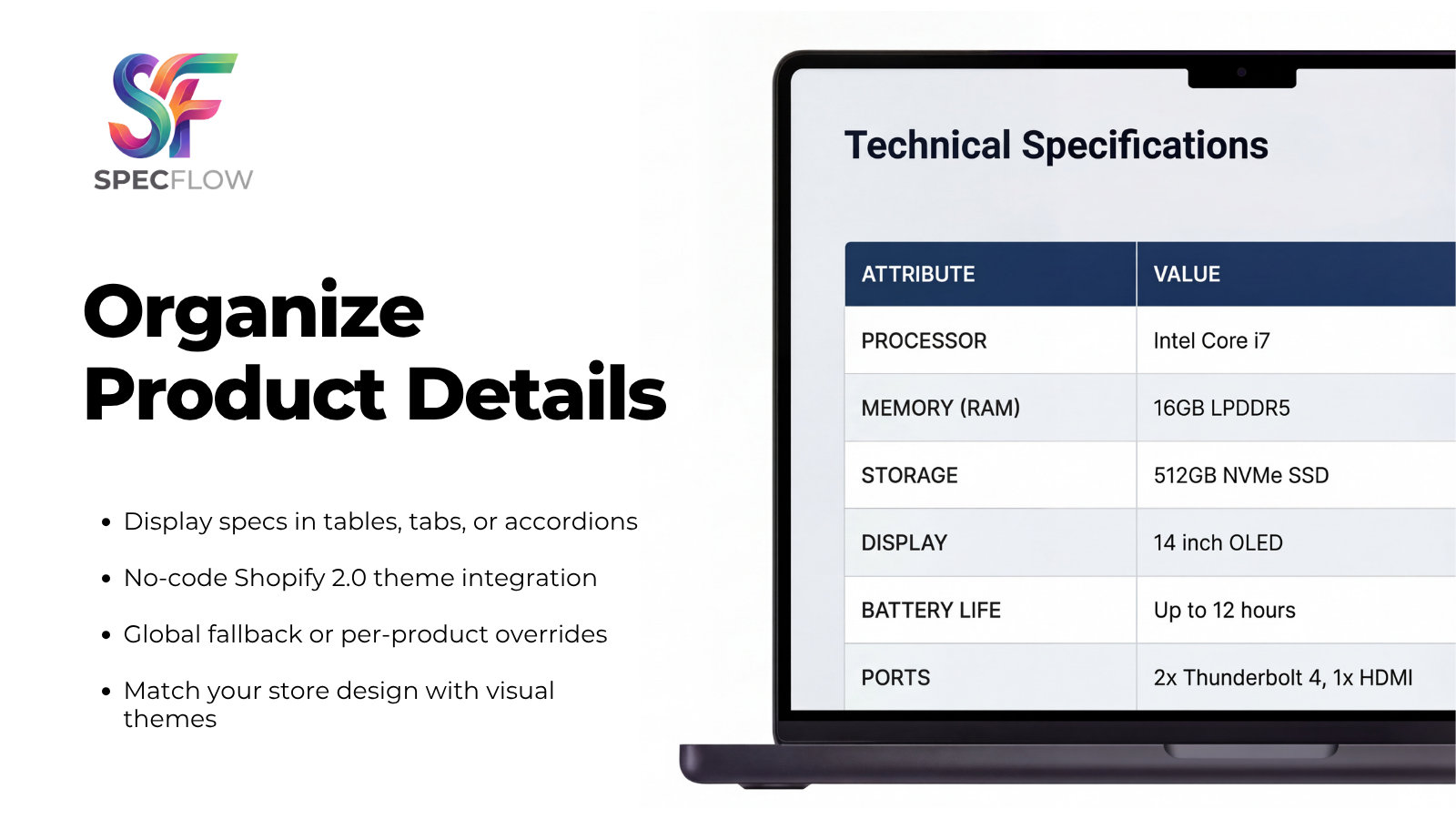
Organize product features into clean specification tables, tabs, or accordions. Enhance your product

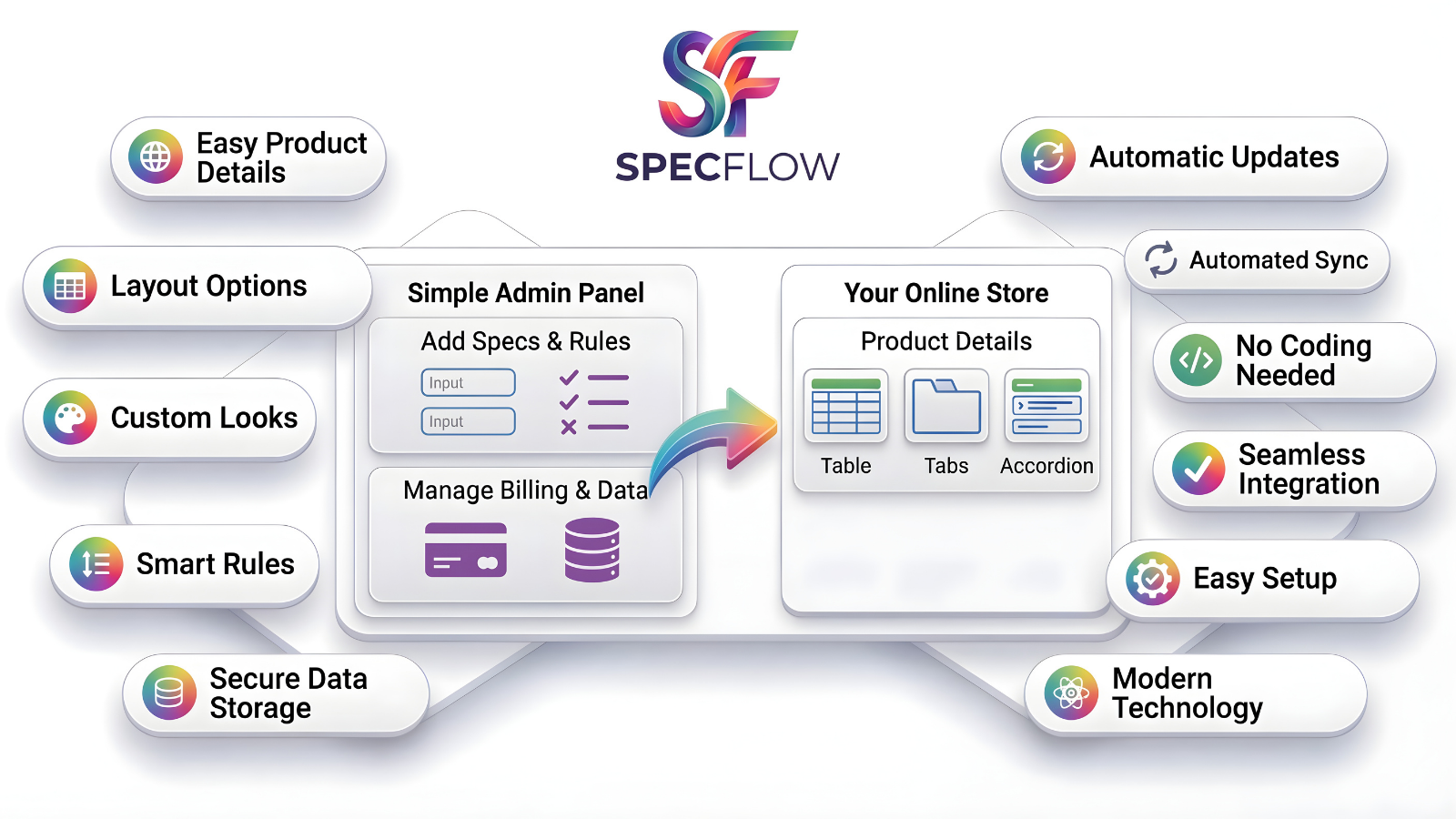
SpecFlow organizes complex product info into structured tables, tabs, or accordions. Display technical details clearly without cluttered descriptions. You can apply a global spec table across your entire catalog or set specific overrides per product. Built natively on Shopify metafields, it operates entirely within your store without external dependencies. Control visibility with rules, import data via CSV, and match your brand using visual themes—all without writing any code.

Listing highlights

  • Display specifications in custom table, tab, or accordion layouts.
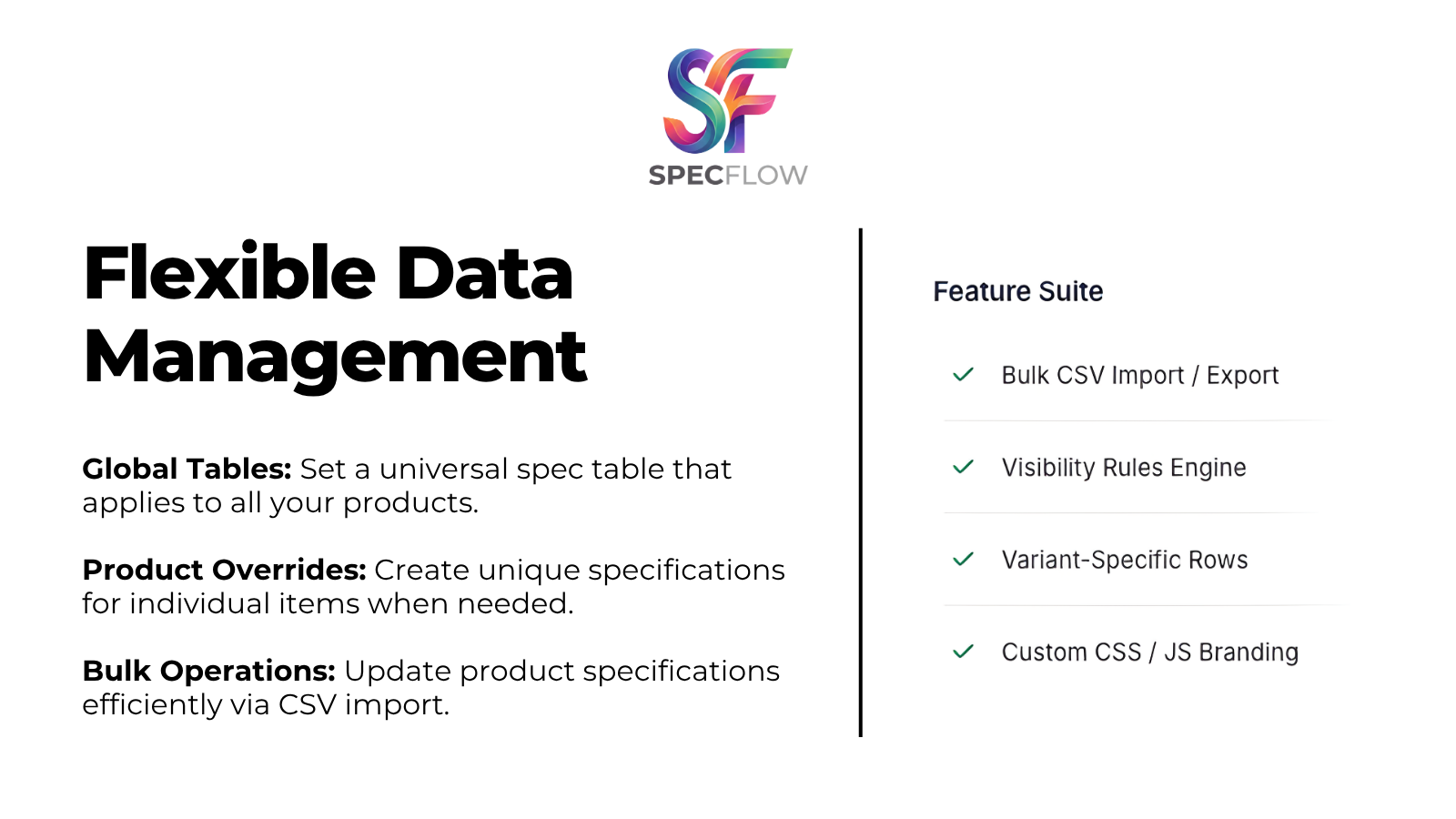
  • Set a global specification table for all items or customize per product.
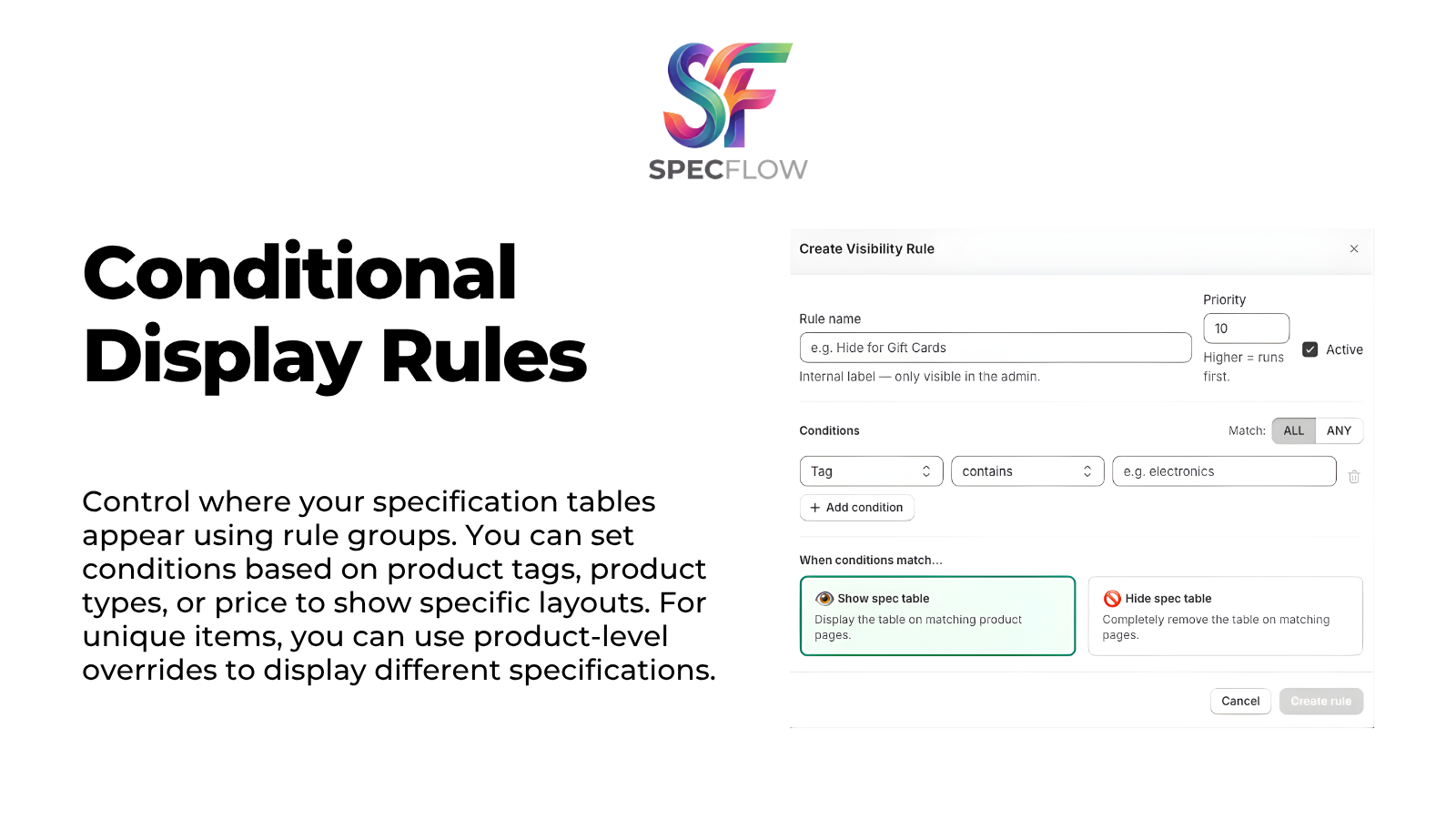
  • Show or hide specific details using conditional visibility rules.
  • Assign different specification rows to specific product variants.
  • Update product specifications in bulk using CSV file imports.

Methodology

How to read these signals

Counts are based on Shoplist's latest available public crawl signal dated May 4, 2026.

Shoplist has not yet found reliable public storefront evidence connecting a Shopify store to this app. This does not mean the app has no users. Some apps are new, admin-only, server-side, theme-independent, or otherwise difficult to detect from public storefront signals.

Merchant rows are filtered to public brand profiles with enough public data to link safely. Full workflow, filtering, and monitoring stay behind signup.

Review, pricing, feature, screenshot, and listing-change data come from public Shopify App Store and Shoplist crawl records. Signals can change between crawls.

FAQ

Questions about SpecFlow

Has Shoplist detected stores using SpecFlow yet?

Shoplist has not yet found reliable public storefront evidence for SpecFlow. The page tracks first merchant evidence as it appears.

What does first-adopter watch mean?

It means Shoplist is monitoring launch context, first storefront-detectable merchant evidence, and pricing.

Can I get alerts when stores start using SpecFlow?

Yes. Create a watchlist to get alerted when Shoplist finds public merchant evidence for SpecFlow.

Keep watching SpecFlow

Turn this public profile into a monitored app workflow for first detections, reviews, pricing, related apps, and listing-change history.

Get alerted when stores start using SpecFlow