Ship Sketch Shopify App: Reviews, Pricing & Storefront Detection Notes
Shoplist has not found reliable public storefront evidence for Ship Sketch. Track reviews, pricing, listing changes, and developer context and first public
Shoplist public signals
What is visible for Ship Sketch right now
Signal date February 19, 2026
Monitoring status
Storefront detection limited
Tracking non-storefront public signals
As of Feb 19, 2026
Reviews
7 public reviews
5.0 average rating
As of Dec 8, 2023
Latest review
December 8, 2023
As of Dec 8, 2023
Quick answer
Shoplist has not found reliable public storefront evidence for Ship Sketch. This may happen when an app is admin-only, server-side, or not visibly embedded on storefronts. Shoplist still tracks reviews, pricing, developer data, related apps.
Reviews and velocity
Public review signals
5.0
7
Dec 8, 2023
Pricing
Pricing and plan posture
Basic
$12.99- 1 delivery area
- 2 delivery exclusion areas
- 500 orders per month
Advanced
$24.99- 1000 orders per month
- 3 delivery areas
- 6 delivery exclusion areas
- Limit products per delivery area by tag
Professional
$39.99- 10 delivery areas
- 20 delivery exclusion areas
- 2500 orders per month
- Limit products per delivery area by tag
Business
$59.99- 25 delivery areas
- 50 delivery exclusion areas
- 5000 orders per month
- Limit products per delivery area by tag
App-store listing
About Ship Sketch
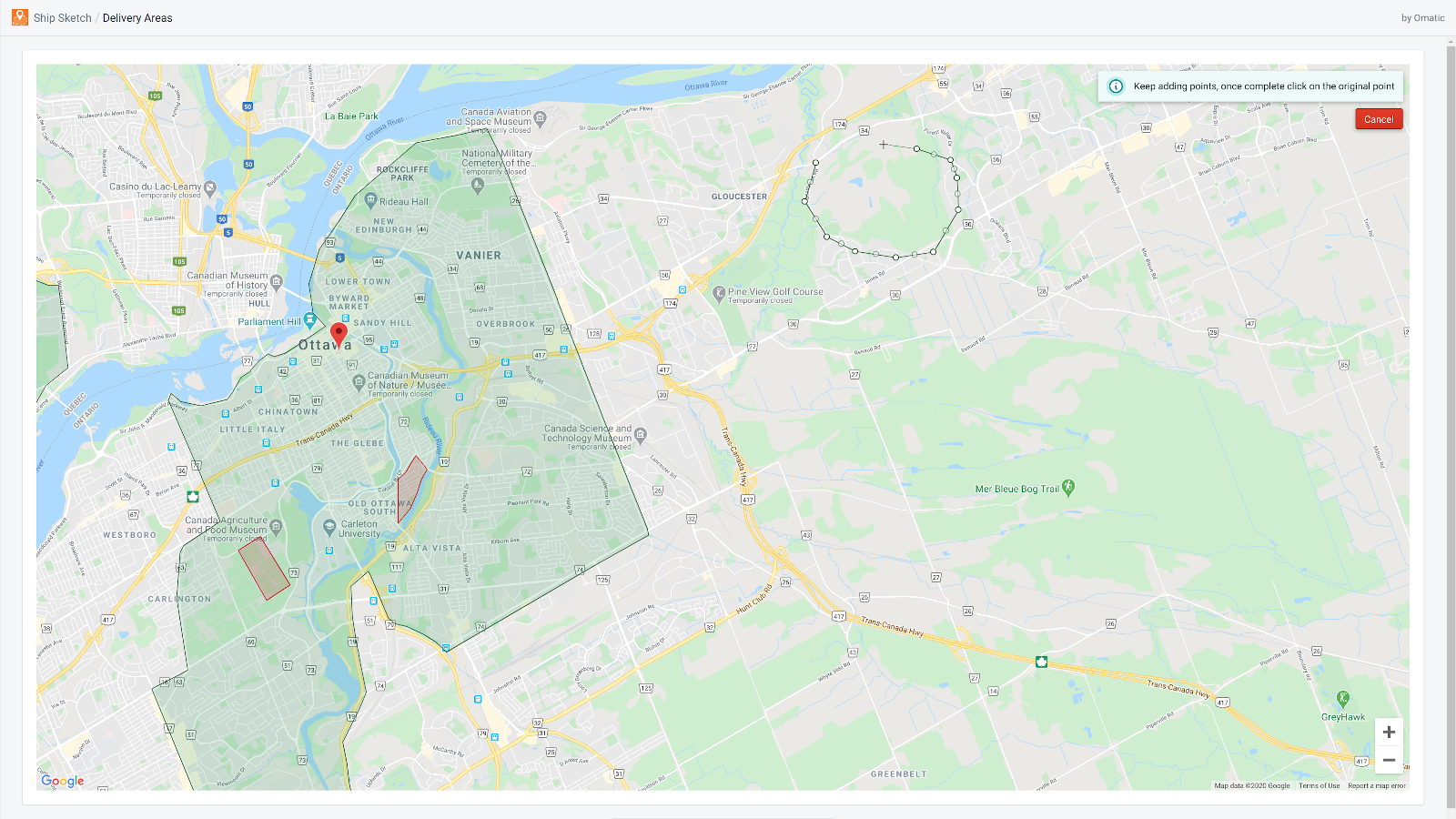
Define your shipping areas by simply drawing them on a map.
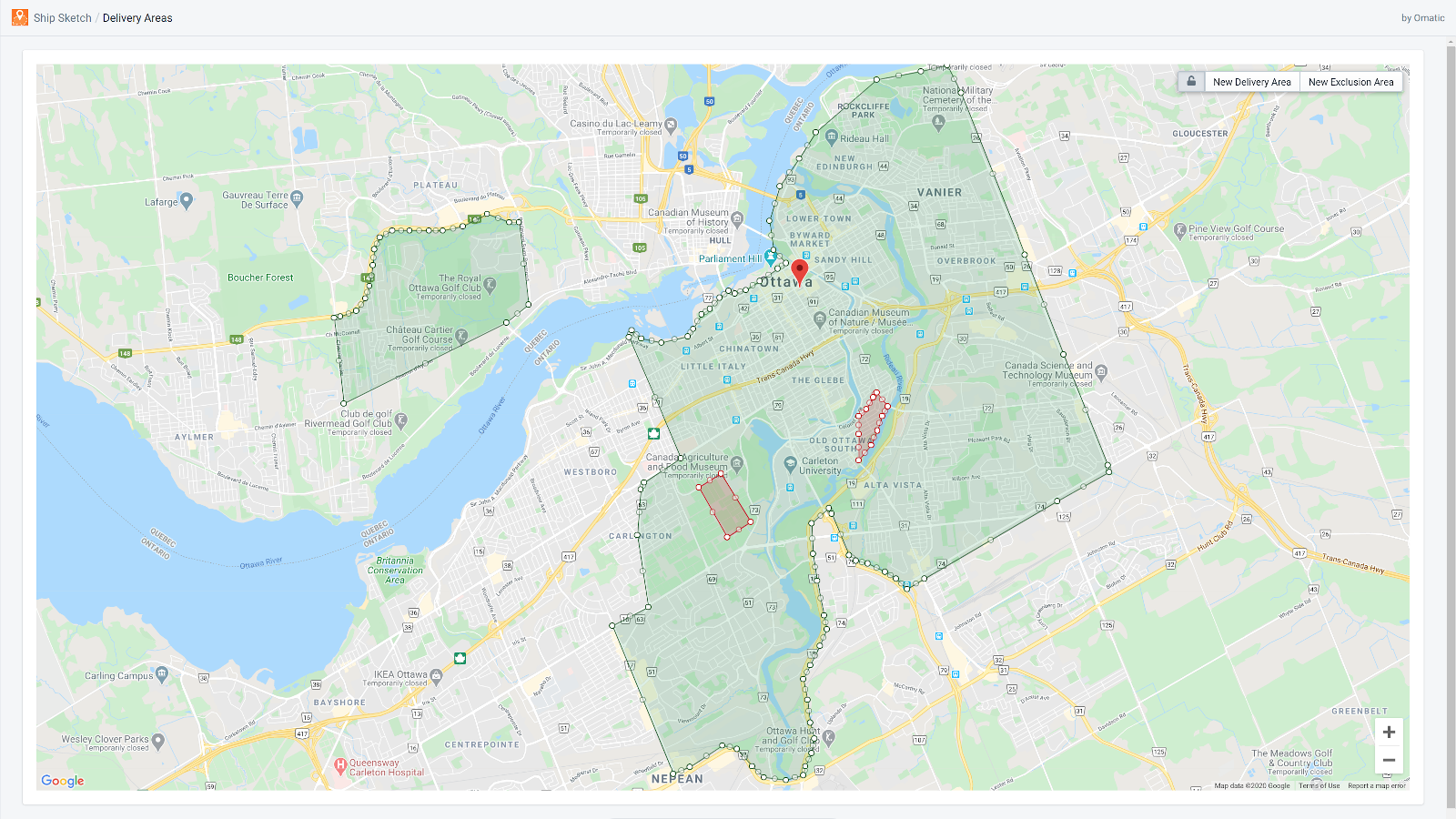
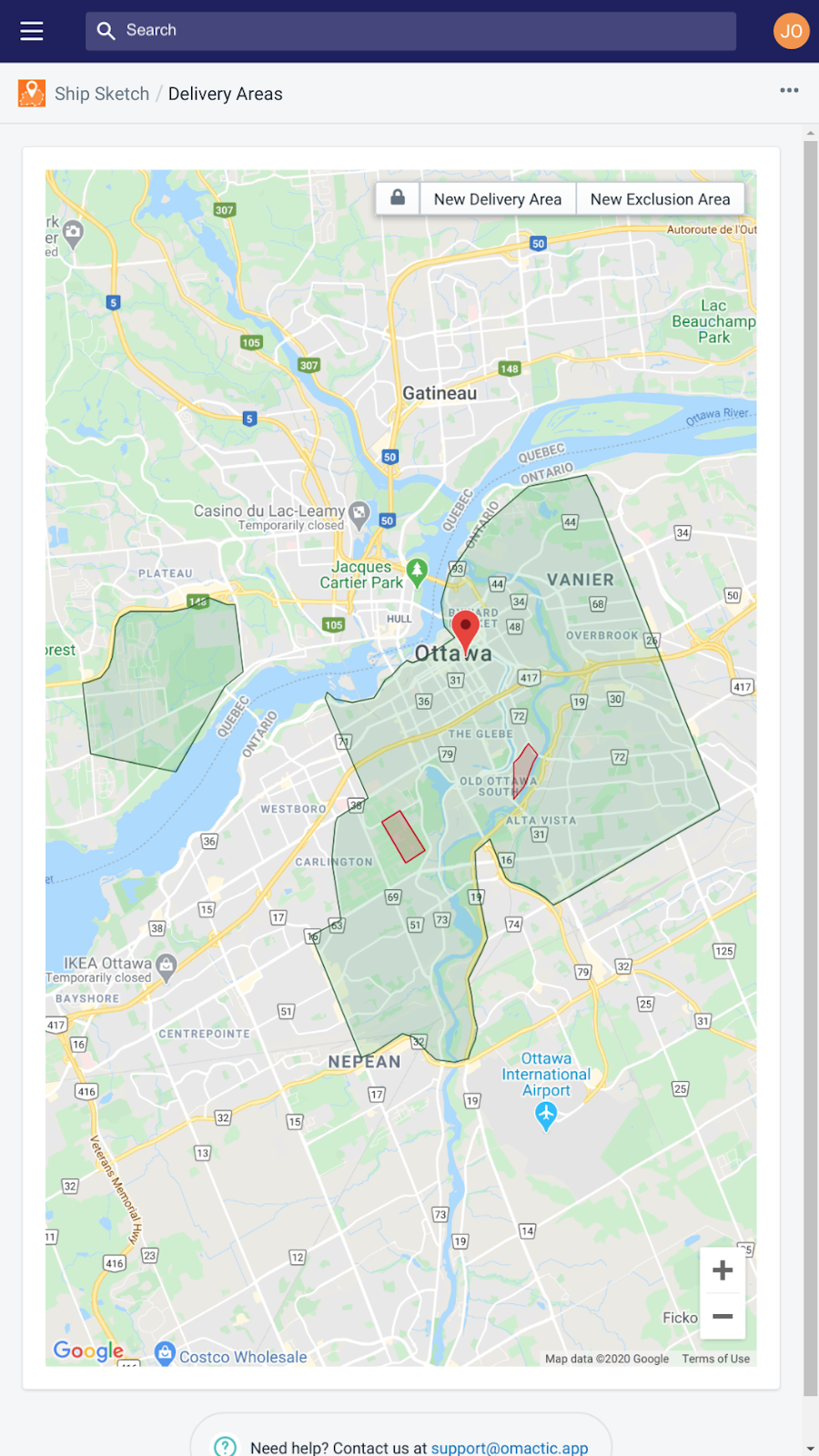
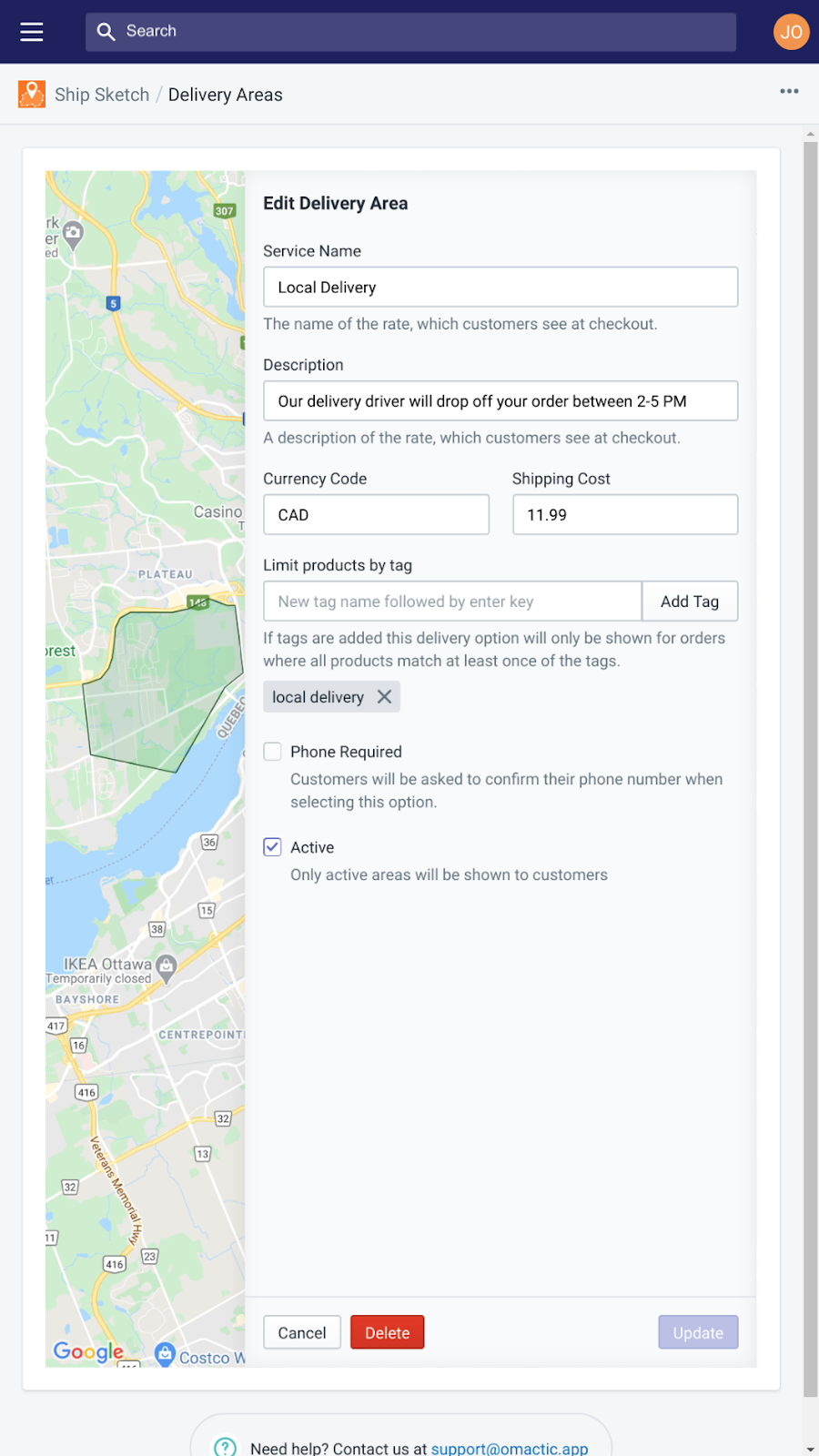
Ship Sketch makes setting up geofenced delivery incredibly simple. To create a new delivery zone just draw the area you'd like on a map and then configure it's settings (price, title, description etc.). After that any customer who lives in the area will be presented with this new option at checkout. Ship Sketch also has an optional feature that allows your customers to click their exact delivery location on a map at checkout.
Listing highlights
- Draw delivery areas on a map of any shape or size.
- Set pricing and plan details per delivery area.
- Use tags to only allow orders with certain products to be shipped.
- Draw smaller exclusion areas within a larger delivery area.
- Optionally allow customers to click their location on a map at checkout.
Features
Customization
Rate calculation
Methodology
How to read these signals
Counts are based on Shoplist's latest available public crawl signal dated February 19, 2026.
Shoplist has not yet found reliable public storefront evidence connecting a Shopify store to this app. This does not mean the app has no users. Some apps are new, admin-only, server-side, theme-independent, or otherwise difficult to detect from public storefront signals.
Merchant rows are filtered to public brand profiles with enough public data to link safely. Full workflow, filtering, and monitoring stay behind signup.
Review, pricing, feature, screenshot, and listing-change data come from public Shopify App Store and Shoplist crawl records. Signals can change between crawls.
FAQ
Questions about Ship Sketch
Why might Shoplist not show detected stores for Ship Sketch?
Some Shopify apps are admin-only, server-side, theme-independent, or otherwise difficult to detect from public storefront signals.
Does no public detection mean Ship Sketch has no users?
No. It only means Shoplist has not found reliable public storefront evidence for Ship Sketch. reviews, pricing, and developer data can still be useful signals.
Can I monitor future public detections?
Yes. Shoplist can monitor Ship Sketch for future public storefront detections and listing movement.
Keep watching Ship Sketch
Turn this public profile into a monitored app workflow for first detections, reviews, pricing, related apps, and listing-change history.