Detected Oct 5, 2026
Integrations updated
Shopify Admin

Payment options - OtherBy sbtdreams5.0 (8 reviews)Updated October 13, 2026
Shoplist has not found Reorderify on a storefront yet, so it tracks the app through its 8 public reviews, pricing, and listing changes instead. Storefront detections will appear here as soon as Sonar finds them.
Get alerted on first storefront installs, review spikes, pricing changes, and listing edits.
Store movement comes from Sonar's storefront scans; listing changes come from the Shopify App Store page.
App Store listing
Detected Oct 5, 2026
Detected Sep 26, 2026
Detected Sep 17, 2026
Detected Sep 8, 2026
Detected Aug 29, 2026
Apps merchants weigh against Reorderify, with their own detected stores and ratings.

Simplest way to place the previous orders & item again

Let customers edit, cancel and reorder instantly

Repeat Orders with Wholesale Forms to Reorder Quickly


Order exports, formatted your way
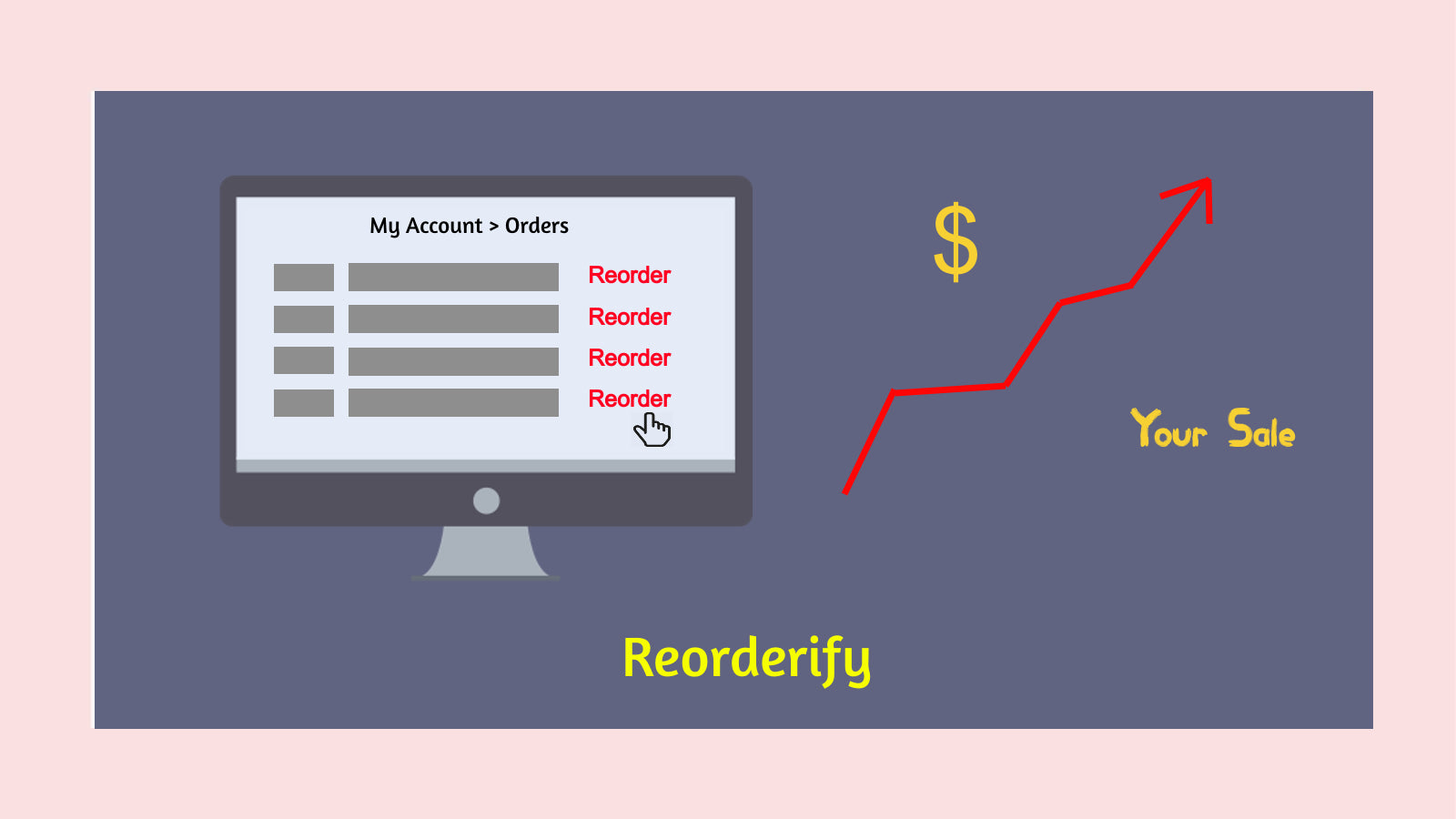
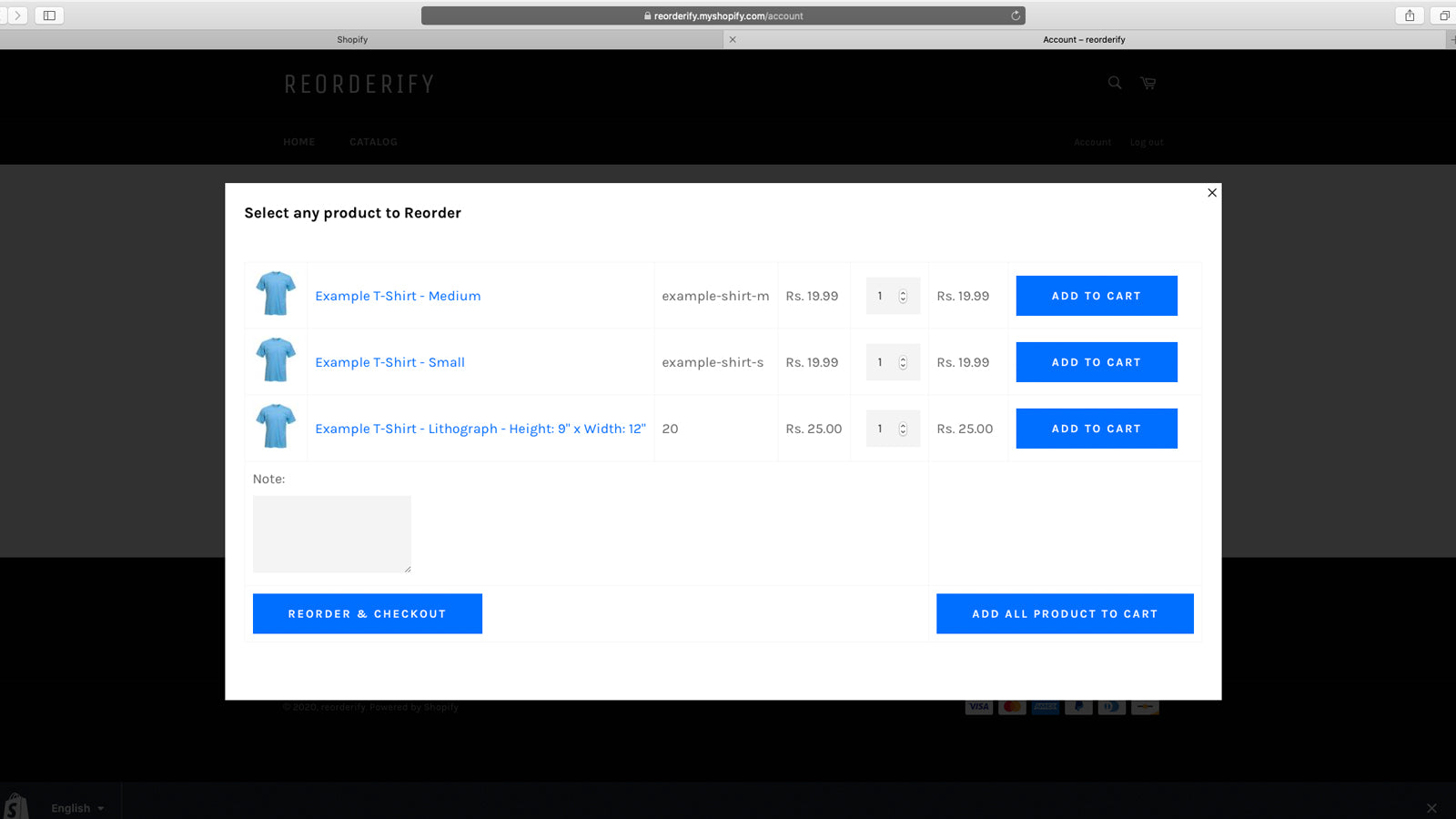
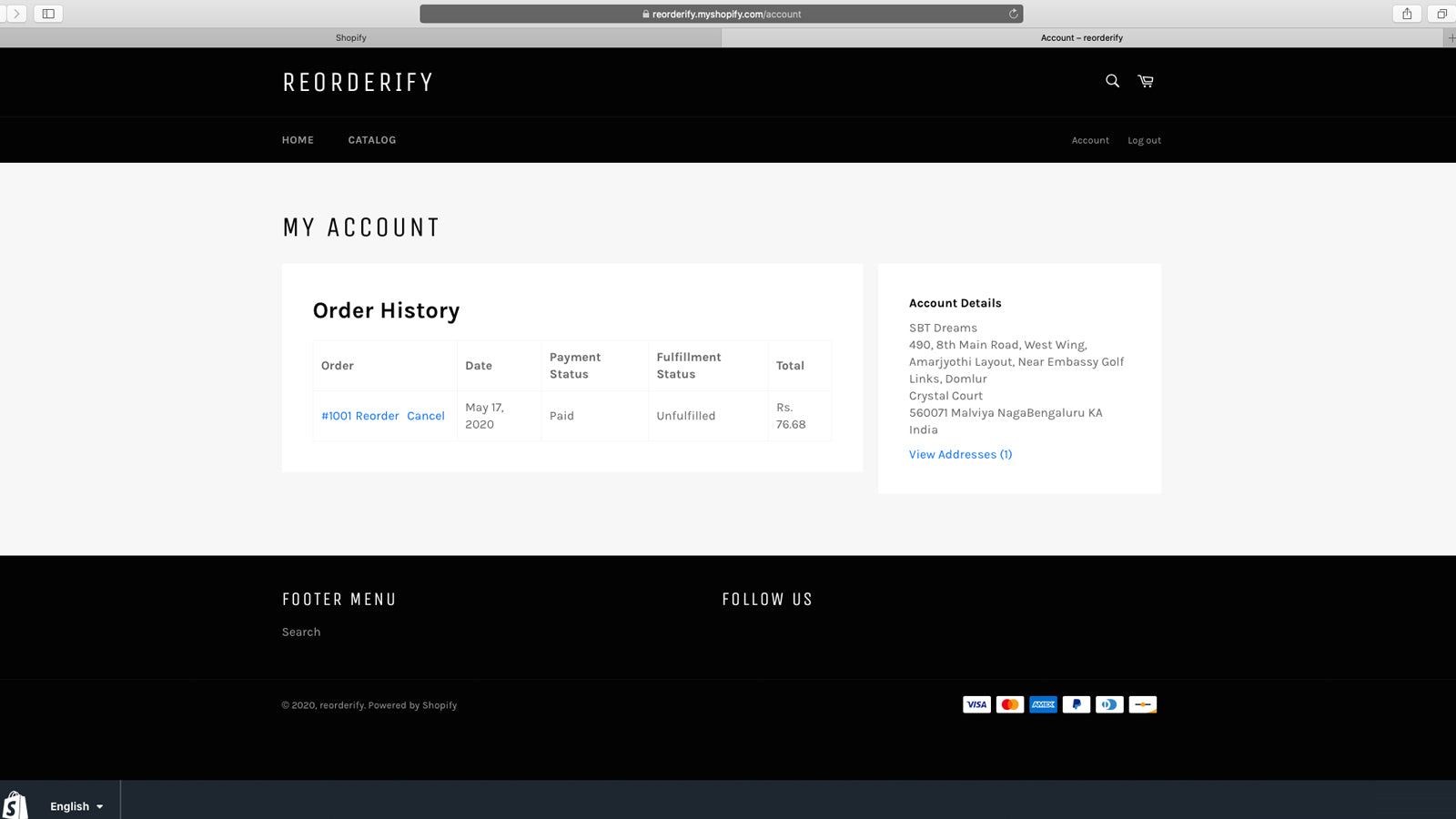
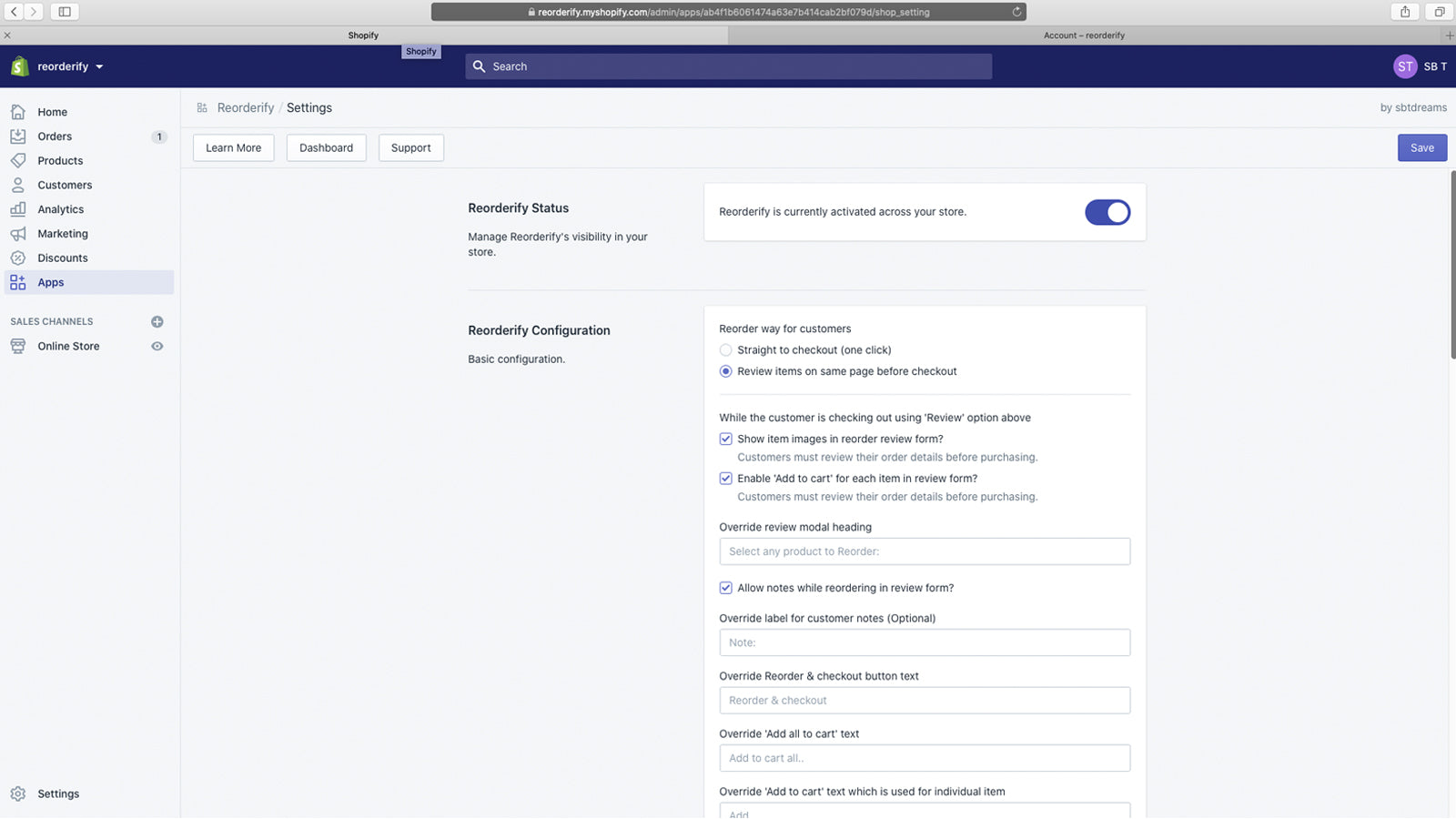
Repeat order easily with one click in my account pages.
Reorderify provides a way to add any previous order products to the cart or take to the checkout page. After installing this application, a button having text 'Reorder' will be added in each order row in the 'Order Listing' section of 'Account Page'. The 'Reorder' button can be added on the 'Order Detail Page' or 'Thank-You Page'.
Every number on this page comes from public storefront scans and the public Shopify App Store listing. If Shoplist shows Reorderify on a store, it is there.
Read the data methodologyCompare
Detected stores, ratings, pricing, and momentum side by side.
Developer
Every app sbtdreams publishes, with their detected reach.
Rankings
The ten apps gaining the most detected installs in each category.
Directory
Browse every app Shoplist tracks, by category, rating, and reach.