
Purchase Management Shopify App: Reviews, Pricing & Alternatives
Inventory optimizationBy Webkul Software Pvt Ltd1.0 (2 reviews)Updated October 13, 2026
Shoplist has not found Purchase Management on a storefront yet, so it tracks the app through its 2 public reviews and pricing instead. Storefront detections will appear here as soon as Sonar finds them.
Key signals for Purchase Management
- Rating
- 1.02 reviews
- Pricing
- Free trialThen from $25/month
- Launched
- Dec 14, 2015
- Storefront installs
- None foundAdmin-only and server-side apps rarely leave a storefront trace
Purchase Management reviews and rating
- Rating
- 1.0
- Reviews
- 2
- Latest
- Sep 25, 2018
Reviews added by month
Purchase Management pricing
- Basic Plan
- $25/month
Alternatives to Purchase Management
Apps merchants weigh against Purchase Management, with their own detected stores and ratings.


Purchase Management screenshots and video
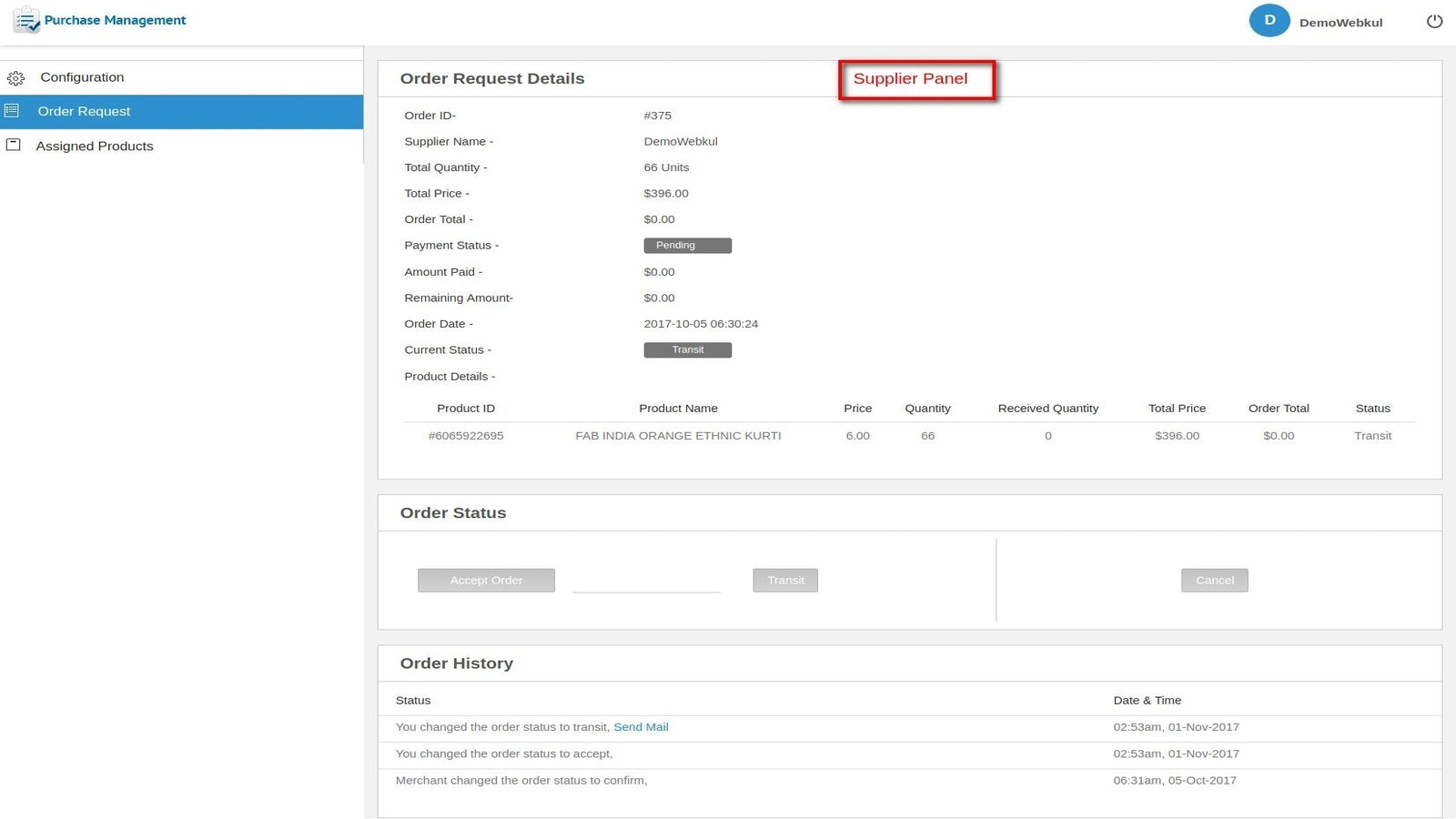

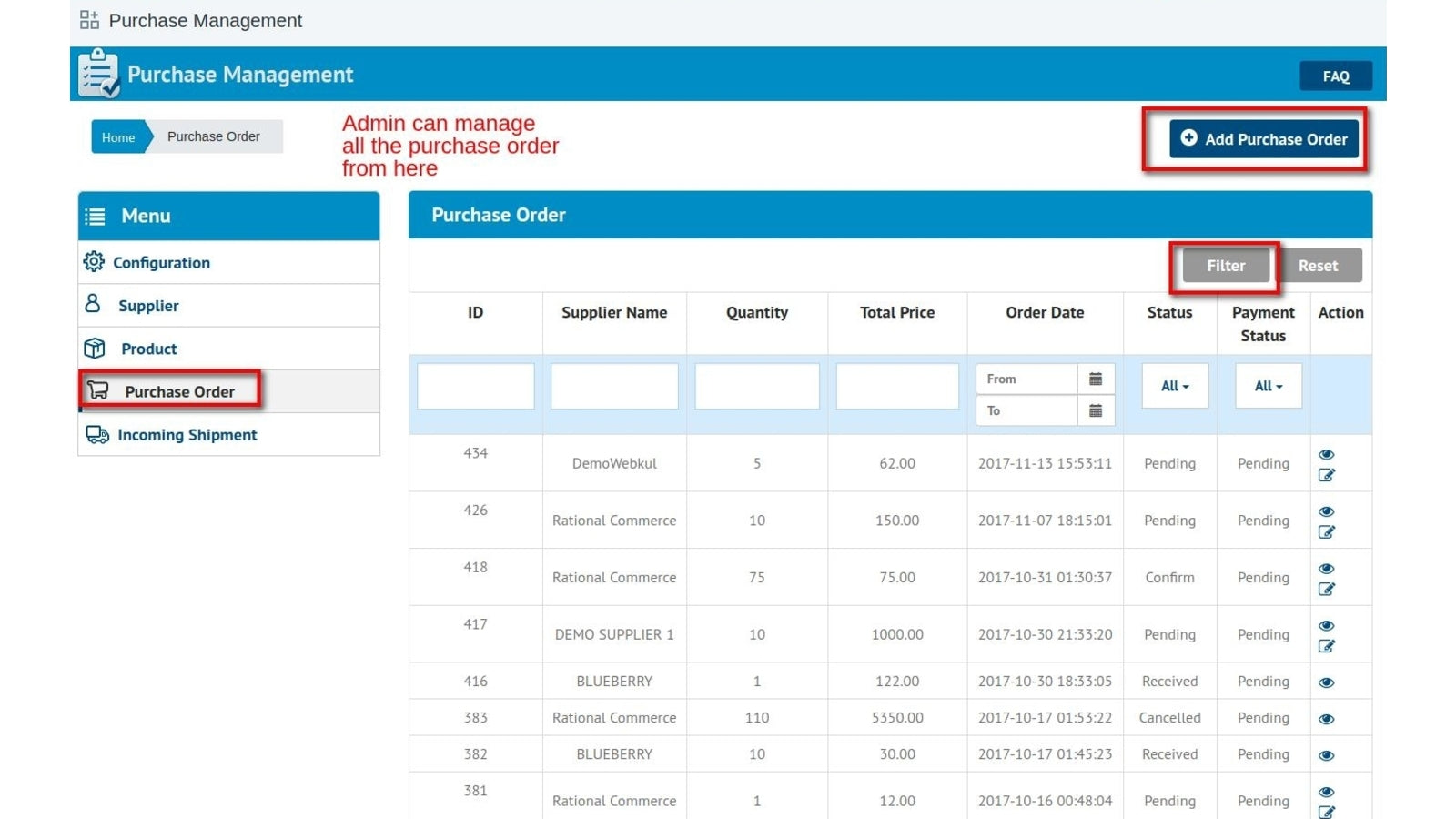
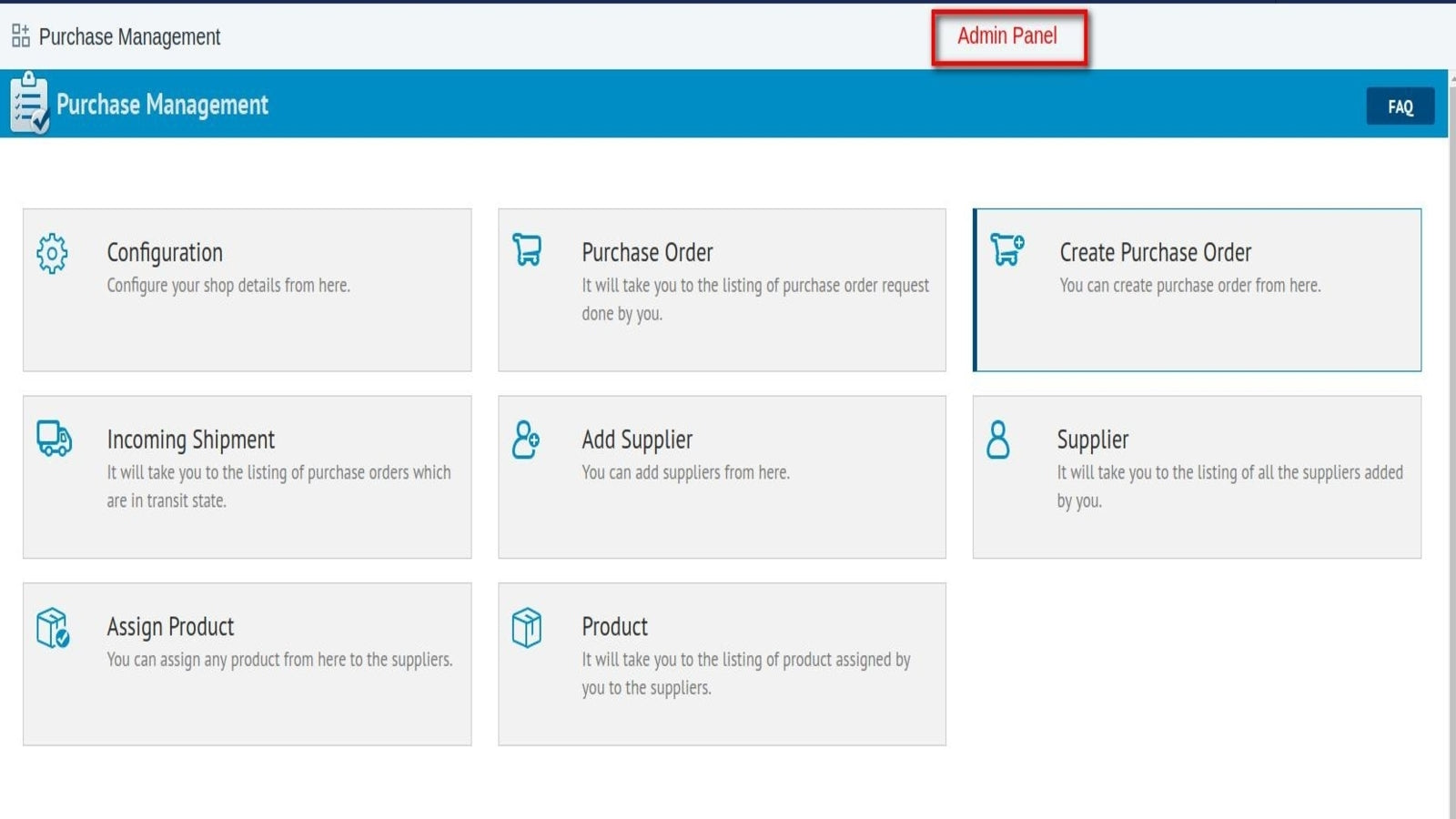
About Purchase Management
Add multiple suppliers. Assign the products to suppliers & request purchase order from them.
Via this app, Admin can manage the purchase orders and all the incoming shipment. The admin will be adding the suppliers first and assigning the products to the supplier. The admin can set the minimum & the maximum quantity that can be requested in a purchase order from the supplier. Admin will update the status of the purchase order accordingly. Once the order is received, the stock gets update based on the number of products received in the incoming shipment.
Listing highlights
- Admin can add multiple suppliers in the app for purchase order request.
- Merchant can request the purchase order from supplier for the products assigned.
- All the purchase order in transit can be tracked in incoming shipment
- Supplier will also have their account and can manage the purchase orders.
- Supplier can accept/reject the Purchase Order Request.
How Shoplist knows
Every number on this page comes from public storefront scans and the public Shopify App Store listing. If Shoplist shows Purchase Management on a store, it is there.
Read the data methodology- Counts are based on Shoplist's latest available public crawl signal dated October 13, 2026.
- Shoplist has not yet found reliable public storefront evidence connecting a Shopify store to this app. This does not mean the app has no users. Some apps are new, admin-only, server-side, theme-independent, or otherwise difficult to detect from public storefront signals.
- Merchant rows are filtered to public brand profiles with enough public data to link safely. Full workflow, filtering, and monitoring stay behind signup.
- Review, pricing, feature, screenshot, and listing-change data come from public Shopify App Store and Shoplist crawl records. Signals can change between crawls.
Questions about Purchase Management
- Why might Shoplist not show detected stores for Purchase Management?
- Some Shopify apps are admin-only, server-side, theme-independent, or otherwise difficult to detect from public storefront signals.
- Does no public detection mean Purchase Management has no users?
- No. It only means Shoplist has not found reliable public storefront evidence for Purchase Management. reviews, pricing, and developer data can still be useful signals.
- Can I monitor future public detections?
- Yes. Shoplist can monitor Purchase Management for future public storefront detections and listing movement.
Keep exploring
Compare
Purchase Management vs Easy Purchase Orders
Detected stores, ratings, pricing, and momentum side by side.
Developer
Webkul Software Pvt Ltd
Every app Webkul Software Pvt Ltd publishes, with their detected reach.
Rankings
Top apps by category
The ten apps gaining the most detected installs in each category.
Directory
All Shopify apps
Browse every app Shoplist tracks, by category, rating, and reach.
Keep watching Purchase Management.
Get alerted on first storefront installs, review spikes, pricing changes, and listing edits.
