Detected Jul 8, 2026

Octa App Accessibility Widget Shopify App: Pricing & Storefront Detection Notes
Shoplist has not found reliable public storefront evidence for Octa App Accessibility Widget. Track pricing, listing changes, and developer context and first
Shoplist public signals
What is visible for Octa App Accessibility Widget right now
Signal date April 1, 2026
Last listing check today
Monitoring status
Storefront detection limited
Tracking non-storefront public signals
As of Apr 1, 2026
Momentum
0 No signal
Install volume is too low for a reliable trend yet
As of Jul 13, 2026
0 momentum score
Install volume is too low for a reliable trend yet.
Updated Jul 13, 2026
Momentum inputs
28d installs
0
Prev. 28d
0
New 28d
0
30d reviews
0
Trend comparison is paused or unavailable for this window. The raw inputs show the install and review signals Shoplist observed instead.
Quick answer
Shoplist has not found reliable public storefront evidence for Octa App Accessibility Widget. This may happen when an app is admin-only, server-side, or not visibly embedded on storefronts. Shoplist still tracks pricing, listing changes, developer data, related apps.
Pricing
Pricing and plan posture
Free
Free- Accessibility widget with core usability
- Adjustable font sizes
- High-contrast mode
- Highlight links for visibility
Pro
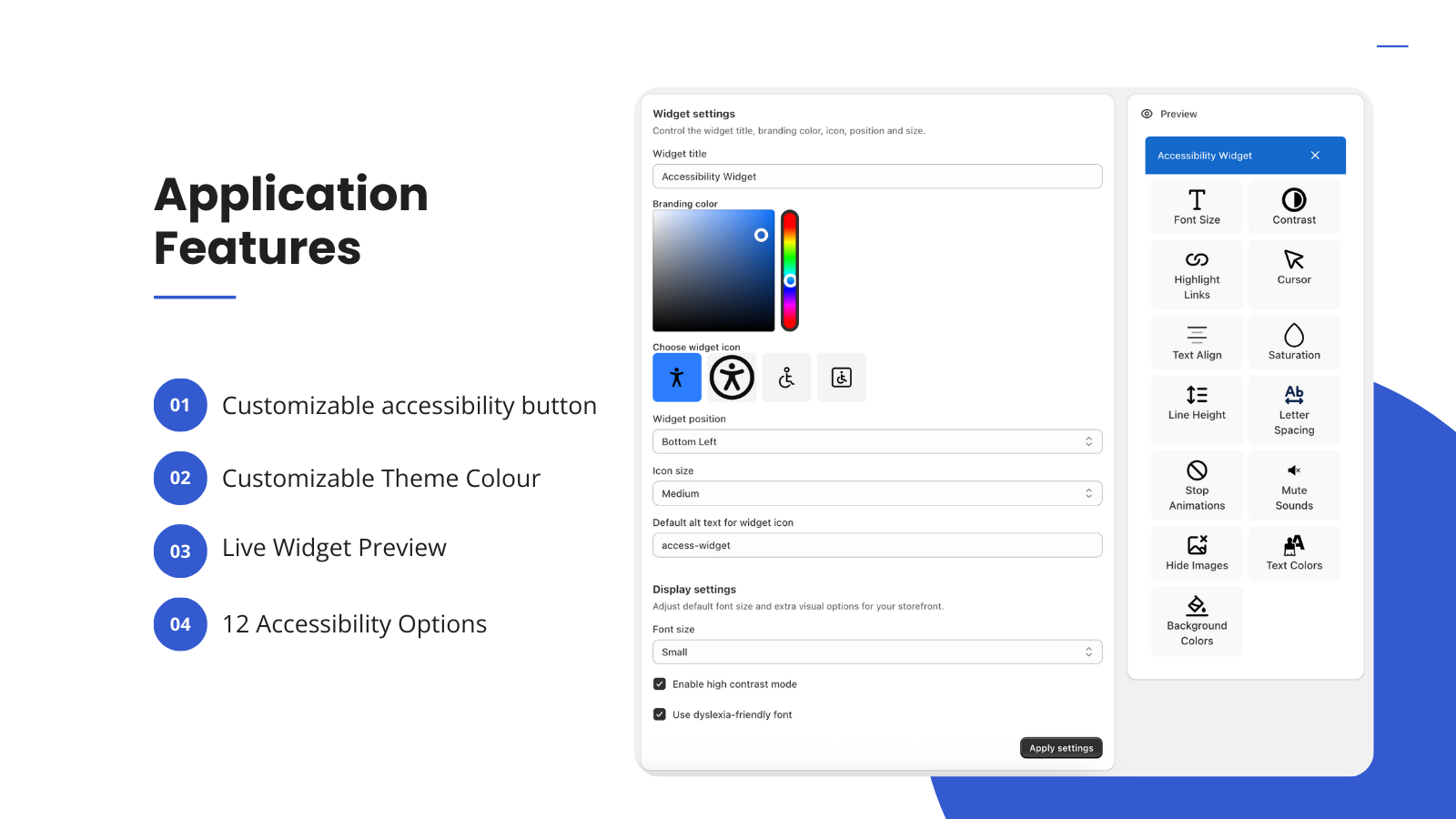
$4.99- Custom Branding Colors
- Custom Widget Icon Set
- Includes everything in Free, PLUS
Activity and changes
Recent signals for Octa App Accessibility Widget
Recent detections and listing changes are public signals captured by crawl history.
App Store listing
Listing changes
Detected Jun 30, 2026
Integrations updated
App-store listing
About Octa App Accessibility Widget
Improve store accessibility and usability with a customisable widget
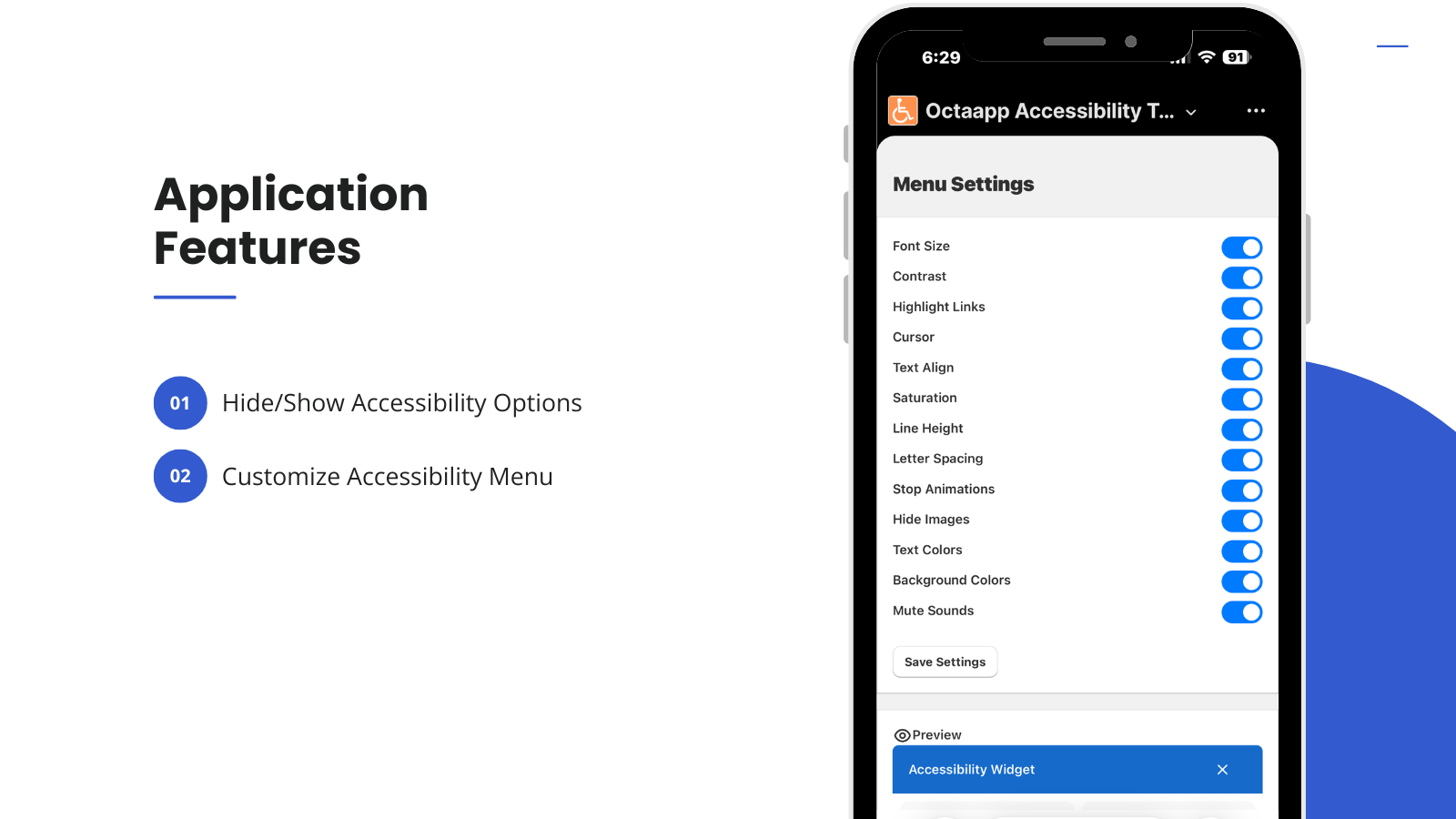
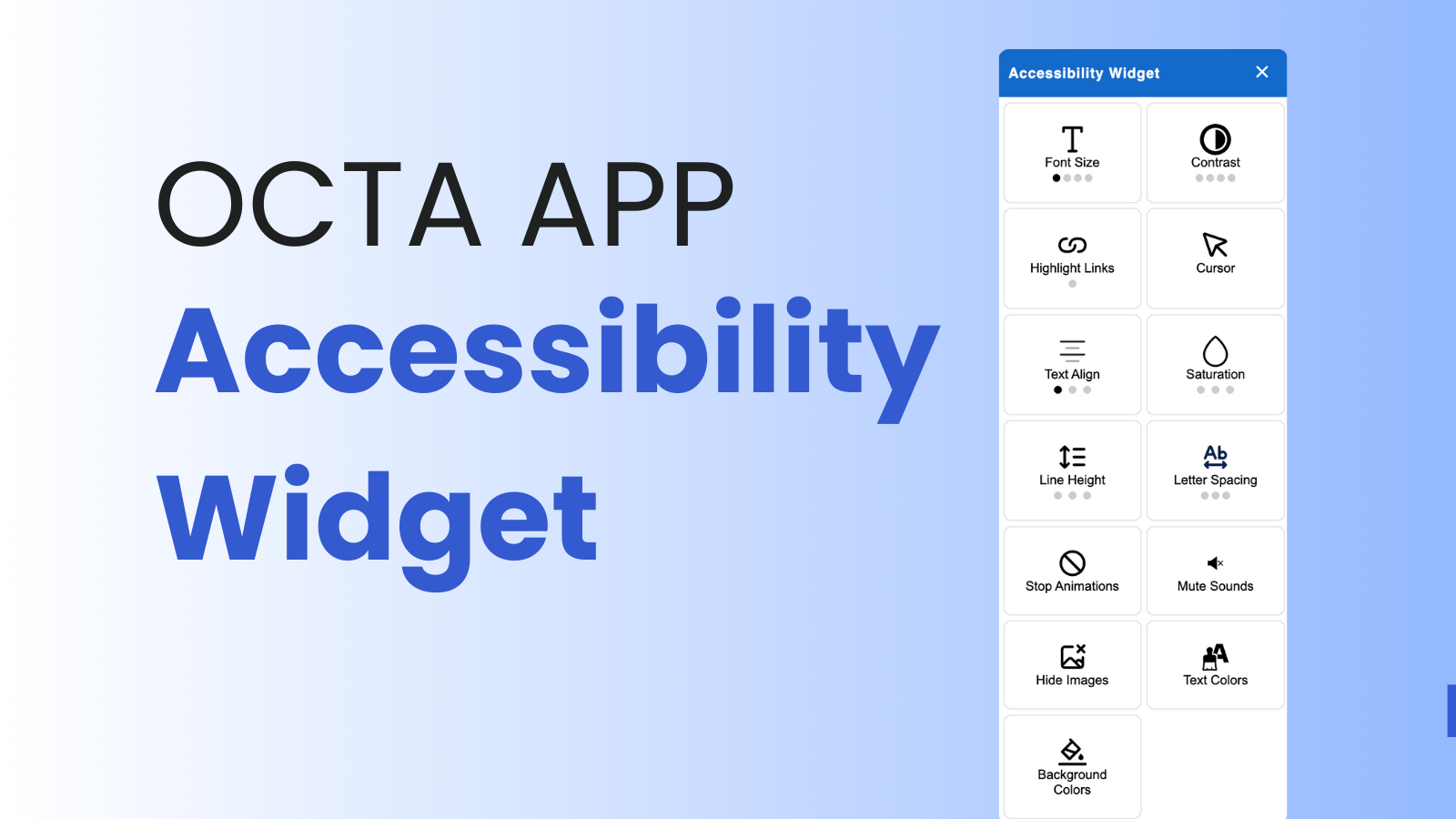
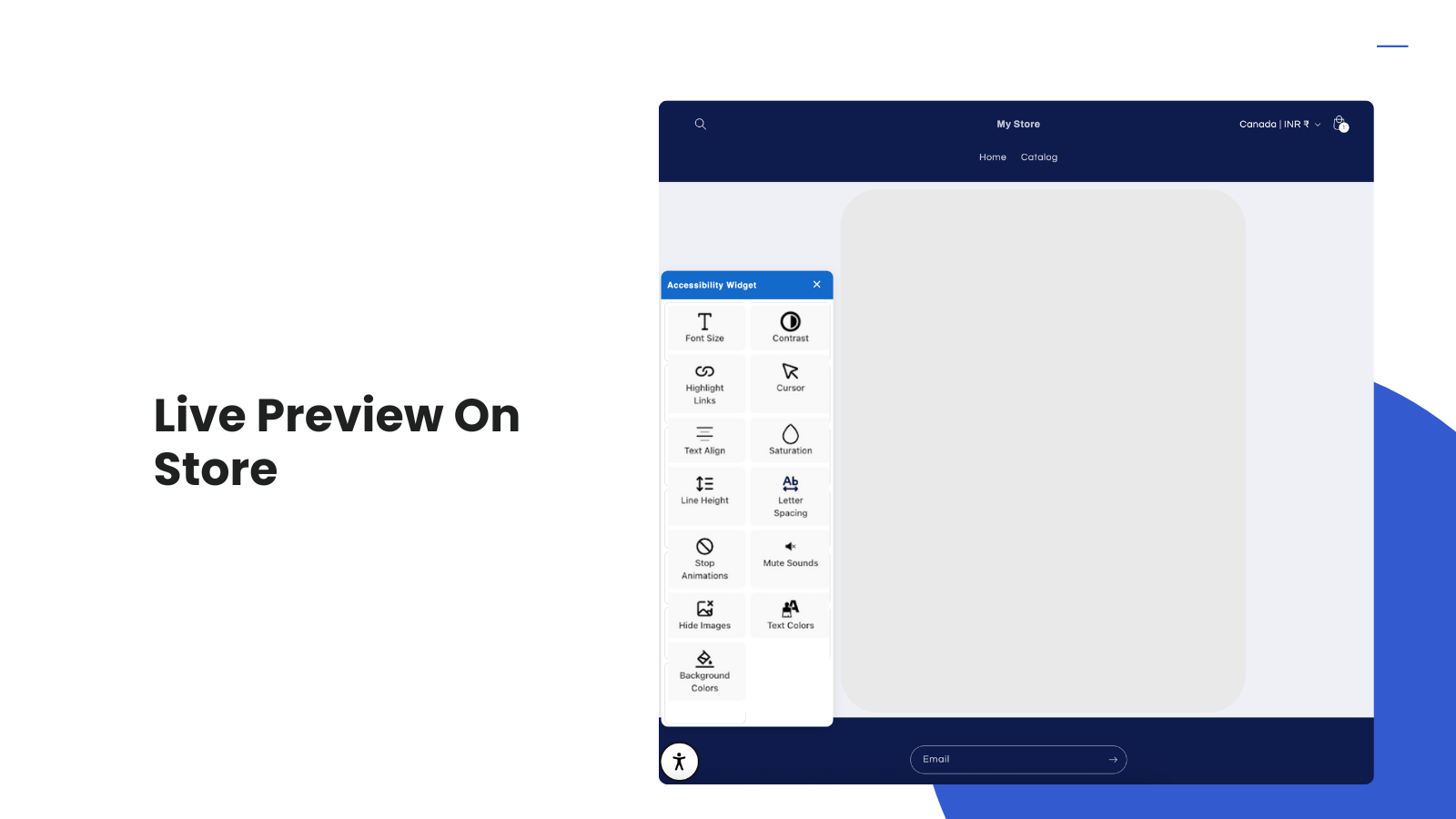
Octa App adds a lightweight, highly customisable accessibility widget to your storefront. Give shoppers control over font size, contrast, cursor size, saturation, line spacing, and other assistive tools to improve usability and readability. Designed for fast load speeds and seamless theme integration, the widget helps create a more inclusive shopping experience across all devices. Note: This app helps support accessibility and usability best practices but does not guarantee legal compliance.
Listing highlights
- Customisable accessibility widget with multiple assistive controls
- One-click theme app embed — no code required
- GDPR & Shopify privacy compliant
- Works across mobile, tablet, and desktop devices
Features
Compliance types
Accessibility tools
Methodology
How to read these signals
Counts are based on Shoplist's latest available public crawl signal dated April 1, 2026.
Shoplist has not yet found reliable public storefront evidence connecting a Shopify store to this app. This does not mean the app has no users. Some apps are new, admin-only, server-side, theme-independent, or otherwise difficult to detect from public storefront signals.
Merchant rows are filtered to public brand profiles with enough public data to link safely. Full workflow, filtering, and monitoring stay behind signup.
Review, pricing, feature, screenshot, and listing-change data come from public Shopify App Store and Shoplist crawl records. Signals can change between crawls.
FAQ
Questions about Octa App Accessibility Widget
Why might Shoplist not show detected stores for Octa App Accessibility Widget?
Some Shopify apps are admin-only, server-side, theme-independent, or otherwise difficult to detect from public storefront signals.
Does no public detection mean Octa App Accessibility Widget has no users?
No. It only means Shoplist has not found reliable public storefront evidence for Octa App Accessibility Widget. pricing, listing changes, and developer data can still be useful signals.
Can I monitor future public detections?
Yes. Shoplist can monitor Octa App Accessibility Widget for future public storefront detections and listing movement.
Keep watching Octa App Accessibility Widget
Turn this public profile into a monitored app workflow for first detections, reviews, pricing, related apps, and listing-change history.