
Inventora ‑ show stock level Shopify App: Reviews, Pricing & Alternatives
Inventory optimization & Stock alertsBy Gravity Software4.7 (43 reviews)Updated June 20, 2026
Shoplist has not found Inventora ‑ show stock level on a storefront yet, so it tracks the app through its 43 public reviews and pricing instead. Storefront detections will appear here as soon as Sonar finds them.
Key signals for Inventora ‑ show stock level
- Rating
- 4.743 reviews
- Pricing
- Free trialThen from $7.99
- Launched
- Aug 15, 2019
- Storefront installs
- None foundAdmin-only and server-side apps rarely leave a storefront trace
Inventora ‑ show stock level reviews and rating
- Rating
- 4.7
- Reviews
- 43
- Latest
- Apr 23, 2025
Reviews added by month
Inventora ‑ show stock level pricing
- Full Access
- All features included
- $7.99
Alternatives to Inventora ‑ show stock level
Apps merchants weigh against Inventora ‑ show stock level, with their own detected stores and ratings.

Scarcity++ Low Stock Counter
Hurrify: Remaining Stock Counter Low Inventory Badge Countdown

Notim: Back In Stock+Notify Me
Get notifications for out of stock products

Stockbot Low Stock Alert
Forecast reorder qty & set low stock alerts :-)

Scarcity+ Low Stock Counter

Inventric: Location Inventory

Stockwise Inventory Management
Inventora ‑ show stock level screenshots and video
About Inventora ‑ show stock level
Show stock level or status data on products and help customers make faster purchase decisions.
With our app you can display the products inventory level or status e.g.: out of stock, only X left, pre-order, coming soon, in stock. By showing the stock level to your visitors you help them to make faster decisions. Products that are running out of stock become more attractive to the customers. In addition it makes things easier for customers who want to buy multiple items of the same product. "Pre-order" and "Coming soon" labels with the availability date help to promote the products.
Listing highlights
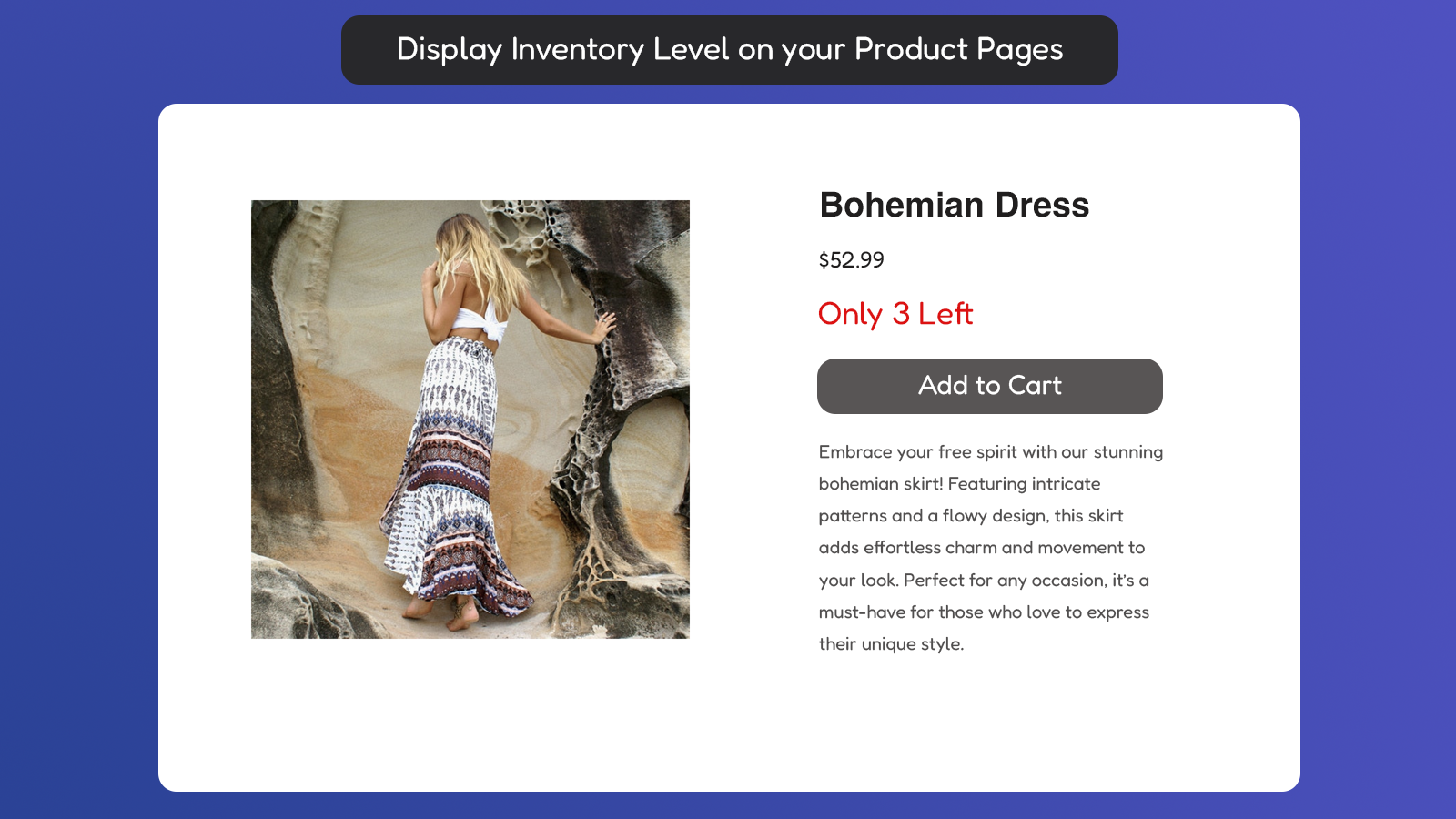
- Show the inventory level for each variant on product pages.
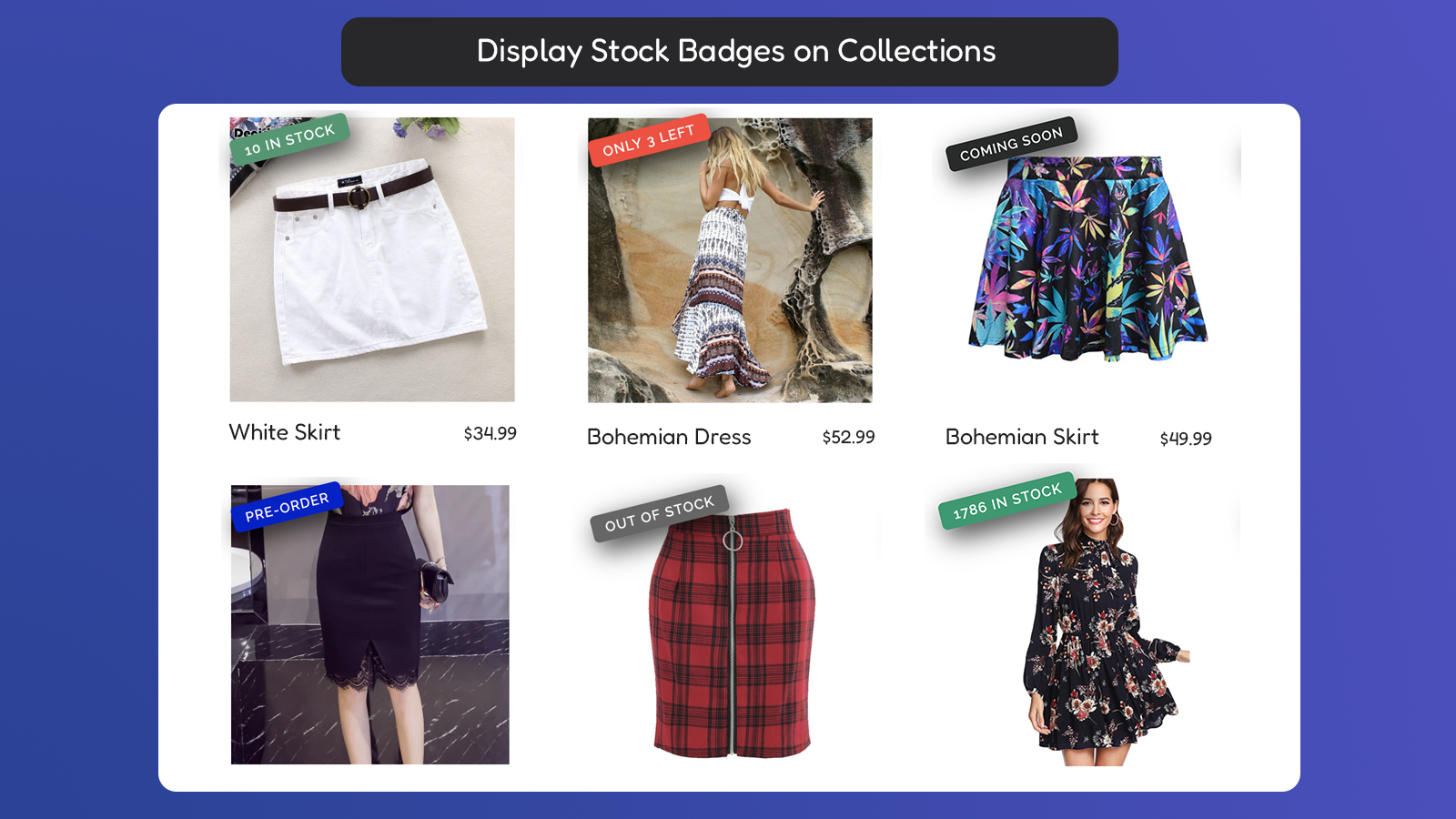
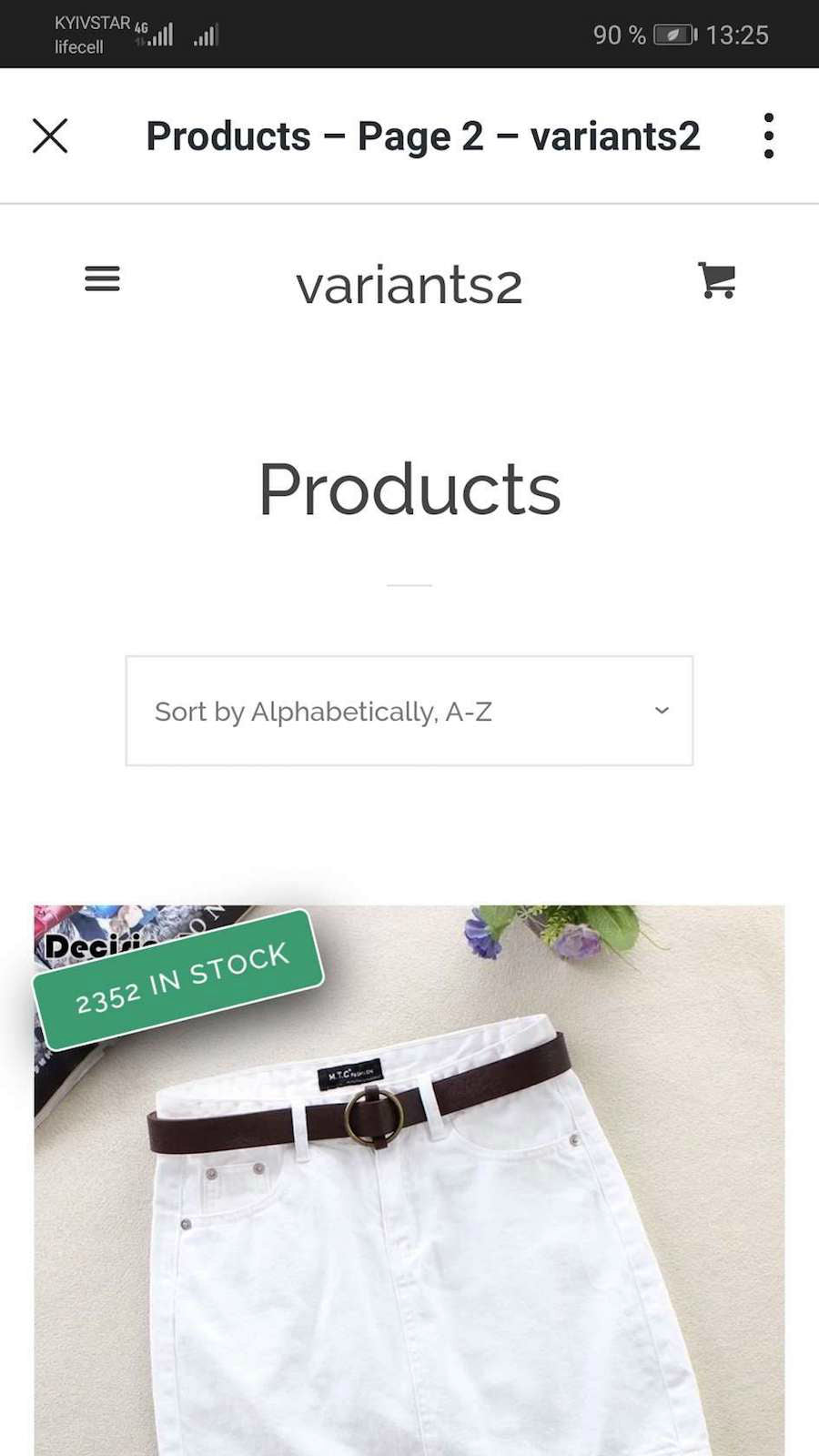
- Display badges with stock level information on collection pages.
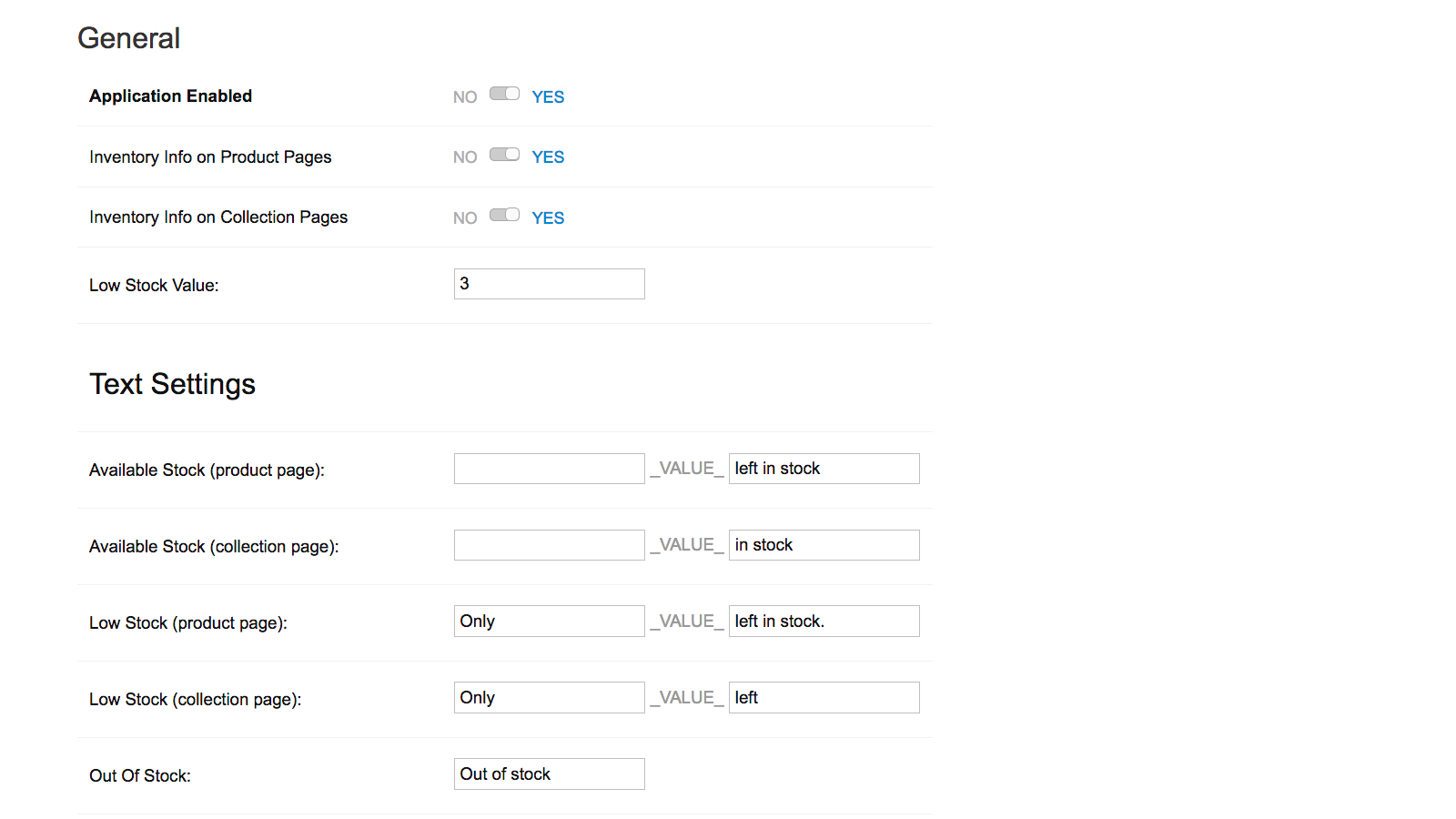
- Customize colors and text for each stock or status type.
- Display "X items left in stock", "Only X items left in stock" labels.
- Display "Out of stock", "Preorder", "Coming Soon", "Available From" labels.
Features
Customization
- Alert settings
- Notification button
Notifications
- Back in stock
- Low stock
- Out of stock
- Pre-orders
Order management
- Pre-orders
Inventory management
- Inventory sync
- Inventory tracking
- Multi-location
- Real-time updates
- Stock transfer
Analytics and reporting
- Inventory tracking
Notifications and analytics
- Low stock alerts
- Out of stock notifications
- Threshold alerts
How Shoplist knows
Every number on this page comes from public storefront scans and the public Shopify App Store listing. If Shoplist shows Inventora ‑ show stock level on a store, it is there.
Read the data methodology- Counts are based on Shoplist's latest available public crawl signal dated June 20, 2026.
- Shoplist has not yet found reliable public storefront evidence connecting a Shopify store to this app. This does not mean the app has no users. Some apps are new, admin-only, server-side, theme-independent, or otherwise difficult to detect from public storefront signals.
- Merchant rows are filtered to public brand profiles with enough public data to link safely. Full workflow, filtering, and monitoring stay behind signup.
- Review, pricing, feature, screenshot, and listing-change data come from public Shopify App Store and Shoplist crawl records. Signals can change between crawls.
Questions about Inventora ‑ show stock level
- Why might Shoplist not show detected stores for Inventora ‑ show stock level?
- Some Shopify apps are admin-only, server-side, theme-independent, or otherwise difficult to detect from public storefront signals.
- Does no public detection mean Inventora ‑ show stock level has no users?
- No. It only means Shoplist has not found reliable public storefront evidence for Inventora ‑ show stock level. reviews, pricing, and developer data can still be useful signals.
- Can I monitor future public detections?
- Yes. Shoplist can monitor Inventora ‑ show stock level for future public storefront detections and listing movement.
Keep exploring
Compare
Inventora ‑ show stock level vs Scarcity++ Low Stock Counter
Detected stores, ratings, pricing, and momentum side by side.
Developer
Gravity Software
Every app Gravity Software publishes, with their detected reach.
Rankings
Top apps by category
The ten apps gaining the most detected installs in each category.
Directory
All Shopify apps
Browse every app Shoplist tracks, by category, rating, and reach.
Keep watching Inventora ‑ show stock level.
Get alerted on first storefront installs, review spikes, pricing changes, and listing edits.