Hotjar 1‑click install Shopify App: Reviews, Pricing & Storefront Detection Notes
Shoplist has not found reliable public storefront evidence for Hotjar 1‑click install. Track reviews, pricing, listing changes, and developer context and first
Shoplist public signals
What is visible for Hotjar 1‑click install right now
Signal date February 19, 2026
Monitoring status
Storefront detection limited
Tracking non-storefront public signals
As of Feb 19, 2026
Reviews
2 public reviews
2.0 average rating
As of Aug 19, 2024
Latest review
August 19, 2024
As of Aug 19, 2024
Quick answer
Shoplist has not found reliable public storefront evidence for Hotjar 1‑click install. This may happen when an app is admin-only, server-side, or not visibly embedded on storefronts. Shoplist still tracks reviews, pricing, listing changes, developer data, related apps.
Reviews and velocity
Public review signals
2.0
2
Aug 19, 2024
Pricing
Pricing and plan posture
Activity and changes
Recent detected movement for Hotjar 1‑click install
Recent detections and listing changes are public signals captured by crawl history.
Listing changes
13 listing updates detected
Detected Feb 19, 2026
Star rating updated
Before
Not listed
Now
1
Developer name updated
Before
Not listed
Now
Jumbo
Developer link updated
Before
Not listed
Now
https://apps.shopify.com/partners/tryjumbo
3 listing updates detected
Detected Sep 25, 2025
Free plan availability changed
Before
Yes
Now
No
Feature category added
Before
Not listed
Now
Analytics
Developer website updated
Before
https://www.tryjumbo.com
Now
Not listed
App-store listing
About Hotjar 1‑click install
Install Hotjar on your store without having to code or edit your store's theme.
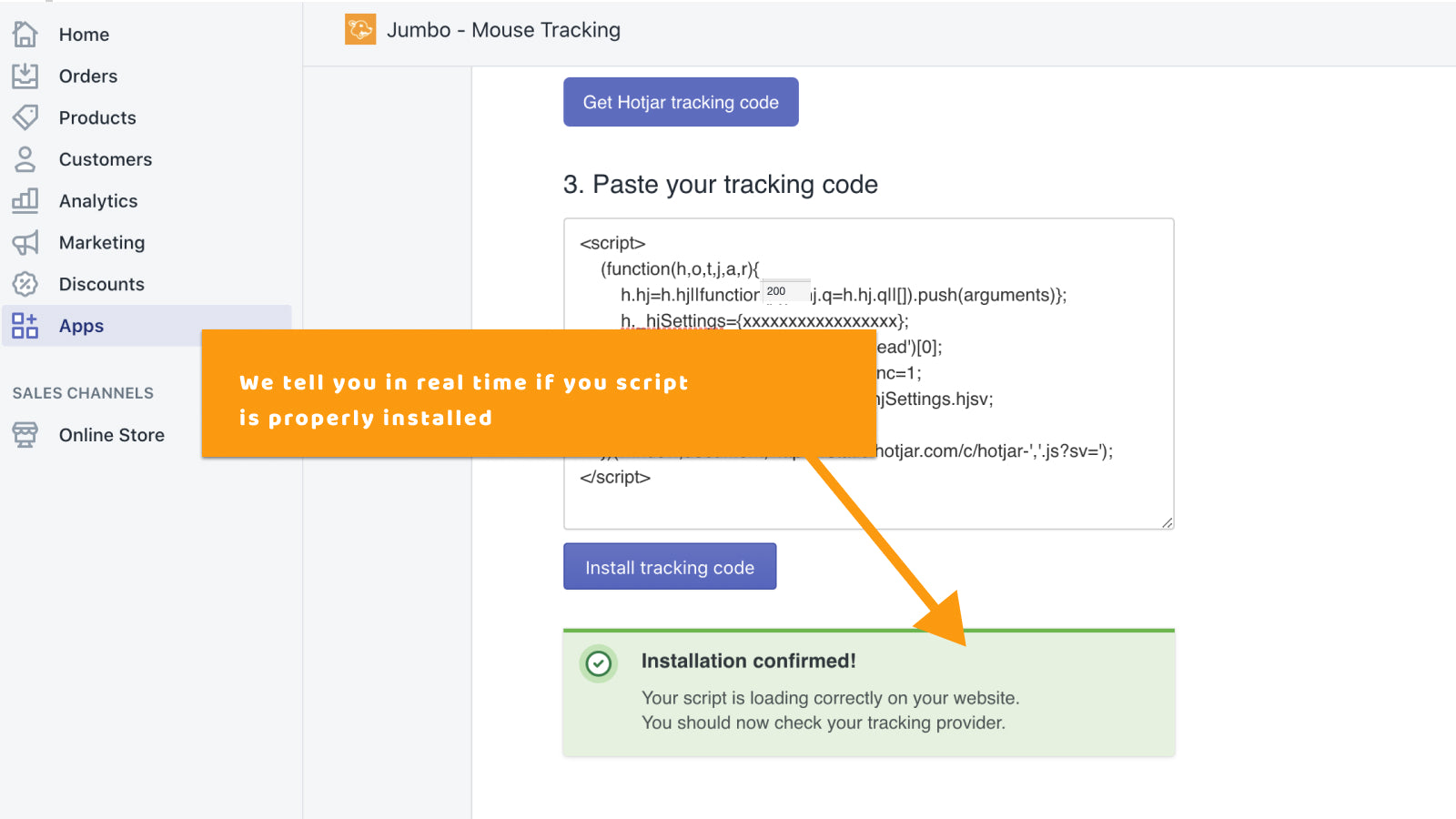
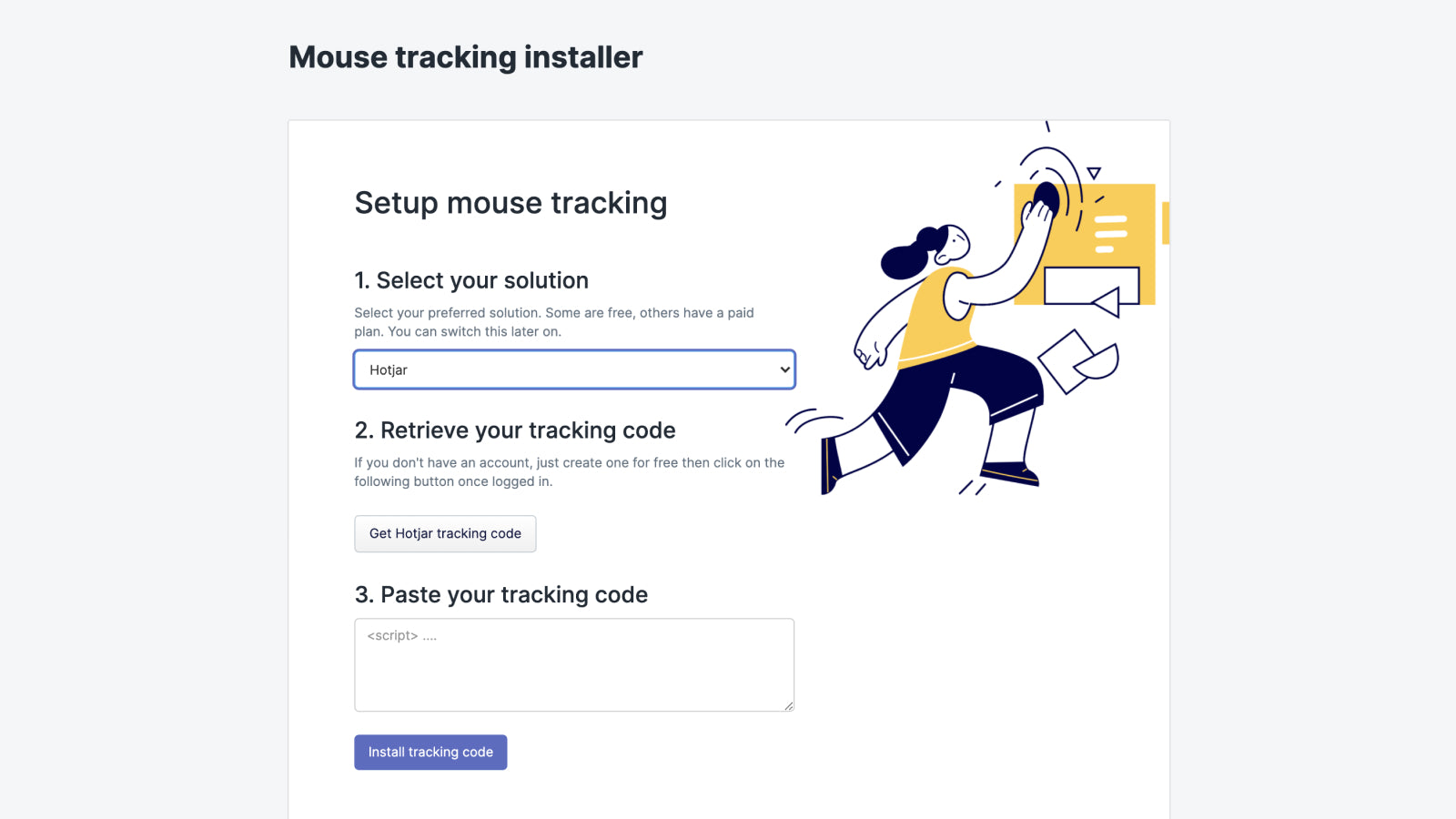
Are you currently working on your store conversion optimisation? Are you considering Hotjar but don't know how to do or don't want to edit your theme manually? This app allows you to install Hotjar with just a few clicks by simply copying and pasting your Hotjar script into it.
Listing highlights
- Easy: Add your Hotjar script in just a click
- Instant: Your hotjar integration is live right away
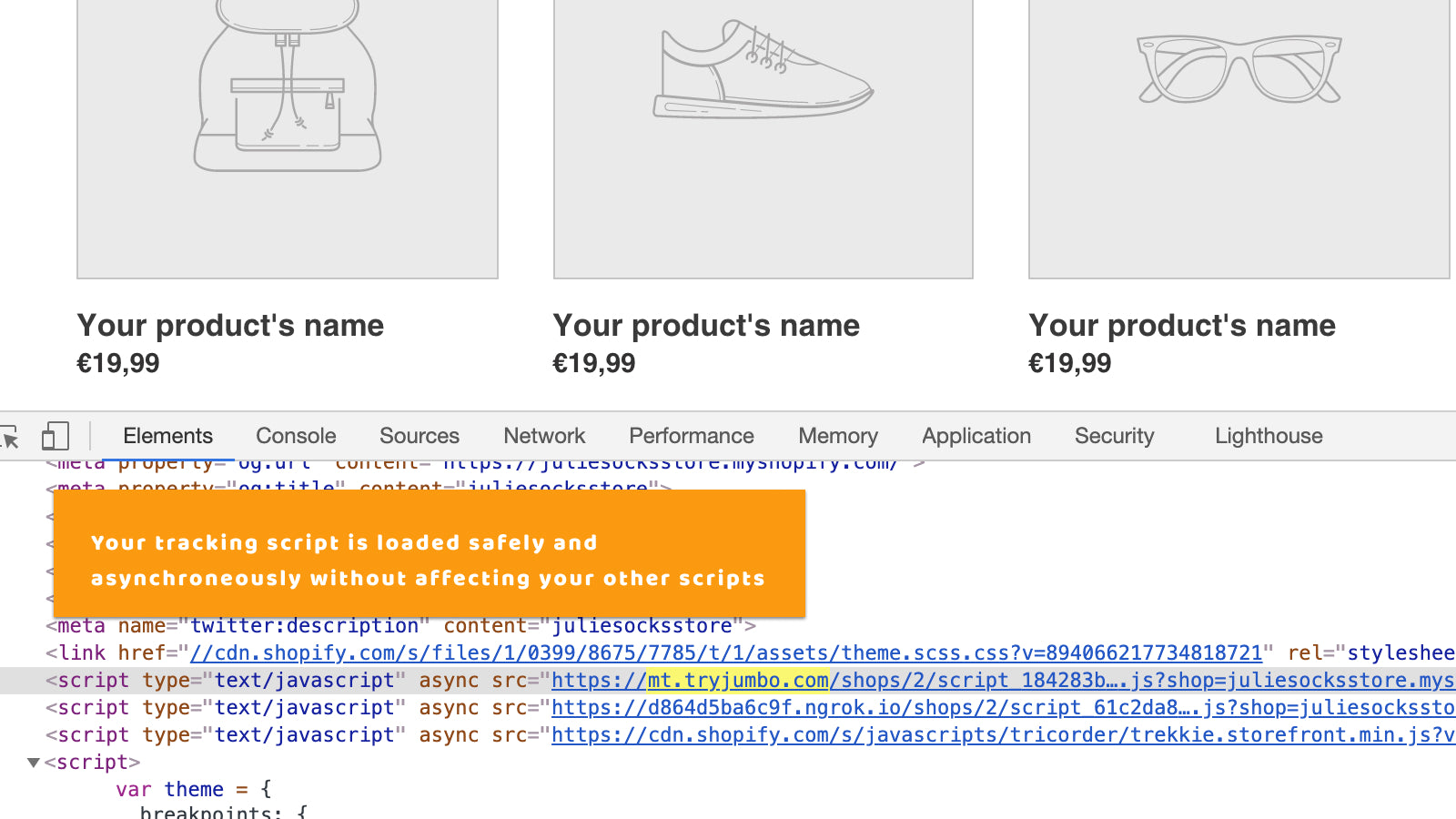
- Safe: Avoid writing custom code to get your script working
Methodology
How to read these signals
Counts are based on Shoplist's latest available public crawl signal dated February 19, 2026.
Shoplist has not yet found reliable public storefront evidence connecting a Shopify store to this app. This does not mean the app has no users. Some apps are new, admin-only, server-side, theme-independent, or otherwise difficult to detect from public storefront signals.
Merchant rows are filtered to public brand profiles with enough public data to link safely. Full workflow, filtering, and monitoring stay behind signup.
Review, pricing, feature, screenshot, and listing-change data come from public Shopify App Store and Shoplist crawl records. Signals can change between crawls.
FAQ
Questions about Hotjar 1‑click install
Why might Shoplist not show detected stores for Hotjar 1‑click install?
Some Shopify apps are admin-only, server-side, theme-independent, or otherwise difficult to detect from public storefront signals.
Does no public detection mean Hotjar 1‑click install has no users?
No. It only means Shoplist has not found reliable public storefront evidence for Hotjar 1‑click install. reviews, pricing, listing changes, and developer data can still be useful signals.
Can I monitor future public detections?
Yes. Shoplist can monitor Hotjar 1‑click install for future public storefront detections and listing movement.
Keep watching Hotjar 1‑click install
Turn this public profile into a monitored app workflow for first detections, reviews, pricing, related apps, and listing-change history.