Datima Batch Expiry Dates Shopify App: Pricing, Features & First-Adopter Watch
Inventory optimization & Inventory - OtherBy DatimaLaunched September 7, 2026Updated October 13, 2026
Datima Batch Expiry Dates launched on September 7, 2026. Shoplist is watching for its first storefront installs and tracking pricing and listing changes in the meantime.
Key signals for Datima Batch Expiry Dates
- Launched
- Sep 7, 2026
- Pricing
- Free
- Storefront installs
- None yetWatching since its Sep 7, 2026 launch
Datima Batch Expiry Dates pricing
- Free - No limit
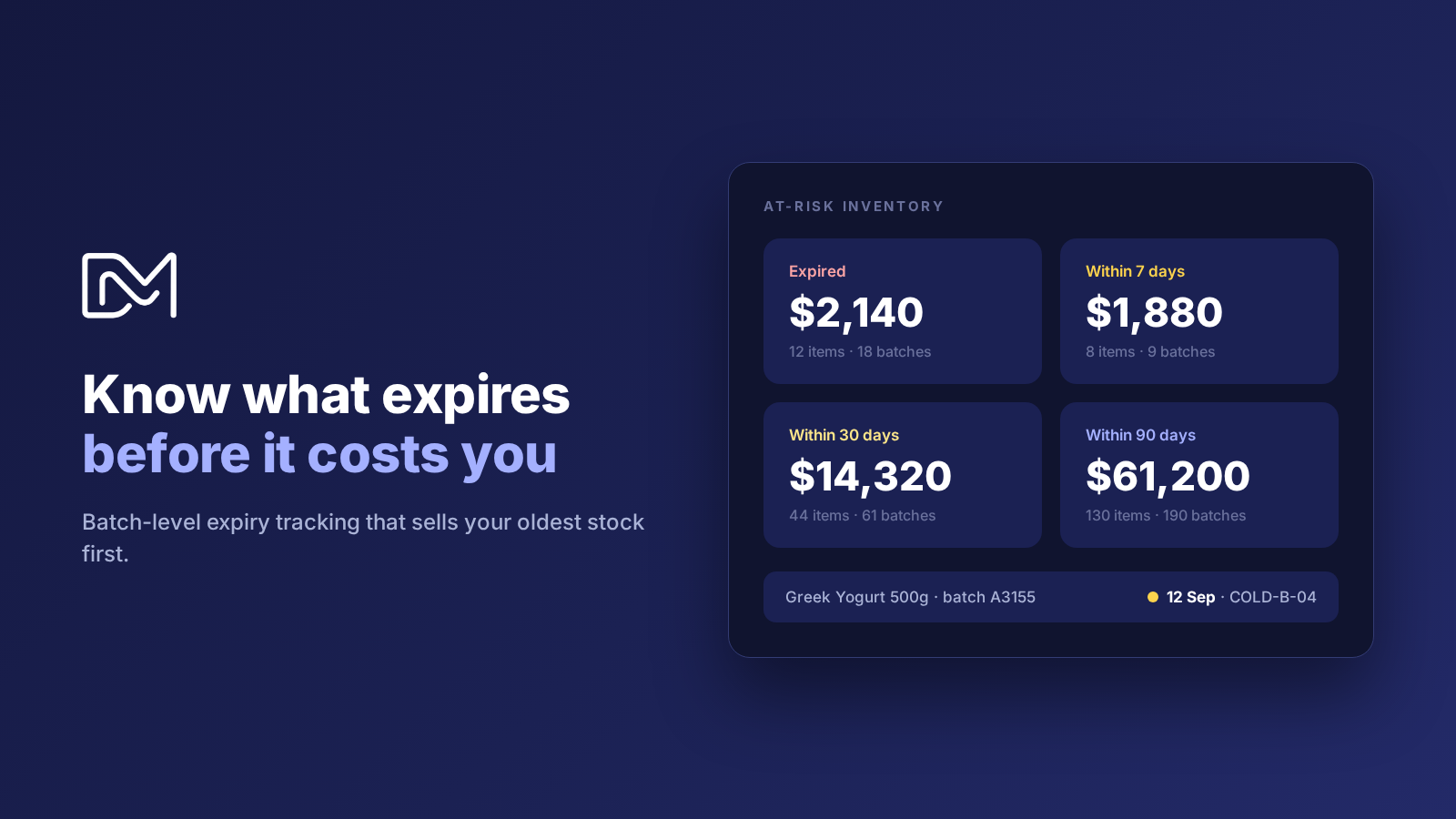
- Best-before dates on product pages
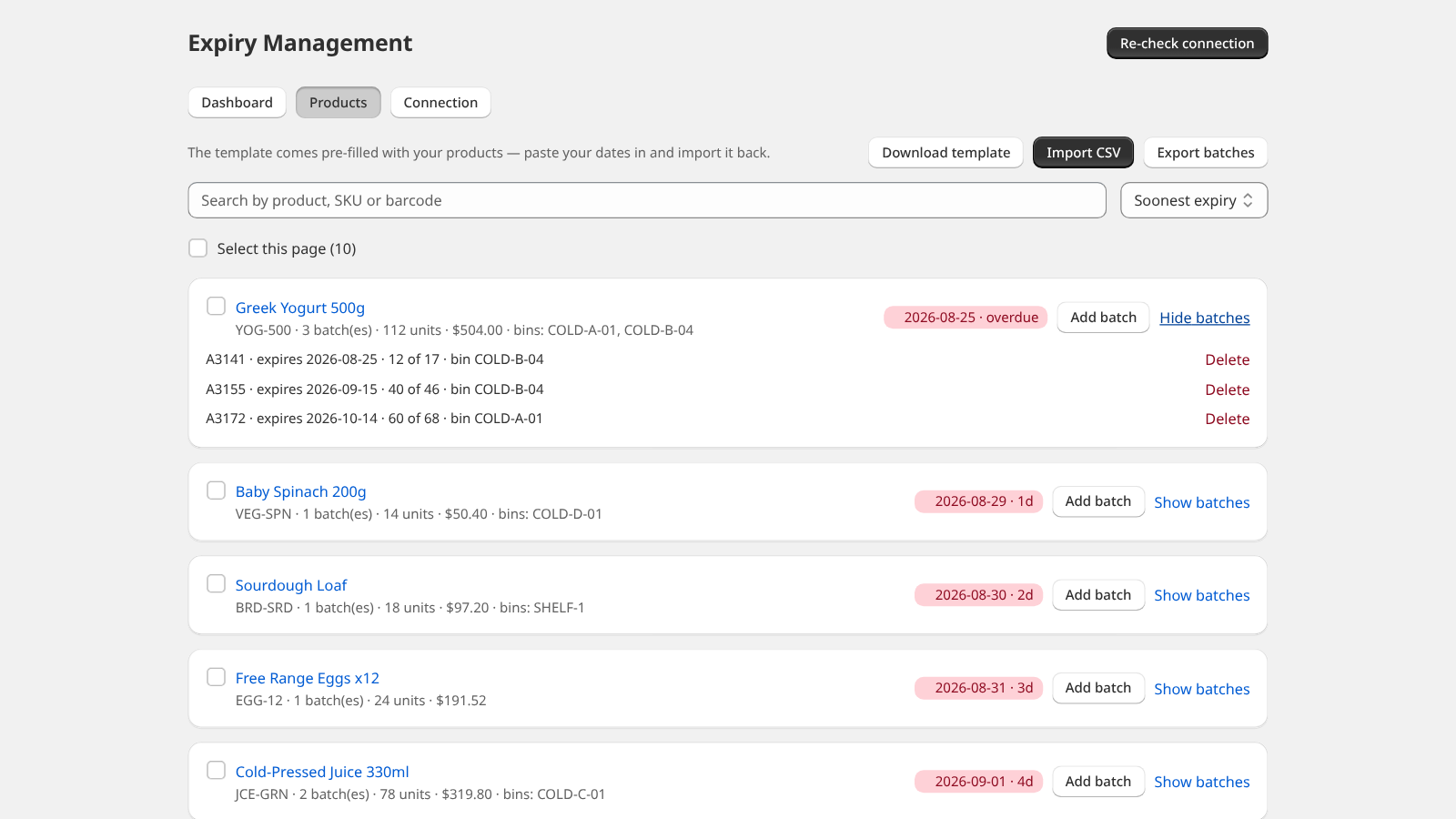
- CSV import and export of batches
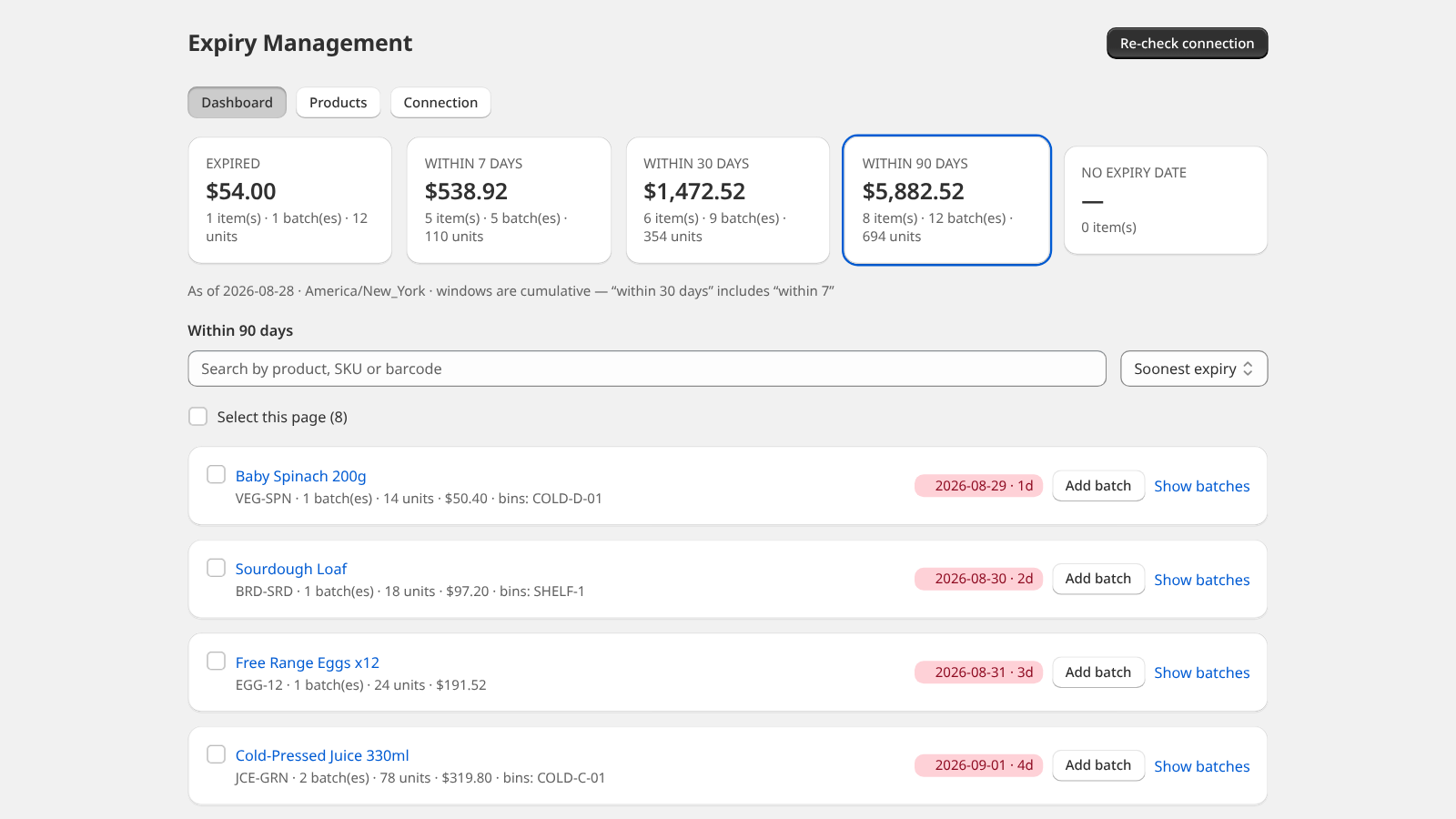
- Expiry dashboard: 7, 30, 90 days
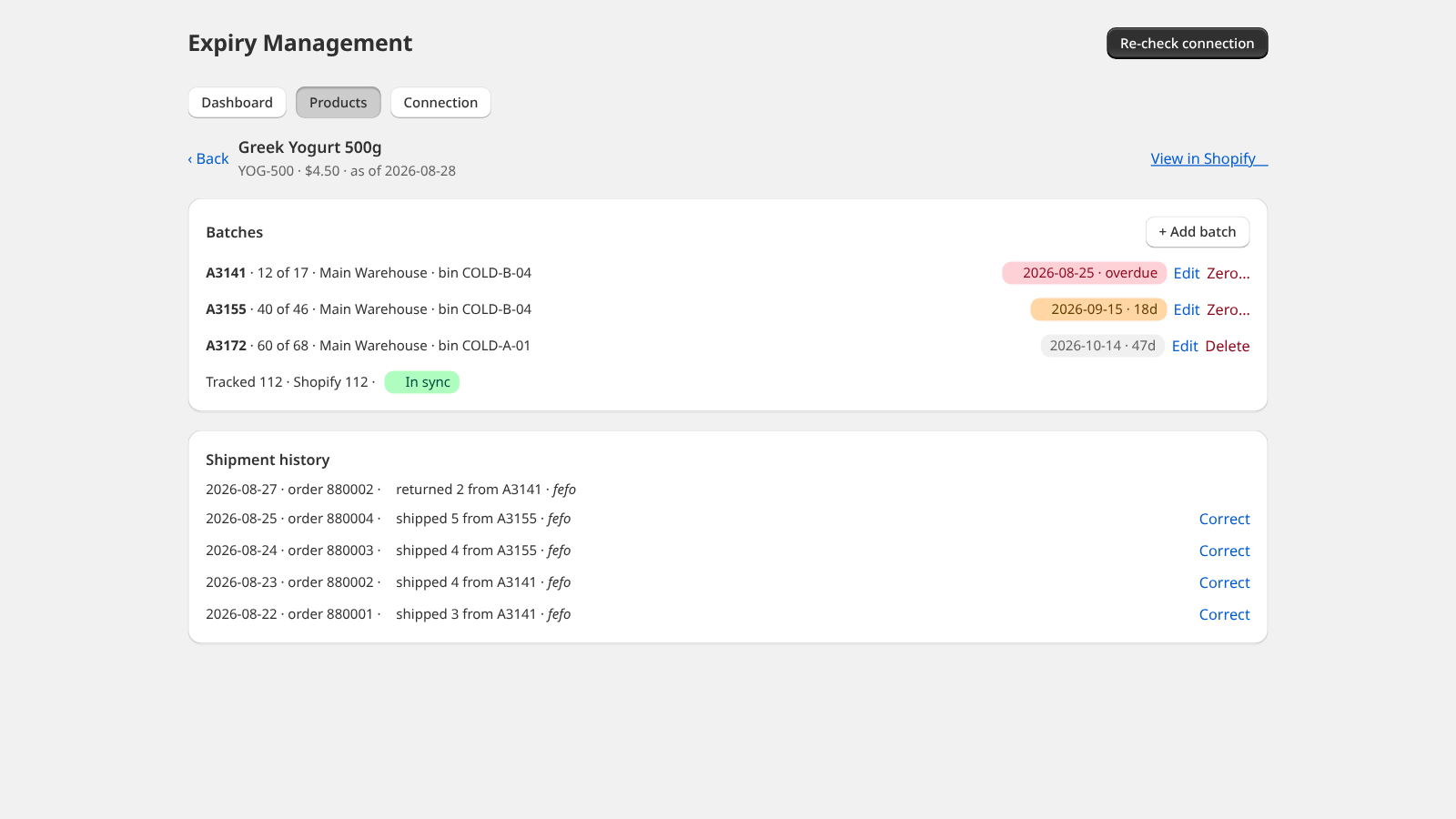
- FEFO: sales come off the oldest batch
- Free
Recent Datima Batch Expiry Dates activity
Store movement comes from Sonar's storefront scans; listing changes come from the Shopify App Store page.
App Store listing
Listing changes
Keep watching Datima Batch Expiry Dates.
Get alerted on first storefront installs, review spikes, pricing changes, and listing edits.