Detected Sep 27, 2026
Merchant sentiment summary updated
Merchants describe this as a major time saver and “game changer” for creating and updating product images, banners, ads, and social posts.…

Image editor & Store data importerBy Seguno4.9 (574 reviews)Built for ShopifyUpdated October 5, 2026
Shoplist has not found Canva Connect on a storefront yet, so it tracks the app through its 574 public reviews and listing changes instead. Storefront detections will appear here as soon as Sonar finds them.
Get alerted on first storefront installs, review spikes, pricing changes, and listing edits.
Store movement comes from Sonar's storefront scans; listing changes come from the Shopify App Store page.
App Store listing
Detected Sep 27, 2026
Merchants describe this as a major time saver and “game changer” for creating and updating product images, banners, ads, and social posts.…
Detected Jul 17, 2026
Merchants appreciate the app's user-friendly interface, ideal for beginners with drag-and-drop editing and extensive templates. AI-powered…Removed
Apps merchants weigh against Canva Connect, with their own detected stores and ratings.


Import Amazon products and reviews to Shopify store

Edit your photos, add stickers, remove backgrounds and more!


Email marketing in less time — NEW email templates available!

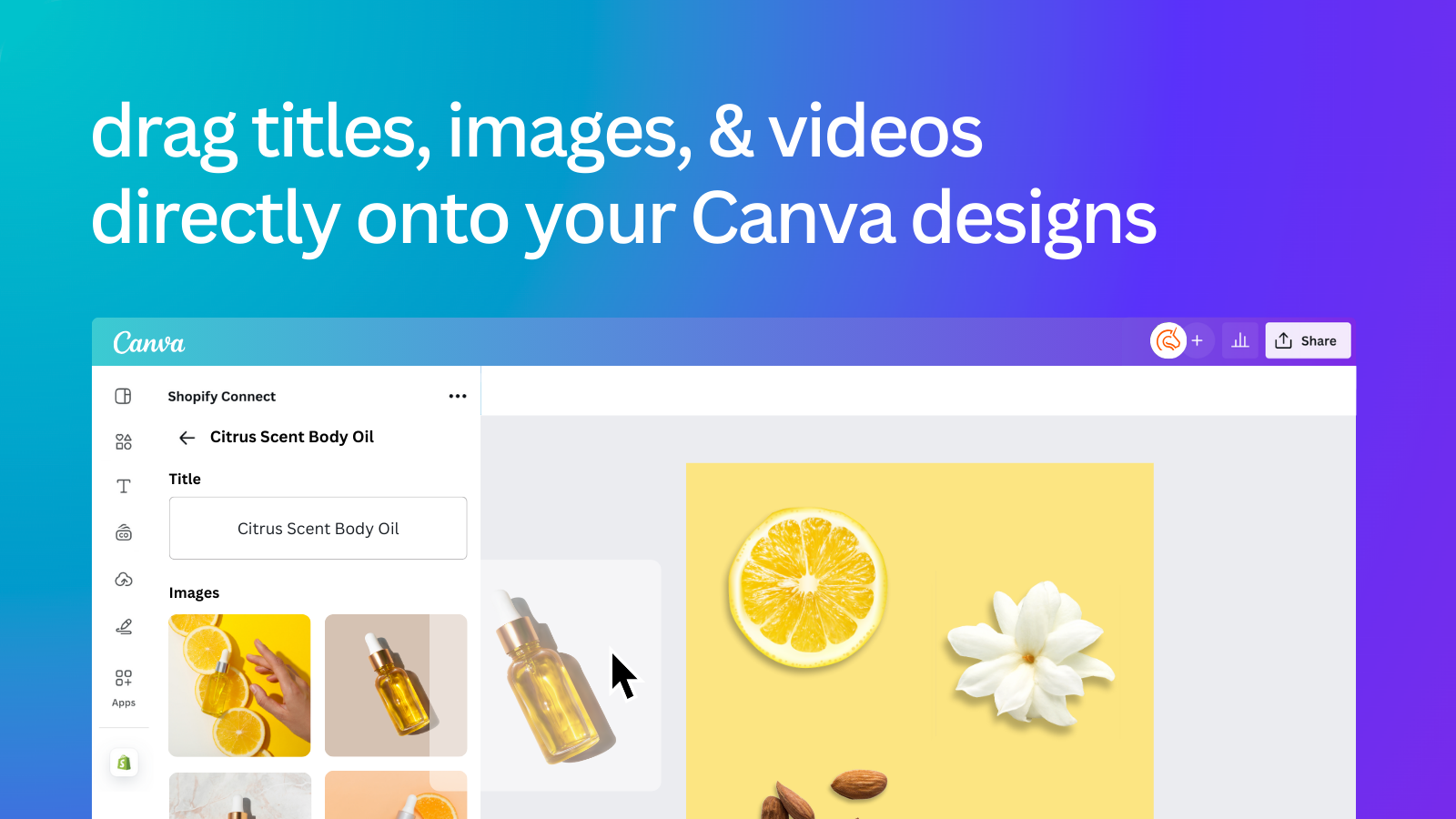
Access your product images in Canva and seamlessly send designs between platforms.
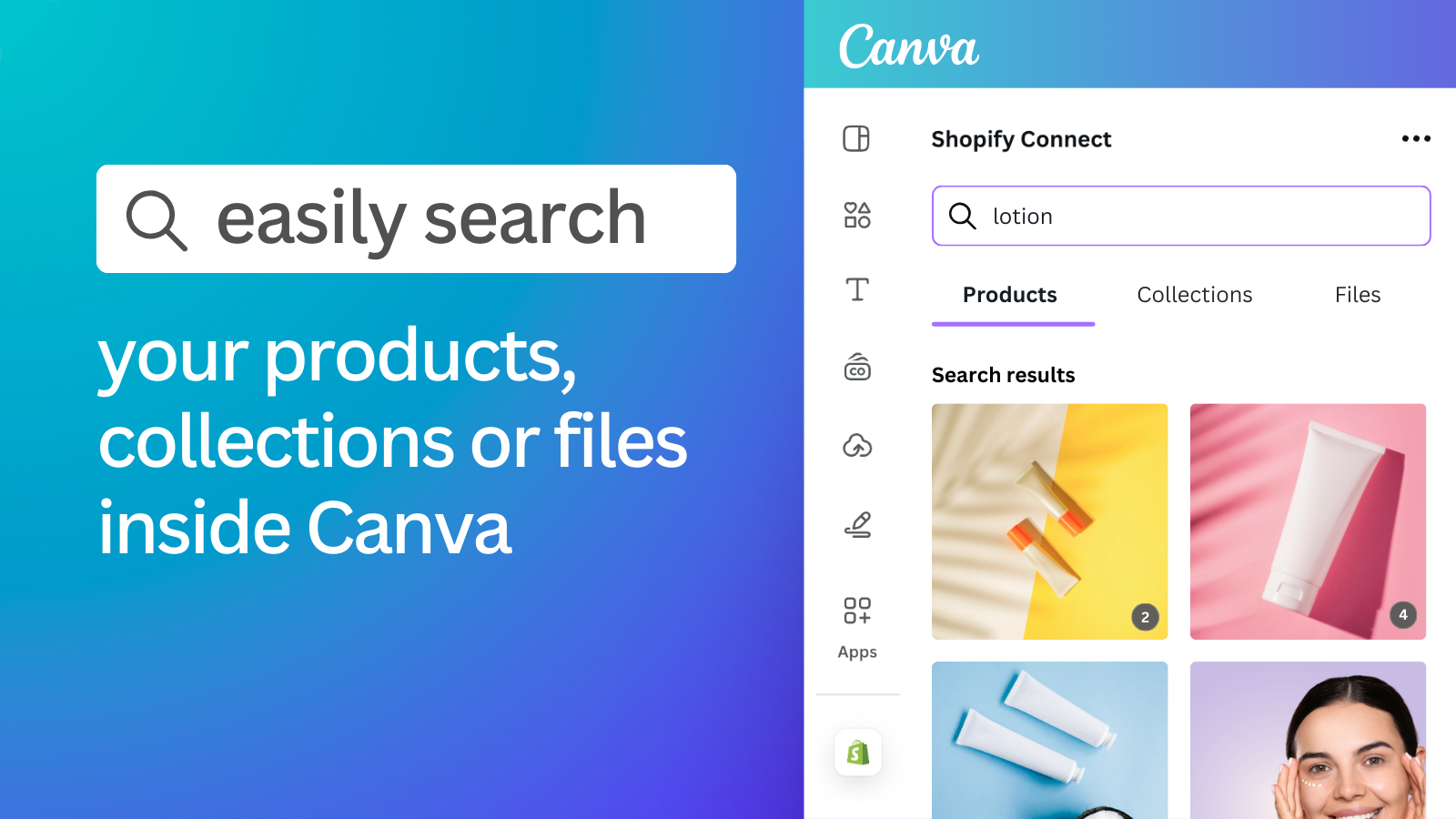
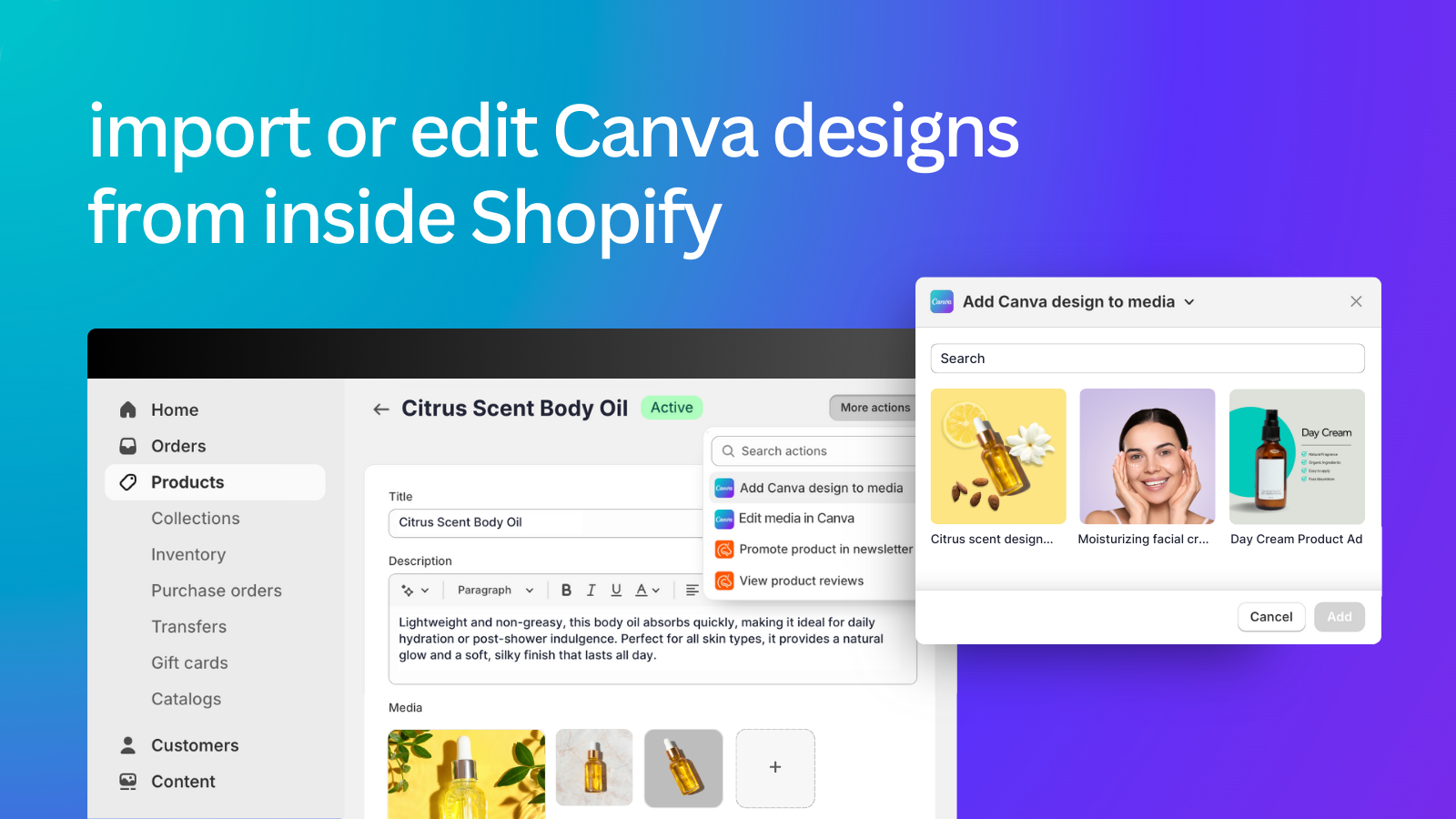
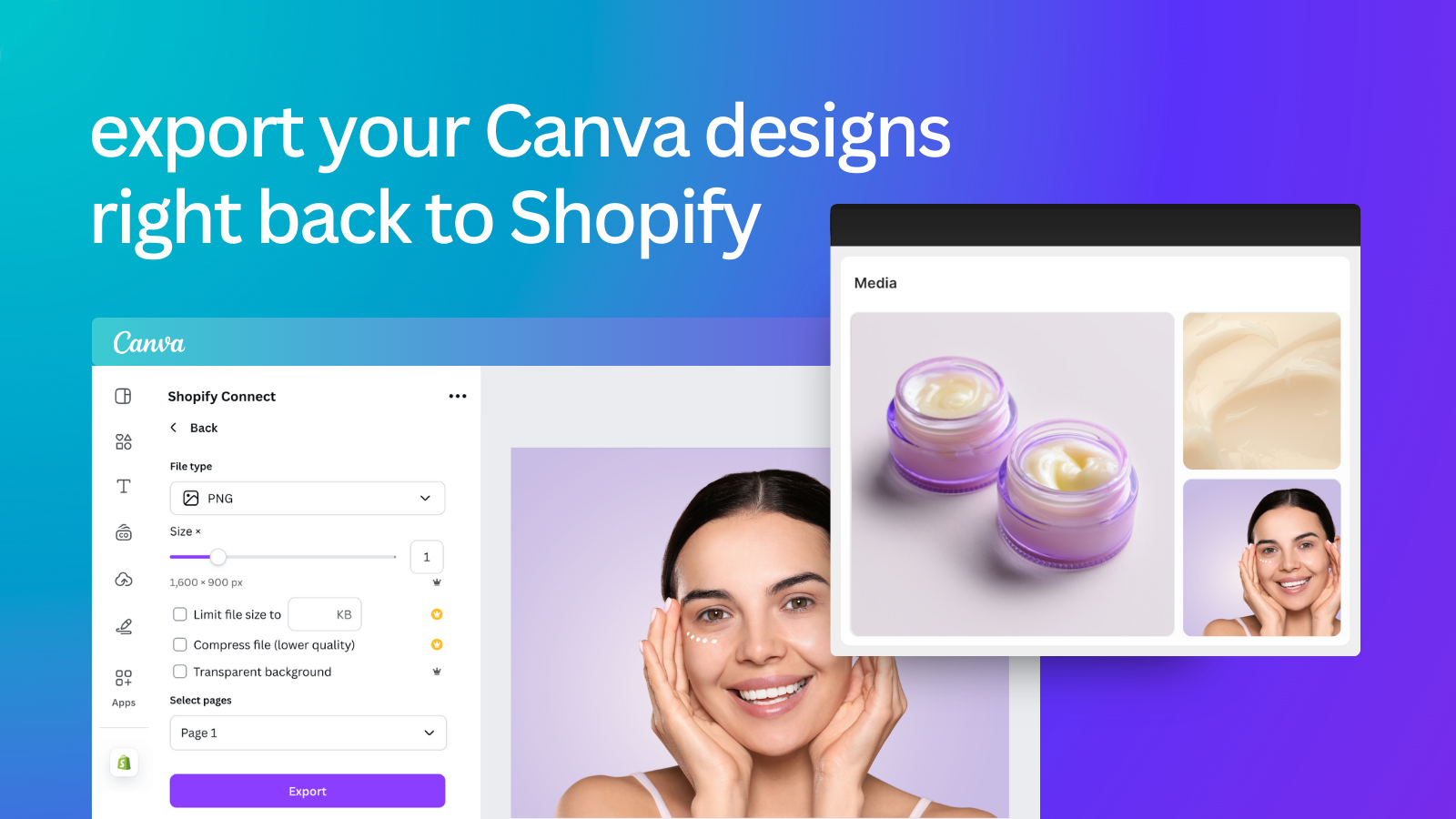
The Canva app for Shopify makes it easy to add your product and collection images to the designs you create in Canva. No need to download images from Shopify and upload them separately! Install the app to connect to your Canva account and instantly access your product photography and videos. Drag and drop your product images into your email marketing, social media, website banners, presentations, posters, sales collateral, and more. You can even export or import your Canva designs to Shopify!
Every number on this page comes from public storefront scans and the public Shopify App Store listing. If Shoplist shows Canva Connect on a store, it is there.
Read the data methodologyCompare
Detected stores, ratings, pricing, and momentum side by side.
Developer
Every app Seguno publishes, with their detected reach.
Rankings
The ten apps gaining the most detected installs in each category.
Directory
Browse every app Shoplist tracks, by category, rating, and reach.