AOP ‑ PO Label Printer Shopify App: Pricing, Features & First-Adopter Watch
Launched July 3, 2026. Shoplist is monitoring first merchant evidence, pricing, and feature details for this Shopify app.
Shoplist public signals
What is visible for AOP ‑ PO Label Printer right now
Signal date July 6, 2026
Last listing check today
Monitoring status
First-adopter watch
Monitoring first merchant evidence
As of Jul 6, 2026
Momentum
0 No signal
Install volume is too low for a reliable trend yet
As of Jul 16, 2026
0 momentum score
Install volume is too low for a reliable trend yet.
Updated Jul 16, 2026
Momentum inputs
28d installs
0
Prev. 28d
0
New 28d
0
30d reviews
0
Trend comparison is paused or unavailable for this window. The raw inputs show the install and review signals Shoplist observed instead.
Quick answer
AOP ‑ PO Label Printer launched on July 3, 2026. Shoplist is monitoring first public merchant evidence and pricing changes.
Pricing
Pricing and plan posture
Free
Free- 1 template (default), Code 128 barcodes
- Auto-queue labels from purchase orders
- Print history (last 7 days)
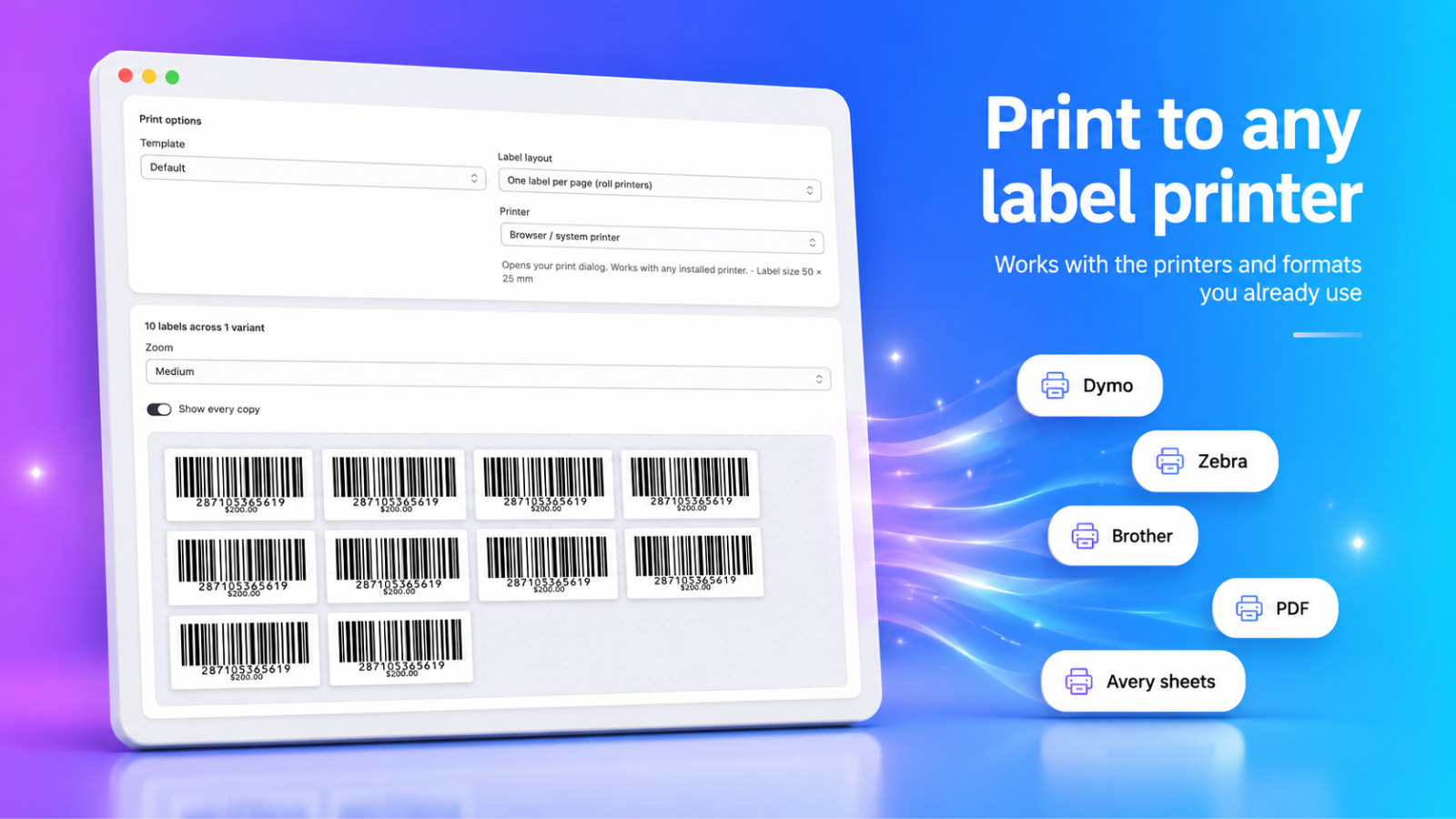
- Print via browser or PDF
Starter
$9.99- All barcode formats
- Avery label-sheet printing
- Bulk printing from CSV
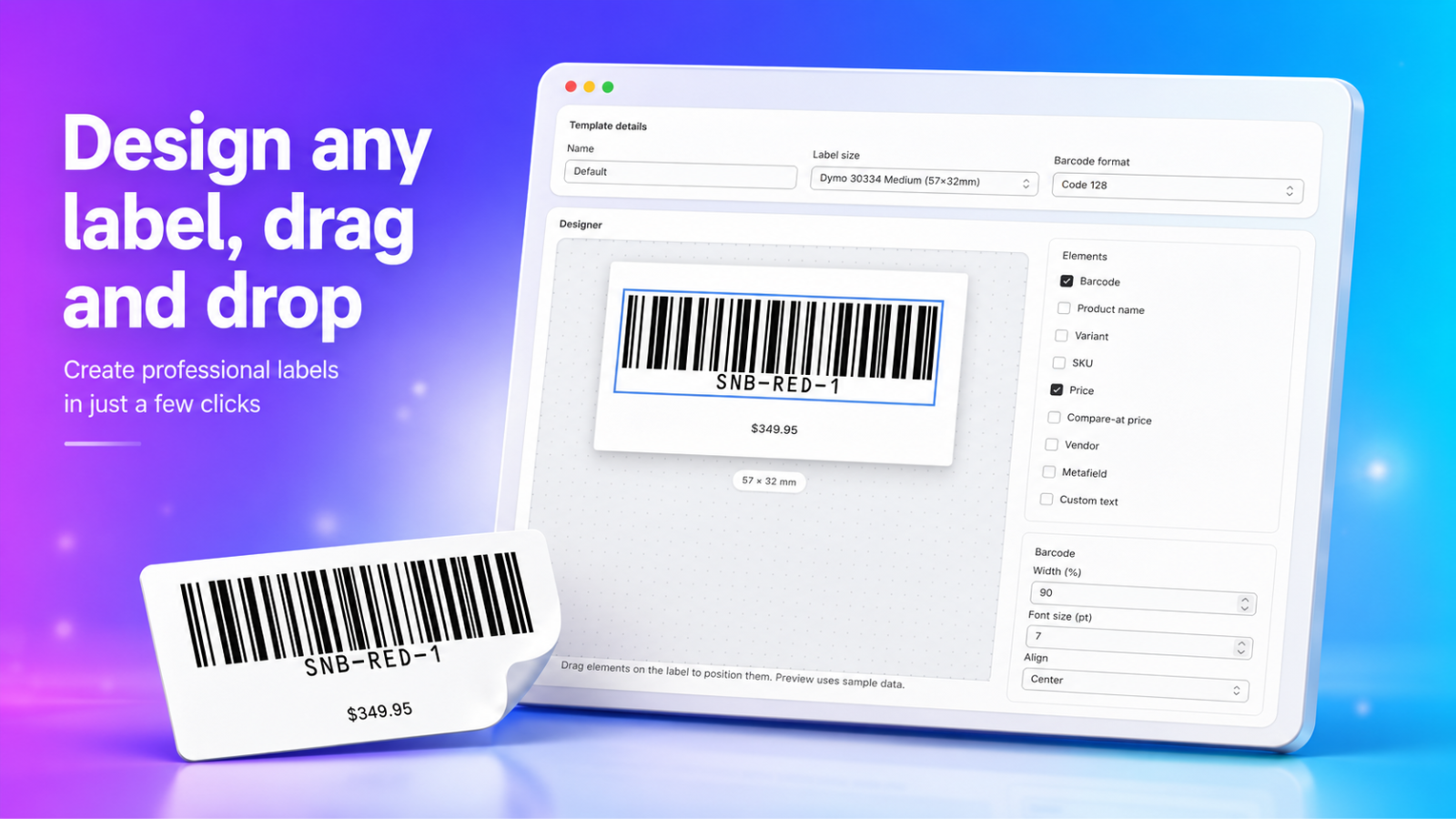
- Drag-and-drop label designer
Pro
$19.99- Catalog-wide Barcode Health
- Everything in Starter, plus
- Metafields on labels+shrink-to-fit text
- Multi-location scoped printing
App-store listing
About AOP ‑ PO Label Printer
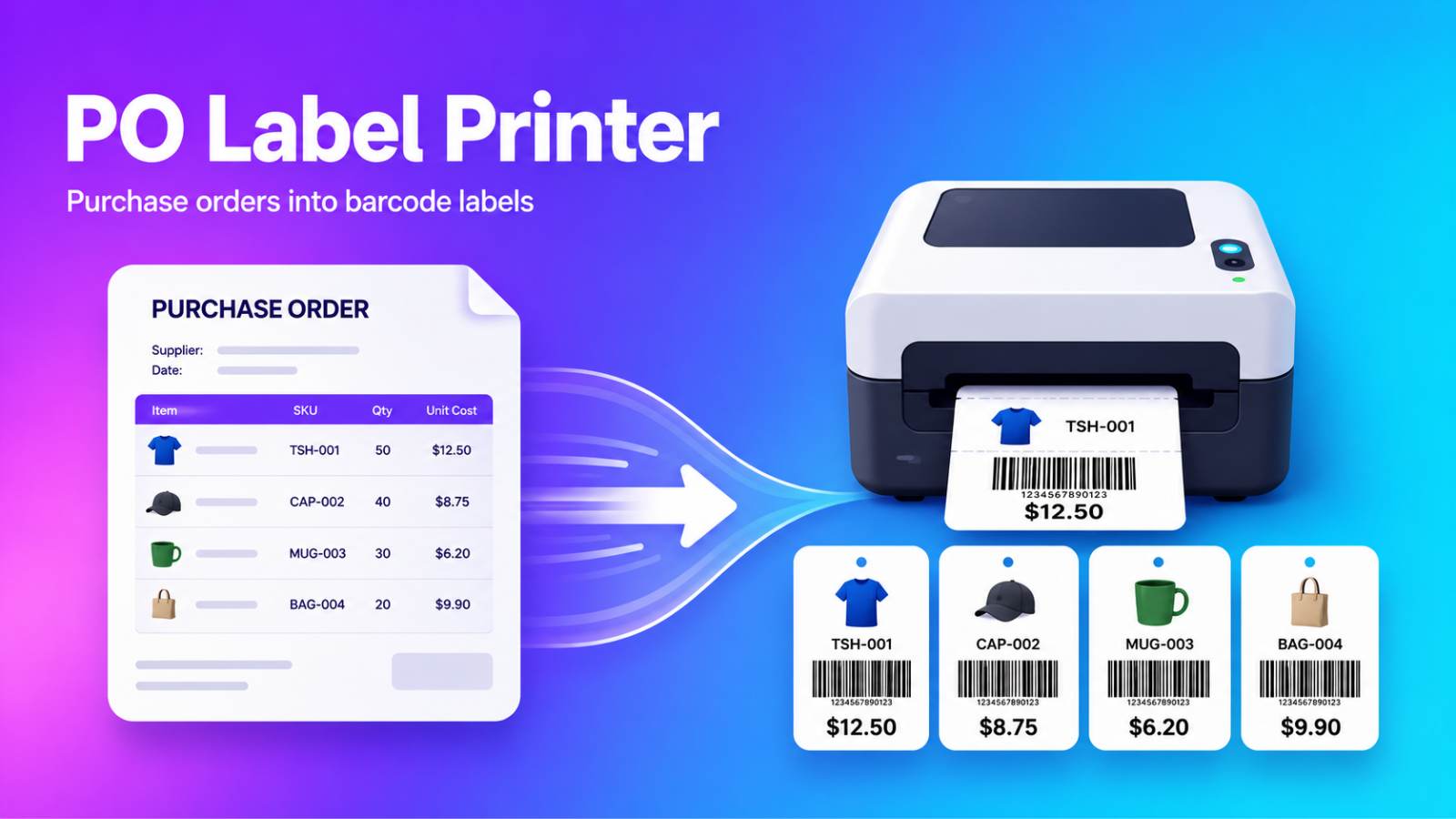
Print barcode labels from your purchase orders. Label counts auto-filled from ordered quantities.
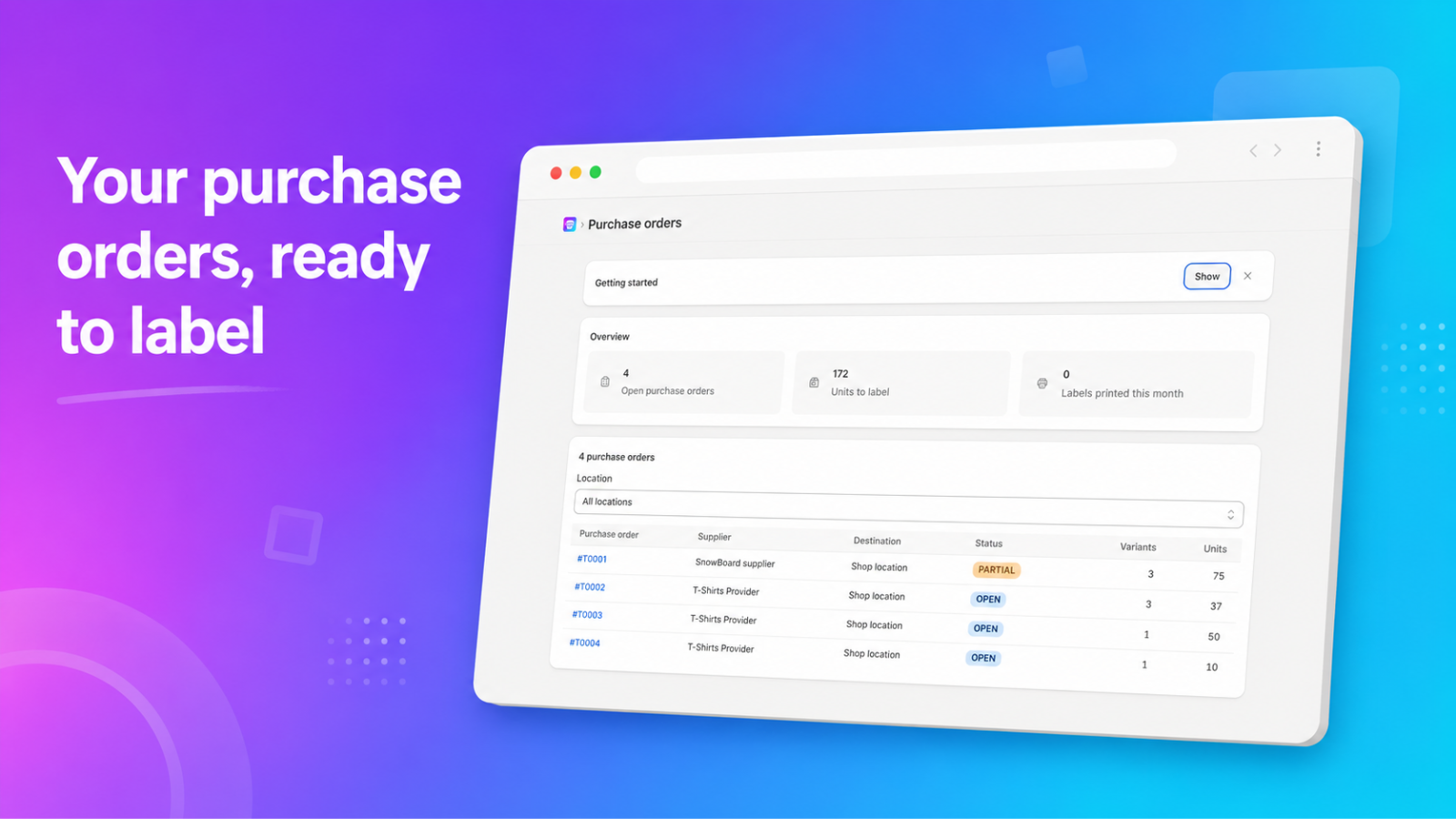
Labelling received stock usually means counting units and typing quantities by hand. AOP - PO Label Printer reads the inventory transfers created from your purchase orders and pre-fills the label count for each variant from the ordered quantities. Adjust the counts, generate barcodes for variants that don't have one, design the label, and print to a label printer, PDF, or Avery sheet. A scan-to-print mode handles single-label reprints, and every print is logged for your records.
Listing highlights
- Auto-fill label quantities per variant from your purchase orders
- Generate and fix missing or duplicate barcodes on POs or your whole catalog
- Design labels with drag-and-drop: barcode, price, vendor, metafields
- Print to Dymo, Zebra, Brother, PDF, or Avery label sheets
- Reprint any label by scanning the product barcode
Features
Label printing
Barcode management
Methodology
How to read these signals
Counts are based on Shoplist's latest available public crawl signal dated July 6, 2026.
Shoplist has not yet found reliable public storefront evidence connecting a Shopify store to this app. This does not mean the app has no users. Some apps are new, admin-only, server-side, theme-independent, or otherwise difficult to detect from public storefront signals.
Merchant rows are filtered to public brand profiles with enough public data to link safely. Full workflow, filtering, and monitoring stay behind signup.
Review, pricing, feature, screenshot, and listing-change data come from public Shopify App Store and Shoplist crawl records. Signals can change between crawls.
FAQ
Questions about AOP ‑ PO Label Printer
Has Shoplist detected stores using AOP ‑ PO Label Printer yet?
Shoplist has not yet found reliable public storefront evidence for AOP ‑ PO Label Printer. The page tracks first merchant evidence as it appears.
What does first-adopter watch mean?
It means Shoplist is monitoring launch context, first storefront-detectable merchant evidence, and pricing.
Can I get alerts when stores start using AOP ‑ PO Label Printer?
Yes. Create a watchlist to get alerted when Shoplist finds public merchant evidence for AOP ‑ PO Label Printer.
Keep watching AOP ‑ PO Label Printer
Turn this public profile into a monitored app workflow for first detections, reviews, pricing, related apps, and listing-change history.